

5 Best WooCommerce Upsell Plugins to Boost AOV
Increasing revenue in WooCommerce isn’t always about driving more traffic. In many cases, the real growth opportunity lies in maximizing the value of each order.
This is where a WooCommerce upsell plugin plays a crucial role.
To truly measure the impact of these upsells and ensure high-value checkouts are completed successfully, it’s essential to have accurate WooCommerce conversion tracking in place.
Upselling helps you recommend relevant upgrades, add-ons, or complementary products at strategic moments during a customer’s shopping journey.
Instead of letting customers complete a purchase with a single item, you guide them toward higher-value choices that genuinely enhance their purchase.
While WooCommerce offers a basic upsell option, it’s limited in scope and control.
To run effective upsell campaigns across product pages, cart pages, checkout, and even after purchase, store owners rely on dedicated upsell plugins.
By the end of this blog, you’ll be able to choose the right upsell plugin for your WooCommerce store and turn every purchase into a bigger revenue opportunity.
What is a WooCommerce Upsell Plugin?
A WooCommerce upsell plugin is a tool that helps store owners display additional or upgraded product recommendations during different stages of a customer’s shopping journey.
Instead of manually suggesting products, these plugins automate upsell offers by:
- Showing related or premium products
- Displaying add-ons and upgrades
- Offering discounts or limited-time deals
- Encouraging customers to increase cart value with minimal effort.
The main goal of a WooCommerce upsell plugin is to increase order value while improving customer experience, not forcing customers to buy unnecessary items.
Why Upselling is Critical for Increasing AOV?
Upselling works because customers are already in a buying mindset.
When shoppers add an item to their cart or reach checkout, they are more likely to accept relevant upgrades, bundles, or add-ons that enhance their purchase.
Even a small upsell accepted by a percentage of customers can significantly impact revenue over time.
Here’s why upselling is crucial:
- It increases revenue without increasing traffic.
- It maximizes the value of each transaction.
- It helps customers discover useful products.
- It improves the overall shopping experience.
Successful eCommerce stores like Amazon and Myntra rely heavily on upselling at every stage, and WooCommerce stores can do the same using the right plugins.
WooCommerce Native Upsells vs Dedicated Upsell Plugins
WooCommerce provides a default upsell feature that allows you to link higher-priced products to a main product.
However, this feature has several limitations:
- Upsells are shown only on product pages.
- No cart, checkout, or post-purchase upsells.
- No conditions, rules, or targeting.
- No performance tracking.
- Limited design and customization.
Why Dedicated Upsell Plugins Are Better?
A dedicated WooCommerce upsell plugin allows you to:
- Upsell on product, cart, checkout, thank-you, and post-purchase pages.
- Create order bumps and one-click offers.
- Apply conditions based on cart value, products, users, or purchase history.
- Track impressions, conversions, and upsell revenue.
- Customize layouts, messaging, and offer placement.
If upselling is part of your promotion strategy, relying only on WooCommerce’s default option limits your potential.
How to Choose the Best WooCommerce Upsell Plugin?
Before choosing an upsell plugin for your WooCommerce store, ensure it meets these essential criteria:
- Pricing: Choose a plugin that fits your budget and offers good value for the features provided.
- Compatibility: The upsell plugin should work smoothly with your WooCommerce setup, theme, and other plugins to avoid conflicts.
- Upsell Features: Look for plugins that support:
- Product page upsells
- Cart upsells
- Check out order bumps
- Post-purchase offers
- Popups and thank-you page upsells.
- Customization Options: Customizable layouts, colors, text, and placements help align upsells with your brand identity.
- Customer Support & Updates: Reliable support and regular updates are crucial to maintain performance and fix issues.
5 Best WooCommerce Upsell Plugins
1. UpsellWP – Complete Upselling Solution for WooCommerce
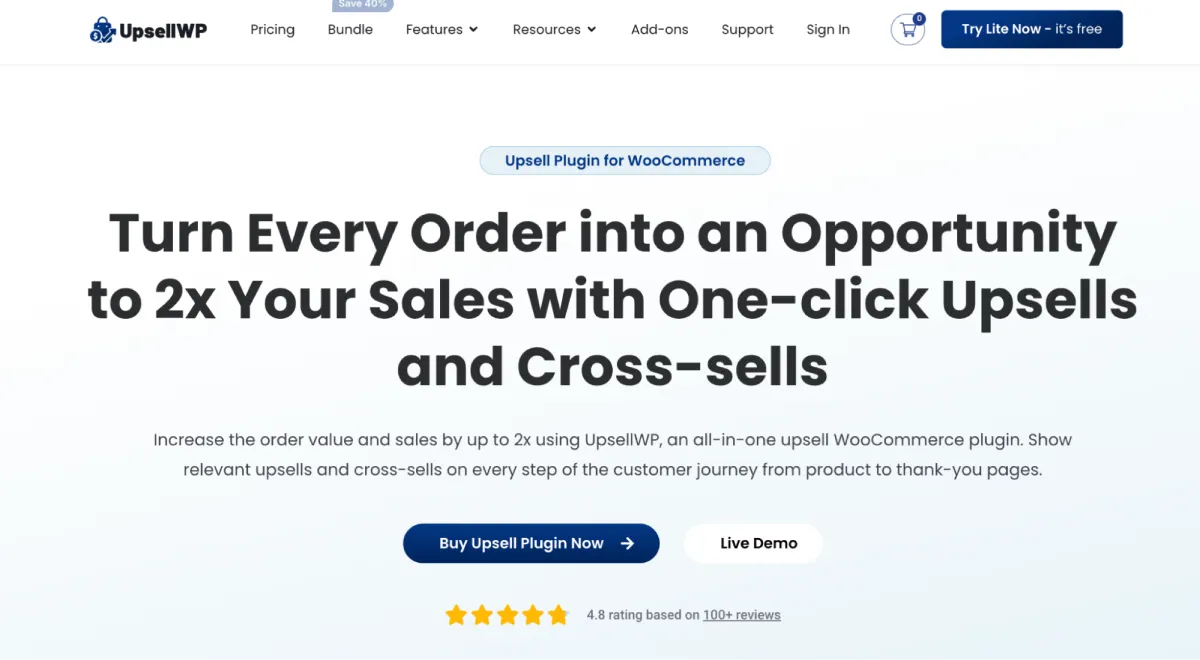
UpsellWP is an all-in-one WooCommerce upsell plugin that allows you to show personalized upsells and cross-sells at every stage of the customer journey.
With UpsellWP, you can run product page upsells, cart offers, checkout order bumps, post-purchase upsells, pop-up offers, and thank-you page recommendations — all from a single plugin.
UpsellWP includes a smart recommendation engine that automatically suggests relevant upsell and cross-sell products based on the main product, cart contents, and purchase context.
This reduces manual setup while ensuring customers see highly relevant offers. As a result, acceptance rates improve, and average order value increases naturally.
Key Features
- Frequently Bought Together on product pages
- Cart upsells and product add-ons
- One-click checkout order bumps
- Post-purchase upsells with countdown timers
- Thank-you page upsells
- Popup upsell offers
- Advanced conditions (order total, users, roles, coupons, history)
- Multiple discount types (percentage, fixed, free offers)
- “Double the Order” one-click campaign
- Campaign prioritization and scheduling.
Pricing
- Free version available
- Pro plans start at $53/year.
Who Should Use It?
If you want to upsell at every purchase point without using multiple plugins, UpsellWP is the best WooCommerce upsell plugin for growing stores.
2. UpsellPlugin – Funnel-Based Upsells for Digital Products
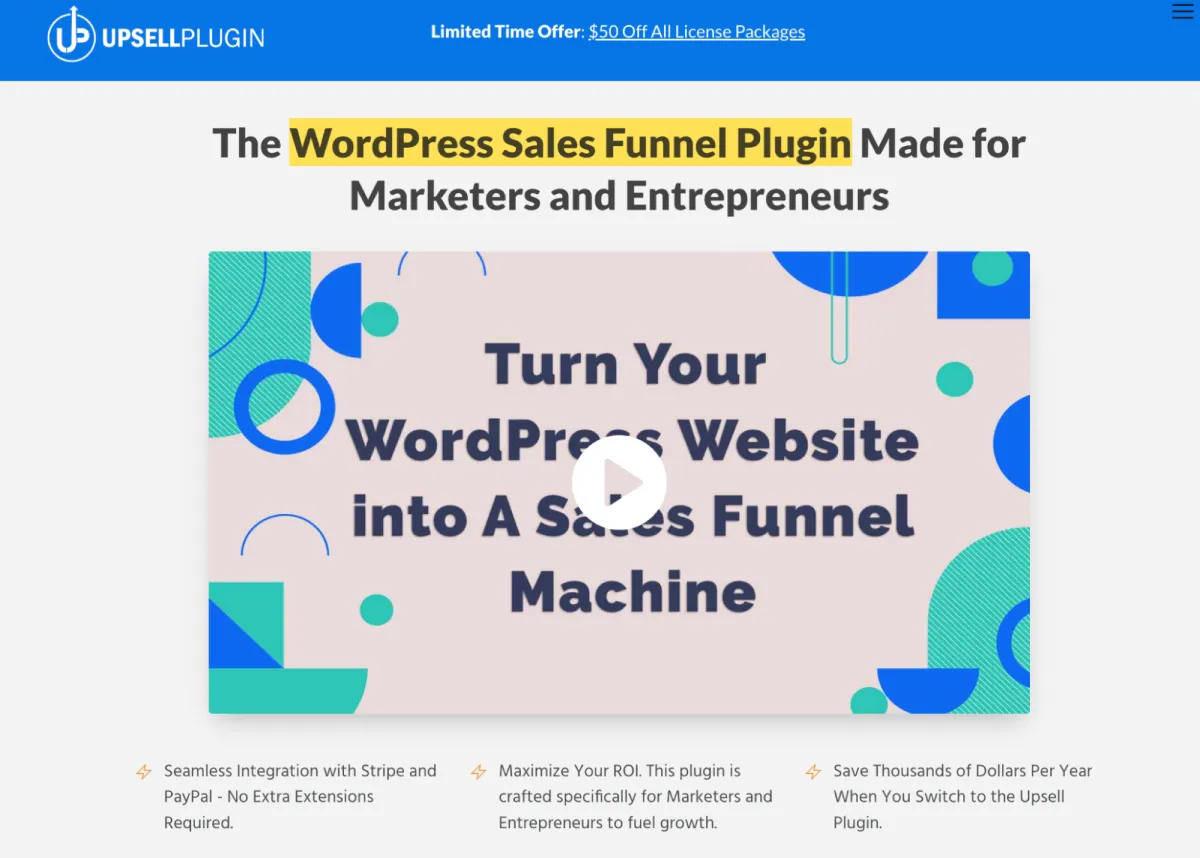
UpsellPlugin focuses on building structured sales funnels rather than standalone upsell placements.
It is designed for marketers and entrepreneurs selling digital products, courses, and services.
The UpsellPlugin guides customers through a step-by-step buying journey with targeted upsell offers that maximize conversions and lifetime value.
It also supports one-click upsells and order bumps within funnels, allowing customers to accept additional offers without interrupting the checkout experience.
Key Features
- Complete sales funnel builder
- One-click upsells and order bumps
- Two-step checkout forms
- Subscription and free trial options
- Built-in PayPal and Stripe integration
- Email capture before checkout
- Integration with LearnDash, Zapier, MemberPress, and more.
Pricing
Starts at $97 for one site.
Who Should Use It?
Best suited for businesses selling digital products or subscriptions that rely on funnel-based selling.
3. StoreApps Smart Offers – Advanced Conditional Upsells
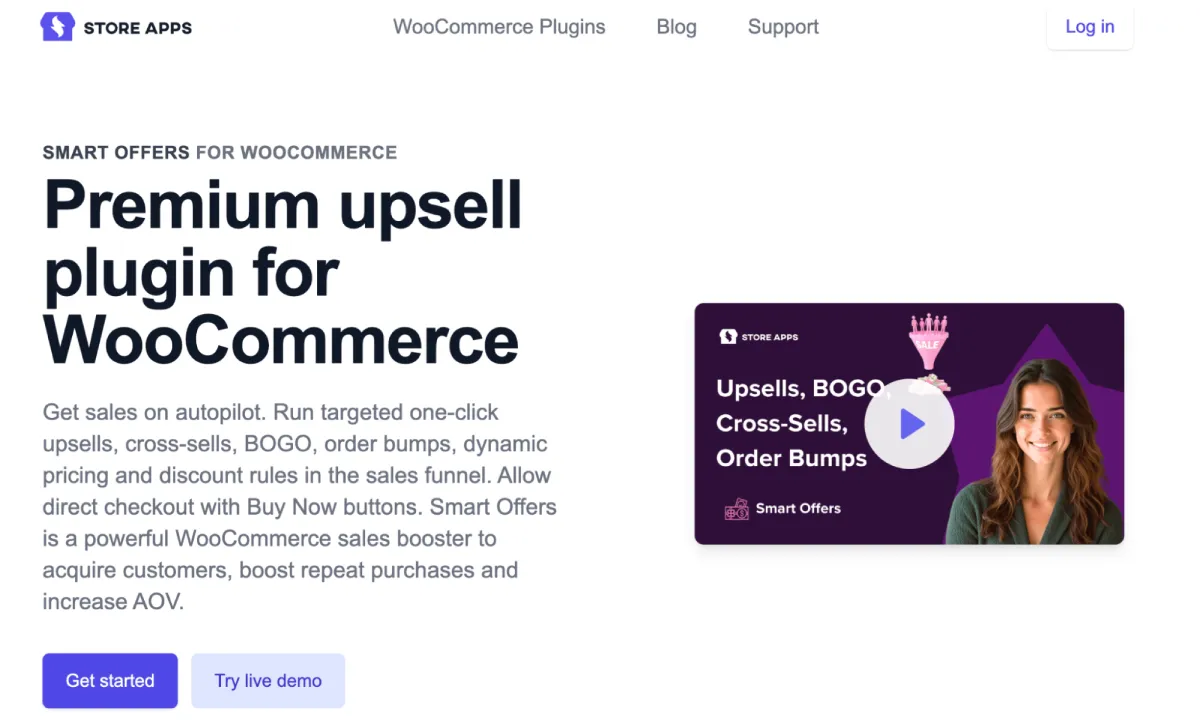
Smart Offers by StoreApps is a premium WooCommerce upsell plugin built for advanced targeting and conditional promotions.
It enables you to create highly personalized upsell and cross-sell offers based on cart contents, customer behavior, purchase history, and predefined rules, making each promotion more relevant and effective.
It supports a wide range of offer types, including cart upsells, checkout offers, and post-purchase promotions, giving you flexibility across the buying journey.
With detailed control over conditions and triggers, Smart Offers helps ensure the right deal reaches the right customer at the right time.
Key Features
- Rule-based upsells and cross-sells
- Cart, checkout, and post-purchase offers
- BOGO deals and bulk discounts
- Customer-specific targeting
- Deep WooCommerce integration.
Pricing
Premium plugin costs $149 per year for a single site.
Who Should Use It?
This upsell plugin is ideal for WooCommerce stores needing complex upsell rules and advanced promotional logic.
4. WPSwings Upsell Funnel Builder – Checkout & Post-Purchase Offers
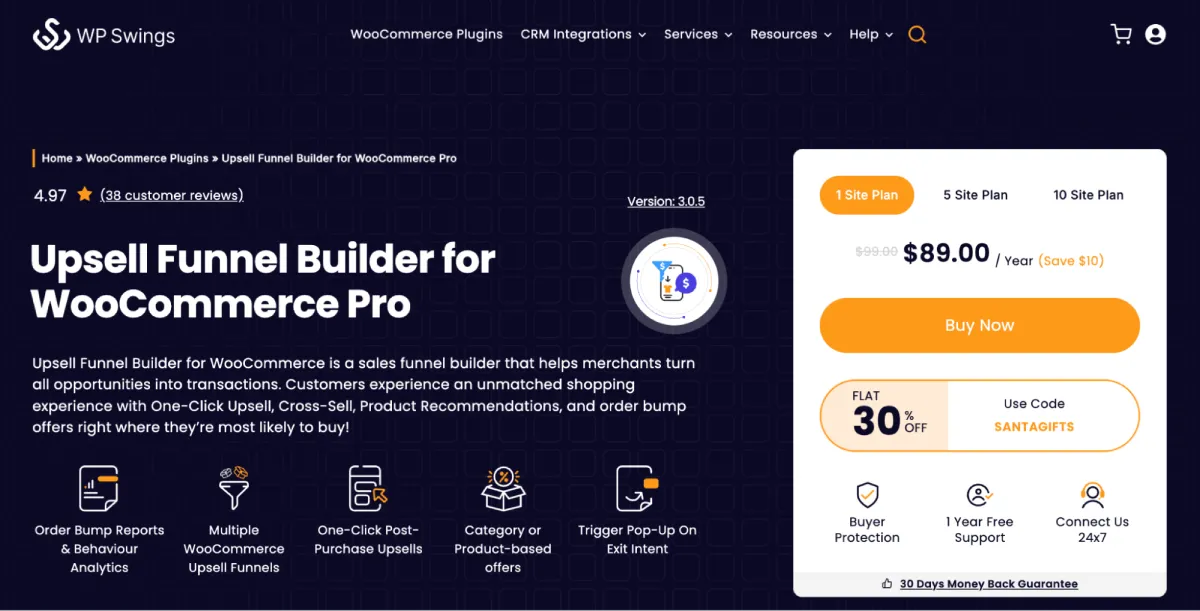
WPSwings focuses on checkout and post-purchase upselling using one-click funnels that don’t disrupt the buying flow.
It allows customers to accept additional offers instantly after checkout, without re-entering payment details, helping you increase order value while maintaining a smooth customer experience.
This post-purchase upsell plugin offers ready-made funnel templates and flexible customization options to design high-converting upsell pages quickly.
It also provides performance reports to track how your checkout and post-purchase upsell offers impact conversions and revenue.
Key Features
- Check out order bumps
- Post-purchase upsell funnels
- Exit-intent popups
- Funnel analytics
- Elementor and Divi compatibility
- Sandbox testing mode.
Pricing
Free version available; Pro starts at $89/year for a single site.
Who Should Use It?
Best for stores prioritizing checkout and post-purchase upsells.
5. Product Recommendations for WooCommerce – AI-Powered Suggestions
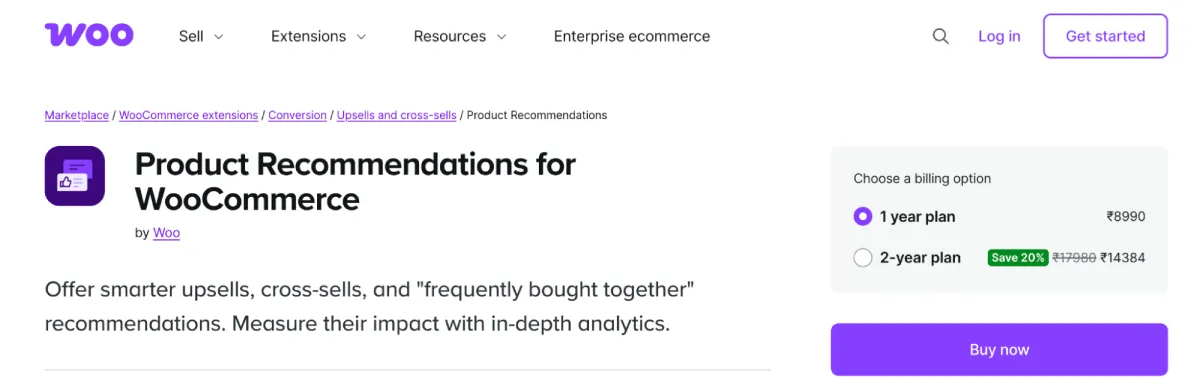
This official WooCommerce plugin uses machine learning to automatically display personalized product recommendations.
It analyzes customer behavior, purchase patterns, and product performance to suggest the most relevant upsell and cross-sell items in real time, without requiring manual rule setup.
These recommendations can be displayed across key store pages, including product, cart, and checkout pages, to maximize visibility.
By continuously learning from store data, the upsell plugin by Woo improves recommendation accuracy over time and helps increase both conversions and average order value.
Key Features
- AI-driven recommendations
- Frequently bought together suggestions
- Related products and upsells
- Native WooCommerce integration.
Pricing
This Premium subscription-based plugin costs $99 per year.
Who Should Use It?
Suitable for store owners who prefer automated, AI-powered upselling with minimal manual setup.
Which WooCommerce Upsell Plugin Is Right for Your Store?
Choosing the right WooCommerce upsell plugin depends on your store size, product type, and upselling goals.
Here’s how to decide what works best for you:
Beginner Stores
If you’re just starting with upselling, simple plugins or automated recommendation tools are a good fit.
These options require minimal setup and allow you to test upselling without overwhelming customers or complicating your store setup.
AI-based recommendations or basic product-level upsells help you ease into the strategy.
Growing Stores
As your store scales, you’ll need more flexibility and control.
All-in-one upsell solutions like UpsellWP are ideal for growing stores because they allow upselling across product pages, cart, checkout, post-purchase, and popups—all from a single plugin.
This helps you maximize revenue at every customer touchpoint without relying on multiple tools.
Digital Product Sellers
If you sell digital products, courses, or services, funnel-based upselling is more effective than traditional WooCommerce upsells. Tools like UpsellPlugin let you create structured sales funnels with order bumps and one-click upsells, guiding customers through a step-by-step buying journey that increases lifetime value.
Stores Running Advanced Promotions
For stores that rely on complex conditions, targeted discounts, or personalized offers, StoreApps Smart Offers is a strong choice.
It allows you to create rule-based upsell and cross-sell campaigns based on cart value, customer behavior, and purchase history, making promotions highly relevant and conversion-focused.
Checkout-Focused Upselling
If your primary goal is to increase order value at checkout or after purchase, WPSwings works well.
Its checkout order bumps and post-purchase one-click upsells help increase revenue without disrupting the buying flow or forcing customers to re-enter payment details.
Proven Upselling Strategies to Increase Average Order Value
A WooCommerce upsell plugin is only effective when paired with the right strategies.
Below are proven upselling techniques you can implement across your store to increase average order value consistently.
- Frequently Bought Together Bundles: Bundle complementary products and display them on product pages. This helps customers quickly find matching items and encourages them to purchase more in a single order.
- Cart Page Upsells: Cart upsells work well because customers have already shown purchase intent. Suggest relevant add-ons or upgrades before checkout to increase cart value.
- Checkout Order Bumps: Order bumps are small, one-click offers shown during checkout. Since customers are already committed to buying, these offers have high acceptance rates.
- Popup Upsell Offers: Popup upsells grab attention with exclusive or limited-time offers. When used sparingly, they can effectively encourage upgrades without being intrusive.
- Thank-You Page Recommendations: Thank-you pages are often overlooked, but they’re a great place to show related products or upgrades after a successful purchase.
- Post-Purchase One-Click Upsells: Post-purchase upsells allow customers to accept additional offers immediately after checkout, without re-entering payment details, making them frictionless and highly effective.
- Next-Order Coupons: Offering a discount on the customer’s next purchase helps retain customers and increases repeat sales.
Upselling Tips for More Conversions
Here are a few tips to increase your conversions with upsells:
- Suggest only relevant products.
- Limit options to avoid decision fatigue.
- Highlight benefits, not features.
- Use conditions to target offers.
- Avoid aggressive upselling.
- Offer discounts strategically.
- Create urgency with timers.
Conclusion
Upselling is one of the most reliable ways to grow WooCommerce revenue without increasing traffic or ad spend. When done correctly, it improves customer experience while increasing average order value.
Each WooCommerce upsell plugin in this list serves a specific purpose. However, if you’re looking for a single solution that supports upselling at every stage of the customer journey, UpsellWP stands out as the most complete option.
Choose the best WooCommerce upsell plugin that aligns with your business goals, implement proven upselling strategies, and start turning every purchase into a higher-value order.


Leave a Reply