

6 B2B Lead Finders Tools Devs Can Use to Get New Customers
Generating good B2B leads is one of the biggest challenges in marketing, with around 60% of marketers stating getting quality leads as their main struggle.
Therefore, for most dev-founded products, the real problem isn’t code but finding the right people to talk to.
This is exactly what B2B lead finder tools are built for. They let you search structured databases of businesses and decision-makers, filtering them by relevant firmographic and technographic data, then pulling verified contact details into your own systems. This rigorous process helps build a smaller, cleaner list of people who actually match your ideal customer profile.
Below are six B2B lead finder tools worth your attention, with Instantly’s Supersearch at the top of the list.
1. Instantly Supersearch: Turn filters into ready-to-email B2B leads
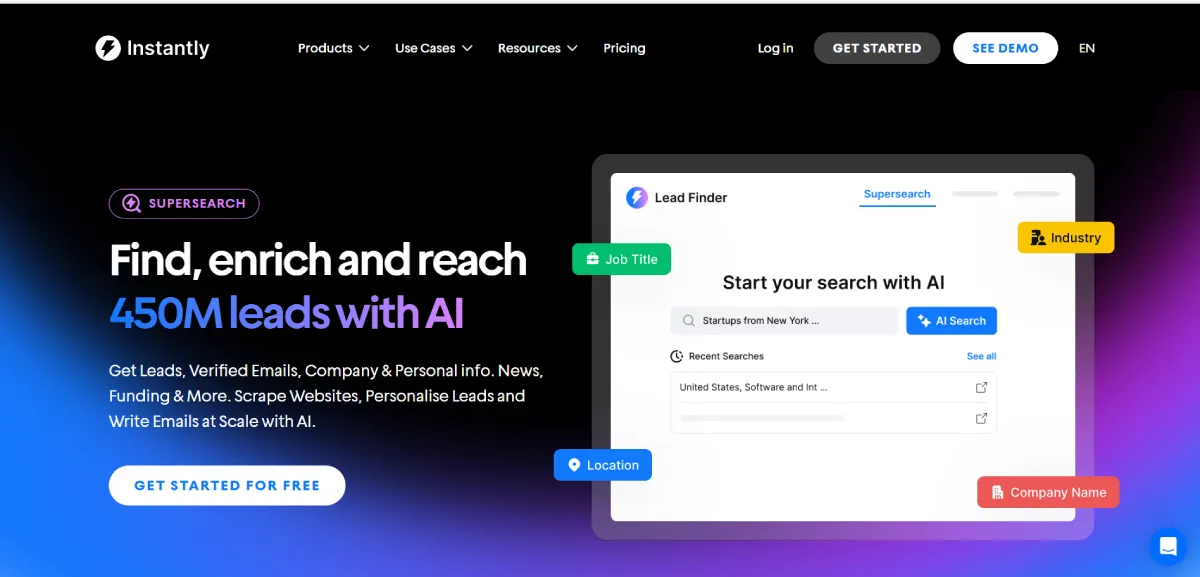
Instantly’s Supersearch B2B lead finder gives you access to more than 450 million B2B contacts, with firmographic, technographic, and funding filters so you can search by industry, company size, tech stack, role, and even buying signals.
Instead of buying static lists, you search inside a live database. Supersearch uses “waterfall” email verification, which means it checks multiple data providers in sequence until it finds a verified work email or confirms that none is safe to use.
For developers, the standout feature is Instantly’s API V2. You can programmatically create and update leads, call the email verification endpoint, and move contacts into campaigns directly from your own backend or internal tools. Supersearch also ties into Website Visitors, a feature that resolves anonymous US traffic into real companies, enriches them, and then pushes them into your CRM, Slack, straight into an Instantly outreach sequence.
2. HubSpot: Track, score, and route B2B leads straight from your code
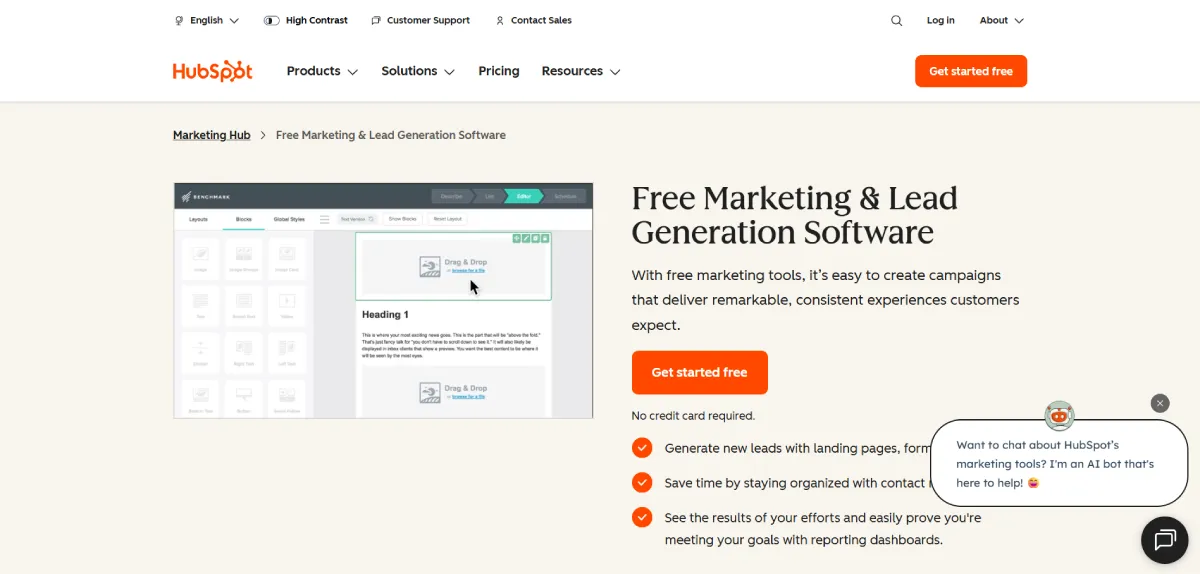
At the core of HubSpot’s lead capture is its free marketing and CRM tools. You can build forms, pop-ups, landing pages, and emails, then route every submission straight into the CRM.
The unique piece for lead gen is the tracking code and the data it unlocks. Once you install the HubSpot tracking script on your app or marketing site, HubSpot records visits, page views, and source data for your contacts. Combined with the CRM API, you can pull this information into your own dashboards, trigger events when a lead hits a key page, or build scoring logic that runs on top of real behavior.
That said, the platform’s wide feature set can feel heavy at first, and there is a real learning curve if you only need simple lead capture. Advanced automation, reporting, and higher contact limits are only available on paid tiers, so costs can rise as your database and team grow.
3. Leadfeeder: Turn anonymous traffic into B2B accounts your team can work with
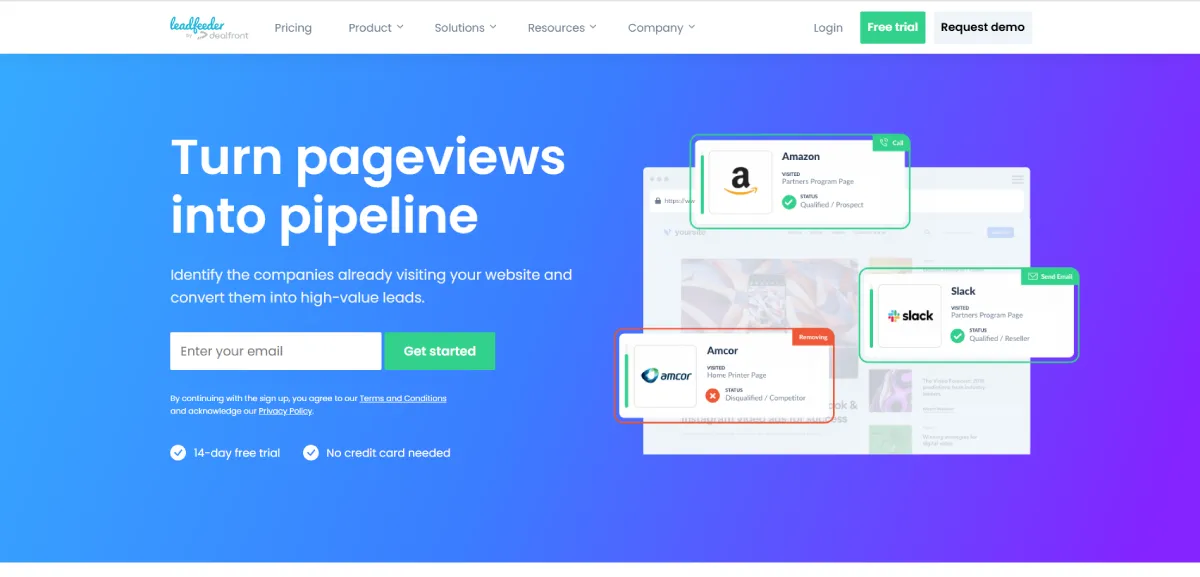
Instead of only counting pageviews, Leadfeeder identifies the companies visiting your website, shows how they found you, and which pages they viewed, then turns that into a list your sales team can act on.
For developers, the useful part is that this data is not trapped in a dashboard. Leadfeeder offers a tracking script plus an IP Enrich API that takes IPv4 or IPv6 addresses and returns the matched company with firmographic data such as industry, size, and location. You can drop the script on your app or marketing site, log IPs from your own infrastructure, and then call the API to enrich those visits inside your own systems.
It should be mentioned, though, that Leadfeeder focuses on company-level identification rather than full contact discovery, so you may still need a separate tool to find individual decision-maker emails for outreach.
4. Pipedrive: Build a visual B2B lead pipeline you can control from your code
Pipedrive is mostly known as a sales CRM, but it turns into a solid B2B lead finder when you add its LeadBooster tools. LeadBooster’s Prospector feature gives you access to a database of more than 400 million profiles and 10 million companies that you can filter by job title, industry, location, and other firmographic details.
The unique features for developers include an open REST API, webhook, and a full developer platform with sandbox accounts, so you can create and update leads, deals, and activities programmatically, connect internal tools, and trigger workflows based on events in your own app.
Keep in mind that Prospector and other lead-generation features sit in a paid add-on, so your total cost rises as you add credits and users on top of the core CRM subscription.
5. Hunter: Turn emails and domains into enriched B2B leads for your app
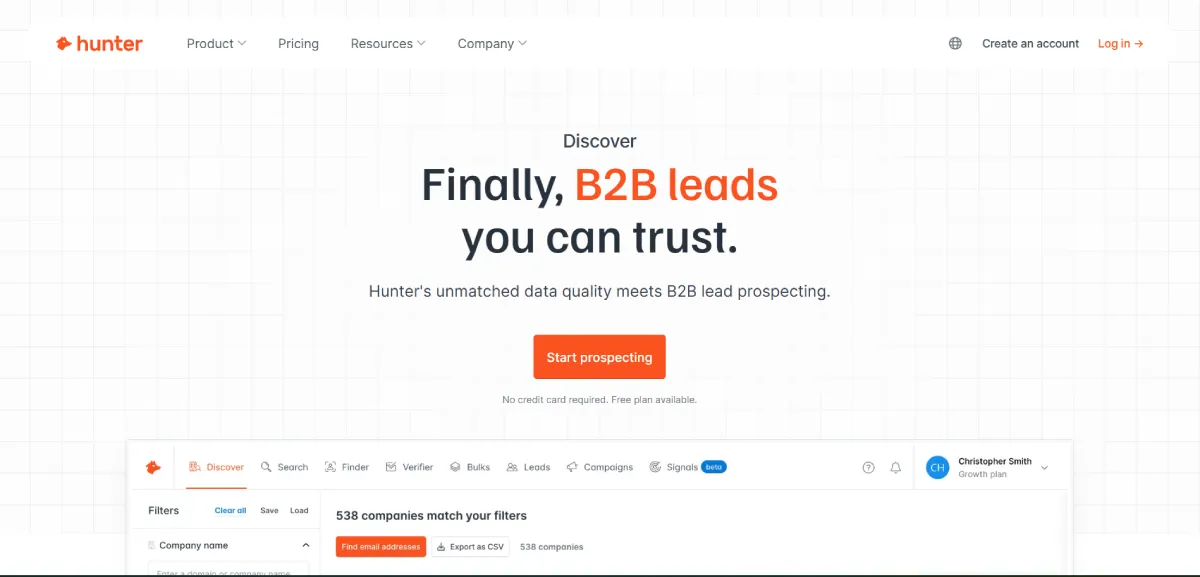
Hunter is best known as an email finder, but it is also a practical B2B lead finder when you already know which companies you care about. For developers, this is useful when you have some structure in place, such as product signups, trial lists, webinar registrants or scraped domains.
The standout feature for B2B dev teams is Hunter’s Lead Enrichment API. You can feed it an email address or LinkedIn handle and get back more than 100 attributes, including demographic, firmographic, and technographic data. This means you can enrich leads as they enter your system, and then score or route that lead inside your own product or CRM.
However, like any other platform, Hunter is far from perfect. Coverage and integrations are not perfect. Some users note limited native CRM and LinkedIn integrations and variable accuracy in certain regions or smaller market segments.
6. UpLead: Precise B2B data with an API devs can plug straight into their stack
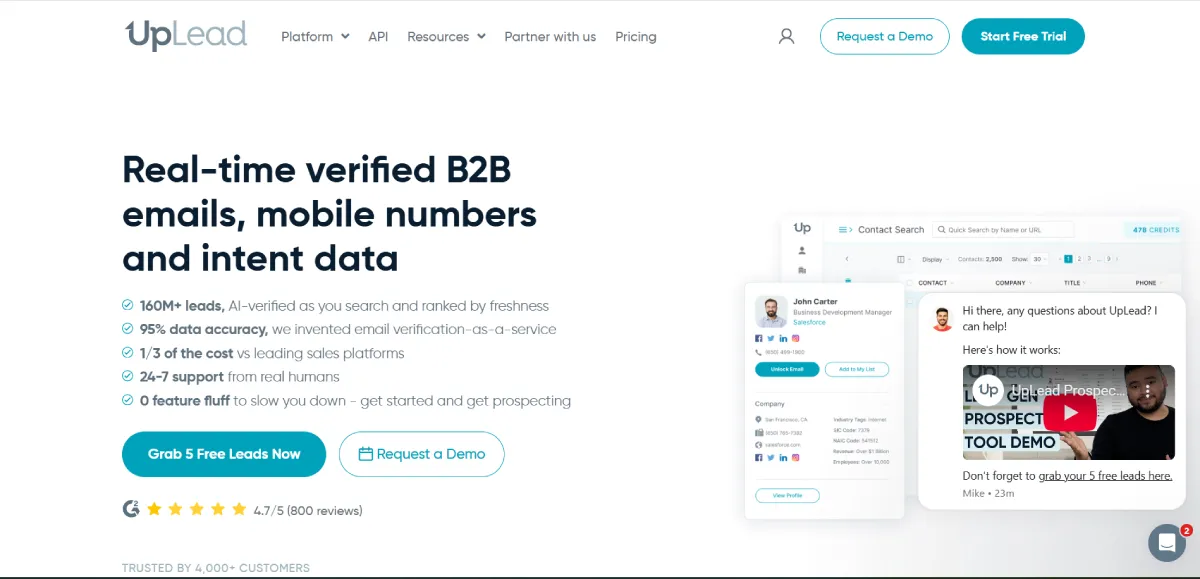
UpLead is a B2B lead finder that gives you access to more than 160 million B2B contacts across 200+ countries, with over 50 search filters including industry, company size, job title, location, tech stack, and intent data.
For developers, the standout feature is the UpLead API. You can call company, person and prospector endpoints to run searches, enrich records, or look up contacts directly from your own product or internal tools. That means you can do things like enriching signups with firmographics, or building a small “prospector” panel into your own admin dashboard without logging into UpLead at all.
That said, some reviews raise concerns about billing issues and support responsiveness (especially around cancellations and refunds), so you need to keep an eye on account management.
Final Thoughts
For many developer-founded companies, the fastest early wins come from a small number of well-chosen accounts, not from mass outreach. With accurate B2B data and intent tools, you can build short, focused lists of companies that match your stack, your price point, and your use case, and then spend real time on those conversations.
Studies on account-based and targeted outbound show that response rates climb when campaigns are tightly matched to a clear ICP instead of broad industry lists. Treat every campaign like a version release: define what you’re testing, ship it, look at the data, then ship the next version. Over a few cycles, lead generation will start to look like any other part of your product—something you can understand, improve, and trust.
Instantly is built for exactly this workflow. You get the verified data, the filtering, and the outreach tools in one place so you can move from list to launch in minutes. Start your free trial and build your first targeted campaign today.


Leave a Reply