
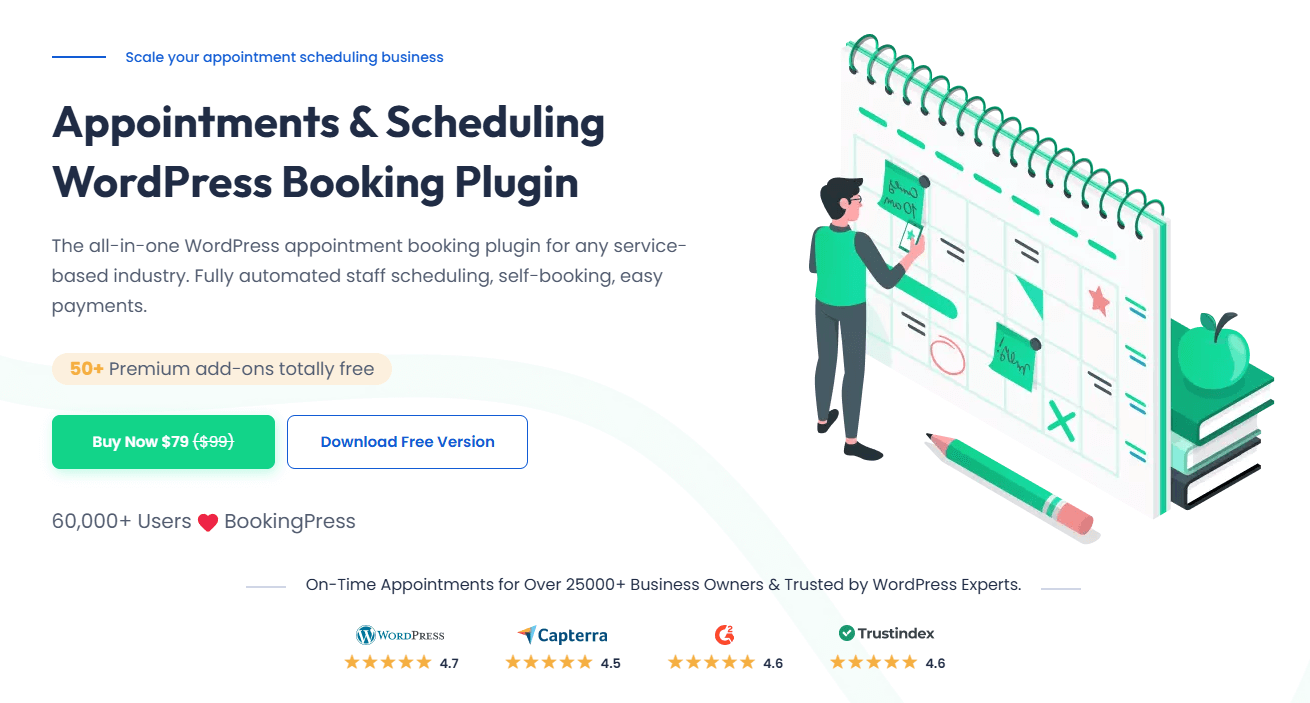
BookingPress Review: Simplifying Online Bookings for Businesses
In today’s world, businesses need an efficient way to manage appointments and reservations. BookingPress is a powerful WordPress appointment booking plugin designed to streamline online scheduling for service-based businesses. Whether you run a salon, spa, medical practice, consultancy, or fitness center, BookingPress provides a hassle-free way to manage client bookings directly from your website.
What sets BookingPress apart is its user-friendly interface, robust features, and seamless integration with WordPress. Unlike other booking solutions that require complex configurations, BookingPress offers a straightforward setup process, making it accessible for both beginners and advanced users. With built-in payment integrations, automated notifications, and customizable booking forms, it helps businesses save time while enhancing customer experience.
With thousands of users trusting BookingPress for their scheduling needs, it has become a go-to solution for businesses looking to optimize their appointment management process.
Key Features of BookingPress
BookingPress offers a wide range of features to simplify online booking and improve business operations. Below are some of the standout functionalities:
User-Friendly Interface
- BookingPress is designed for ease of use, with a clean and intuitive dashboard.
- No coding knowledge is required to set up and configure bookings.
- Step-by-step setup wizard for quick installation.
Appointment Scheduling
- Allows customers to book appointments anytime, directly from the website.
- Business owners can set availability, buffer times, and appointment durations.
- Supports single and multiple service bookings.
Payment Integrations
- Seamless integration with popular payment gateways like PayPal, Stripe, and more.
- Enables businesses to accept online payments for confirmed bookings.
- Secure transaction processing to build customer trust.
Customizable Booking Forms
- Fully editable booking forms to match business needs.
- Ability to add custom fields, adjust form layouts, and modify design elements.
- Mobile-responsive design ensures smooth bookings on any device.
Automated Notifications
- Email and SMS reminders to reduce no-shows.
- Instant confirmation emails for customers and business owners.
- Customizable notification templates for branding consistency.
Multi-Language & Multi-Currency Support
- Supports multiple languages to cater to a global audience.
- Allows businesses to accept payments in different currencies.
Add-ons & Integrations
- Extend functionality with premium add-ons such as Google Calendar Sync, WooCommerce integration, and more.
- Compatibility with third-party tools enhances business workflows.
With these features, BookingPress simplifies online booking while ensuring flexibility and efficiency for business owners.
How BookingPress Benefits Businesses

BookingPress is more than just an appointment scheduling tool—it is a complete solution that helps businesses streamline operations, enhance customer satisfaction, and boost revenue. Here’s how it benefits businesses of all sizes:
Time-Saving – Reduces Manual Booking Efforts
Manually managing appointments through phone calls, emails, or spreadsheets can be time-consuming and prone to errors. BookingPress automates the entire process, from booking confirmations to reminders, eliminating the need for constant administrative intervention.
- Customers can book appointments anytime without requiring staff assistance.
- The plugin automatically updates availability, preventing double bookings.
- Automated email and SMS notifications reduce the need for follow-ups.
- Built-in calendar management simplifies scheduling for business owners.
By reducing administrative workload, businesses can focus on delivering better services rather than managing appointments manually.
Improves Customer Experience – Easy and Quick Booking Process
A smooth booking experience is essential for customer satisfaction. BookingPress ensures a hassle-free process with an intuitive and user-friendly interface.
- Customers can book appointments in just a few clicks.
- Mobile-responsive design allows easy booking on any device.
- Instant confirmation emails provide peace of mind.
- Clients can reschedule or cancel appointments effortlessly.
If you’re looking for an in-depth analysis of how BookingPress enhances customer experience and streamlines scheduling, check out this detailed BookingPress review.
Increases Revenue – Online Payments and Automated Reminders Boost Conversions
Missed appointments and complicated payment processes can lead to revenue loss. BookingPress minimizes these risks with:
- Online Payments: Secure and convenient payment integrations with PayPal, Stripe, and other gateways enable businesses to collect payments upfront, reducing no-shows.
- Automated Reminders: Email and SMS notifications remind customers about their appointments, ensuring better attendance rates.
- Add-On Services: Businesses can upsell additional services during the booking process, increasing the average order value.
With automated payments and reminders, businesses can maximize revenue while reducing financial losses due to cancellations and missed appointments.
Flexible and Scalable – Suitable for Solo Entrepreneurs and Large Businesses
Whether you are a solo professional or manage a multi-location business, BookingPress is designed to scale with your needs.
- For Solo Entrepreneurs: Simple setup with essential booking features to manage appointments effortlessly.
- For Small to Medium Businesses: Advanced customization, staff scheduling, and multiple payment options ensure smooth operations.
- For Large Enterprises: Multi-location support, staff management, and integration with third-party tools provide a robust solution for handling high-volume bookings.
If you’re running a specialized business, such as a yoga studio, and want to learn how BookingPress can help you grow, this insightful guide explores its scalability and benefits.
With its flexible features, BookingPress adapts to different business types and sizes, making it a future-proof solution for appointment management.
User Experience & Ease of Use
One of BookingPress’s strongest advantages is its ease of use. Even users with no technical background can set up and manage their booking system effortlessly.
Step-by-Step Overview of Setting Up BookingPress
Setting up BookingPress is straightforward and requires minimal effort. Here’s how you can get started:
- Install and Activate the Plugin
- Download and install the BookingPress plugin from the WordPress repository or upload the premium version.
- Activate the plugin from the WordPress dashboard.
- Run the Setup Wizard
- The onboarding wizard guides users through essential settings, including business details, working hours, and appointment durations.
- Select services, define pricing, and add staff members if needed.
- Configure Payment and Notifications
- Set up preferred payment gateways like PayPal or Stripe.
- Enable email and SMS notifications for appointment confirmations and reminders.
- Customize the Booking Form
- Use the drag-and-drop builder to modify the booking form layout.
- Add custom fields to collect additional customer information.
- Publish the Booking System on Your Website
- Embed the booking form on any page using a shortcode.
- Customers can now book appointments online with real-time availability updates.
With this quick setup process, businesses can start accepting bookings within minutes.
Dashboard and Navigation Experience
The BookingPress dashboard is designed for simplicity and efficiency. It provides a clear overview of:
- Upcoming Appointments: View and manage bookings in real time.
- Calendar Overview: Monitor daily, weekly, and monthly schedules.
- Customer Management: Track customer details, appointment history, and preferences.
- Revenue Reports: Analyze booking trends, revenue, and payment transactions.
Navigation is intuitive, with all essential features accessible from the main dashboard, making appointment management effortless.
Customization Options for Branding and Workflow Preferences
Every business has unique needs, and BookingPress offers extensive customization options to match different workflows and branding preferences.
- Custom Booking Forms: Modify form fields, colors, and fonts to align with your brand.
- Service Customization: Set different pricing, durations, and descriptions for each service.
- Working Hours and Availability: Define custom working hours, breaks, and holiday schedules.
- Multi-Staff and Multi-Location Support: Assign specific services to different staff members and locations.
These customization options allow businesses to create a tailored booking experience that aligns with their brand identity and operational needs.
BookingPress Pricing & Plans

BookingPress offers flexible pricing options to suit different business needs.
- Free Version – Includes essential booking features, making it ideal for small businesses just getting started.
- Premium Version – Unlocks advanced features such as payment integrations, automated notifications, Google Calendar sync, and multi-staff support.
The premium plan is cost-effective compared to other booking solutions, offering a one-time payment option rather than monthly subscriptions. With its robust features, businesses get great value for their investment.
Pros & Cons of BookingPress
Pros:
✔️ Easy to install and use, even for beginners.
✔️ Fully customizable booking forms and workflows.
✔️ Supports multiple payment gateways for seamless transactions.
✔️ Automated email and SMS reminders reduce no-shows.
✔️ Scalable for solo professionals and large businesses.
✔️ No monthly subscription for the premium version.
Cons:
❌ Limited features in the free version.
❌ Some advanced integrations require additional add-ons.
❌ More customization options for design would be beneficial.
Final Verdict: Is BookingPress Worth It?
Absolutely! BookingPress is a powerful, user-friendly booking solution that simplifies appointment scheduling for businesses of all sizes. With its easy setup, automation features, and payment integrations, it saves time, enhances customer experience, and boosts revenue.
For businesses looking for a reliable one-time payment booking solution with extensive features, BookingPress is a smart investment. If you’re unsure, the free version is a great way to test its capabilities before upgrading.


Leave a Reply