
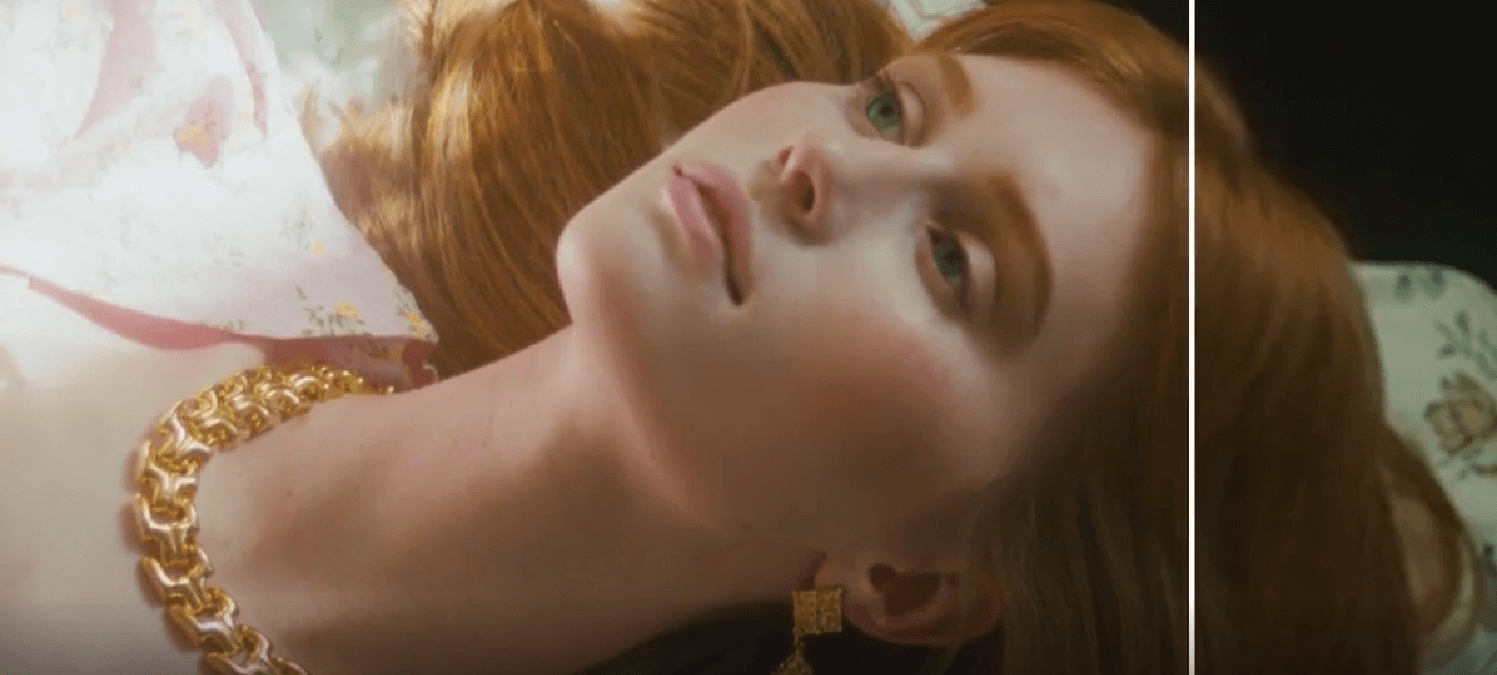
Achieving Superior Video Quality with AI: How UniFab Enhances Visuals
In today’s digital world, achieving clear video quality can be challenging, especially with old or low-resolution footage. AI video enhancer like UniFab use advanced technology to upscale and refine videos, delivering sharper and more engaging visuals for creators, filmmakers, and those preserving memories.
Why Video Enhancement Matters
Video enhancement is vital for improving clarity, especially when working with low-resolution content. Footage shot on older cameras, transferred between devices, or compressed for web use often loses detail and sharpness.
This is where AI tools excel. Unlike traditional editing methods that rely heavily on manual adjustments, AI solutions analyze each frame, identify patterns, and intelligently enhance details. This process not only sharpens visuals but also improves color accuracy and reduces noise.
Understanding AI Video Enhancement Technology
AI video enhancement leverages deep learning models trained on thousands of video samples. These models can recognize patterns in low-quality footage and predict what missing details should look like.
For example, when upscaling a 720p video to 4K, an AI video upscaler like UniFab doesn’t simply stretch the pixels—it intelligently fills in the gaps by reconstructing details based on learned data. This results in clearer textures, sharper edges, and improved overall clarity.
AI also plays a crucial role in reducing video noise. Grainy or distorted footage caused by low lighting or older recording devices can be cleaned up using intelligent noise reduction algorithms. By identifying unwanted pixel patterns, the AI removes noise without sacrificing image detail.
Key Features of UniFab’s AI Video Enhancer

UniFab offers a range of features designed to enhance video quality with minimal effort:
- AI Video Upscaler: UniFab effectively upscales low-resolution content to higher resolutions like 4K or even 8K. This feature is ideal for improving old home videos, classic films, or outdated media files.
- AI Noise Reduction: Reduces visual noise and grain, improving clarity without losing key details.
- Sharpness Enhancement: Restores fine details like facial features, textures, and background elements to improve visual realism.
- Color Correction: UniFab adjusts color balance, ensuring natural tones and vibrant hues.
- Frame Interpolation: For videos with choppy motion, UniFab generates additional frames to create smoother playback. This is especially useful for improving low-frame-rate content.
These features make UniFab a powerful tool for restoring old footage, improving social media videos, or enhancing professional projects.
Benefits of Using AI Video Upscalers
AI video enhancers like UniFab offer distinct advantages over traditional editing techniques:
✅ Time Efficiency: AI automates complex adjustments, drastically reducing manual editing time.
✅ Improved Visual Quality: AI models intelligently restore lost details, enhancing textures and sharpening edges.
✅ User-Friendly Interface: UniFab’s design makes it accessible to both beginners and experienced editors.
✅ Versatility: Whether improving home videos, marketing content, or professional films, AI tools provide consistent results.
Unlike traditional editing methods that often require specialized skills, AI upscaling tools simplify the enhancement process while delivering superior results.
Practical Applications of AI Video Enhancement
AI video enhancers have a wide range of applications across various industries and content types:
✅ Film Restoration: AI upscalers breathe new life into vintage films by restoring lost details and improving visual quality.
✅ Social Media Content: Influencers and content creators use AI tools to enhance video quality, ensuring their content stands out.
✅ Surveillance Footage: Security teams rely on AI enhancement to clarify low-quality recordings and improve visibility.
✅ Educational Materials: Clearer visuals improve learning experiences in online courses, documentaries, and instructional content.
By streamlining the enhancement process, AI solutions like UniFab empower users to produce professional-grade visuals without extensive editing experience.
How to Use UniFab’s AI Video Enhancer
Getting started with UniFab is simple, even for beginners:
- Download and Install UniFab: Visit the official UniFab website and download the software. Follow the installation instructions for your device.
- Import Your Video: Drag and drop your video file into the software interface.
- Select Enhancement Features: Choose from options like AI video upscaling, AI noise reduction, or sharpness adjustment depending on your needs.
- Adjust Settings: Customize resolution, frame rate, and other enhancement preferences.
- Start Processing: Click the enhancement button and let UniFab’s AI engine work its magic.
- Export the Final Video: Once processing is complete, export your improved video in your preferred format.
The Future of AI in Video Enhancement
AI video enhancement technology is rapidly evolving. Future advancements may include:
- Real-Time Enhancement: Tools that apply AI improvements during live recordings.
- Advanced Color Grading: More precise color correction for improved realism.
- Intelligent Scene Recognition: AI systems that adapt enhancement techniques based on content type (e.g., landscapes, faces, or text overlays).
With ongoing development, AI video enhancement tools like UniFab will continue to deliver impressive results across creative industries and personal projects.
Conclusion
AI video enhancement has transformed video quality improvement. Tools like UniFab combine AI video enhancer, AI video colorizer, and noise reduction features to deliver sharp, professional visuals with ease. As AI advances, achieving high-quality content will become even simpler for creators.


Leave a Reply