
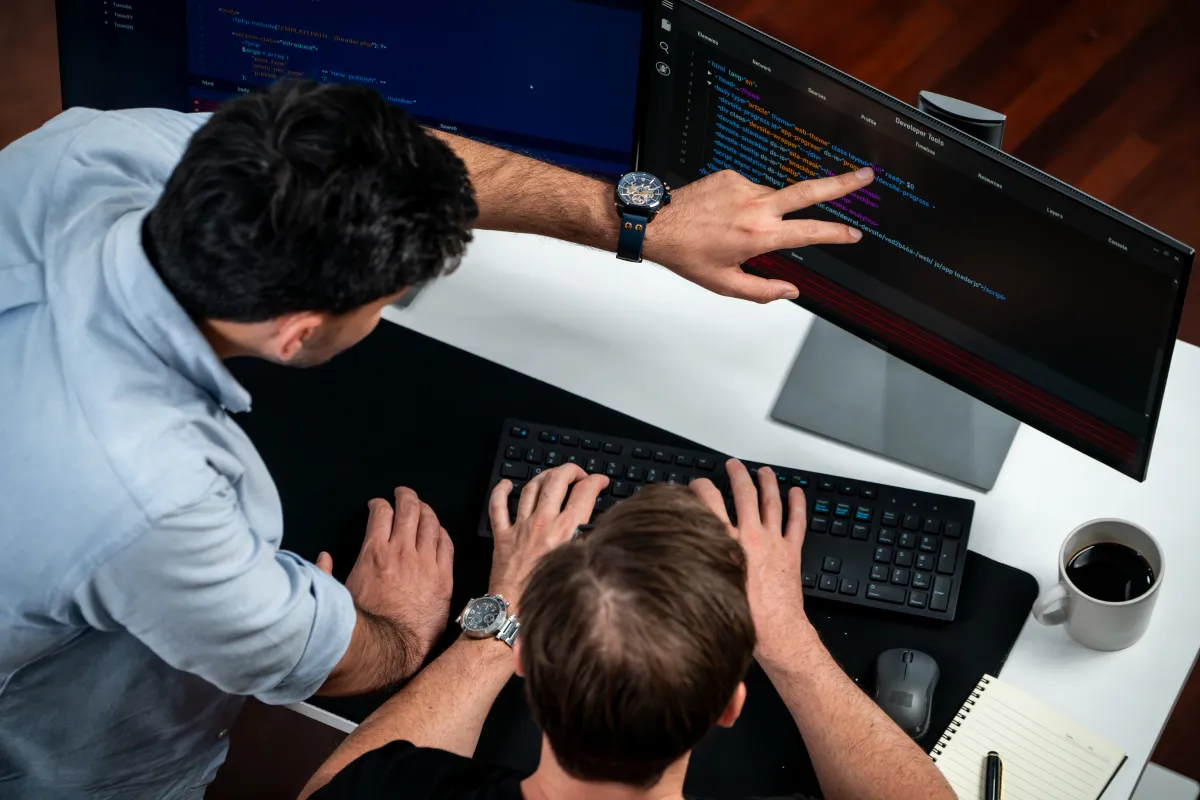
Build a Reliable Hackintosh with Tested Hardware and EFI Support
Want to build a stable Hackintosh for work or home? The first step is picking hardware that works well with macOS. At Hackintosh Expert, we test and share EFI files that help many popular systems run macOS smoothly. If you use a Dell Precision, HP Z series, or an Intel-based Asus motherboard, our EFI Library and Compatibility Checker can help you set things up easily.
We focus on popular Intel systems that already have working EFI folder setups that can run macOS versions from High Sierra to Sequoia, depending on the EFI used. Learn which systems work best, what features they support, and why they are good choices for your Hackintosh build.
Sub-Category Highlights (With EFI Support Available)
1. Dell OptiPlex 7080
The Dell OptiPlex 7080 is a compact and efficient desktop workstation tested for Hackintosh compatibility. It supports up to 10th Gen Intel CPUs and is known for its stable performance with macOS.
- EFI Support: Ready-to-boot folder in the EFI Library
- Use Case: Ideal for home office and everyday macOS tasks
- macOS Compatibility: High Sierra to Sequoia (check with Compatibility Checker)
2. Dell Precision 7810
A powerful workstation, the Dell Precision 7810 supports dual Intel Xeon CPUs and ECC memory. With tested EFI support, it’s a strong candidate for demanding workflows.
- EFI Support: Available in the EFI Library
- Use Case: Video editing, software development, pro-level multitasking
- macOS Compatibility: High Sierra to Sequoia
3. Asus Prime X299 & X299-Deluxe II
These motherboards are equipped to handle Intel’s Core X-Series processors and offer advanced features such as multiple PCIe slots, high RAM capacity, and Thunderbolt support (varies by configuration).
- EFI Support: Tested EFI folders in the EFI Library
- Use Case: Ideal for advanced users building high-performance Hackintosh systems
- macOS Compatibility: Confirm with Compatibility Checker depending on the specific CPU and BIOS settings
4. HP Z820 Workstation
Designed for professionals, the HP Z820 can host dual Intel Xeon CPUs and large memory configurations. It is known for stability and has been tested with macOS.
- EFI Support: Available and tested for Hackintosh
- Use Case: Creative suites, 3D rendering, and workstation-grade reliability
- macOS Compatibility: High Sierra through Sequoia (verify with Compatibility Checker)
What to Consider Before Building a Hackintosh
1. EFI Compatibility
The most important element in building a successful Hackintosh is ensuring you have a compatible EFI folder. All systems discussed in this article have verified EFI folders available in the EFI Library.
2. macOS Version Support
Use the Compatibility Checker to confirm which macOS versions are compatible with your hardware. Most EFI folders support macOS from High Sierra to Sequoia.
3. Your Workflow Needs
- Home users or light productivity: Dell OptiPlex 7080 offers a compact, reliable option.
- Creative professionals: Dell Precision 7810 and HP Z820 deliver strong performance for editing and development tasks.
- Power users: Asus X299 series motherboards support scalable configurations and pro-level workflows.
4. Upgrade Potential
Choose hardware that supports future upgrades in RAM, GPU, or storage. Systems like HP Z820 and Asus X299 are particularly good in this regard.
Why These Systems Are Recommended for Hackintosh
These systems are tested, reliable, and have active EFI support. We recommend them based on:
- Real-world Hackintosh testing by our expert team
- Availability of ready-to-boot EFI folders
- Confirmed macOS compatibility up to Sequoia
- Wide community and support base
Each configuration listed offers strong macOS support without the instability often seen in unsupported hardware. When using our EFI Library, you gain access to:
- Verified, ready-to-boot EFI folders
- Expert support and guidance
- Ongoing updates for new macOS versions, including Sequoia
Final Thoughts
Building a Hackintosh doesn’t have to be hard. With the right tools and tested hardware like the Dell OptiPlex 7080, Dell Precision 7810, HP Z820, and Asus Prime X299 series, you can make a strong and stable macOS system that fits your needs.
We’re here to help you not to sell parts. With tools like our EFI Library and Compatibility Checker, you’re never building alone. Not sure which setup is best for you? Just contact our support team or try the Compatibility Checker for help made just for you.


Leave a Reply