
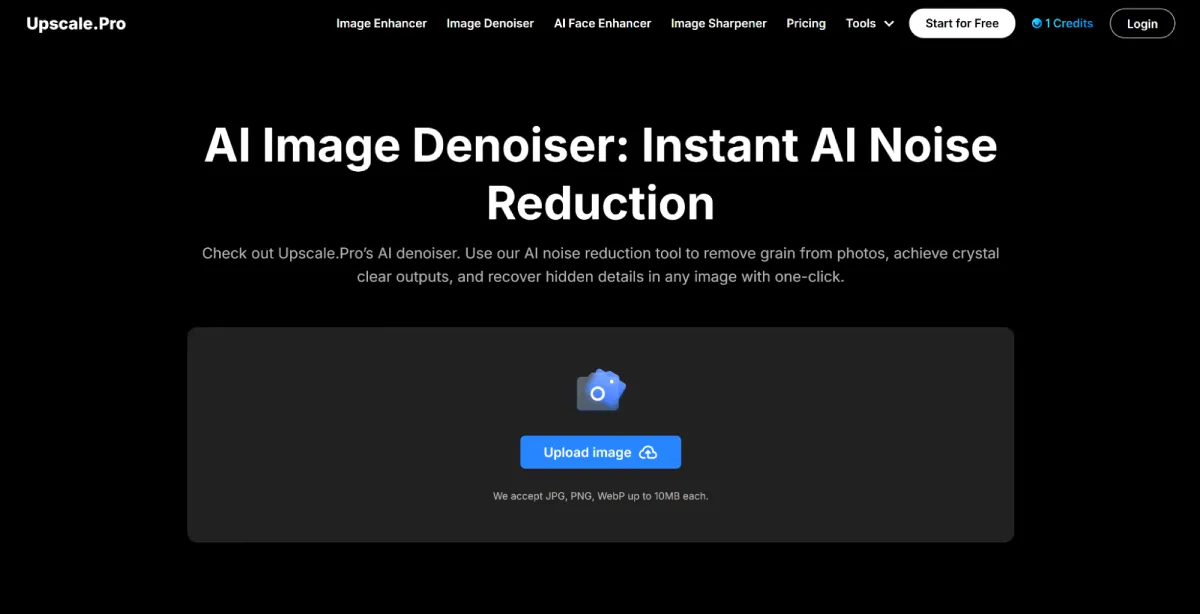
Free AI Image Denoiser – Remove Photo Noise Instantly
In photography, noise—those unwanted grainy or speckled artifacts—can ruin an otherwise perfect shot. Whether it’s due to low light, high ISO settings, or an old camera sensor, noisy images often lack clarity and detail. Fortunately, AI-powered denoising tools have made it easier than ever to clean up photos with just a few clicks.
In this guide, we’ll explore how AI image denoisers work, their benefits, and how you can use them to restore crisp, professional-quality images—for free.
What Is an AI Image Denoiser?
An AI image denoiser is a tool that uses artificial intelligence to automatically detect and remove noise (grain, speckles, or pixelation) from digital photos. Unlike traditional noise reduction methods that often blur fine details, AI-powered denoising intelligently distinguishes between noise and actual image content, preserving sharpness while cleaning up imperfections.
How Does AI Noise Reduction Work?
AI denoisers rely on deep learning models, typically trained on millions of high-quality images. These models learn to:
- Identify Noise Patterns – Differentiates between random grain and true image details (like textures, edges, and facial features).
- Reconstruct Missing Data – Predicts what the image should look like without noise, filling in gaps naturally.
- Enhance Overall Clarity – Adjusts brightness, contrast, and sharpness for a polished final result.
This process ensures that even heavily noisy images can be restored without losing important details.
Why Use an AI Image Denoiser?
Noise reduction is essential for:
1. Improving Low-Light Photos
Images taken in dim lighting often suffer from high ISO noise. AI denoising can recover hidden details while maintaining natural textures.
2. Restoring Old or Scanned Photos
Vintage photos and film scans frequently have grain or dust marks. AI tools can clean them up while preserving their nostalgic feel.
3. Enhancing Professional Photography
For portrait, product, or real estate photography, noise-free images look more professional and appealing.
4. Preparing Images for Printing or Social Media
Noise can make prints look muddy and reduce engagement on platforms like Instagram or Pinterest. Denoising ensures crisp, high-quality visuals.
Best Free AI Image Denoiser: Upscale.Pro
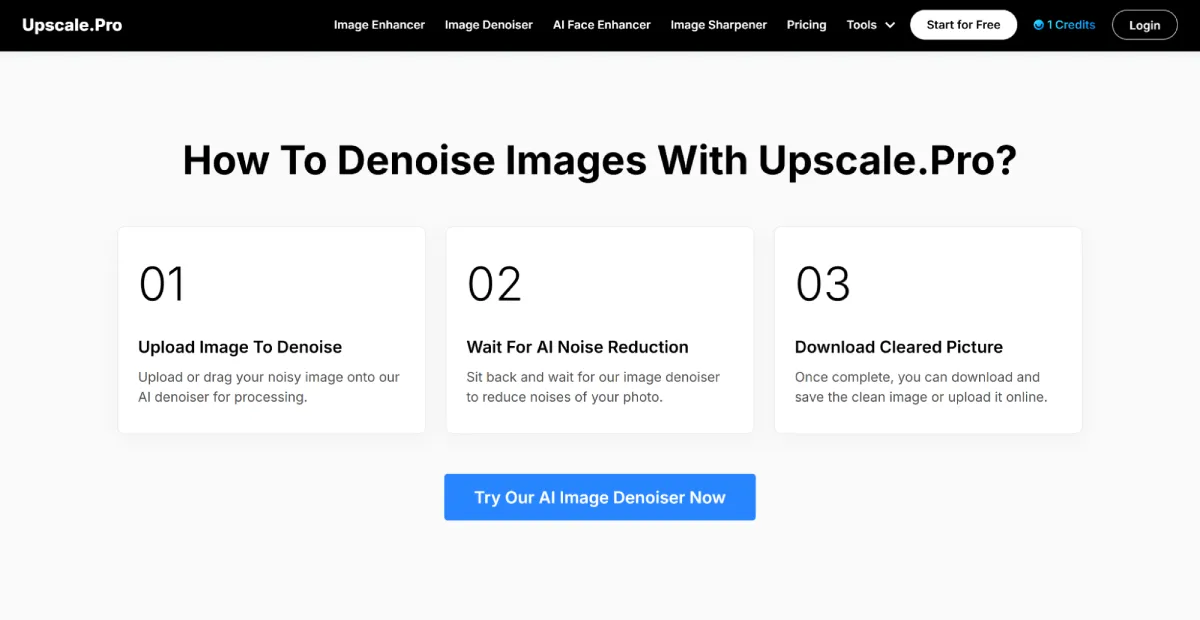
If you’re looking for a fast, effective, and free AI image denoiser, Upscale.Pro offers a powerful solution. Its AI-driven noise reduction delivers impressive results without requiring manual adjustments.
Key Features of Upscale.Pro’s AI Denoiser
✅ One-Click Noise Removal – Instantly reduces grain and speckles while preserving details.
✅ Batch Processing – Clean up multiple images at once (premium feature).
✅ No Loss in Quality – Maintains sharpness and texture without over-smoothing.
✅ Supports Multiple Formats – Works with JPG, PNG, and WebP (up to 10MB per file).
✅ Free to Use – Allows up to 5 free denoising attempts per day.
How to Use Upscale.Pro for Noise Reduction
- Upload Your Image – Drag and drop a noisy photo (JPG, PNG, or WebP).
- Let AI Process the Image – The tool automatically detects and removes noise.
- Download the Cleaned Image – Save the high-quality, noise-free version.
Whether you’re restoring old family photos, improving product shots, or cleaning up low-light images, Upscale.Pro makes the process effortless.
Common Use Cases for AI Denoising
1. Fixing Grainy Low-Light Photos
Dark or underexposed images often contain noise. AI denoising can brighten them while keeping details intact.
2. Enhancing Vintage & Scanned Photos
Old photos with film grain or scratches can be restored to near-original quality.
3. Improving Portrait Photography
Skin tones and facial details look smoother and more natural after noise removal.
4. Cleaning Up Digital Art & Screenshots
Pixel art, game screenshots, or digital paintings can be sharpened without artifacts.
5. Optimizing Social Media & Marketing Images
Noise-free visuals attract more engagement and look more professional.
Conclusion
AI image denoisers have revolutionized photo editing by making professional-grade noise reduction accessible to everyone. Whether you’re a photographer, designer, or just someone looking to clean up personal photos, these tools save time and deliver impressive results.
For a free, user-friendly, and powerful option, Upscale.Pro stands out as a top choice. Its AI-driven denoising ensures crisp, clear images with minimal effort.
Try it today and see how easily you can transform noisy photos into clean, high-quality visuals!


Leave a Reply