
Is Any Free AI Video Generator Really No-Watermark? We Tested the Top 5
Free AI video generators promise studio-quality clips at zero cost—until their watermark brands your work. That small logo can erode trust and scare off clients who expect white-label content. To find a free AI video generator without a watermark, we spent seven days (August 18–22, 2025) stress-testing the five tools that dominate Google results and creator forums, and also reviewed the top AI animation generators available today.” Below, you’ll see why nearly every free tier stamps its name on your footage, which services hand over a spotless file, and the hidden costs to watch for. Start-ups such as Dreamlux.ai, VideoPlus.ai, and AI video generation platforms like Leonardo which let creators turn still images into short motion clips without branding—launched in 2025 with 1080 p, watermark-free exports on day one, pressuring incumbents to respond.
Why free tools watermark your video
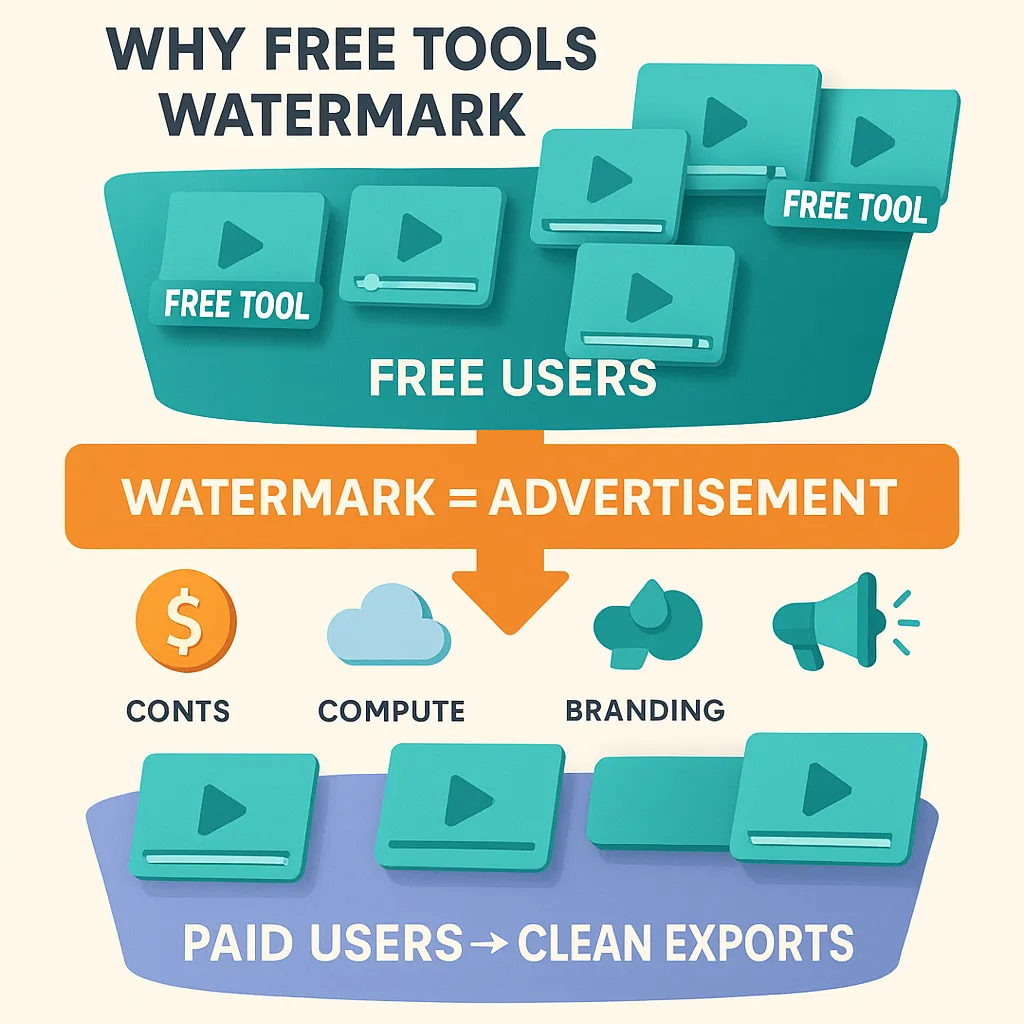
A watermark is the price of a “free” plan. Each logo promotes the platform and nudges you toward a paid tier.
Infrastructure costs come first. Cloud providers bill about $0.015 per SD minute and up to $0.06 per 4K minute of transcoding (cloud.google.com). Multiply those rates by thousands of clips and the invoice climbs quickly, so platforms treat free users as walking billboards.
Logos also protect revenue. According to Pathmonk, only 2–5 percent of freemium users ever upgrade, so the watermark separates hobbyists from professionals who need client-ready footage.
Psychology factors in. When “clean” downloads sit behind the paywall next to higher resolutions or longer runtimes, the logo becomes a status signal; paying feels like the final step to professional quality.
Some services add a teaser: three pristine exports at sign-up. Once the credits vanish, the logo returns and the upgrade prompt suddenly looks reasonable.
Bottom line, watermarks are not decorative. They cover compute costs, segment audiences, and drive upgrades—context you need when searching for a free AI video generator without watermark.
Platforms like Pixverse AI image to video, for instance, offer innovative solutions that let you turn still images into dynamic motion—often without branding—giving you another watermark-free contender in your creative toolkit.
How we put the tools to the test
Transparent methods help you see whether our findings match your workflow. Here is the playbook we used:
- Sample set. We selected the five generators that appear most often for the query “free AI video maker” in Google results and creator forums. Exploding Topics reports that Runway shows +264 percent five-year search growth.
- Test window. All trials ran August 18–22, 2025 on a 14-inch MacBook Pro (M2 Pro, 16 GB RAM) with Chrome 128 and a stable 1 Gbps connection.
- Account setup. We opened a fresh account on each platform, skipped credit-card prompts, and used only day-one free features.
- Scenarios. Each tool tackled two jobs:
- A 30-second social clip generated from a text prompt
- A short experimental prompt to push its creative model
- Metrics captured. We recorded export resolution, clip length, free-credit use, rendering time, and whether any watermark, intro card, or logo appeared.
Standardizing hardware, browser, and project specs let us compare branding policies and output quality side by side. The next section reports the results for each tool.
Leonardo AI: still images, small clips, zero branding

Leonardo began as an image generator and later added an Image-to-Motion switch. Upload a still image, press Generate, and subtle movement ripples through clouds, water, or lights, a quick way to build looped headers or social hooks.
Free users receive 150 tokens every 24 hours. A three-second 768 × 768 clip costs about 30 tokens, so you can create four to five motion videos each day before the meter resets. In our test, a moody landscape became a three-second animated loop in under 30 seconds and downloaded with no watermark or outro card.
Limits exist. Motion clips top out at four seconds and default below Full HD. Longer runtimes or higher resolutions require paid tokens, and complex scenes can look warped.
Pick Leonardo when you need a loop without shooting new footage or showing another brand’s logo. For longer or sharper video, move to a text-to-video tool or another free AI video generator without watermark.
Pictory: script-to-video without the logo
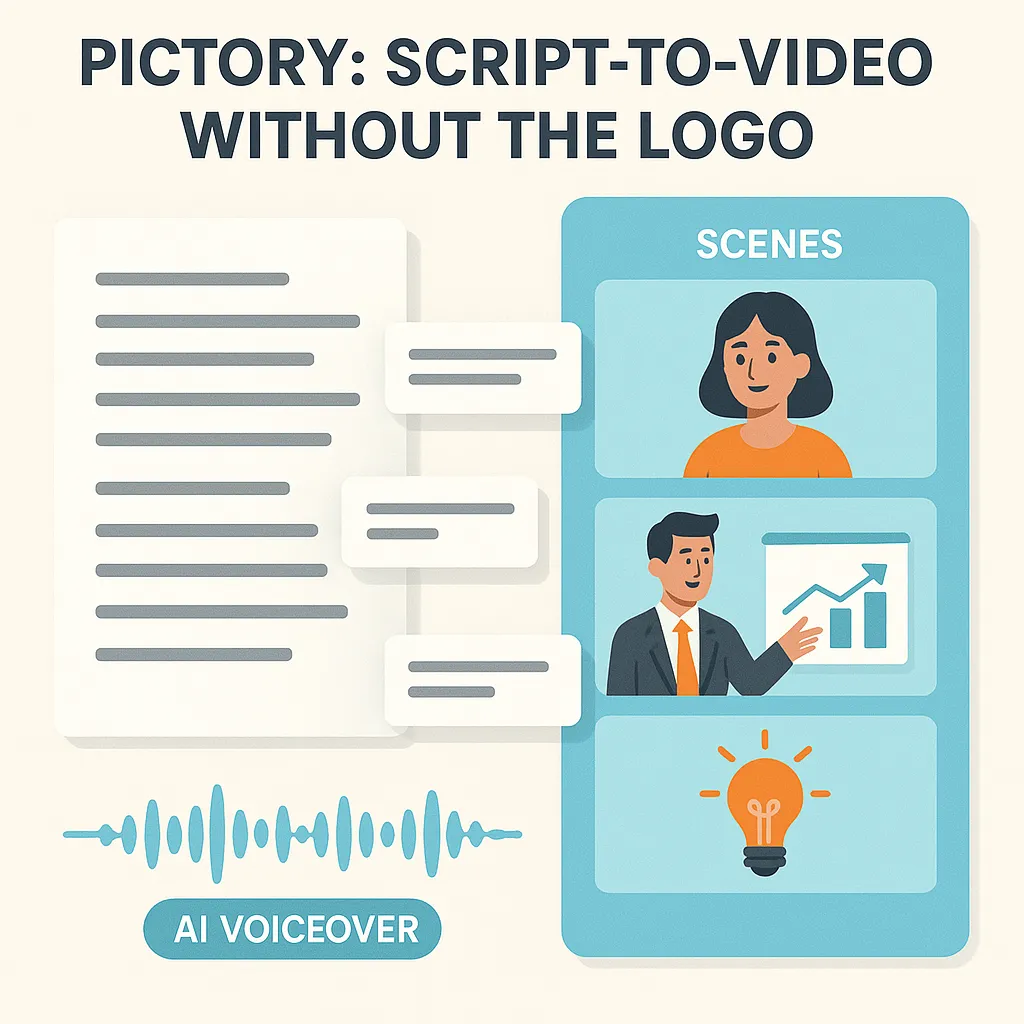
Paste a blog post or sales script, and Pictory slices it into short scenes, adds stock clips, and layers an AI voice that sounds close to natural speech. During its 14-day free trial, you can create up to three projects (15 total video minutes) with no watermark. In our test, a 200-word excerpt became a one-minute video in under ten minutes, and the download arrived spotless.
The limitation is straightforward: once those three projects or 15 minutes are gone, you need a subscription to export again. Paid tiers unlock 1080 p resolution, longer videos, and larger stock-library limits.
Use Pictory when you need a polished explainer or social teaser right away and do not plan on daily output. It remains one of the easiest ways to sample a free AI video generator without watermark before committing to a plan.
Lumen5: quick social clips, but the logo sticks

Lumen5 aims for speed. Paste a URL or paragraph, and the editor builds colorful scenes in seconds, making it handy for LinkedIn or Facebook updates. The catch appears at export: videos on the free Community plan end with a Lumen5-branded outro, so every viewer sees “made with Lumen5.”
The free tier allows up to three videos per month, each rendered below full-HD resolution. Upgrading removes the logo, lifts resolution to 1080 p, and unlocks more exports plus custom brand kits.
Use Lumen5 for internal mock-ups or quick concept shares where a branded outro is acceptable. If you need a free AI video generator without watermark, choose another option for client-facing work.
FlexClip: watermark on free, HD in paid plans
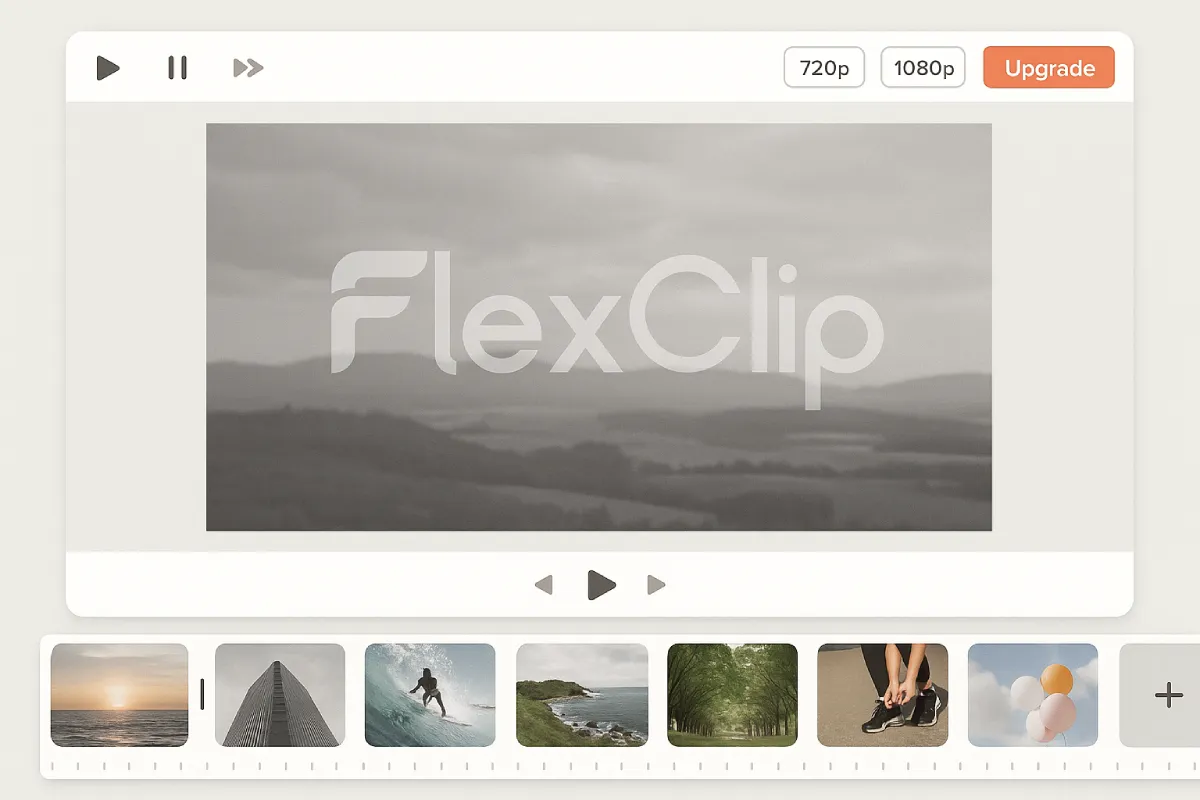
FlexClip’s editor feels light: pick a template, drag in clips or images, and you can produce a social-ready video in minutes. The free tier is not spotless. Every export carries a FlexClip watermark you cannot remove, even if you trim the intro card.
Free-plan specs (August 2025):
- 720 p downloads
- Up to 10-minute videos
- One stock video and one stock track per project
- Maximum 12 saved projects
Removing the watermark or raising resolution to 1080 p requires the Plus plan at $9.99 per month when billed annually. The Business tier unlocks 4K and unlimited stock assets.
Use FlexClip for quick internal drafts or personal posts where a logo is fine. If you need a free AI video generator without watermark for client work, choose another tool or budget for the upgrade.
Runway ML: creative playground, credit countdown
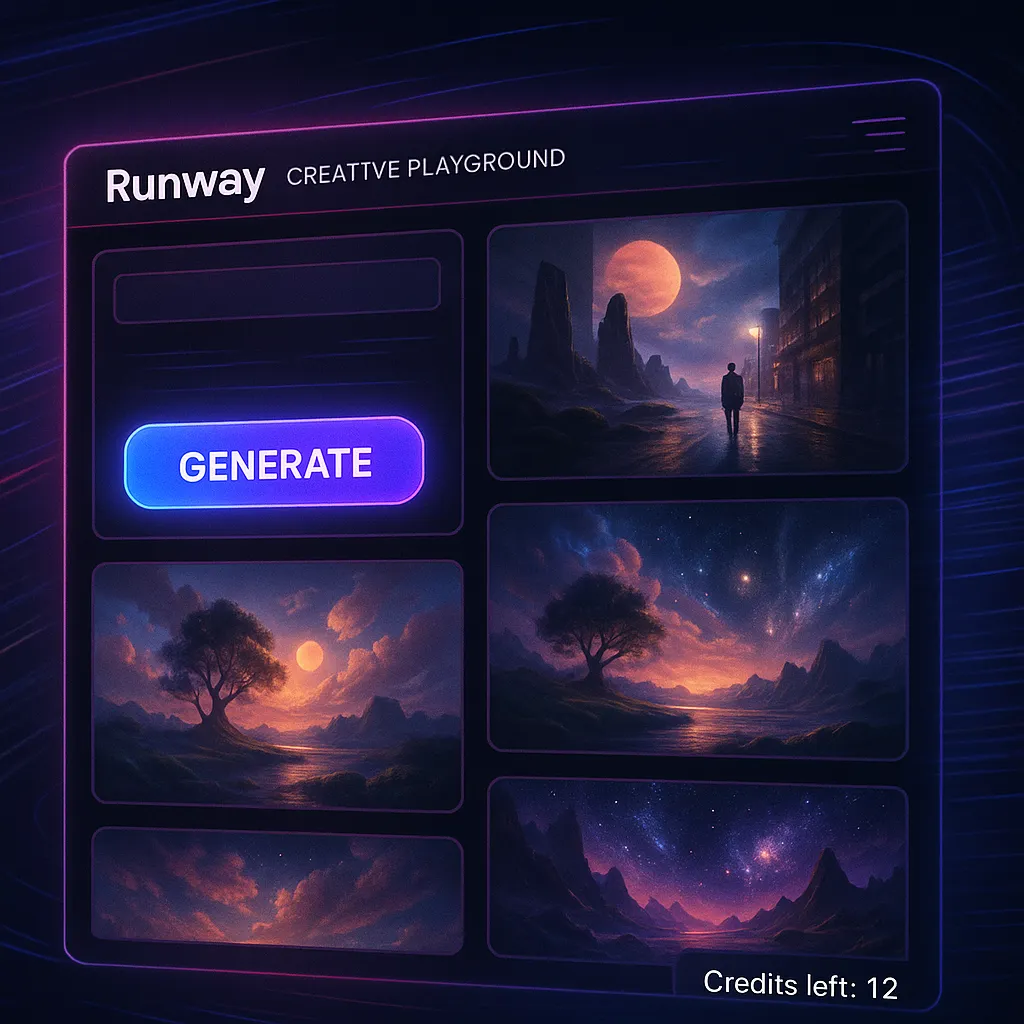
Runway functions more like a mini studio than a template editor. In one dashboard you can erase backgrounds, build surreal B-roll from text, or splice footage on a traditional timeline, and most actions take a single click.
The free plan drops a one-time allotment of 125 credits into your account. Gen-2 uses 14 credits for a 4-second 720 p clip, so you can run about eight text-to-video generations before the meter hits zero. Our test prompt, “city skyline dissolving into a waterfall at dusk,” produced a five-second clip that downloaded without any watermark at 720 p.
After those 125 credits, you can upgrade or buy add-on credits. Higher resolutions and priority queues appear on the Standard and Pro tiers. Use Runway when you need experimental visuals quickly, but plan another free AI video generator without watermark for large-scale production.
Comparative snapshot and key trade-offs
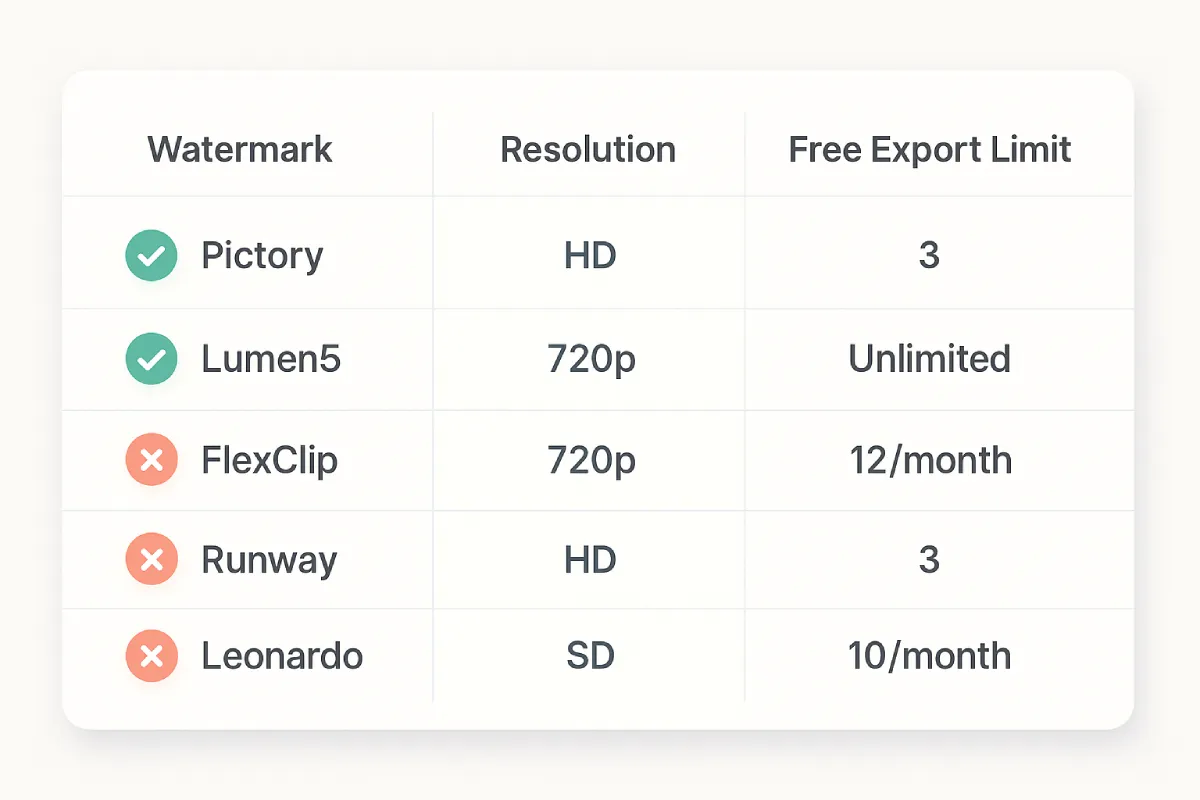
Here is the at-a-glance reality of each free tier:
| Tool | Watermark on free? | Free export limit | Max free resolution | Primary catch |
| Leonardo | None | 150 tokens refreshed daily; about 4–5 clips | Below 1080 p | Clips limited to 4 s and lower resolution |
| Pictory | None | 3 projects (15 total minutes) in a 14-day trial | 1080 p | Trial ends, then pay |
| Lumen5 | Yes (branded outro) | 3 videos per month | 720 p | Logo stays until you upgrade |
| FlexClip | Yes | 12 projects, 10 minutes each | 720 p | Must pay to remove logo |
| Runway | None | 125 one-time credits; Gen-2 uses 14 credits per 4-second clip | 720 p | Credits disappear quickly, high-res locked |
What this means in practice:
- Pitch video today? Use one of Pictory’s trial credits.
- Looping hero banner? Spend 30 Leonardo tokens.
- Social carousels where 720 p is fine? Lumen5 or FlexClip work if you can live with their branding.
- Avant-garde TikTok? Burn 14 Runway credits for a Gen-2 clip.
If you need a free AI video generator without watermark, focus on the rows marked “None.”
Recommendations: pick your fighter
Need a polished explainer in the next hour? Burn one of Pictory’s three free projects (up to 15 total minutes at 1080 p) and deliver a client-ready clip with no watermark.
Posting daily social snippets where 720 p is fine? Lumen5’s free plan lets you publish three videos a month, but the branded outro stays. Pay or switch tools if that logo hurts trust.
Testing quick TikToks? Runway’s free 125-credit pool covers about eight Gen-2 clips at 720 p. When the credits run out, plan on a paid top-up.
Need a looping hero banner or NFT preview? Leonardo drops 150 tokens into your account every 24 hours, enough for four or five four-second motion clips at sub-HD resolution, each free of branding.
Mock-ups or internal drafts on a tight budget? FlexClip’s free tier exports 720 p videos with a small FlexClip mark; upgrade to Plus ($9.99 per month) for clean 1080 p files.
Bottom line: each platform charges a different currency—tokens, minutes, pixels, or logos. Pick the cost that hurts least today, and keep an alternate list so you always have a free AI video generator without watermark on hand.
Conclusion: Free ≠ Frictionless—Choose Your “Cost” Deliberately
After a week of testing (August 18–22, 2025), the verdict is clear: truly free, no-watermark exports exist, but they’re rationed by other meters—tokens (Leonardo), minutes/trial caps (Pictory), or finite credits (Runway). If you need spotless files today, reach first for Pictory’s 14-day allowance (up to three projects, 1080p) or Runway’s initial credit pool for quick 720p generative shots; for subtle, looping motion, Leonardo’s daily tokens deliver clean, short clips with zero branding. Lumen5 and FlexClip remain useful for mockups and internal share-outs, but their free logos make them non-starters for client work.
The smarter play is to decide which “currency” hurts least for the job at hand—logos, limits, or lower resolution—and keep a rotating bench: Pictory for polished explainers, Runway for experimental visuals, Leonardo for micro-loops. As incumbents react to 2025’s watermark-free upstarts, expect policies to keep shifting. Build your workflow around redundancy (at least two no-logo options), document current caps before each campaign, and budget a small upgrade buffer for when a free meter runs dry mid-deliverable. That way, “free” never blindsides the timeline—or the brand.


Leave a Reply