
Freepik AI Suite review: Visual creation without the learning curve
Artificial intelligence is continually transforming how creators, marketers, and small businesses operate. It helps generate visuals in seconds and simplifies video production. These tools enable users to create faster, with greater precision, and in a more collaborative manner. One platform that brings together a complete set of creative AI tools is the Freepik AI Suite.
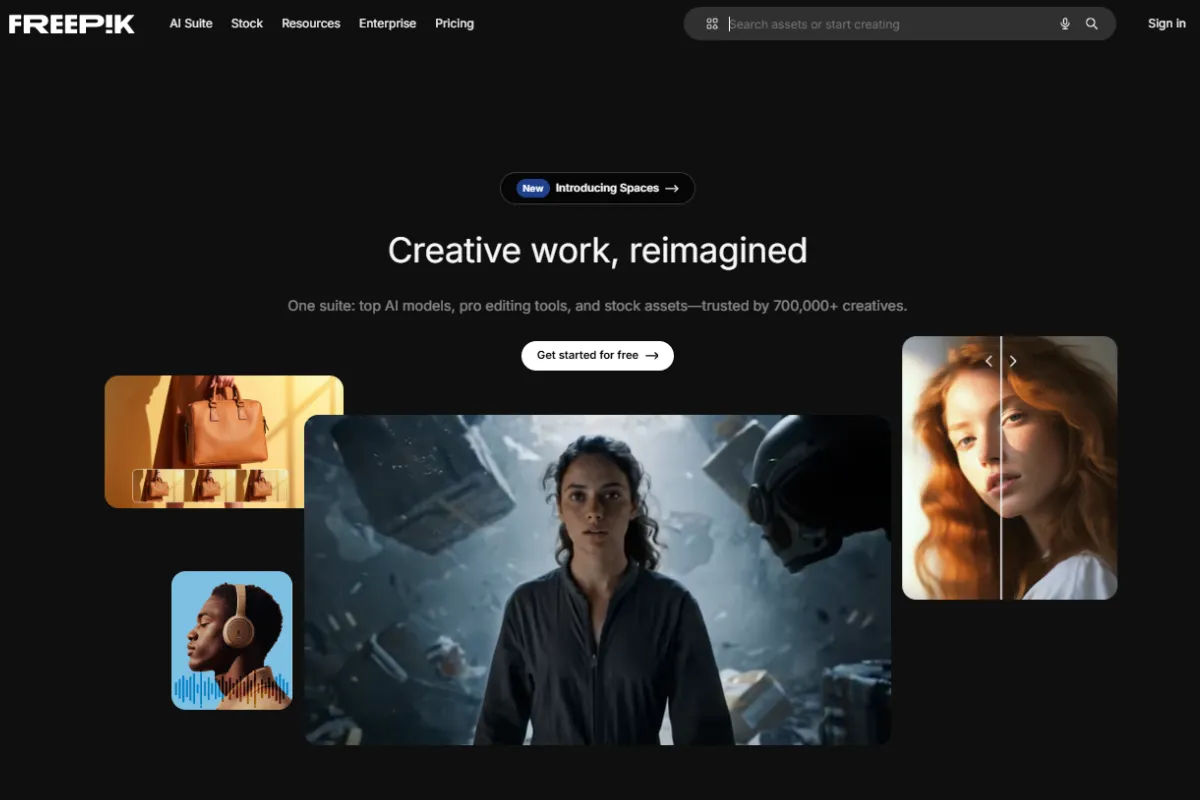
This review highlights Freepik’s Image and Video Generators, its collaborative canvas called Spaces, and several AI-powered editors that simplify post-production workflows.
What is the Freepik AI Suite?
The Freepik AI Suite is a group of creative tools built to help users generate, edit, and manage visual content across formats. It supports designers, content marketers, and social media creators by offering a growing set of image, video, and audio tools inside a single platform.
Its core tools generate assets using leading models, such as Seedream, Google Nano Banana, Kling, Google Veo, and Sora. Users can start with a prompt, improve existing visuals, or collaborate on assets using built-in tools.
How the Freepik AI Image Generator works
The Image Generator allows users to create high-quality visuals in seconds. By describing the image you need, for example, “3D illustration of a futuristic workspace” or “flat design of a food truck at sunset,” the AI delivers unique results powered by state-of-the-art models.
The tool includes a prompt enhancer feature that improves written inputs with AI, helping users get better results. It also supports features like character selection, reference image uploads, and a set of preset styles to guide the generation process.
These options help users maintain visual consistency and creative control across their projects. The Image Generator bridges the gap between concept and execution in a simple way.
Video Generator Powered by Advanced AI Models
The Video Generator lets users describe a scene and receive a professional video. It supports models like Kling, Google Veo, Reve, and Sora, which handle motion, lighting, and consistency across frames.
Users can define camera movements, adjust the pace, and even upload start frames to guide the sequence. This tool is useful for marketing content, product demos, or short-form video ideas.
Spaces: A collaborative canvas for teams
Spaces is a real-time canvas where teams can collaborate, organize, and store AI-generated content. It functions as a workspace to build collections, share feedback, and manage design iterations without switching between tools.
Spaces supports creative teams, agencies, and distributed collaborators working on shared visual projects.
[image: Spaces]
Edit and enhance with AI-powered tools
Freepik offers a set of editors that allow users to finalize their content without leaving the platform:
- Image Editor: for retouching or refining visuals
- Image Upscaler: boosts resolution using models like Magnific
- Video Project Editor: helps combine and polish AI-generated clips
- Skin Enhancer: ideal for portraits or commercial images
These tools support a complete workflow, from idea to final asset.
Final thoughts
The Freepik AI Suite combines generation, collaboration, and editing in a single platform. Its use of advanced models, intuitive tools, and team-oriented features like Spaces make it a valuable option for professionals, content creators, and small businesses.


Leave a Reply