

The Best Cold Email Tools for Developers to Land New Clients
Finding cold email tools isn’t hard—developers have dozens of options. The problem is figuring out which one actually fits how you work. Most cold email platforms are built for sales teams with dedicated SDRs, not solo devs or small dev shops trying to land clients between sprints.
We spent time testing cold email tools to see which ones make sense for developers who need to automate outreach without becoming full-time marketers. We looked at deliverability, technical flexibility, whether you can actually customize sequences without a PhD in email marketing, and cost. These are the tools that stood out.
1. Instantly
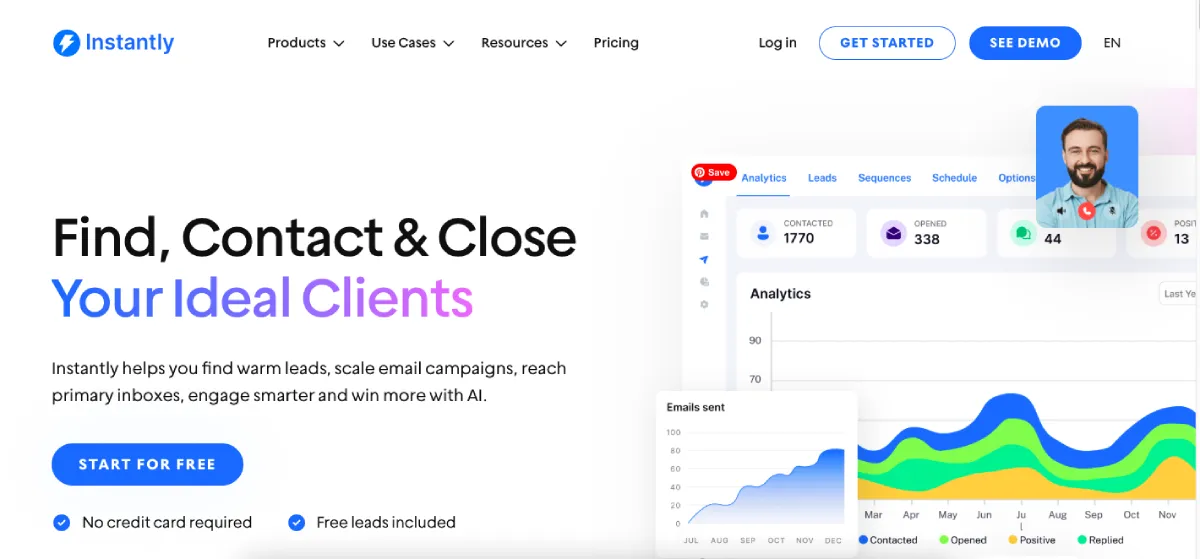
Instantly is one of the more popular cold email platforms for a reason: it handles deliverability well, includes a lead finder with 450 million contacts, and the interface is easy to navigate. We tested it for developer outreach, and the multi-account rotation worked smoothly. The platform rotates sends automatically across your accounts, which keeps your sending volume distributed and your sender reputation stable.
We also found Instantly practical for developers who want control without learning a new platform from scratch. You can verify email addresses before you send (the verification tool is built in), set up A/B tests on subject lines or email copy, and build sequences with conditional logic. If someone opens but doesn’t reply, they get a different follow-up than someone who didn’t open at all. The dashboard tracks open rates, reply rates, and deliverability in one place.
The AI writing assistant drafts initial sequences, though you’ll want to customize them for technical audiences. The platform also includes SPF, DKIM, and DMARC setup when you purchase domains through the platform, which saves time on DNS configuration.
Instantly starts at $37/month for the Growth plan, which includes unlimited email accounts and 1,000 lead credits. All Instantly plans include lead credits (starting at 1,000 in the Growth plan), which means you can verify and add prospects without paying separately for a lead database tool.
2. GMass
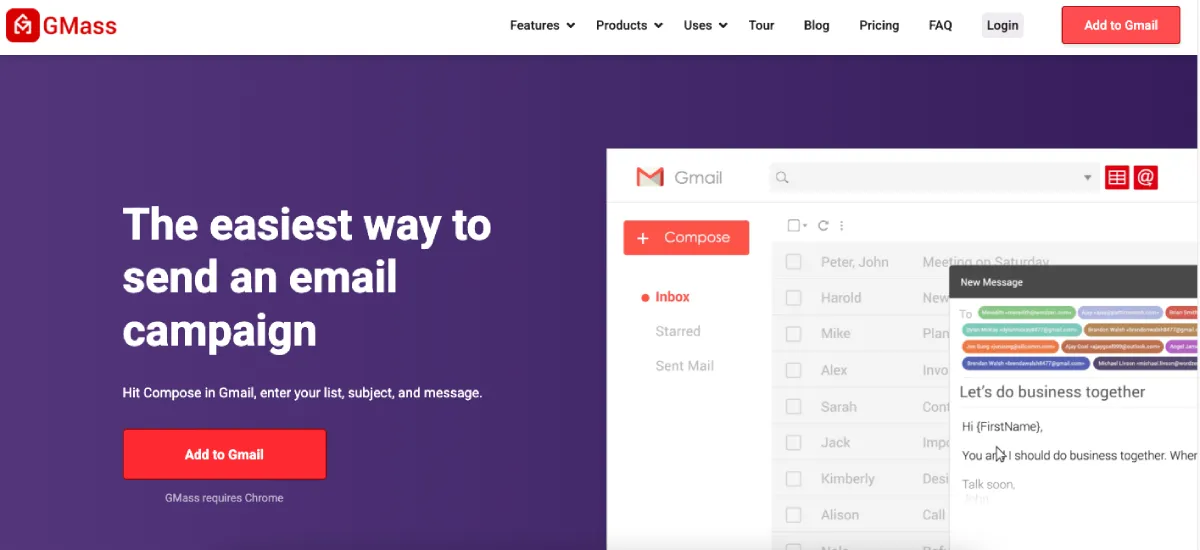
GMass is the cold email tool that works best for developers already using Gmail. It runs directly inside Gmail as a Chrome extension, which means you don’t need to learn a new interface or leave your inbox. You install the extension, authenticate via OAuth (one click), and you’re sending campaigns from the familiar Gmail compose window.
But GMass’s appeal doesn’t end with convenience. It uses the Gmail API instead of IMAP, which makes the setup simpler and more secure. You don’t need to enable “less secure apps” or manually configure DKIM, SPF, and DMARC records. GMass passed Google’s security audit to get API access, so you can feel more confident about who’s accessing your account. The platform also uses Gmail labels for organization, so your campaigns and responses stay organized the way you’re already used to.
What GMass could improve is multichannel outreach. It focuses entirely on email, so if you want to combine email with LinkedIn or other channels, you’ll need a different tool.
3. Skylead
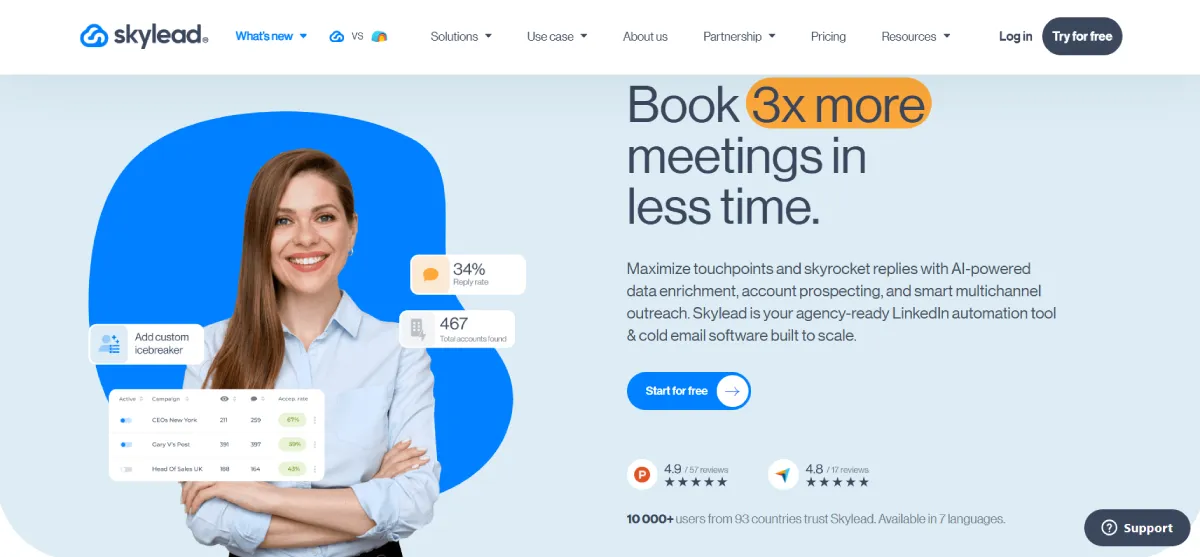
Skylead is a LinkedIn automation tool and cold email software that works well for developers who don’t want to piece together a lead database, enrichment tool, LinkedIn automation tool, and cold email platform separately. If you’re a solo developer or small dev shop trying to land B2B clients, you can use it to find prospects, enrich their data, and contact them through LinkedIn and email from the same workflow.
The prospecting side is useful if you know what kind of clients you want to work with. You can search Skylead’s B2B database for companies that match your ideal customer profile, or use account-based prospecting if you want to start with target companies first and then find relevant decision-makers inside them. The AI data enrichment feature adds more context about each company or prospect, which helps when you’re writing outreach to founders, CTOs, product leads, or agency owners.
Skylead also combines LinkedIn and email automation through Smart sequences. For example, you can view someone’s LinkedIn profile, send a connection request, follow up by email, and continue the sequence based on what the prospect does next. The platform supports unlimited email accounts, includes email warm-up at no extra cost, and integrates with HubSpot, Pipedrive, and Salesforce. You can also add image and GIF personalization if you want your messages to feel less like a standard cold email.
Skylead has an all-in-one plan that costs $100/month per seat and also offers a 7-day free trial. AI data enrichment is available as a paid add-on at $1 per 100 credits.
4. OutreachBloom
Want results without the overhead of managing a cold email platform yourself? OutreachBloom is a fully managed cold email outreach agency that handles list building, inbox setup, copywriting, sending, and reply management for B2B teams (including dev shops and solo developers landing clients). Rather than configuring another tool, you show up to qualified conversations on your calendar. OutreachBloom also offers AISEO (AI Search Engine Optimization) services, helping brands get recommended by AI tools like ChatGPT, Claude, and Gemini through strategic citation building on Reddit.
5. Reply.io
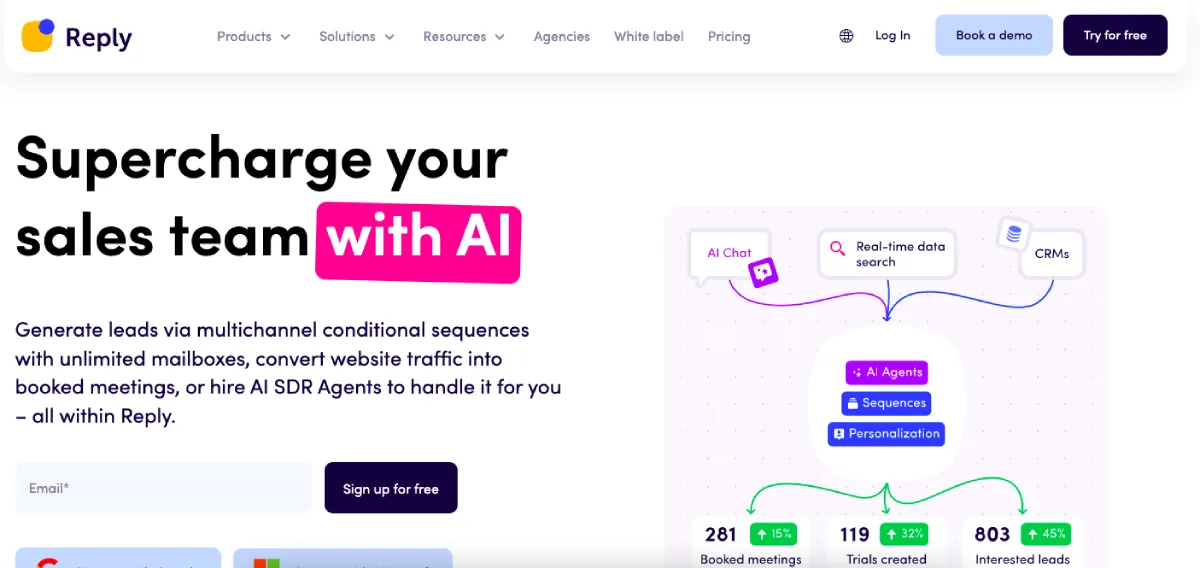
Reply.io is the perfect choice for developers who want to combine email outreach with LinkedIn prospecting in one platform. It handles multichannel campaigns, so you can reach the same person via email and LinkedIn within the same sequence. This makes a difference when you’re targeting CTOs or engineering managers who are active on LinkedIn but might miss cold emails.
It’s also flexible with email providers: Reply.io supports Gmail, Outlook, and custom SMTP/IMAP setups, which means you can connect different providers if you’re running campaigns from multiple domains. The platform includes A/B testing, email verification, and automated follow-ups that adjust based on whether someone opened your message or clicked a link.
Like other multichannel tools, though, the interface can feel dense when you’re setting up your first campaign. The pricing structure also adds up quickly: the Email Volume plan starts at $49/month, but LinkedIn automation costs an additional $69/month per account, and calls/SMS add another $29/month per account.
6. Quickmail
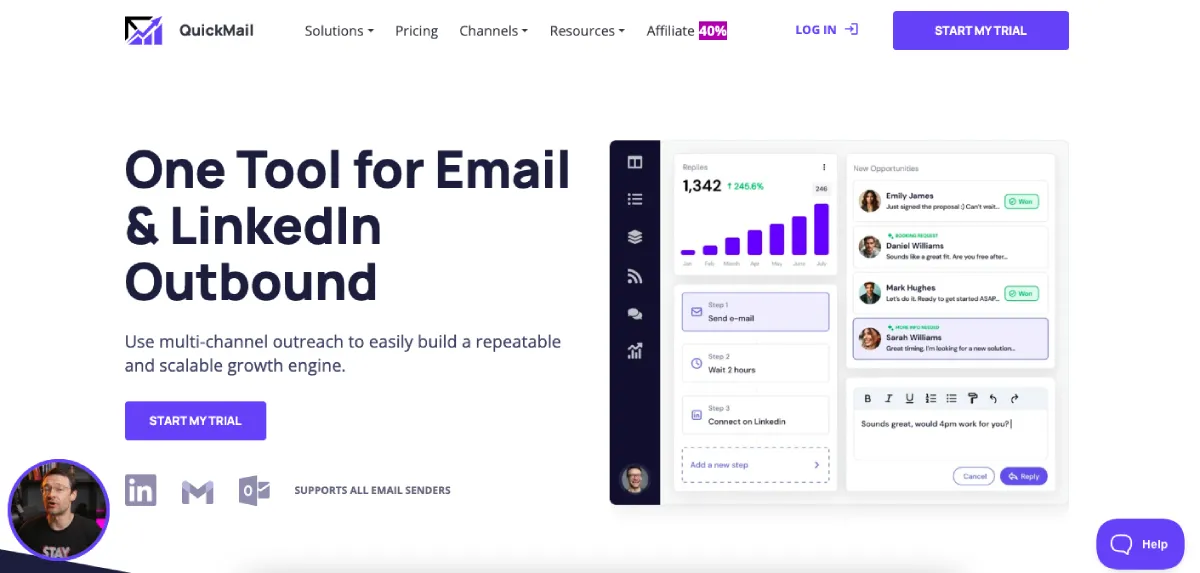
Quickmail is a great choice for developers who want strong deliverability without complexity. If you’re running campaigns from multiple email accounts, it handles inbox rotation automatically to keep your sender reputation clean. This is important when you’re scaling outreach across several domains and don’t want one account taking all the sending load.
The deliverability features don’t end there. Quickmail also integrates with Mailflow for email warm-up and includes blacklist monitoring and DNS checks to catch issues before they damage your domain. It uses the Gmail API to send directly from your inbox, which keeps open rates higher than platforms that route through their own servers. We tested this during campaigns and noticed fewer spam folder placements compared to SMTP-only tools.
Quickmail has a learning curve, though; the interface isn’t as polished as newer platforms, and setting up your first campaign takes some navigation. The pricing is also higher than basic email tools at $49/month for the starter plan, with limited CRM integrations unless you upgrade to the Pro plan at $89/month.
7. Saleshandy
Saleshandy is a solid option for developers who need both prospecting and outreach in one tool. Its pricing is competitive for teams ($25/month for the basic plan with all inbox management features), and the B2B database includes 700 million contacts with 60 million companies.
The AI features are useful—the Sequence CoPilot saves time by drafting entire campaigns instead of just individual emails. But what stands out more is the email accuracy. Saleshandy only shows A-grade verified email addresses with 98% deliverability, and it doesn’t charge credits for unverified leads. You can also bulk reveal and export up to 10,000 prospects at once, which is helpful if you’re managing large lists or multiple campaigns.
One thing Saleshandy could improve is the learning curve for advanced features. The platform packs in a lot of functionality, which can feel overwhelming at first. But that’s a reasonable tradeoff for the cost-effective pricing and built-in prospecting database as a solo developer or small team.
Which Cold Email Tool Should You Use?
To be honest, most good cold email tools handle the basics well: they all send automated sequences, track opens, and manage follow-ups. So our advice is to evaluate these tools on what matters most for your workflow as a developer. For example, are you looking for a tool with strong deliverability that rotates sends across multiple accounts? Maybe you need prospecting built in so you’re not paying for multiple subscriptions? Or do you want unlimited email accounts without worrying about scaling costs?
Instantly covers all three, plus it handles DNS configuration and includes built-in email verification, so it’s definitely worth considering. Give it a test run and see if it fits how you work.


Leave a Reply