
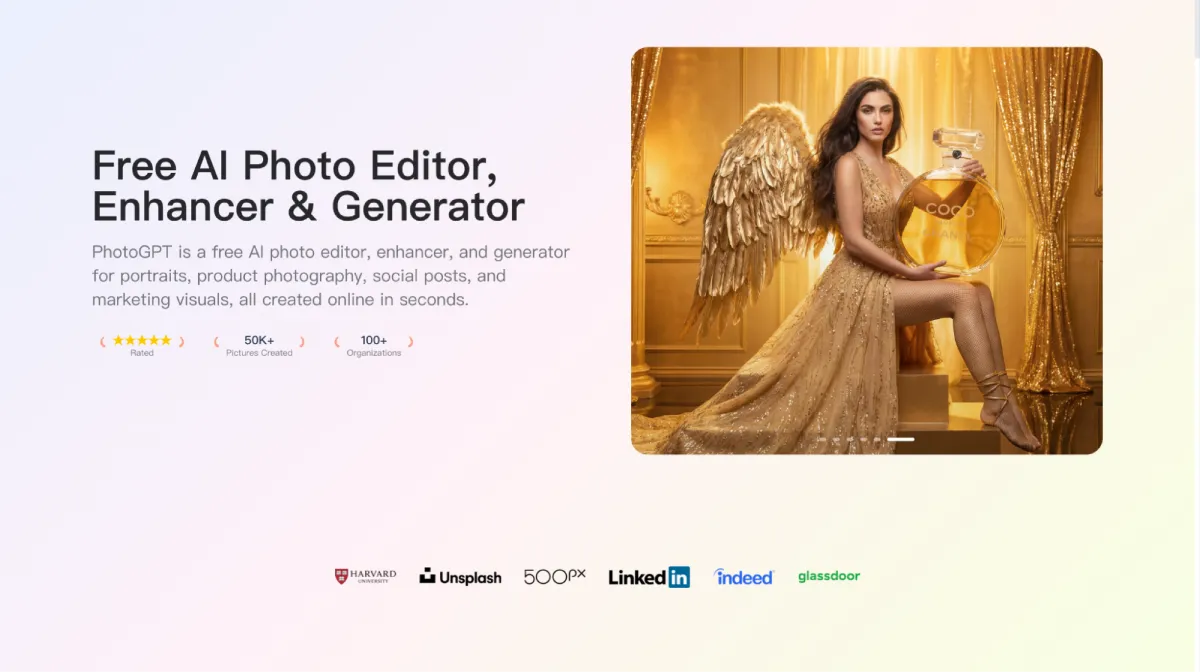
PhotoGPT Photoreal Visual Workflow for Career Ready Portrait Content
I work as a recruiter who also helps candidates polish their public profile before interviews. Most people think this is only about resumes, yet photos quietly shape first impressions on LinkedIn, portfolio sites, speaker bios, and even internal company directories. PhotoGPT became the tool I recommend when someone wants a realistic, camera-like image without booking a full studio session. The workflow stays simple and online, and the focus stays consistent: photoreal generation, practical editing, and natural enhancement.
What I need from a “professional photo” tool
Candidates come with different constraints. Some have no recent photos. Some have a photo that looks fine on a phone and looks weak on a desktop. Some want to test a few options across roles, from corporate to creator to consultant. A good tool needs to keep faces believable, keep lighting consistent, and avoid that overly smooth AI look that makes people distrust the image.
The practical standard I use
A usable professional portrait should meet a few basics:
- Natural skin texture and realistic lighting
- Clean background and clear subject separation
- Sharp eyes and controlled contrast
- A composition that feels like a real camera shot
PhotoGPT aims directly at these fundamentals.
PhotoGPT for realistic image generation that fits career scenarios
The first feature I use most is realistic generation from text. The key is to write prompts that describe a photo session, not an illustration. PhotoGPT responds well when the prompt stays grounded in real photography language: lighting direction, background type, and framing.
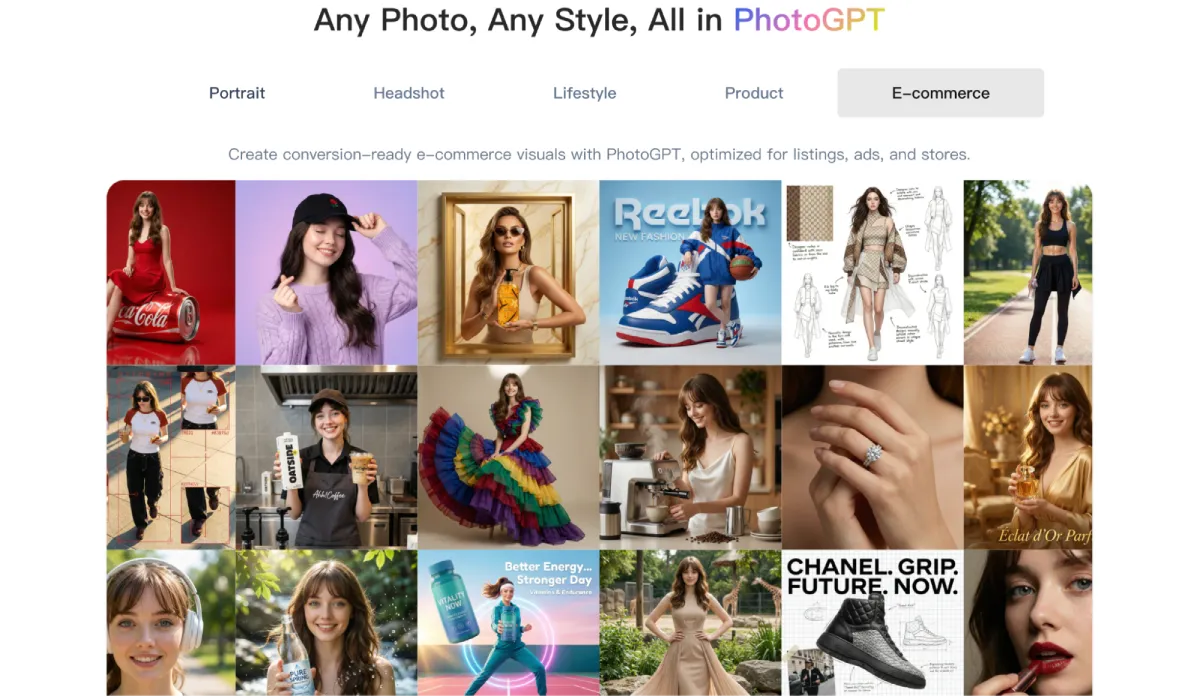
How I describe a career photo in prompts
When I guide someone, I ask for one clear target first: the role identity and the tone. Then I map that tone into a “photo brief”.
Examples of tone settings that work:
- Tech corporate, clean studio, neutral background
- Sales or client facing, warm light, approachable smile
- Creative industry, soft natural light, subtle texture background
- Founder style, minimal backdrop, confident posture, sharp focus
A focused prompt gives PhotoGPT room to produce believable details like depth of field and natural exposure, which is where many generic generators fail.
Why photoreal output matters in hiring contexts
Hiring managers and recruiters scroll quickly. A portrait that looks like a real photo reduces friction. A portrait that looks like an AI render can trigger doubt even if the candidate is great. PhotoGPT keeps its output closer to a realistic portrait style, which makes it easier to use in professional settings.
PhotoGPT for edits that keep a consistent, believable look
Most users do not need extreme transformations. They want small changes that keep the photo credible. PhotoGPT editing fits this because the goal stays aligned with realism and clean blending.
The edits that show up in real career prep
These are the requests I see repeatedly:
- Make the background cleaner while keeping the subject natural
- Adjust style details like outfit tone or a more polished look
- Preview a hairstyle change without breaking facial realism
- Fix minor distractions while keeping lighting consistent
The success factor is coherence. When lighting on the subject matches the scene, the result feels like a real shoot. PhotoGPT tends to prioritize that consistency, which is why it works for professional portraits.
PhotoGPT enhancement for sharper, more publishable photos
Many candidates already have a photo, yet it is slightly soft, compressed, or uneven in lighting. Enhancement becomes the difference between “good enough” and “ready for a public profile”.
What “natural enhancement” means in practice
The best enhancement keeps the person looking like a person. PhotoGPT enhancement typically improves clarity, balances light, and strengthens texture without pushing into heavy sharpening. That makes the image safer for professional use, since over processing is easy to spot.
Where enhancement saves time for non designers
Candidates rarely want to learn a full editor. They want a faster path to a clean result. With PhotoGPT, the workflow can stay simple: enhance first, then do a small edit if needed, then export.
Who benefits most from this workflow
From my perspective, PhotoGPT fits a wide set of career adjacent needs.
Job seekers and career switchers
They need a clean, realistic headshot that matches the role they want next. They also need options, since different industries read style cues differently.
Freelancers, consultants, and coaches
They use portraits everywhere: proposals, profiles, speaker pages, and landing pages. A consistent, photoreal look helps build trust.
Creators who still need professional credibility
Creators often want portraits that feel human and real, yet still polished enough for brand partnerships and media kits. PhotoGPT fits the middle ground.
RoomDesign when the visual story becomes a space
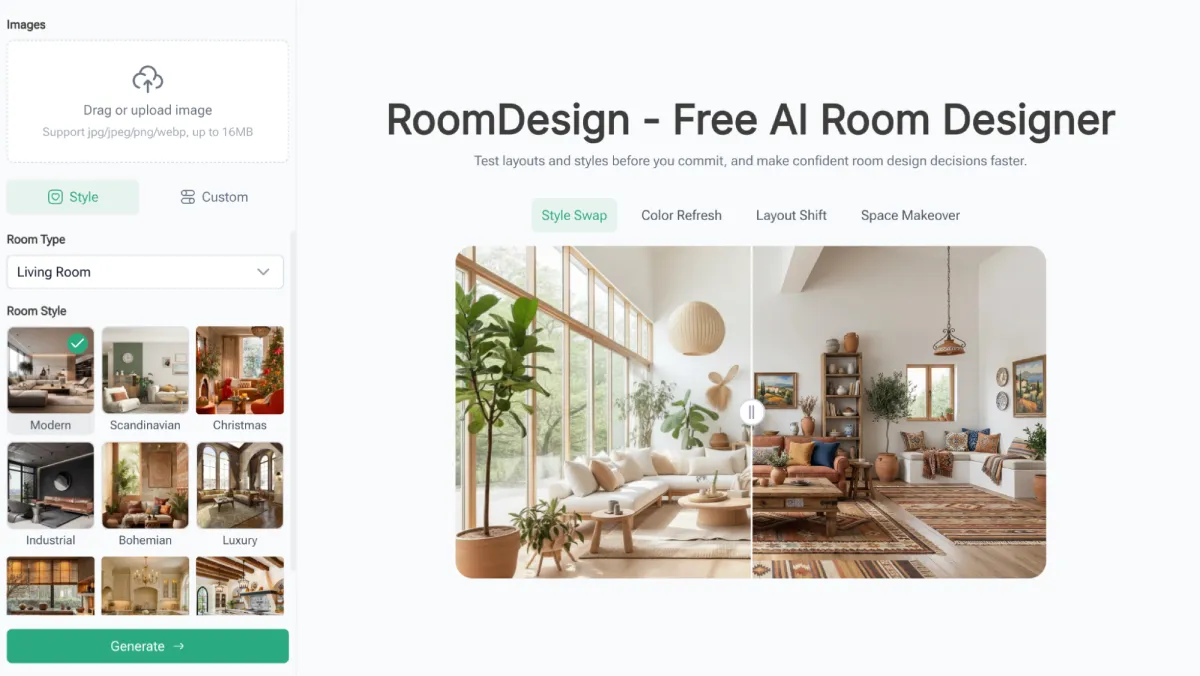
In my work, I also support clients in real estate, hospitality, and home services. Their “profile” is not only a face. Their profile is a space. That is where RoomDesign comes in. RoomDesign supports interior concepts and room focused visuals, which helps when a business needs a strong visual identity for a location, a listing, or a service portfolio.
Scenarios where RoomDesign makes sense
- Agents and hosts who need room visuals that look clean and appealing
- Home service businesses that want consistent interior imagery for marketing
- Creators who publish decor content and need style variations quickly
RoomDesign is useful because it helps communicate a room’s direction clearly, which reduces indecision and speeds up publishing and client feedback.
Closing notes
I keep PhotoGPT as the first choice when the goal is a realistic portrait pipeline that stays online and simple: generate, edit, enhance, then publish across career surfaces. I keep RoomDesign as the supporting tool when a brand story is tied to interiors and room visuals.
PhotoGPT (https://photogpt.io/) delivers a realistic photo centered workflow for generating, editing, and enhancing images online, making it easier to get studio style results for portraits, headshots, lifestyle scenes, and product visuals. RoomDesign (https://roomdesign.io/) supports fast interior concept exploration and room focused visuals, helping creators and teams turn space ideas into clear, shareable designs.
Try PhotoGPT: https://photogpt.io/


Leave a Reply