
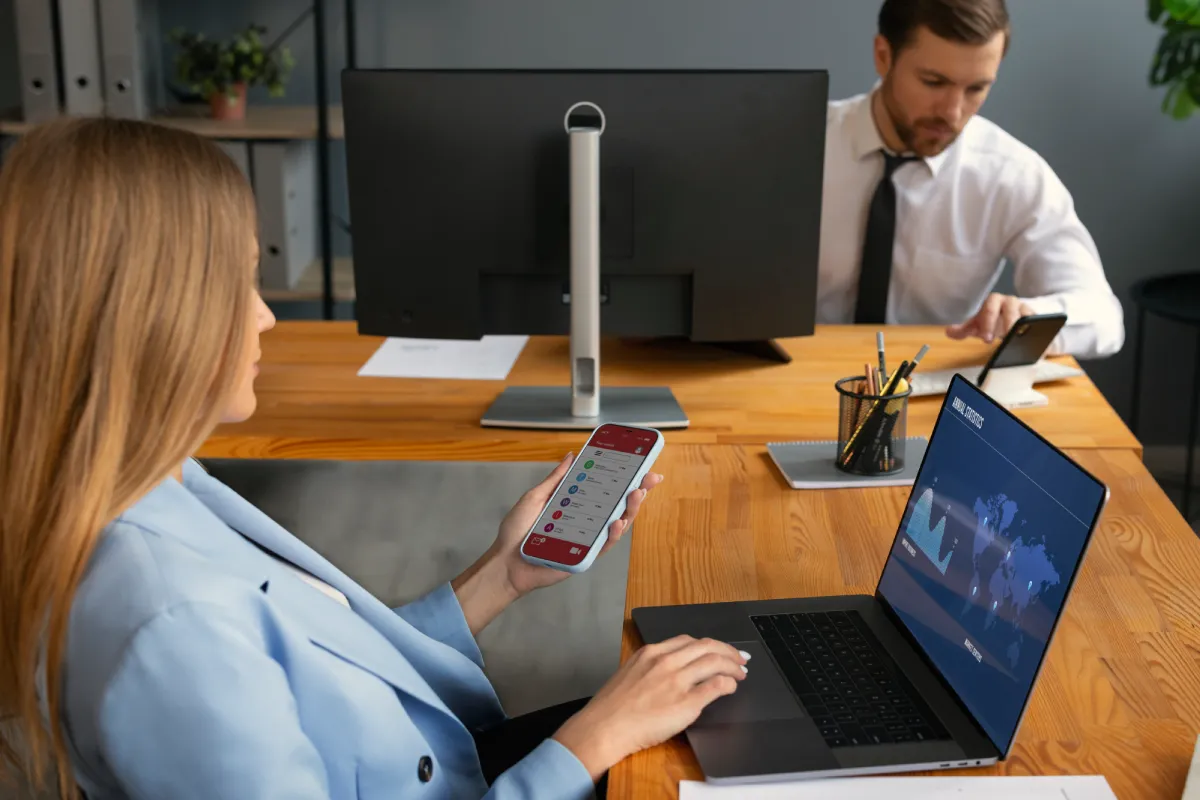
Optimizing Mobile Device Management in Google Workspace: Strategies for Security, Compliance, and Productivity
In today’s fast-paced digital environment, organizations rely heavily on mobile devices to maintain connectivity, collaboration, and operational efficiency. With employees accessing corporate data from multiple devices, it is crucial to have a well-structured strategy for managing these devices effectively. Google Workspace offers a robust set of tools that allow organizations to oversee mobile device usage, maintain security, enforce compliance policies, and enhance user productivity. Implementing a comprehensive mobile device management (MDM) framework is essential to safeguard sensitive information while enabling employees to work efficiently from anywhere.
Understanding Mobile Device Management in Google Workspace
Mobile Device Management in Google Workspace provides administrators with centralized control over devices that access organizational data. This includes smartphones, tablets, and other mobile endpoints that connect to Gmail, Drive, Calendar, and other Google Workspace apps. MDM enables organizations to define security policies, manage device access, enforce compliance standards, and monitor device activity in real-time. By leveraging these capabilities, organizations can prevent unauthorized access, mitigate potential risks, and ensure that mobile device usage aligns with business objectives.
Key Strategies for Security
1. Enforcing Strong Authentication
One of the most effective ways to secure mobile devices is through strong authentication methods. Google Workspace supports two-factor authentication (2FA) and single sign-on (SSO) integrations. Enforcing these measures ensures that only authorized users can access corporate resources, significantly reducing the risk of account breaches and data leaks. Administrators should also consider implementing context-aware access, which evaluates device, location, and user behavior before granting access to sensitive applications.
2. Implementing Device-Level Security Policies
Device-level security policies are critical in controlling how corporate data is accessed and stored on mobile devices. Policies such as mandatory screen locks, password complexity requirements, and automatic device encryption protect information even if devices are lost or stolen. Google Workspace allows administrators to enforce these settings across all enrolled devices, ensuring consistent security standards throughout the organization.
3. Remote Management and Wipe Capabilities
Mobile devices are inherently at higher risk of theft or loss. Google Workspace offers remote management features, including the ability to lock devices and wipe data remotely. In case a device is misplaced or compromised, administrators can ensure that sensitive information does not fall into the wrong hands. These capabilities are vital for maintaining security without disrupting user productivity.
4. Regular Security Monitoring
Continuous monitoring of mobile devices is essential for detecting suspicious activity and potential vulnerabilities. Google Workspace provides detailed device reports and audit logs that help administrators track compliance and security metrics. By regularly reviewing these logs, organizations can identify trends, detect unauthorized access attempts, and respond proactively to security threats.
Website: https://www.exam-topics.net/
Strategies for Compliance
1. Defining Compliance Policies
Organizations often need to meet internal standards or external regulatory requirements regarding data privacy and device usage. Google Workspace allows administrators to define policies for mobile devices, including restrictions on apps, access to certain types of data, and enforcement of encryption protocols. Clearly defined compliance policies ensure that all devices operate within the organization’s regulatory framework, reducing risk and liability.
2. App Management and Whitelisting
Controlling which applications can be installed on mobile devices is an essential compliance measure. Google Workspace enables administrators to create approved app lists and block unapproved applications. This ensures that users only access safe, compliant software, reducing the risk of malware infections and inadvertent data leaks.
3. Data Loss Prevention (DLP) Integration
Integrating mobile device management with Data Loss Prevention (DLP) tools allows organizations to monitor and prevent unauthorized sharing of sensitive information. Google Workspace provides DLP rules that can automatically detect and restrict sharing of confidential data, such as financial records or intellectual property, from mobile devices. This capability ensures that compliance policies are enforced consistently across all endpoints.
4. Regular Compliance Audits
Conducting regular audits is critical for maintaining compliance standards. Administrators can use Google Workspace reporting tools to generate insights into device usage, policy adherence, and security incidents. Regular audits help identify gaps, enforce corrective actions, and demonstrate compliance with internal policies or external regulations.
Website: https://www.certkiller.com/
Enhancing User Productivity
1. Simplified Device Enrollment
Smooth device enrollment processes reduce friction for users and encourage adherence to security policies. Google Workspace supports automated enrollment, allowing users to quickly set up their devices while ensuring they meet organizational security standards. Simplified enrollment saves time and reduces the need for IT intervention.
2. Streamlined Access to Work Applications
Productivity improves when users can easily access the tools they need. Google Workspace allows seamless integration of mobile devices with Gmail, Drive, Docs, Sheets, Calendar, and other collaborative applications. Administrators can enable single sign-on, context-aware access, and app shortcuts to reduce login steps and improve workflow efficiency.
3. Collaboration and Communication Tools
Mobile devices are central to collaboration and communication. Google Workspace supports mobile-friendly collaboration tools, including real-time document editing, chat, and video conferencing. Ensuring devices are configured to fully leverage these tools enhances productivity by allowing employees to work efficiently from any location.
4. User Training and Support
Educating users on best practices for mobile device usage is vital for productivity and security. Providing guidelines on app usage, secure data handling, and reporting lost or compromised devices can significantly reduce disruptions. Ongoing support ensures that users feel confident in managing their devices while complying with organizational policies.
Website: https://www.actualtests.com/
Best Practices for Successful Mobile Device Management
- Centralize Control – Use Google Workspace’s Admin Console to manage all devices from a single interface.
- Segment Users and Devices – Apply tailored policies based on roles, departments, or risk levels.
- Automate Security Policies – Automate updates, password enforcement, and device monitoring to reduce manual intervention.
- Monitor Regularly – Review device logs, alerts, and reports consistently to identify anomalies early.
- Balance Security with Usability – Ensure that security measures do not hinder users from performing their tasks efficiently.
Frequently Asked Questions
Q1: Can Google Workspace enforce security on both personal and corporate devices?
Yes, Google Workspace supports management of both corporate-owned and personal devices through device enrollment and policy enforcement. Administrators can configure different policies depending on ownership type.
Q2: How can lost or stolen devices be handled in Google Workspace?
Administrators can remotely lock devices, reset passwords, or wipe data to prevent unauthorized access. This ensures sensitive information remains secure even if a device is compromised.
Q3: What reporting tools are available for monitoring mobile devices?
Google Workspace offers detailed device reports, audit logs, and security dashboards to track compliance, policy adherence, and potential security threats in real-time.
Q4: Does mobile device management affect user productivity?
When implemented correctly, MDM improves productivity by streamlining access, automating security, and ensuring users can safely collaborate and communicate on their devices.
Q5: Can apps be restricted or monitored on mobile devices?
Yes, administrators can whitelist approved applications and block unapproved apps. This reduces risk and ensures devices comply with organizational policies.
Conclusion
Effective management of mobile devices in Google Workspace requires a careful balance between security, compliance, and user productivity. By enforcing strong authentication, device-level security policies, and remote management, organizations can protect sensitive information while enabling employees to work efficiently. Compliance strategies, such as app whitelisting, DLP integration, and regular audits, ensure adherence to internal and external standards. At the same time, streamlined access to applications, collaboration tools, and user training supports a productive workforce. By implementing these strategies, organizations can harness the full potential of mobile devices without compromising security or compliance, creating a resilient and agile operational environment.


Leave a Reply