
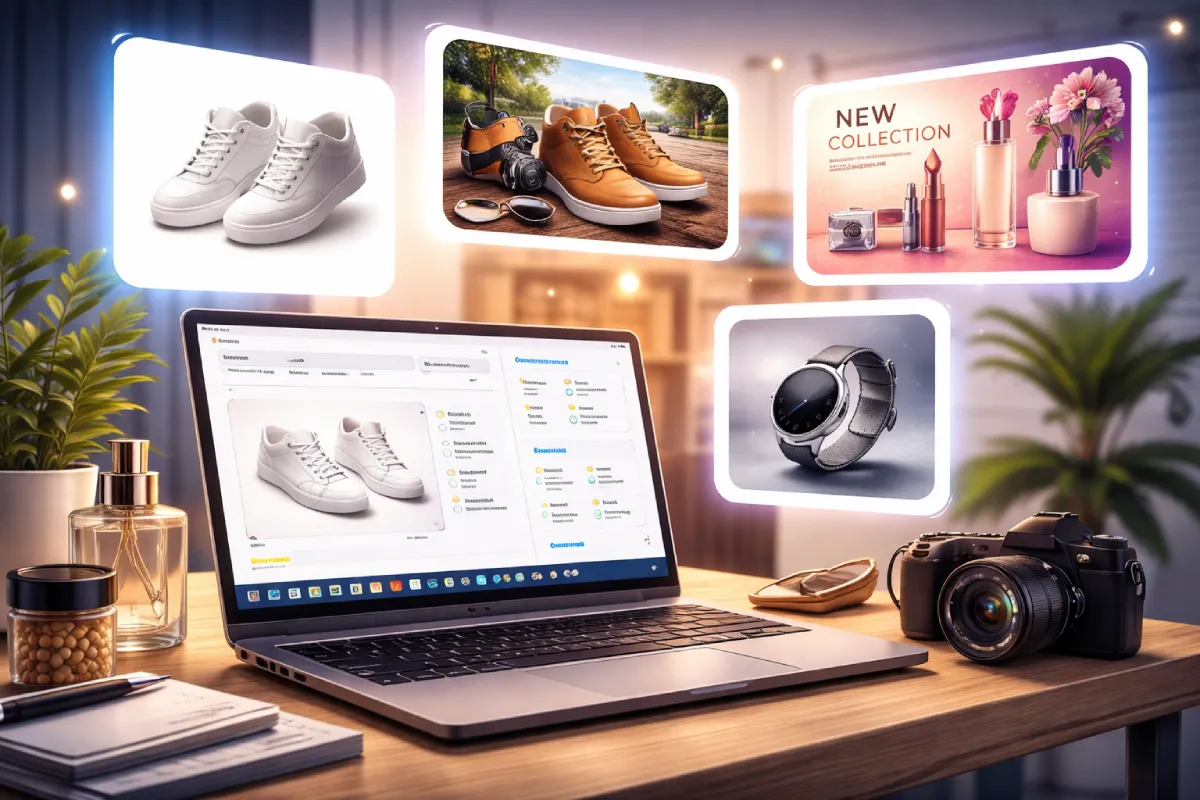
How to Create High-Converting Product Images with AI (No Design Skills Needed)
High-quality product images are one of the most important factors in eCommerce success. Whether you’re running a WooCommerce store, a Shopify shop, or a custom-built website, your visuals directly impact how customers perceive your brand—and ultimately, whether they decide to buy.
The challenge? Creating professional product images usually requires photography skills, expensive equipment, or hiring a designer. For many small businesses and independent store owners, that’s simply not practical.
This is where AI image generation is changing the game.
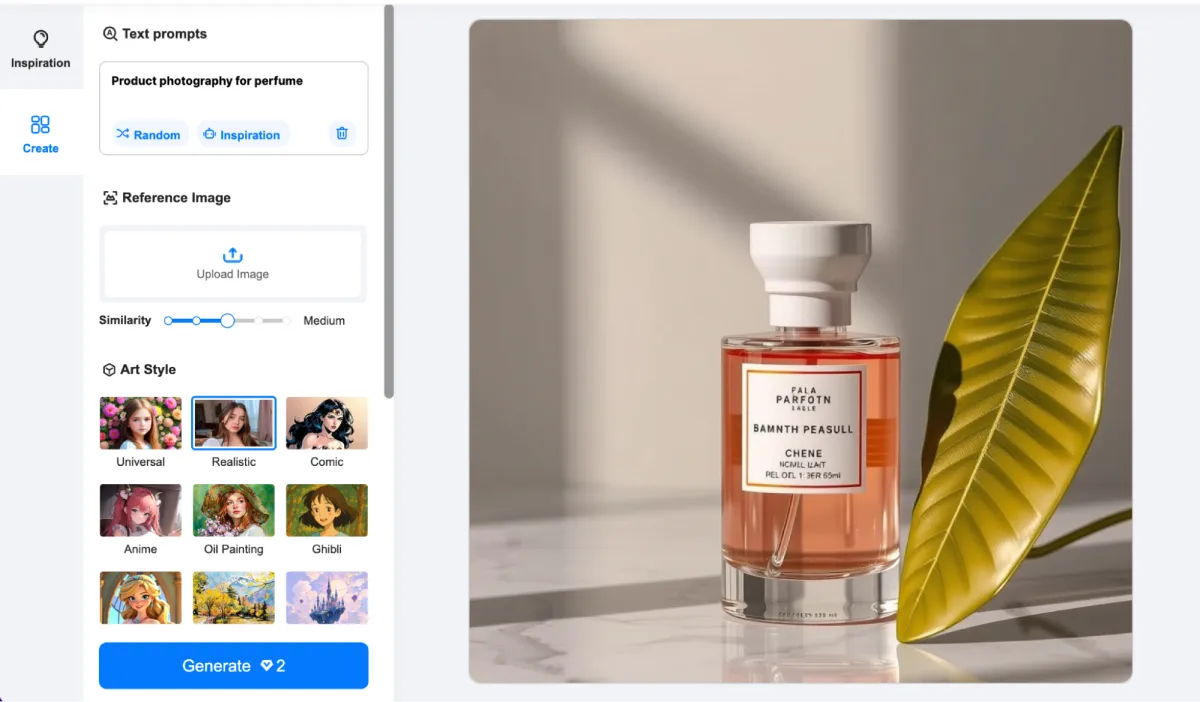
With tools like an AI image generator, you can now create high-quality product visuals, lifestyle scenes, and marketing banners in minutes. Platforms such as Picsman allow you to generate custom images tailored to your brand—without needing any design experience.
Why Product Images Matter for Conversions
Before diving into the process, it’s important to understand why visuals matter so much.
- Clear, attractive images build trust
- Lifestyle visuals help customers imagine using the product
- Consistent branding improves perceived quality
In fact, many online shoppers rely more on images than descriptions when making purchase decisions.
Step 1: Define Your Visual Style
Start by deciding how you want your product to look.
Do you want:
- A clean white background (Amazon-style)?
- A lifestyle scene (e.g., product in use)?
- A premium, branded aesthetic?
Having a clear direction helps you generate more consistent images, which is key for building a professional-looking store.
Step 2: Generate Product Images with AI
Using AI tools, you can describe the type of image you want and instantly generate variations.
For example:
- “Minimalist product photo of a leather wallet on a marble surface”
- “Modern lifestyle image of headphones on a desk with soft lighting”
Instead of organizing a photoshoot, you can test multiple styles quickly and choose the best-performing visuals.
Step 3: Create Lifestyle Images That Sell
Lifestyle images are powerful because they show your product in context.
With AI, you can:
- Place your product in realistic environments
- Match your target audience’s lifestyle
- Create emotional appeal without staging real shoots
This is especially useful for fashion, accessories, fitness products, and home goods.
Step 4: Design Banners and Hero Sections
Beyond product pages, AI images can also improve your homepage and landing pages.
You can generate:
- Hero banners
- Promotional graphics
- Seasonal campaign visuals
This helps keep your website fresh without constantly hiring designers.
Step 5: Optimize for Consistency and Performance
To maximize results, keep these best practices in mind:
- Use consistent colors and lighting across images
- Maintain the same style for all product visuals
- Export high-resolution images for clarity
- Test different image styles to see what converts better
Consistency builds trust, and trust drives conversions.
Final Thoughts
Creating high-converting product images no longer requires a full design team or expensive production. With AI-powered tools, store owners can produce professional visuals faster, test more ideas, and continuously improve their websites.
If you’re building or scaling an online store, leveraging AI for product imagery isn’t just a convenience—it’s a competitive advantage.


Leave a Reply