
Best Gutenberg Block Library for WordPress in 2026: Why Essential Blocks Stands Out
The WordPress block editor, Gutenberg, has become the backbone of modern website building in today’s fast-paced digital landscape. A reliable page-building tool lets creators design great-looking websites and makes it easier to manage content, layouts, and site development.
In today’s market, many plugins extend Gutenberg with advanced design elements, layouts, and dynamic features. Choosing the right one can directly impact how efficiently you build pages and how flexible your designs can be.
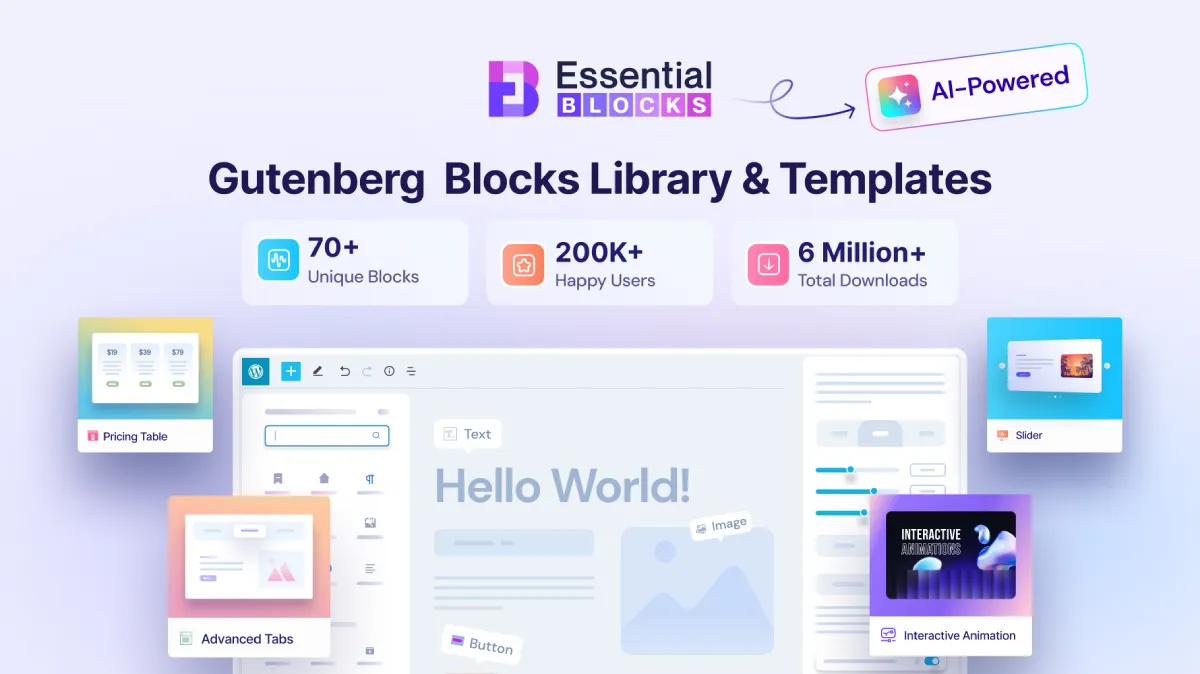
Among the available options, Essential Blocks has emerged as a strong contender. With around 200,000+ users worldwide and different creative blocks & features designed to increase efficiency and enhance web design freedom, Essential Blocks proves itself a leading choice. Its library of over 70 advanced blocks and AI-powered features ensures both developers and non-technical users have an intuitive toolkit for building interactive, fully responsive pages. This allows personalized, design-rich websites to come to life with ease, acting as an effective all-in-one block library to create a compelling online presence.
This blend of powerful functionality and ease of use enhances the website-building journey and increases the chance of turning simple WordPress sites into polished, professional web experiences. Hence, it stands out as the best Gutenberg blocks plugin.
Advanced Blocks Library
Essential Blocks mostly stands out for its 70+ advanced blocks that enhance the overall website design experience. Here in this section, some of the types of Blocks are explained in detail so that you can clearly understand their purpose, structure, and how to use them effectively while building and customizing WordPress websites using Gutenberg.
Content Blocks for Building Engaging Web Pages
Essential Blocks offers 20+ Content Blocks that help users create engaging, information-rich web pages without coding. The blocks are built in such a way that it makes it easy for WordPress designers and developers to adapt them and get creative. This makes building pages faster and more efficient.
The Content Blocks category includes accordions, advanced headings, sliders, team members, testimonials, and toggle content. With so many options, anybody can structure and present content beautifully for any type of website. Thanks to the many pre-designed blocks and the simple, organized settings in the Gutenberg editor, users can quickly build and customize their pages.
Best For:
- Content-heavy websites that need clean, organized layouts
- Designers who want creative freedom without coding
- Teams building landing pages, business sites, or blogs quickly
- Anyone looking to display testimonials, FAQs, and team profiles effortlessly

Creative Blocks for Crafting Interactive Layouts
Creative Blocks in Essential Blocks make it easy to build interactive, good-looking websites. These tools help WordPress users and design teams try out new ideas and tell better visual stories. As a result, websites look more appealing and keep visitors interested for longer.
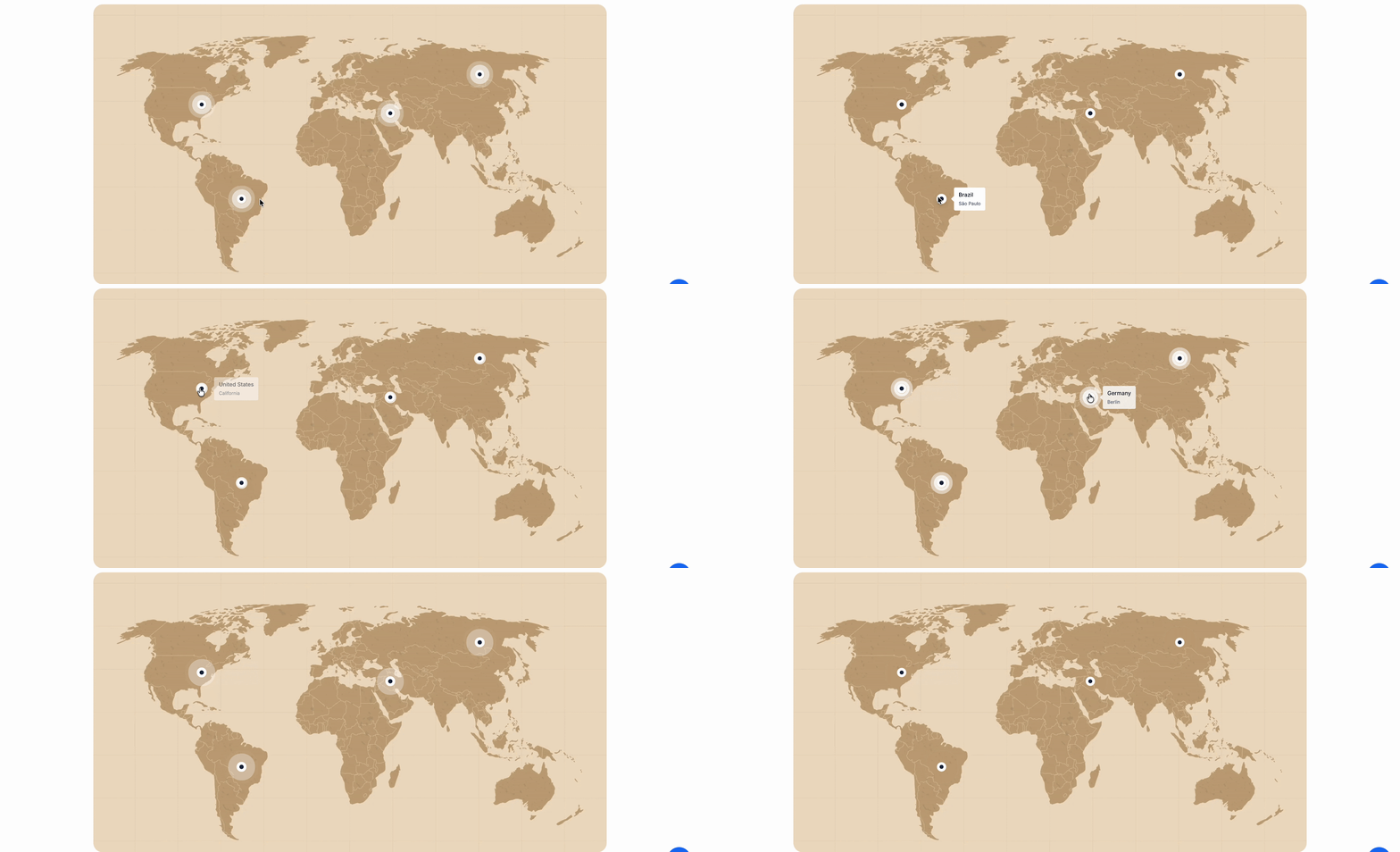
The Creative Blocks category acts like a creative studio, offering design features such as countdown timers, number counters, progress bars, image comparisons, filterable galleries, Lottie animations, animated wrappers, and image hotspots. This toolkit provides everything users need to create pages that stand out. With plenty of customizable, animation-ready blocks and strong styling options in the Gutenberg editor, users can confidently design interactive layouts.
Best For:
- Designers who want to create bold, animated, and interactive web pages effortlessly
- Portfolios, agencies, and creative brands looking to make a strong visual impression
- Marketers use countdown timers, counters, and galleries to boost engagement
- Anyone who wants to bring their pages to life with animations and dynamic design elements
Dynamic Blocks for Powering Post Grids and More
Dynamic Blocks in Essential Blocks make it easy to show real-time, data-driven content on your website, even if you do not have advanced development skills. These blocks help WordPress developers and site owners pull, organize, and present live data clearly and attractively. This keeps your website up to date, improves its performance, and helps engage your visitors.
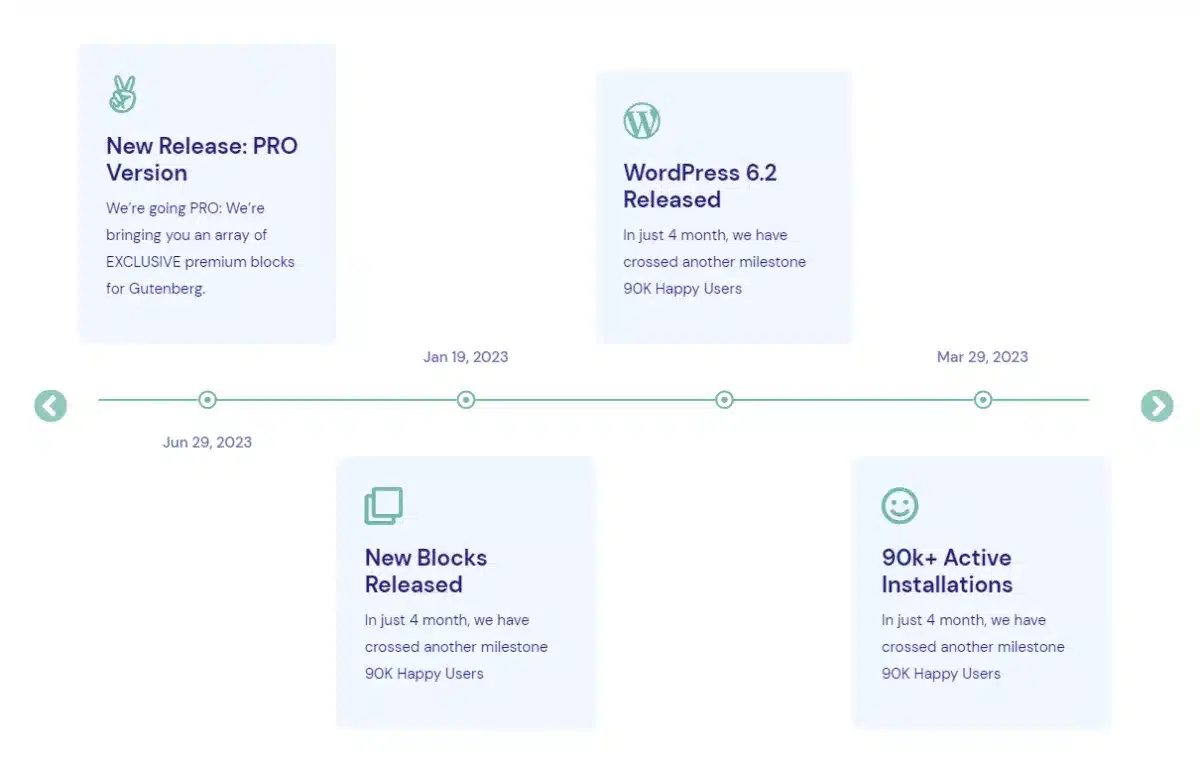
The Dynamic Blocks category is a central place to manage and display all kinds of dynamic content, such as post grids, carousels, loop builders, data tables, charts, news tickers, timeline sliders, Google Maps, breadcrumbs, post meta, taxonomy, NFT galleries, and Openverse. With this collection, you have everything you need to build content-rich pages that update automatically and keep your visitors informed. The Gutenberg editor gives you a wide range of query controls, layout options, and customization settings, so you can display dynamic content just the way you want.
Best For
- Sites that need live, auto-updating content without custom development
- Developers building query-based, data-driven page layouts
- News, portfolio, and eCommerce sites displaying dynamic post grids and carousels
- Anyone who wants full control over how live data looks and feels on their pages
Woo Blocks for Building a Professional WooCommerce Store
Essential Blocks offers a set of Woo Blocks that make it easy to build a professional WooCommerce store. These blocks help WordPress site owners and eCommerce developers show off products and create a smooth shopping experience for customers. With these tools, you can improve your store’s look, make products easier to find, and help shoppers enjoy buying from you.
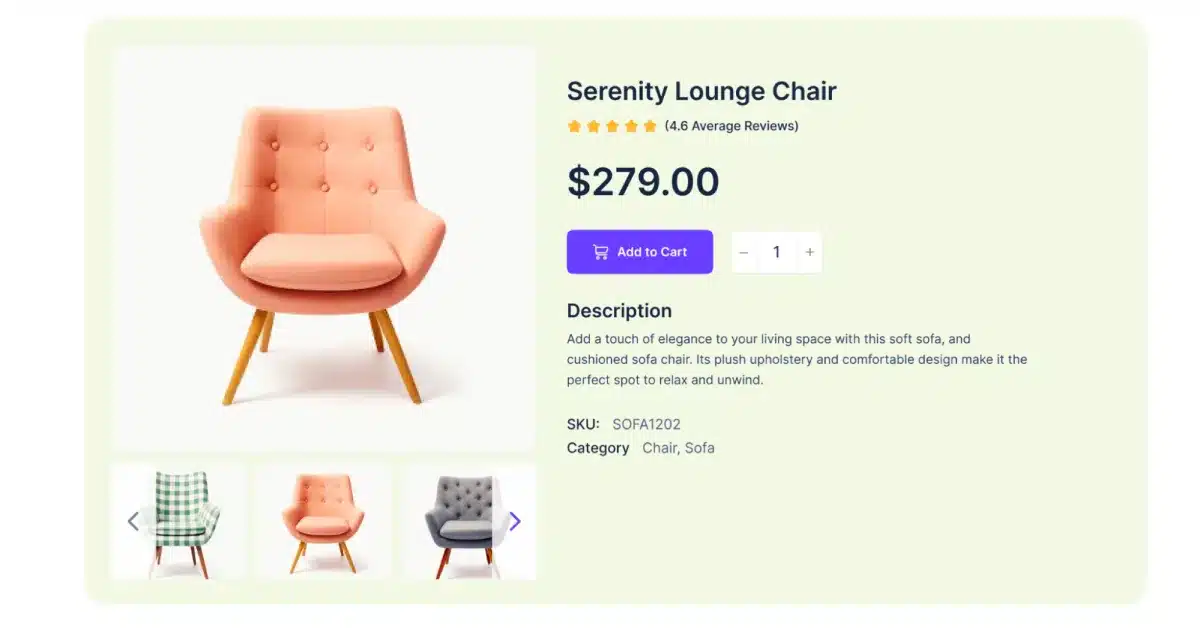
The Woo Blocks category is a toolkit for managing and displaying key eCommerce features, including product grids, carousels, images, prices, ratings, details, and add-to-cart buttons. This collection gives you everything you need to build an attractive, functional online store that draws in shoppers and boosts sales. You can design and customize product layouts using WooCommerce styling options, layout controls, and display settings in the Gutenberg editor.
Best For:
- Store owners who want a good-looking WooCommerce shop without coding
- Developers building custom product grids, carousels, and detail pages
- Businesses focused on improving product visibility and increasing sales
- Anyone creating a fast, attractive, and conversion-friendly online store
That’s not it. Essential Blocks has some other types of blocks such as, Marketing Block, Form Block, Social Block, and Layout Block. If you want to explore those, you can check the entire block library to get started with yours instantly.
Additional Features to Enhance the Block Experience
Apart from advanced blocks, Essential Blocks also offers some features that enhance the overall experience of using the blocks. These features can be directly applied in the blocks to make these more interactive. Here are some of the features that make it stand out from other block libraries.
Interactive Animations to Make an Interactive Page
The Interactive Animation feature in Essential Blocks makes it easy to add animation to any part of your WordPress site. With its flexible controls, designers, developers, and site owners can bring their layouts to life and create web experiences that catch visitors’ attention right away.
This feature increases the site’s interactivity and visual appeal, helping to keep users interested. Essential Blocks gives you a complete set of tools to add smooth, professional animations to any block or content. You can keep elements moving, adjust animation timing for a polished look, and fine-tune speed, easing, transitions, and behavior to match your brand.
Liquid Glass Effects for Glassmorphism on Website
The Liquid Glass Effect in Essential Blocks lets you add smooth, glossy glassmorphism to your WordPress site. Its simple, customizable controls help designers and site owners quickly turn basic block layouts into modern, eye-catching interfaces.
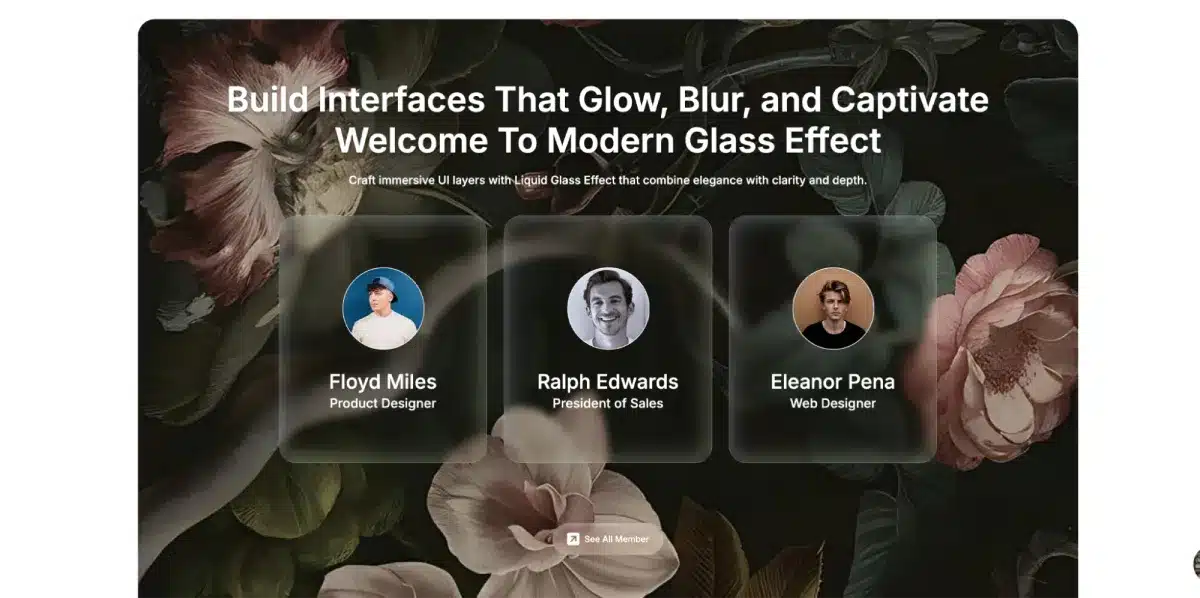
You can add translucent and blur effects to any block or section, and choose from presets like Grain Frost, Fine Frost, Soft Mist, Heavy Frost, and Light Frost. There are also advanced settings for glass depth, background color, blur, and shadow. The Liquid Glass Effect makes it easy to create glowing, blurred, and stylish designs right in the Gutenberg editor. With plenty of toggles and controls, you can find the perfect look for your site.
Conditional Display to Control Visibility
With the Conditional Display feature in Essential Blocks, you can control which content each visitor sees on your WordPress site. The simple rule system helps developers, site owners, and marketers customize the browsing experience for different audiences by setting visibility conditions on any block or section. This makes your website feel more personal and user-friendly.
Conditional Display lets you manage what visitors see based on things like login status, user role, browser type, scheduled dates for special content, query strings, URL parameters, and archive types such as media, search, or posts. You can set up to eight visibility rules, decide if any or all conditions must be met, and combine rules for more control. All these options are available right in the Gutenberg editor, so you can easily show the right content to the right people at the right time.
Dynamic Tags to Keep Website up to Date
The Dynamic Tags feature in Essential Blocks lets you show real-time, automatically updated content on your WordPress site without having to update it yourself. This makes content management easier for developers, content creators, and site owners, so your website stays accurate and up to date.
Dynamic Tags help you connect and display live data in any block or layout, such as author profiles, dynamic form fields, call-to-action buttons, and custom data from the Advanced Custom Fields plugin. These features help keep your content accurate, improve your workflow, and make your site easier to maintain over time. You can set up self-updating content placeholders using dynamic parameter controls, ACF integration, and automated data-fetching options right in the Gutenberg editor.
AI-Powered Features to Improve Website Workflow
To improve the workflow in Gutenberg, Essential Blocks offer AI-powered features that give users flexibility to improve their workflow. Here are the AI features explaining how these work in Essential Blocks.
Write with AI
Essential Blocks adds a powerful Write with AI feature to the Gutenberg editor, so anyone can create great content right inside the post or page. By giving keywords and prompts, you can simply generate the content on your website. Not only by writing with AI, but you can also change the content inside the blocks. By enabling rich text input, anybody can generate content based on a specific business niche.
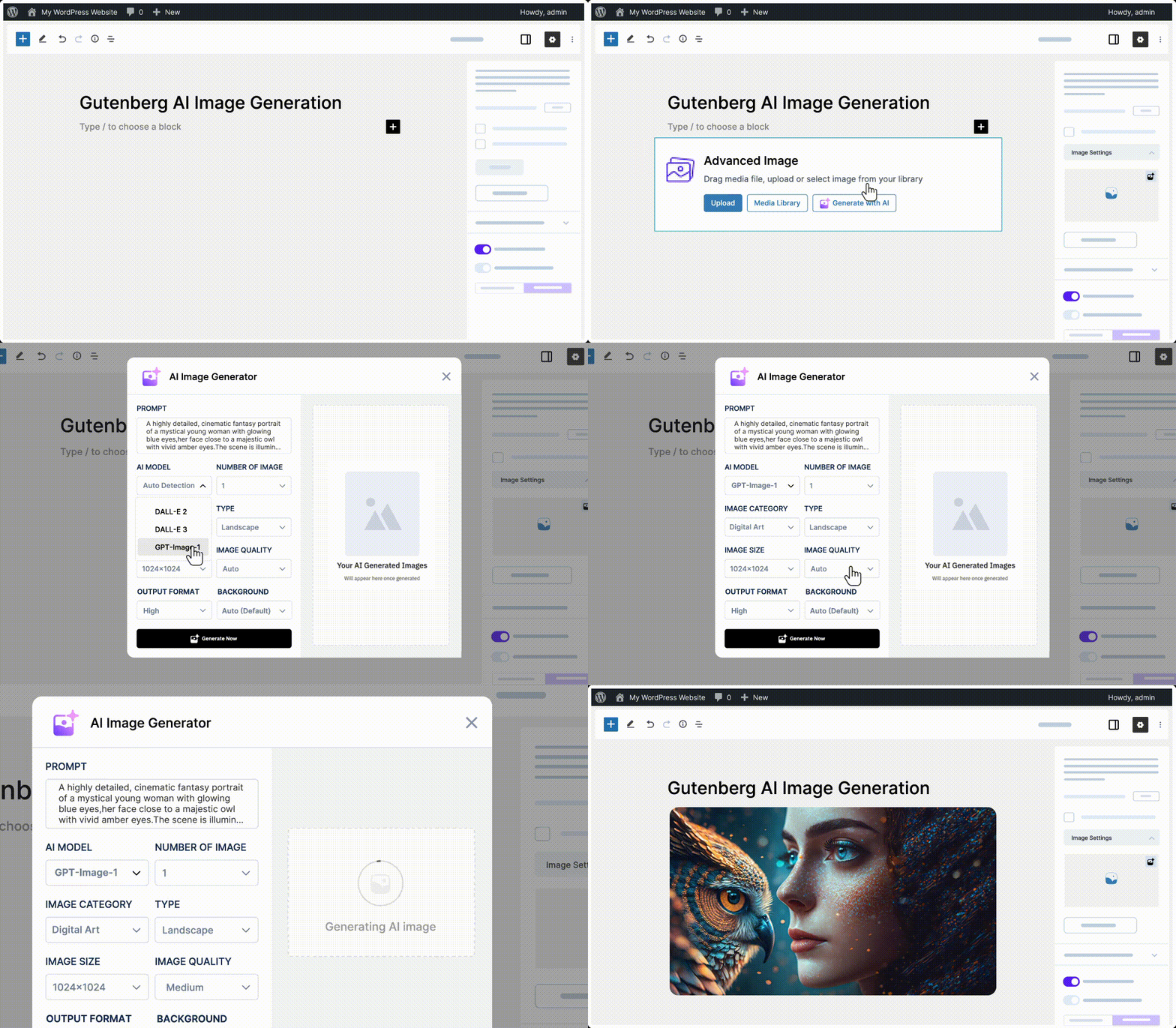
Generate Images with AI
Essential Blocks not only allow for generating content, it also helps to generate images. With a lot of options, from giving a prompt to add different qualities, anybody can generate an image instantly with AI. After that, they can place the image right inside their block editor anywhere they want.
Why You Should Try Essential Blocks to Design Websites in Gutenberg
With some advanced blocks and features, Essential Blocks offer more flexibility in the Gutenberg editor. Here are the experiences mentioned which sets Essential Blocks apart from other block libraries.
- User-friendly Interface: Essential Blocks has a user-friendly interface that anybody can use any blocks and features, even someone who is at the beginner level in WordPress.
- Easy Drag & Drop: Inside the Gutenberg editor, users can easily drag and drop the blocks. This makes it easier for any non-technical users to improve the overall website design.
- Advanced Customization: In Essential Blocks, you get the flexibility to customize the block, such as adding typography, color control, managing minimum height and width to adjust the block on the page or posts.
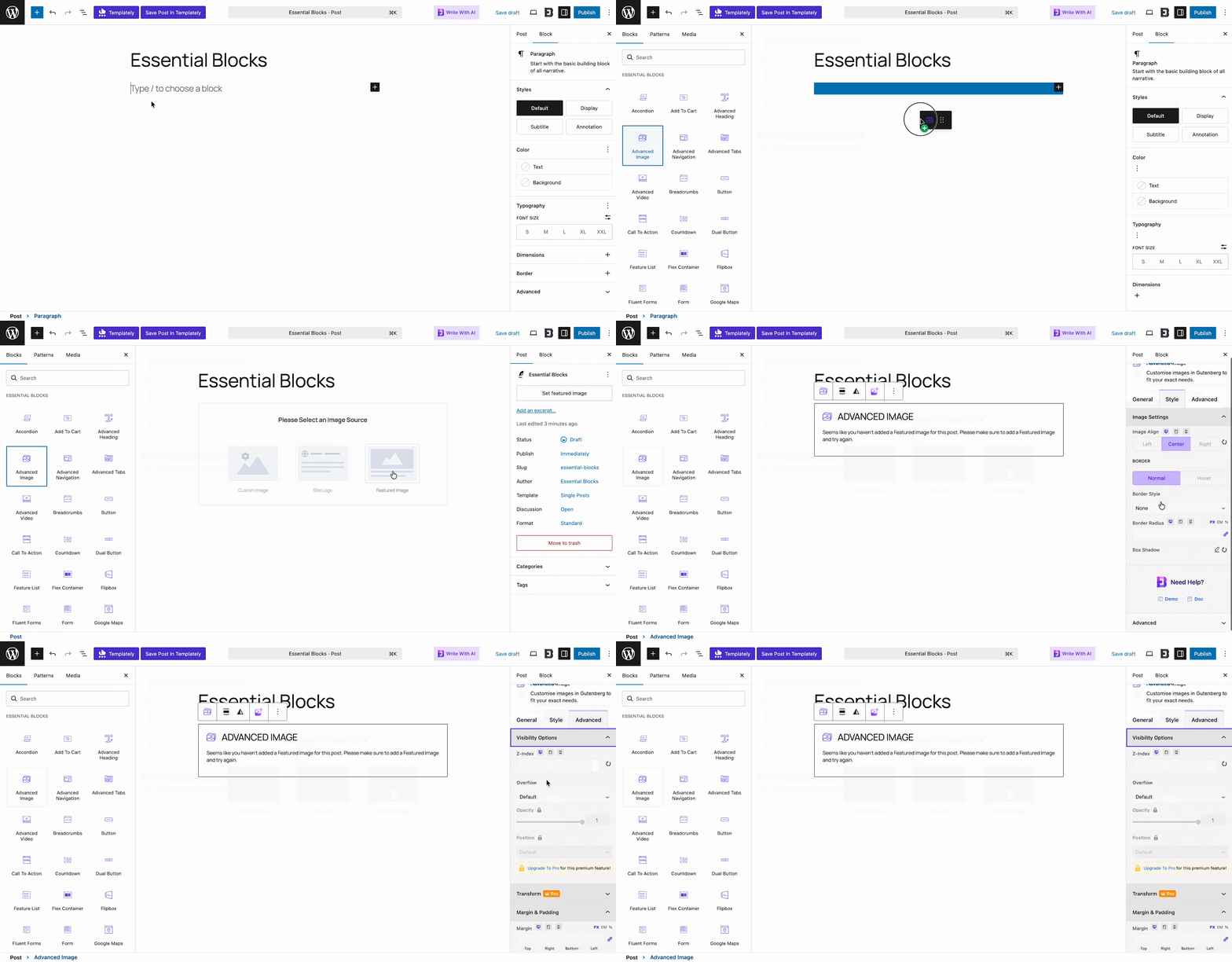
- Available Resources: Users won’t feel stuck getting started with Essential Blocks, because available resources are available on the website. From doc to YouTube video, anybody can get step-by-step instructions in their preferred format. Here are the links:
- Quick Customer Support: Essential Blocks has a good reputation for providing quick and efficient support to its customers. Customers can reach out to the support team anytime and get a proper solution for their queries in no time.
- Affordable Pricing Plan: You can get started with Essential Blocks in the free plan. While upgrading, users will find multiple options. These pricing options are planned in such a way that this is affordable to small business owners and agencies.
Conclusion
If you’re looking for a powerful Gutenberg blocks plugin for WordPress, Essential Blocks is a great choice. It offers a wide range of blocks for content, design, marketing, WooCommerce, social media, and layouts, along with advanced features like AI tools, animations, Liquid Glass Effects, Conditional Display, and flexible customization options.
Essential Blocks helps you build visually appealing, high-performing websites faster and more efficiently. Whether you’re a freelancer, business owner, developer, or agency, it gives you the tools to create engaging WordPress experiences that improve user trust and help your website grow.


Leave a Reply