
9 Preventive Maintenance Software Tools to Boost Efficiency
Most maintenance managers spend more time reacting to breakdowns than preventing them.
But if they are still managing maintenance in spreadsheets, filling data, and manually checking schedules, can we really blame them?
This is where Preventive Maintenance Software comes in handy. Preventive maintenance software is a type of CMMS that automates the scheduling, tracking, and management of regular maintenance tasks.
And to ensure that you choose the best preventive maintenance software, we have compiled the list of the top nine. But before that, let’s break down how you should decide for yourself.
How to Choose Preventive Maintenance Software Tools?
Preventive Maintenance Scheduling Capabilities
Your CMMS software needs to let you set up recurring maintenance tasks. These might be based on time intervals, meter readings, or usage thresholds. Ideally, look for calendar-based scheduling, asset-linked triggers, and the ability to set frequency rules.
Work Order Management
Every PM task should be able to generate a work order automatically. Ideally, the best preventive maintenance software tools will let you create, assign, prioritize, and close work orders from a single view. Here, you should also have access to full status visibility. Meaning, what’s pending, what’s in progress, what got done, and when.
Ease of Use & User Experience
The best CMMS softwares are easist to use for your team. If the learning curve for any tool is steep, its usability decreases significantly. You must prioritize clean dashboards, intuitive work order flows, and minimal clicks to complete tasks.
Mobile Accessibility
Since maintenance works involve a lot of ground work, it is very important that your preventive software offers mobile accessibility. With this feature, your technicians will be able to pull up work orders, attach photos, log parts used, and close tasks.
Automation & AI Features
With AI on the rise, the strongest Preventive Maintenance Software is the one expanding its capabilities. Think auto-escalation of overdue work orders, or predictive maintenance triggers based on sensor data. These features reduce manual oversight and catch problems before they become failures.
Reporting & Analytics
Your CMMS software is also a peek into your operations and performance. But your data must be presented to you without noise. The best preventive maintenance software should give you a range of crucial data. This includes reports on maintenance compliance rates, mean time between failures (MTBF), cost per asset, and technician productivity.
Integration Capabilities
Finally, the most important feature of any Preventive Maintenance Software that you should look into is its integration capabilities. Your CMMS shouldn’t live in isolation. It needs to connect with your ERP, accounting software, IoT sensors, and HR systems.
9 Preventive Maintenance Software Tools to Boost Efficiency
Sockeye
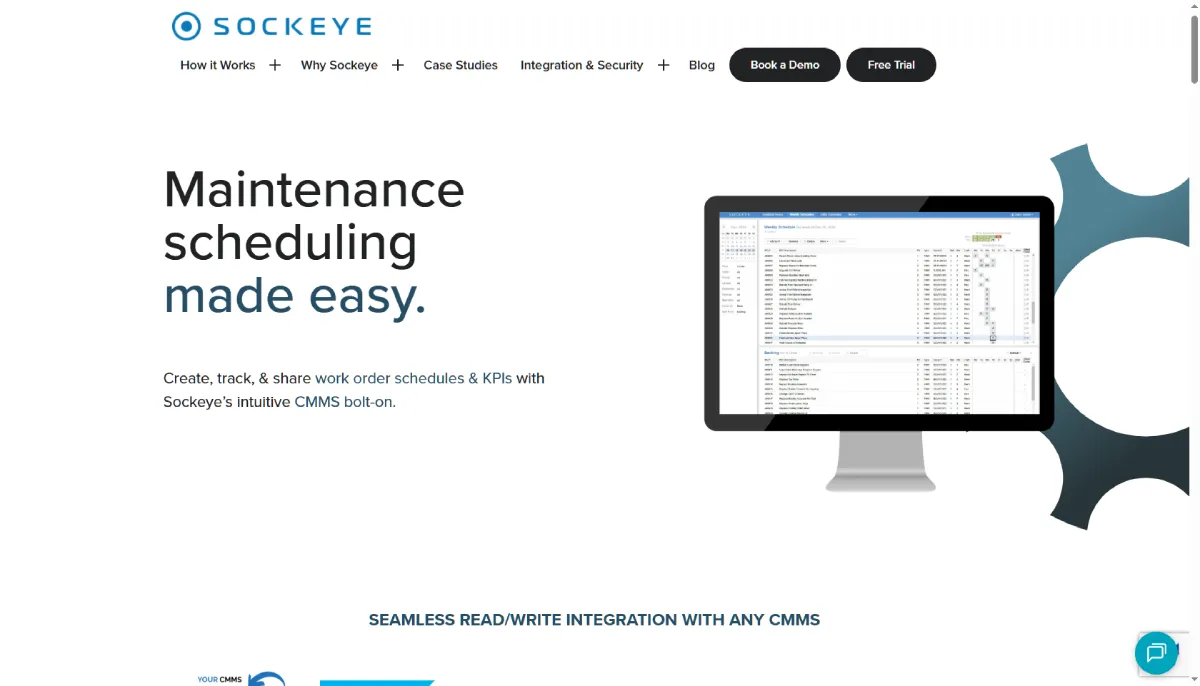
Sockeye is a leading preventive maintenance platform in 2026. It is a tool designed for teams that prioritize speed and simplicity. Its PM-first architecture keeps scheduling and work order triggers front and center.
This resolves the most common complaint of technicians, who eventually stop using the software because of its complexity. Within Sockeye, everything is designed to cater to maintenance teams by understanding how each of them actually works.
Why Choose Sockeye?
- Simple setup, fast adoption: Sockeye is designed to get your team operational quickly, with minimal configuration and an intuitive interface that doesn’t require dedicated training sessions.
- PM-first design: The platform is purpose-built around preventive maintenance workflows, so scheduling, triggers, and work order generation are front and center.
- Solid mobile experience: Technicians can access and complete work orders from the field without friction, keeping your PM compliance rates high.
MaintainX
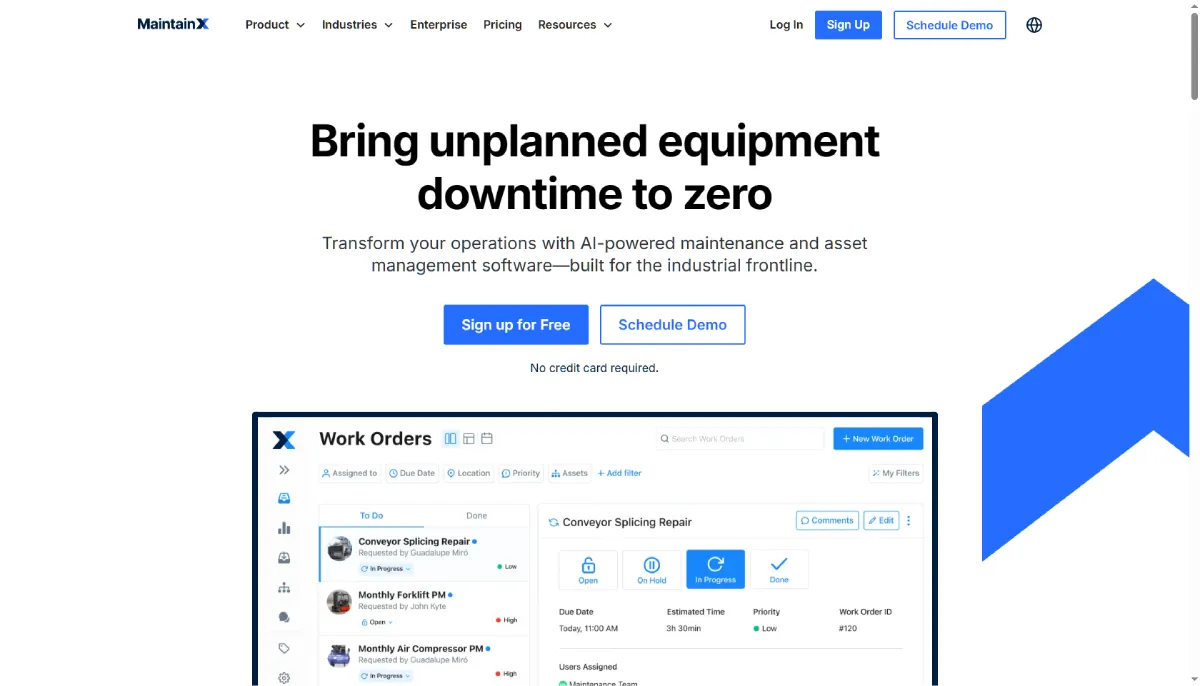
MaintainX is a mobile-first CMMS built for frontline teams in manufacturing, facilities, and hospitality. The platform automates asset management as per work orders.
It links respective assets and logs every maintenance action, creating a clear, searchable history. MaintainX combines work order management, PM scheduling, and real-time messaging in one platform. Overall, making it one of the most adopted tools for mid-sized operations.
Why Choose MaintainX?
- Built-in team communication: Work orders include a native chat thread, so technicians and managers can coordinate without switching to a separate messaging app.
- Strong free tier: MaintainX offers a genuinely functional free plan, making it a practical starting point for small teams testing the waters.
- Fast mobile onboarding: Most technicians are productive within hours of download.
Limble CMMS
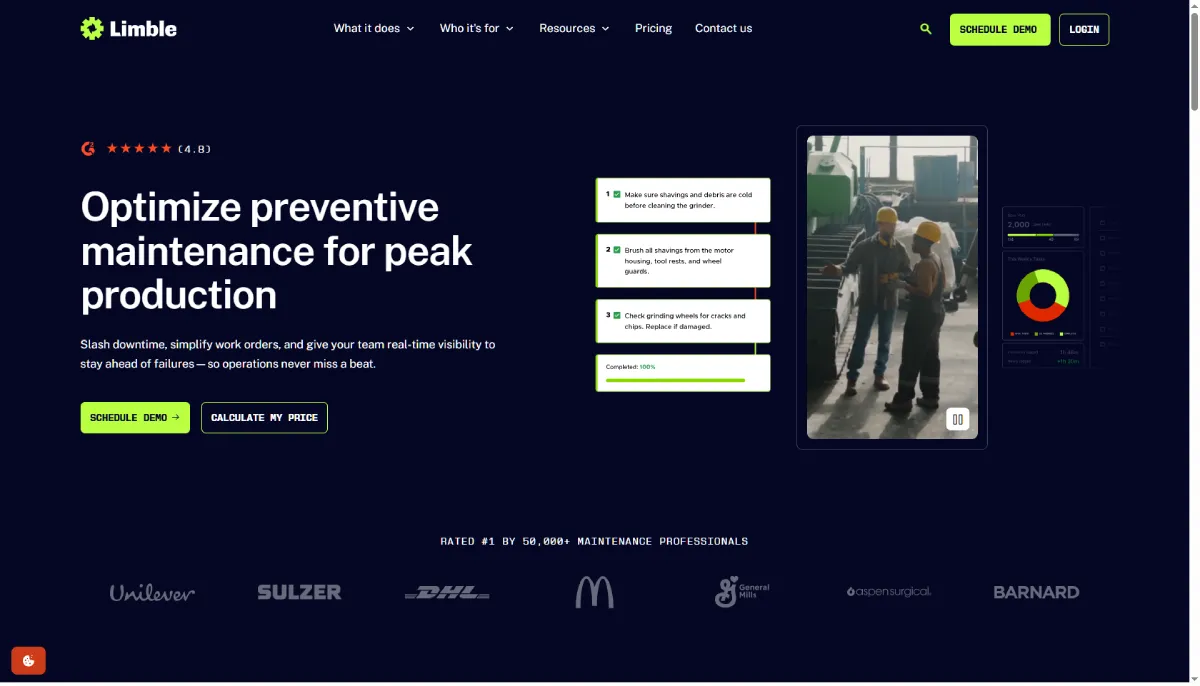
Limble CMMS is consistently rated among the easiest-to-use platforms in its category. Users consistently highlight how it simplifies and strengthens the preventive maintenance process. Limble CMMS is known to remove the human error that comes with manual tracking.
This itself makes it the go-to pick for teams where PM compliance was always falling apart at the scheduling and assignment stage. You can handle preventive maintenance scheduling, asset tracking, and reporting with a drag-and-drop calendar interface that most teams find immediately intuitive.
Why Choose Limble?
- Ease-of-use ratings: Limble routinely tops G2 and Capterra rankings for user-friendliness, which translates directly into higher team adoption.
- Automated PM triggers: Set schedules by date, runtime hours, or meter readings and let Limble handle the work order creation automatically.
- Detailed reporting out of the box: Maintenance history, asset downtime, and technician productivity reports are pre-built and easy to interpret.
Fiix CMMS
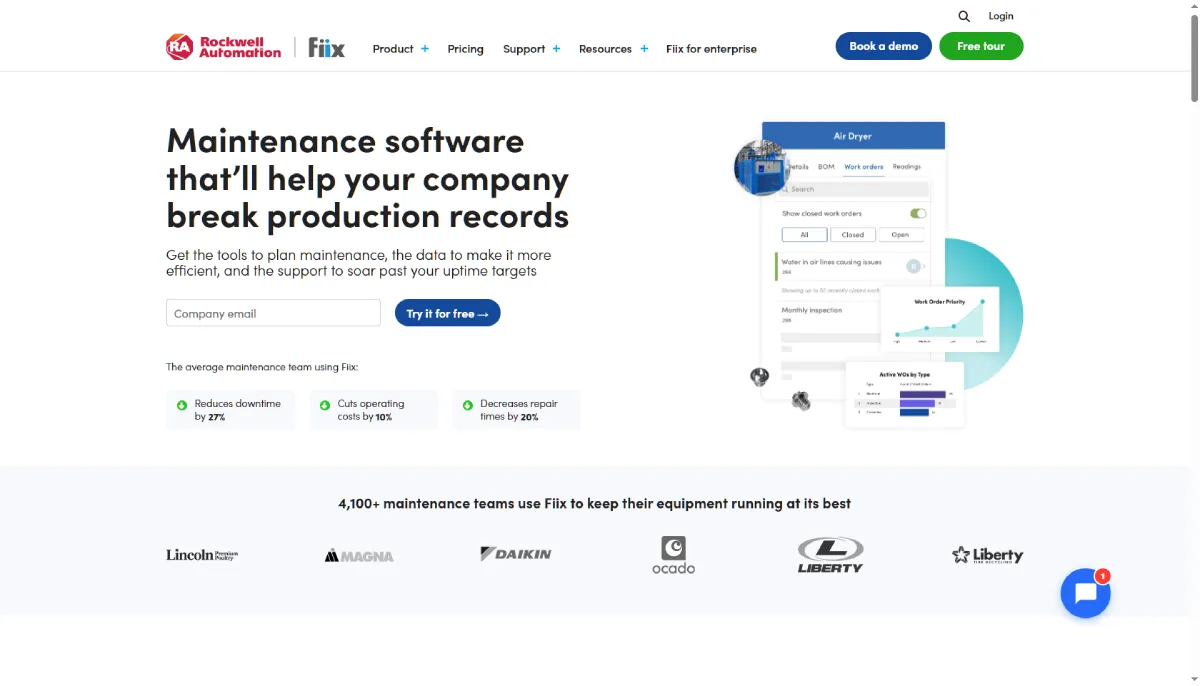
Fiix CMMS, now part of Rockwell Automation, is a cloud-based platform built for asset-heavy industries like manufacturing, utilities, and energy. Its Fiix Foresight AI layer flags risk before a line goes down.
Additionally, it also offers a deep integration hub that connects to ERPs, SCADA, and BI tools through low-code connectors. This solves the chronic problem of mid-market factories running disconnected systems.
Why Choose Fiix?
- AI scheduling assistant: Fiix’s AI analyzes asset history and usage patterns to recommend optimal PM intervals, reducing both over-maintenance and unexpected failures.
- Enterprise integration depth: Native connectors with SAP, Oracle, and other major ERPs make it a strong fit for larger organizations with existing systems.
- Asset hierarchy management: Handle complex multi-site asset structures with parent-child relationships, location mapping, and full service history.
UpKeep
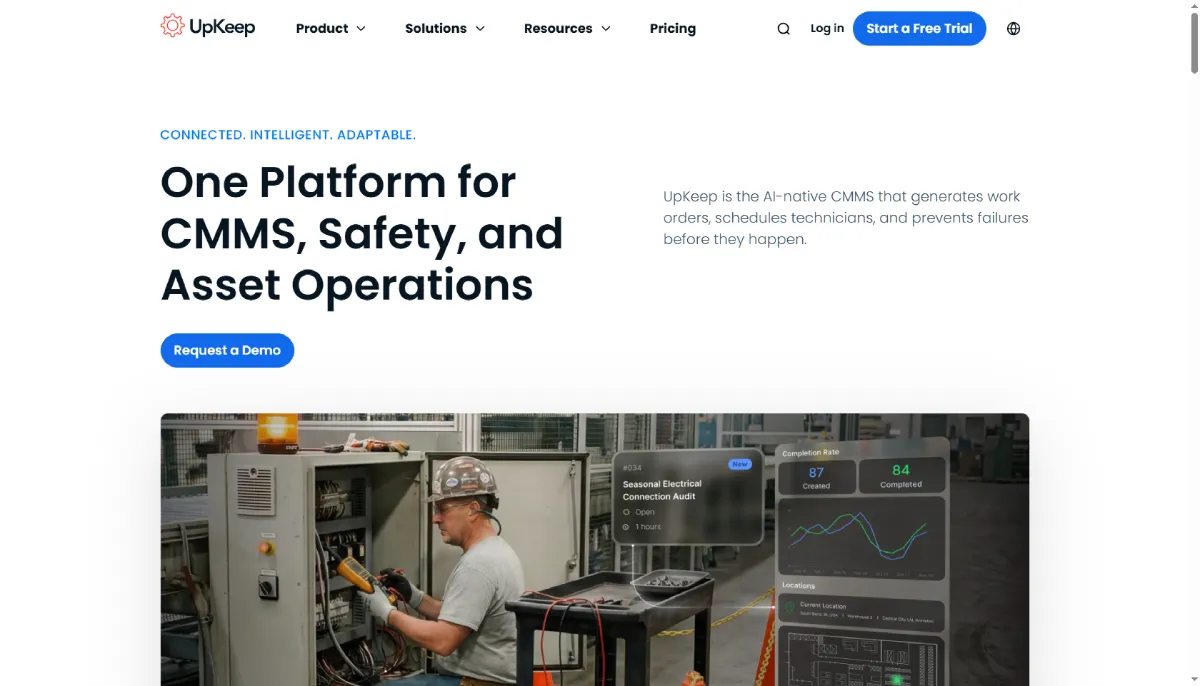
UpKeep is a widely used mobile-first CMMS popular with facilities and property management teams. Its automated scheduling eliminates the need to manually create every recurring work order, even items that repeat daily.
This is among the most cited features by users when switching from older systems, where that manual rebuild was eating hours every week. Upkeep covers the full maintenance workflow with a clean app experience that field technicians actually enjoy using.
Why Choose UpKeep?
- Role-based access: Admins, technicians, and requesters each get a tailored view, so nobody sees more complexity than they need.
- Parts and inventory tracking: UpKeep flags low inventory automatically and links parts usage directly to work orders, giving you real cost-per-repair visibility.
- Integrations with popular tools: Connects natively with Slack, QuickBooks, Zapier, and Azure AD. This is useful for teams already embedded in these ecosystems.
eMaint CMMS
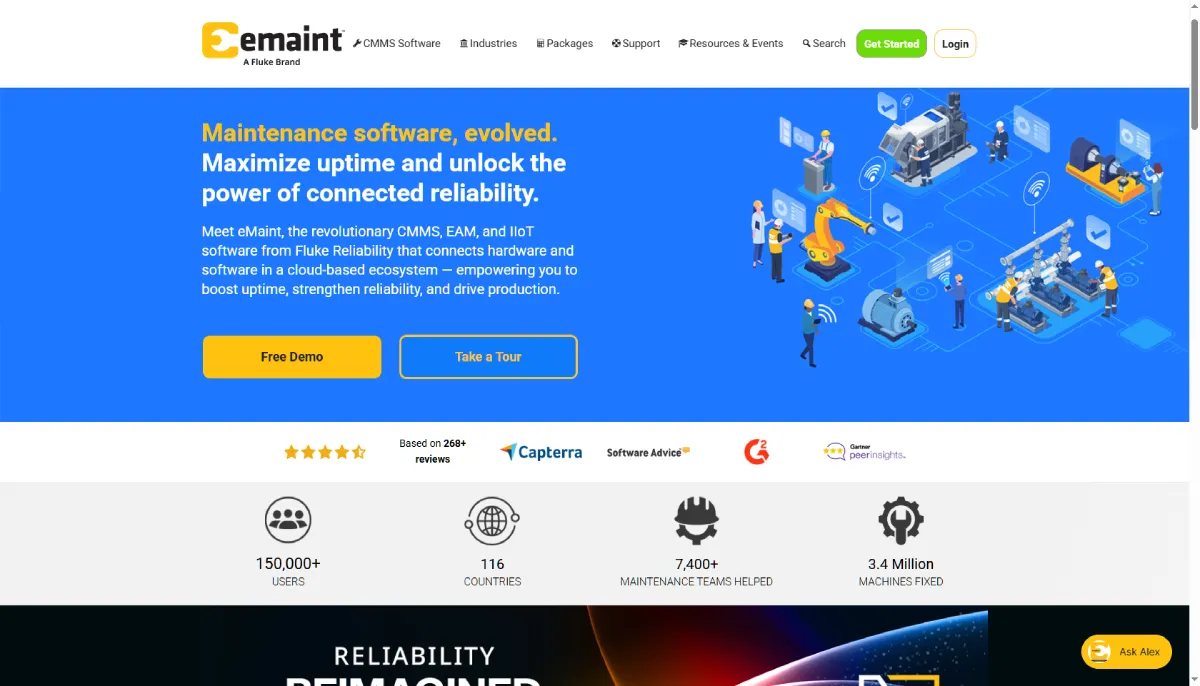
eMaint CMMS is a configurable, enterprise-grade platform built for organizations that manage large asset portfolios across multiple sites. Its interactive plans feature lets you overlay maintenance data onto floor plans, schematics, or site maps. This makes it a strong choice for teams that need both depth and flexibility in their PM workflows.
Why Choose eMaint?
- Highly configurable workflows: eMaint lets you tailor work order forms, PM triggers, and dashboards to match your specific operational processes without custom development.
- Multi-site management: Centralized oversight of assets and maintenance tasks across locations makes it a practical choice for distributed operations.
- Built-in condition monitoring: Integration with Fluke’s vibration and thermal sensing tools enables a path toward predictive maintenance from the same platform.
Fracttal One
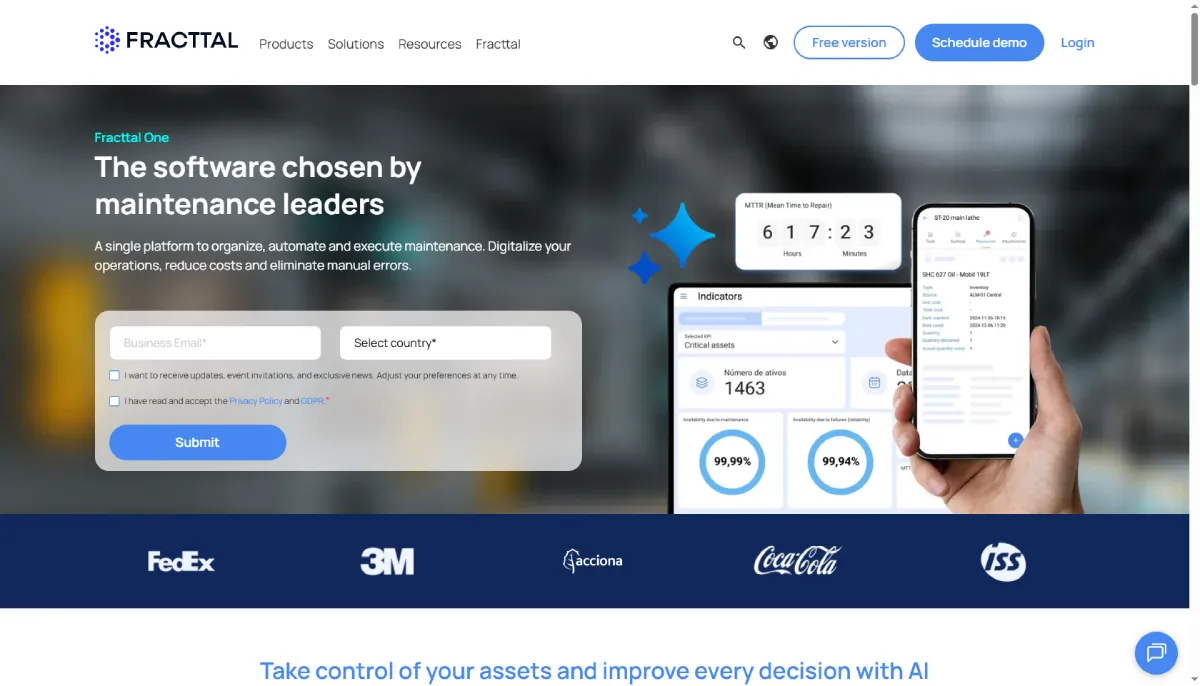
Fracttal One is a cloud-based CMMS platform with a strong presence in Latin America. At the same time, it is also seeing adoption across Europe. It’s Fracttal Sense sensors stream live data into the CMMS.
This includes data related to vibration, heat, and amperage, based on which it fires alerts the moment values drift outside set thresholds. This end-to-end ownership solves the integration headache teams face when trying to bolt IoT capabilities onto a CMMS not designed for it.
Why Choose Fracttal One?
- IoT-ready from the start: Fracttal connects directly with sensors and meters to trigger maintenance tasks based on real-time equipment data.
- AI-assisted work planning: The platform analyzes historical failure data to suggest PM frequencies that reflect actual asset behavior.
- Multi-language, multi-currency support: A practical advantage for international teams managing assets across different regions.
EZO CMMS
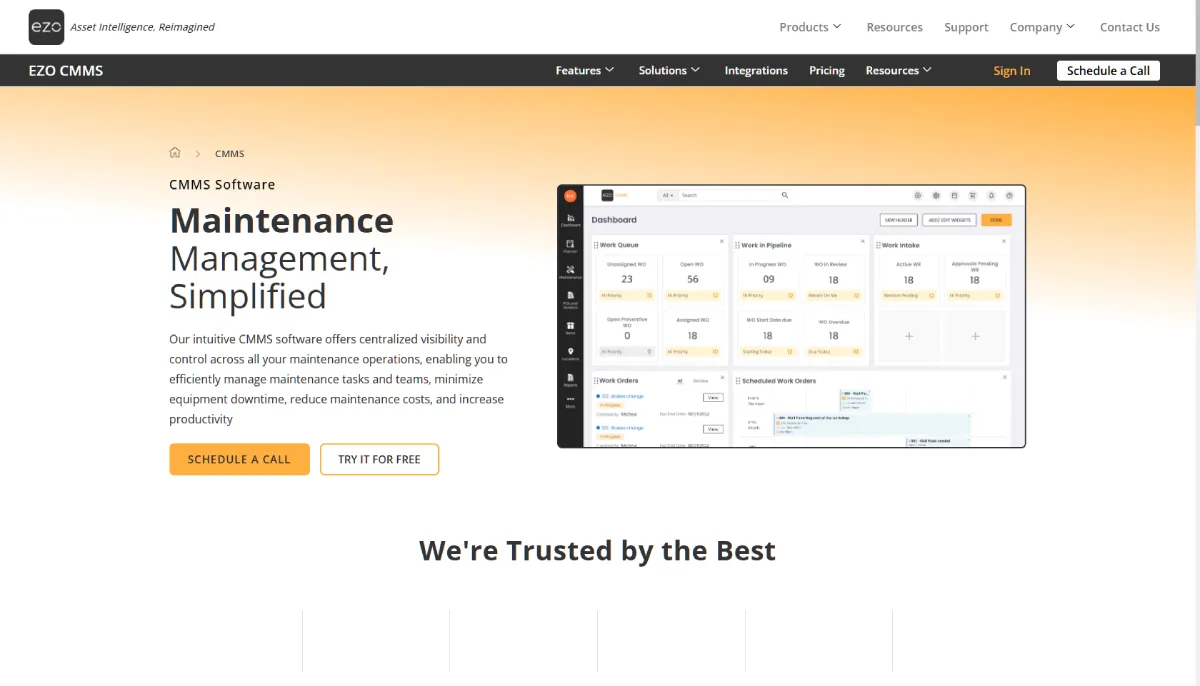
EZO CMMS is a part of the EZOfficeInventory ecosystem. This solves a specific pain point of technicians being able to log work orders, track assets, and manage preventive maintenance without extensive training.
This is especially helpful in organizations where asset registers and maintenance histories have historically lived in separate tools. It’s built for teams where asset visibility and PM compliance are equally critical.
Why Choose EZO?
- Asset lifecycle tracking: EZO covers the full asset journey with maintenance history embedded throughout.
- Barcode and QR scanning: Technicians can pull up asset details and work orders by scanning asset tags in the field, speeding up every PM task.
- Flexible deployment: Available as a standalone CMMS or bundled with EZO’s broader asset management suite, depending on what your team needs.
Click Maint CMMS
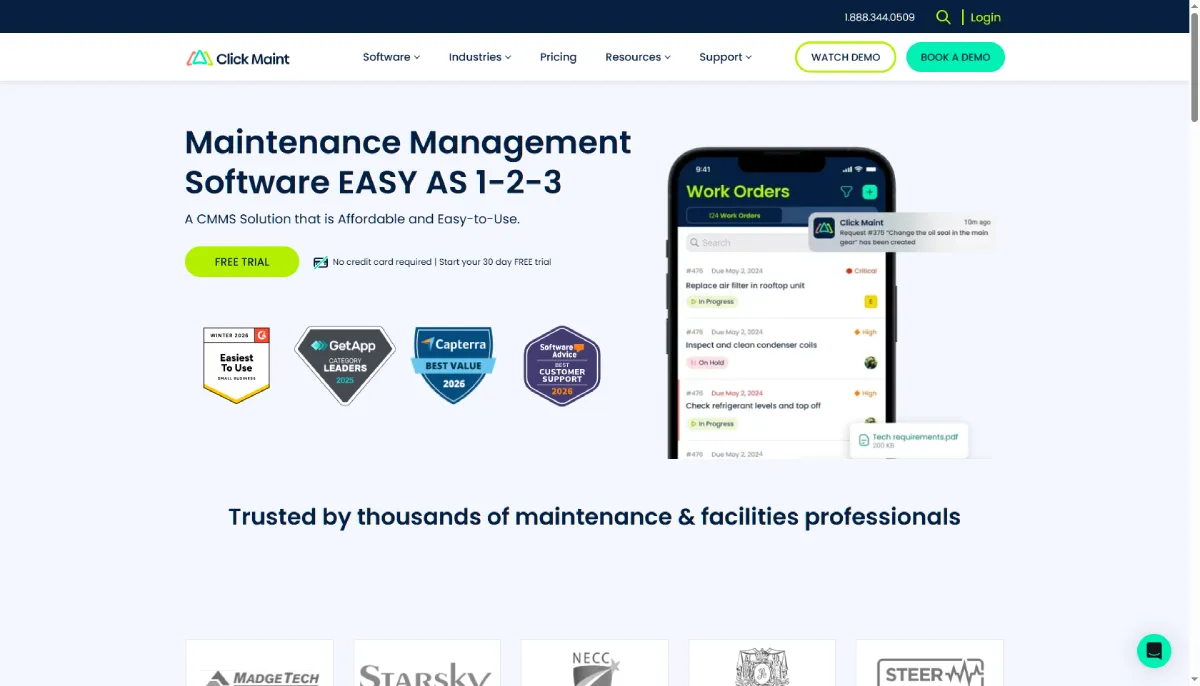
Click Maint CMMS is a straightforward, budget-friendly platform aimed at small to mid-sized teams. It is tailor-made for businesses transitioning from spreadsheets to an intuitive interface that minimizes the learning curve.
The problem it solves is the paralysis smaller teams face when “full-featured” CMMS platforms take months to stand up. It is perfect for PM scheduling, work orders, and asset tracking without paying for features they’ll never use.
Why Choose Click Maint?
- Transparent, affordable pricing: Click Maint’s pricing model is simple and predictable, making it an easy business case for smaller operations with limited maintenance budgets.
- Quick to deploy: Most teams are live within a day, with minimal configuration required before you can start creating PM schedules.
- Clean, focused interface: No feature bloat. The tool does the core jobs well, which keeps technician training time short and adoption rates high.
Final Takeaway
The right preventive maintenance software reduces downtime, extends asset life, and gives your team the visibility to plan ahead. As we discussed, you can start taking actions more proactively.
Start by getting clear on your non-negotiables for yourself. Define what you need. Mobile access, automation, or integration with existing systems. Then, try all the options from the list that align with your requirements.
The best preventive maintenance software is the one your team trusts enough to use every day.


Leave a Reply