

The 6 SEO Audit Tools Our Agency Actually Renews in 2026
It’s Monday, 8:40 AM in Austin, and the week is already stacked. There’s an onboarding audit due for a new mid-market client who signed Friday, monthly rechecks to run across the roster, and one client’s QBR landing Thursday that I still haven’t opened. The seo audit tools on my screen aren’t there by accident. Each seo audit tool earns its slot at a specific moment — the deep first crawl, the monthly diff, the pre-QBR explainer. None of them is a ranked winner. They’re stops in a routine the team runs the same way every month, on every account — six tools, six jobs.
The audit stack at a glance
Here’s the whole stack of seo audit tools in one view, in the order we actually touch it across a month: the platform that holds the whole operation together, the two crawlers we lean on for depth, the overflow option, and the two free Google tools that keep us honest on speed and indexation.
| Tool | Workflow job | Entry price (verified Jul 2026) | Audit scope | JS rendering | White-label reporting |
| SE Ranking | System of record: scheduled audits + client reports | Core $129/mo ($103.20/mo billed annually) | 115+ checks, up to 2M pages | Yes (toggle) | Yes (Agency Pack) |
| Screaming Frog | Onboarding deep crawl + monthly diff | Free ≤500 URLs; £199/yr licence | Unlimited (RAM-bound) | Yes (paid tier) | No |
| Sitebulb | Pre-QBR explainer with visual crawl maps | Lite $18/mo (10K URLs/audit) | Up to 500K URLs/audit | Yes (all tiers) | Board-ready PDF |
| Serpstat | Overflow audit capacity + second opinion | Individual $50/mo (annual billing) | 50 error types, 8 categories | Team tier ($100/mo)+ | Export + templates |
| Google PageSpeed Insights | Per-template speed checks | Free | Single-URL speed + Lighthouse | n/a | No |
| Google Search Console | Indexation ground truth | Free | Page indexing report | n/a | No |
So what does “renews” mean here? These are the seo audit tools we pay for again after a year, because each still does a job nothing else in the stack covers — the seo audit software subscriptions that survive a full renewal review. Every price above was checked against the vendor’s own pricing page in July 2026. The median mobile home page now weighs 2.6 MB, up 8.4% year over year (Web Almanac 2025) — sites keep getting heavier, so audits matter more, not less.
Stage 1: the onboarding crawl (weeks 1–2 of a new retainer)
The first full technical SEO audit sets the baseline every later report measures against, and it leans on the two heaviest seo audit tools in the stack. Before you promise a client anything, you run the deep crawl, score the site, and turn thousands of raw issues into a prioritized fix list — the shortlist your team works from for the rest of the retainer.
1. SE Ranking
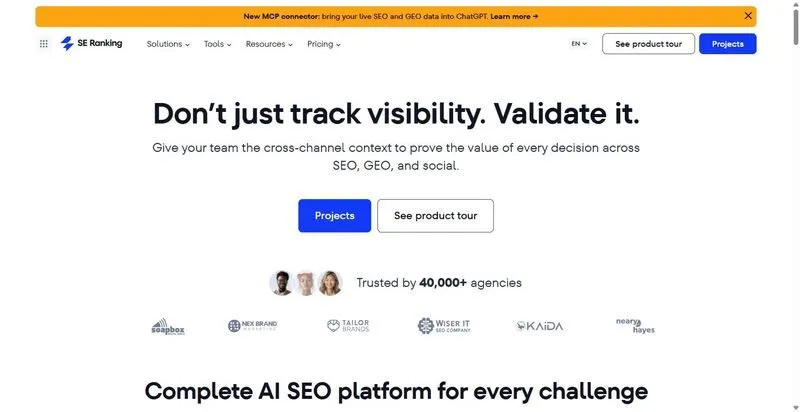
SE Ranking is the platform our whole team lives in — recurring audits, rank tracking, and client reports in one place.
Best for: the agency’s home base — the one tool the whole team runs recurring audits and builds client reports in.
Standout feature: SE Ranking’s Website Audit runs a full website seo audit of 115+ checks across 13 categories, but the part that does the real work is the output — every issue arrives with a severity level, step-by-step fix instructions, and a “+X points” label showing the Health Score gain, so a junior can see exactly where effort maps to impact.
Pros:
- Scores issues by severity with fix steps, so effort maps to impact.
- Proves progress with crawl comparison that flags New vs Fixed issues across monthly reports.
- Ships scheduled crawls, emailed white-label PDFs, and shareable guest links (a real white label seo audit tool).
- Runs a standalone Website Audit with no project set up, so you can audit a prospect before they sign.
Cons:
- Core Web Vitals data can take a couple of weeks to populate on a brand-new audit.
- Monthly page limits reset (250K on Core), so a giant one-off migration crawl can eat the month’s allowance.
- JS rendering slows crawls and costs more API credits.
Pricing: Core $129/mo ($103.20/mo billed annually); Website Audit, API, and MCP are included in every plan. 14-day trial, no credit card.
My take: across a roster, one system of record beats stitching exports together every Monday — the hours you save reconciling data pay for it fast. It’s a platform, not the deepest single-purpose crawler, and I’m fine with that trade at our scale.
2. Screaming Frog
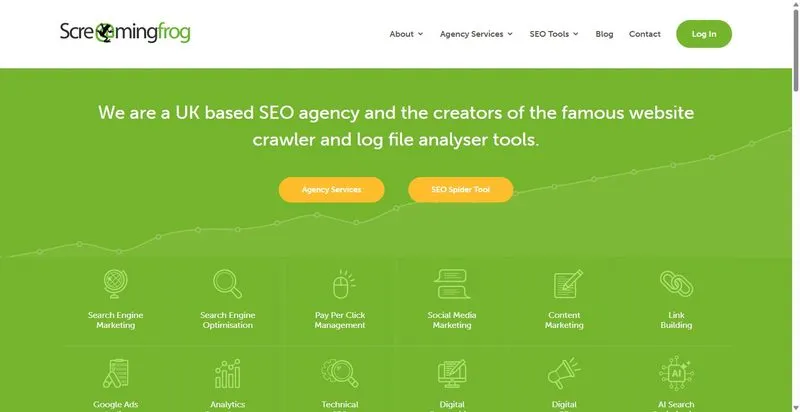
The desktop crawler our technician has trusted for years — the technical seo audit tool we point at a new client’s site to see everything.
Best for: the exhaustive onboarding crawl and the month-over-month diff that catches what regressed.
Standout feature: Screaming Frog’s crawl comparison is the one we lean on hardest: point it at this month’s crawl and last month’s, and it surfaces exactly what changed. The median page carries 43 internal links, and 174 at the 90th percentile (Web Almanac 2025) — auditing internal links at that scale needs a real crawler, not a spot-check.
Pros
- Crawls up to 500 URLs free before you commit to a licence.
- Compares two crawls to surface exactly what moved month over month.
- Renders JavaScript and pulls in GA4, GSC, and PageSpeed data once licensed.
Cons
- Runs desktop-bound, so big sites are capped by your machine’s RAM and storage.
- Licensed per user, so every technician who needs it needs a seat.
- Produces no client-facing reporting layer, so its output stays internal.
Pricing: Free for up to 500 URLs; the paid licence is £199/year per user and unlocks JavaScript rendering, scheduling, and integrations.
Here’s where Screaming Frog earns its place in our stack: it isn’t the tool a client ever sees, and it was never meant to be. It’s the technician’s deep crawl — the one we run in onboarding to map a site, then again each month to catch drift before a client does.
Stage 2: the monthly recheck (about an hour per client)
Once a client is onboarded, the monthly job is an automated re-crawl, a diff against last month, and a health-score delta you hand the client — not the raw issue list. This is where the recurring seo audit tools earn their subscription. An automated SEO audit turns the recurring seo site audit into an hour. Left manual, reporting can eat nearly a full workday per client, every month.
3. Serpstat
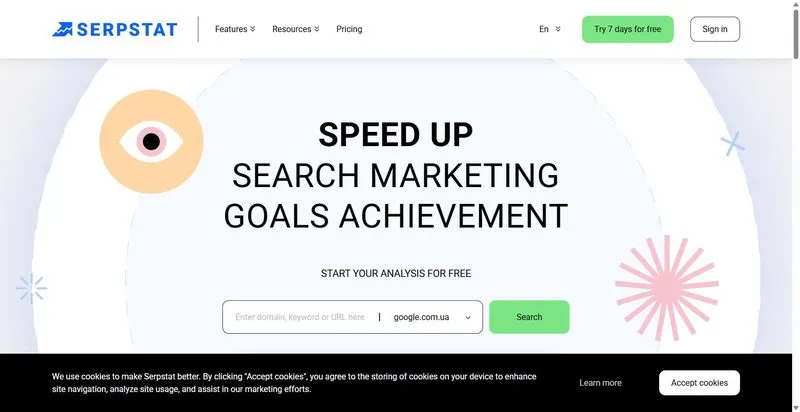
A full SEO suite whose site-audit module doubles as an on page seo audit tool and makes a useful overflow option when you take on projects faster than your main stack’s limits.
Best for: extra audit capacity and a second opinion when you add client projects without upsizing the primary stack.
Standout feature: Serpstat’s site audit checks 50 error types across 8 categories and tracks a Domain Optimization Score over time. The mechanic to understand is the quota: 3 audit pages per 1 monthly position check on every plan, so auditing and rank tracking draw from the same credit pool, and you size the plan for whichever job runs hotter.
Pros:
- Audits against 50 error types grouped by priority
- Schedules daily or weekly re-crawls with completion alerts
- Shares one credit pool between auditing and rank tracking, so a single plan covers both jobs
Cons:
- No JavaScript rendering on the entry Individual plan ($50/mo, billed annually), which also caps you at 5 projects — a busy agency realistically starts at Team ($100/mo)
- Audit depth trails the dedicated crawlers
Pricing: Individual $50/mo (billed annually); Team $100/mo adds JS rendering and unlimited projects.
Look at it this way: Serpstat isn’t your main platform, and it doesn’t need to be. It’s the tool you reach for when a new project lands before you’ve upsized the primary stack — extra audit capacity and a second read on the issues that matter. As overflow, it pulls its weight across the roster.
Stage 3: the pre-QBR deep-dive (quarterly, half a day)
Once a quarter, ahead of the business review, we run the audit that has to explain itself in the room. Not a raw issue list — a prioritized seo audit checklist paired with visual crawl maps and the “here’s why this matters, here’s what it’s worth” layer a spreadsheet can’t carry. Half a day, and it earns the QBR — the one moment a quarter where the seo audit tools have to speak to a non-technical room.
4. Sitebulb
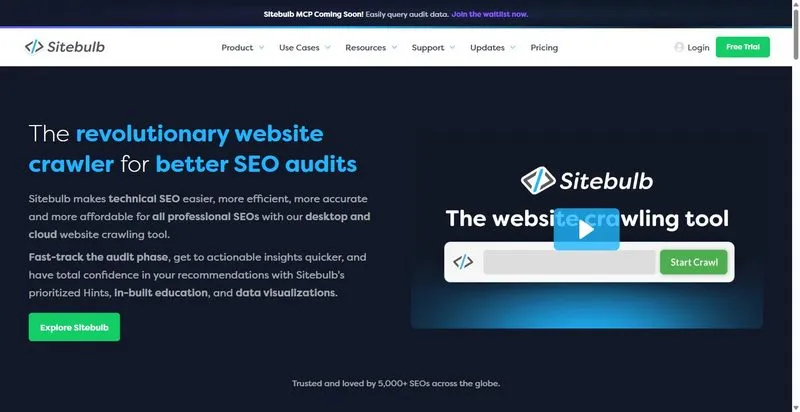
Sitebulb is a desktop and cloud crawler built around explaining, in plain language, why each issue it finds actually matters.
Best for: the audit you walk a client through in a room, not one you email as a spreadsheet.
Standout feature: Sitebulb’s prioritized “hints” pair every flagged issue with a plain-language explanation of why it matters and what to do about it, and its visual crawl maps turn site structure into something a non-technical client can follow in a QBR. That’s the explainer layer that makes technical findings actually land.
Pros:
- Explains each issue with a prioritized hint, not just a flag
- Renders JavaScript on every plan
- Maps site structure visually for client-facing walkthroughs
Cons:
- Desktop plans are licensed per machine
- The $18/mo Lite plan caps each audit at 10,000 URLs — fine for mid-market sites, not enterprise
- No rank tracking or keyword data; it’s an audit tool, full stop
Pricing: Lite $18/mo (10,000 URLs per audit); Pro $42/mo (500,000 URLs per audit); Cloud from $125/mo. 14-day trial.
Where it lands: Sitebulb pays off quarterly, not daily — we open it for the pre-QBR deep-dive and the odd technical fire. The crawl runs are solid, but the explainer layer is what clients remember. When a CMO nods along to a crawl map, that’s the renewal justifying itself.
Stage 4: speed and indexing ground truth (free, every audit)
Two free Google tools sit under every audit we run, quietly checking what the paid crawlers claim. One measures speed at the template level; the other confirms what Google has actually indexed. They cost nothing, they run on every account, and they keep the pricier seo audit tools honest.
5. Google PageSpeed Insights
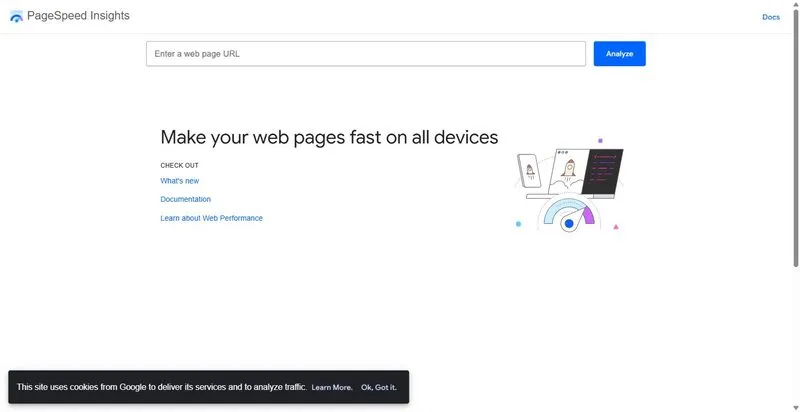
Google’s free speed checker, and the cleanest way to show a client the gap between a lab score and what real users actually get.
Best for: per-template speed checks and explaining the lab-versus-field distinction to clients.
Standout feature: PageSpeed Insights reports two datasets: field data from the Chrome User Experience Report — real users, a 28-day trailing window at the 75th percentile — and lab data from Lighthouse, a simulated mid-tier phone for debugging. So you can show a client exactly why their “90 score” and their real-world experience disagree.
Pros:
- Reports real-user field data and lab data side by side
- Offers a free API with a generous default quota (about 25,000 requests a day)
- Costs nothing at any scale
Cons:
- Low-traffic client pages often have no URL-level field data, so it falls back to origin-level
- It’s a single-page tool, not a site crawler
Pricing: Free. And speed is an AI-visibility input now, not just a UX metric: pages that render fast (first contentful paint under 0.4s) average roughly three times the ChatGPT citations of slow pages, per SE Ranking’s study of 129,000 domains (SE Ranking’s ChatGPT study).
It’s the free speed layer sitting under every audit. Nothing paid replaces a real-user reading straight from Google.
6. Google Search Console
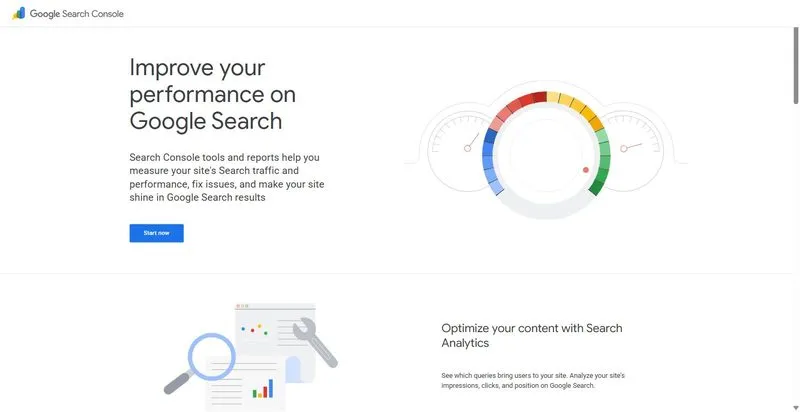
Google’s own view of your site — the ground truth a crawler can only ever approximate.
Best for: indexation ground truth; its Page indexing report validates what any crawler flags.
Standout feature: when a crawler says a page is indexable, Search Console’s Page indexing report tells you whether Google actually indexed it, and if not, why. That’s the difference between a theoretical audit finding and a real one, which is why a google search console seo audit tool belongs under every crawl you run.
Pros:
- Reports first-party indexing data straight from Google
- Exposes the Search Analytics API for your own reporting
- Costs nothing
Cons:
- Data runs about two days behind
- No competitor view, and it’s not a crawler
Pricing: Free.
This is the indexation check that turns a crawler’s “should be fine” into a confirmed yes or no. We run it on every audit.
Assembling your own stack
Here’s the thing — the best seo audit tools aren’t a shopping list, they’re a shape. No single piece of seo audit software, and no six-pack of seo audit tools bought at once, beats a stack assembled job by job. The recurring 80% of the work (crawl, score, report) lives in one platform, SE Ranking, and the specialist tools open a few times a month for the jobs that genuinely need them.
Don’t buy six logins to audit a handful of sites. And don’t try to run a 40-person agency, or a real enterprise seo audit, on one free crawler. Start with the one platform everything else hangs off. Add a specialist when a specific job actually demands it, not before.
One AI-era note before you go: llms.txt now shows up on just 2.13% of sites (Web Almanac 2025), and SE Ranking’s 129,000-domain study found it doesn’t move ChatGPT citations (SE Ranking). The seo audit tools will start listing it. Check it. Don’t build the retainer around it.
FAQ
How do you run an SEO audit for a client from start to finish?
We start with an onboarding deep crawl in Screaming Frog to set a baseline, then turn SE Ranking’s scored audit into a prioritized fix list. Every month an automated recheck measures the health-score delta, and each quarter we run a Sitebulb deep-dive to explain progress in the business review.
How do you make an SEO audit report clients actually read?
Lead with the health score and how it moved versus last month, then the three to five fixes that matter, each tied to business impact. Nobody reads the forty-page annex, so keep it as an appendix. Our seo audit report template puts the score and the trend on page one, whichever seo audit tools generated the underlying data.
What does a full SEO audit include?
Six categories, in plain terms: crawlability and indexing, site speed, on-page and content, internal links, structured data, and mobile. Two of the tools you need are free — Google Search Console for indexation and PageSpeed Insights for speed — and they belong in every audit you run.
How long does an SEO audit take for an agency?
Honestly? A full onboarding audit is a two-to-four-week project, depending on site size and how messy the crawl comes back. The monthly recheck is different — once the re-crawl is automated, it drops to about an hour per client. Anyone promising a real audit overnight is skipping steps — no matter how many seo audit tools they run in parallel.


Leave a Reply