
How Seedance 2.5 Helps Website Teams Turn Product Ideas Into Video Drafts
Website teams often need video before a campaign is fully ready: a homepage motion concept, a product page visual, a short feature teaser, or a landing page draft that helps stakeholders understand the idea.
A website can explain a product with text and images, but video is often what makes the idea feel real. The challenge is that many teams need to test video concepts long before they have the budget, time, or approvals for a full production cycle.
This is where AI video becomes useful for web and product teams. The goal is not to replace creative direction. It is to make the first visual draft easier to produce, review, and improve.
The release of Seedance 2.5 fits this need because it brings attention to longer AI video generation, 4K output, reference-based control, and editing workflows that can support practical web content planning.
Why Website Teams Need Video Drafts Earlier
Most website projects go through several rounds of guessing. A product manager describes the feature. A designer creates the page structure. A copywriter explains the value. A marketing lead asks how the product will look in motion. Without a draft, the conversation stays abstract.
A rough AI video can help the team see whether an idea works before it becomes expensive. A homepage hero video can be tested in concept. A SaaS feature can be shown as a short visual sequence. An ecommerce product can be presented with movement instead of another static image.
That kind of draft does not need to be final. It needs to be clear enough for review. If the concept is wrong, the team finds out earlier. If the motion feels right, the draft can guide the next creative step.
Product Pages Benefit From Reference-Led Video
Website content usually depends on existing assets. A product image, logo, dashboard screenshot, brand color, packaging design, or style frame already defines what the video should respect. Text-only prompting can miss those details.
Reference-led creation gives the team more control. An image can preserve product identity. A short clip can suggest camera movement. A style frame can guide color and mood. A written prompt can explain what the visitor should understand by the end of the clip.
This matters because web teams rarely need random video. They need a clip that fits a page layout, supports a product story, and still feels connected to the brand.
From Static Page Ideas to Motion Concepts
A practical website video workflow can start with a simple brief. What page is the video for? What should the visitor understand? Which reference image should guide the look? What motion should happen? Where will the video appear: hero section, product card, feature block, social preview, or case study?
Once those decisions are clear, teams can test a few short directions. One version might focus on the product interface. Another might show the benefit in a lifestyle setting. A third might turn a still image into motion for a landing page.
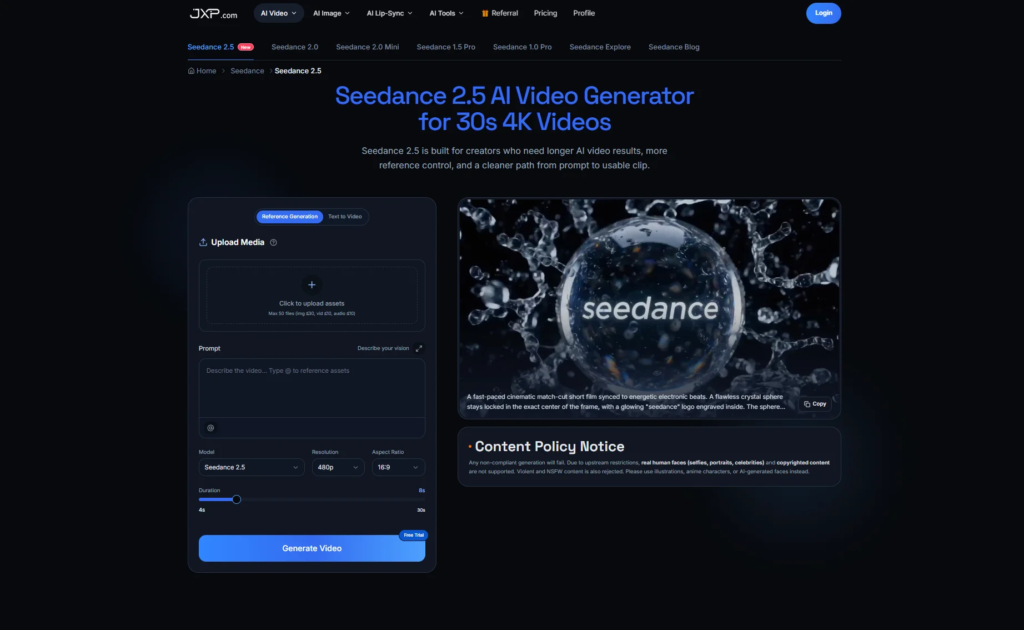
A Seedance 2.5 video workflow can help teams organize those tests without starting from a blank prompt each time. The strongest results usually come when the prompt, references, and page purpose are planned together.
What to Review Before Using a Draft
Website teams should judge AI video drafts by usefulness, not only visual polish. A clip can look cinematic and still fail on a product page if it distracts from the message or changes the product too much.
- Does the product remain recognizable throughout the clip?
- Does the motion support the page message?
- Can the clip be cropped or placed inside a real layout?
- Does the visual style match the website?
- Is the ending clean enough for a loop or page transition?
- Can the team revise one detail without restarting the whole idea?
Where This Helps Most
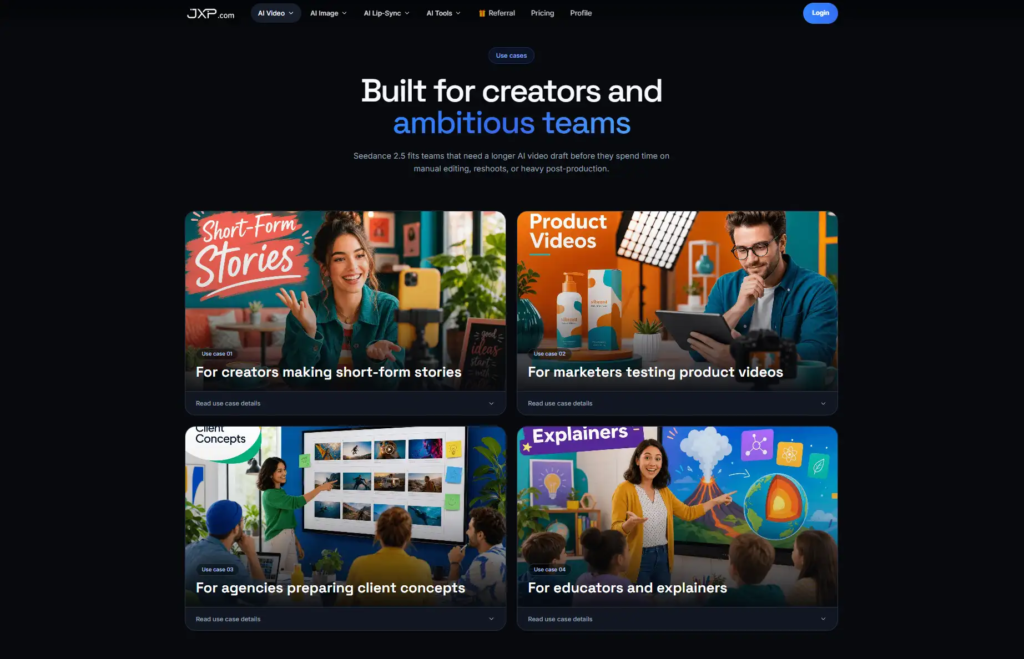
The clearest use cases are product launch pages, SaaS feature pages, ecommerce product visuals, app demos, startup explainers, and campaign landing pages. These are places where a moving draft can clarify an idea faster than another static mockup.
It also helps smaller teams. A founder, marketer, or designer can test the visual direction before handing the idea to a video editor or production partner. That makes feedback more specific and reduces wasted production time.
How to Fit AI Video Into a Website Project
The best place to use AI video is usually early in the page-building process. A team can create one or two motion drafts before the final copy is locked, then use those drafts to decide whether the page needs a product close-up, a workflow animation, or a stronger visual hook.
This is useful for agencies as well as in-house teams. Instead of presenting only static wireframes, a designer can show how a hero section might feel with motion. A marketer can compare whether a product video works better above the fold or farther down the page. A founder can see whether the visual story explains the product quickly enough.
The key is to keep the draft connected to the page goal. If the page is built for sign-ups, the video should help explain the value. If it is built for a product launch, the video should support recognition and trust. If it is built for education, the video should make the process easier to understand.
Final Thoughts
Seedance 2.5 is relevant to website teams because web content is becoming more visual and more iterative. Teams need faster ways to test motion, but they still need control over brand, product accuracy, and page context.
The best use of AI video for websites is not to generate something flashy and hope it fits. It is to start with the page, the product, and the visitor’s question, then use video generation to create a draft that helps the team make better decisions.


Leave a Reply