
Theme Demo Videos Fail When Chrome Gets Invented
Theme shops lose a demo week when the preview video shows settings chrome the screenshot never had — extra toggles, a fake Woo panel, a menu that the client’s license does not include. The Seedance API workspace is useful here only if the shop treats the approved screenshot as law and treats motion as a short proof that the same UI still exists.
Owners already know the support cost. A buyer opens a ticket because the video promised a control that the theme options page does not contain. That ticket burns a morning and a refund risk. Compare two paths before the next demo sprint: lock the screenshot and animate around it, or prompt a “cinematic product tour” and hope the invented chrome matches the download.
Invented Settings Chrome Breaks The Theme Handoff
Demo videos exist to reduce refunds. They fail when they increase them. The usual miss is a settings drawer that never shipped, a block pattern that is premium-only, or a header builder the free screenshot never showed.
Buyers pause the hero loop and hunt the control in the live customizer. The extra toggle could not be found. Support then spends the same-day window explaining that the clip was “inspirational.” Buyers do not buy inspiration. They buy the options they saw move.
Marketplace reviewers do the same compare. They pause the loop, open the demo, and hunt the control. If the hunt fails, the listing note becomes a feature mismatch, not a compliment on motion. Theme shops already fight review delays. Invented chrome adds a second queue the shop cannot schedule around, and that extra queue sits on top of the ordinary readme tickets that already fill the week.
The object on the desk is a PNG of the options page with every label readable. If that file is older than the last changelog, regenerate the still first. Motion cannot repair a screenshot that already lies, and a lying screenshot will fail the marketplace compare even when the loop looks expensive.
Two Demo Paths Shops Actually Run
The decision is which object the shop is willing to defend in a ticket. A cinematic tour that cannot be opened in the customizer is already a refund risk, even when the loop looks expensive on the sales page.
| Path | Object locked | Typical fail | When to use |
| Screenshot lock | Approved theme options still | Motion too timid | Sales page, changelog, client handoff |
| Prompt-invented tour | Mood adjectives only | Fake chrome, extra menus | Never for a paid listing |
| Hybrid after lock | Still plus one allowed move | Type on labels smears | Short hero after the lock passed |
Read the table as a refund filter. If the shop cannot point to a still that contains every control the clip shows, the path is already a support ticket.
Screenshot Lock Keeps Theme Options Honest
Export the customizer or options page the buyer will actually see. Crop nothing that names a feature. Seedance 2.0 can take that image as a reference and apply a small camera move while keeping the panel recognizable. The prompt should name the move, not a second product.
Label type is the quiet kill. A “Header Builder” string that smears into “Header Buder” still looks like a feature the shop does not ship. Treat option labels with the same seriousness a nerd desk treats a SKU. If a colleague cannot read the control name on the largest frame, the clip is discarded.
Prompt Tours Invent Controls The License Lacks
“Cinematic SaaS walkthrough, glowing UI, more features” is how a free theme grows a fake Pro panel. Do not collect logos or competitor chrome for “energy.” The only chrome allowed is the chrome in the still. Competitor UI in a reference slot is how a shop accidentally advertises someone else’s builder and then spends a week on a trademark complaint that has nothing to do with motion quality.
If the shop sells both a free and a Pro zip, keep two stills and two folders. Mixing them in one generate session is how a free listing inherits a Pro badge. The refund then cites the badge, not the lighting.
Official Flow After The Screenshot Is Signed
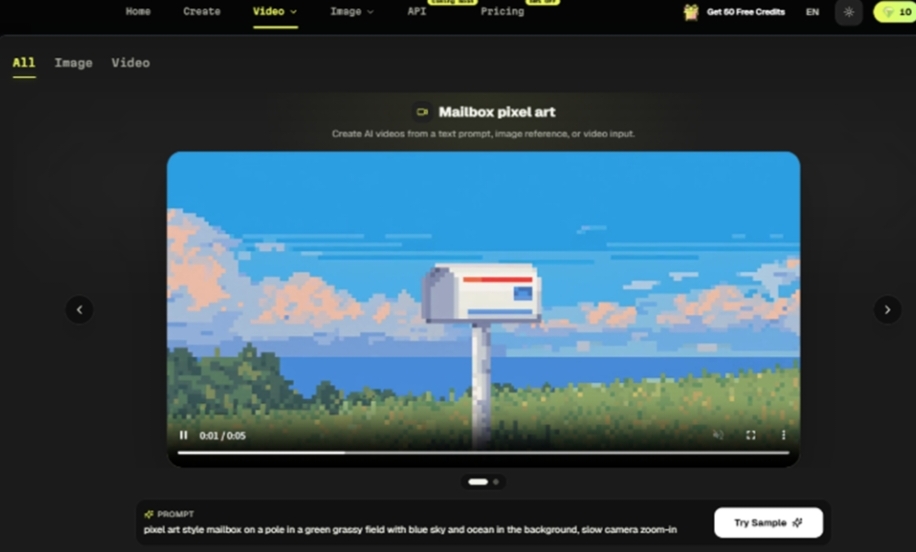
SeeAPI publishes a linear path: choose Fast, Quality, or Lite, write the prompt, attach the screenshot, generate, compare. Theme shops should run that path only after the still is the same file used on the sales page.
Fast is enough to see whether option labels survive a push-in. Quality waits until the lock passed. Lite is for internal rejects that still need a filename. Do not start at 1080p because the marketplace thumbnail looks small. A sharper fake sidebar is still a fake sidebar, and the ticket will quote that sidebar by name.
SeeAPI keeps Fast, Quality, and Lite in one account so the shop does not open a second vendor for a five-second hero. Credits never expire. That only helps if the still on disk is the still on the sales page. In our pipeline the sales PNG and the generate reference share one filename stem. Different stems are how last quarter’s Pro panel sneaks into a free listing.
Compare The Clip Beside The Live Customizer
On the live desk, designers usually open the generated loop next to the actual theme options. If a control appears only in the clip, the export is discarded. Soft motion on a real panel is allowed. An invented second sidebar is not.
Pick The Path That Survives A Refund Ticket
Choose screenshot lock for anything a buyer can purchase this week. Keep prompt-invented tours off the listing. If the shop wants a livelier hero after the lock, duplicate the same still and change only the allowed move. A second move on a proven still is a demo. A new adjective pile on an empty reference slot is a ticket.
Eligible Seedance 2 spend through August 31 can return one-to-one after Seedance 2.5 launches for signed-in users. That return is useful when today’s files are named after real option screens, not after a mood. SeeAPI keeps credits in one balance that never expires; the customizer still has to match the clip.
SeeAPI does not ship the theme. It gives the shop a place to test motion without opening a second vendor account for a five-second hero. Public API access remains marked coming soon, so the online workspace is the channel that can run before the next marketplace update.
Shop Rule Before The Marketplace Preview Uploads
Before upload, list every control the clip shows and tick the matching still. Missing tick means the clip stays offline. That rule is slower than a cinematic adjective and cheaper than a refund week.
If the changelog added a control after the still was shot, update the PNG and rerun the lock. Do not “hint” the new control in a prompt. Hints become chrome the download does not contain. Theme shops that keep this order waste fewer hours on tickets that quote a toggle the zip never shipped. Keep the tick list in the same folder as the zip. If a contractor cannot find the list, they will generate from memory, and memory is how fake Pro chrome returns.


Leave a Reply