
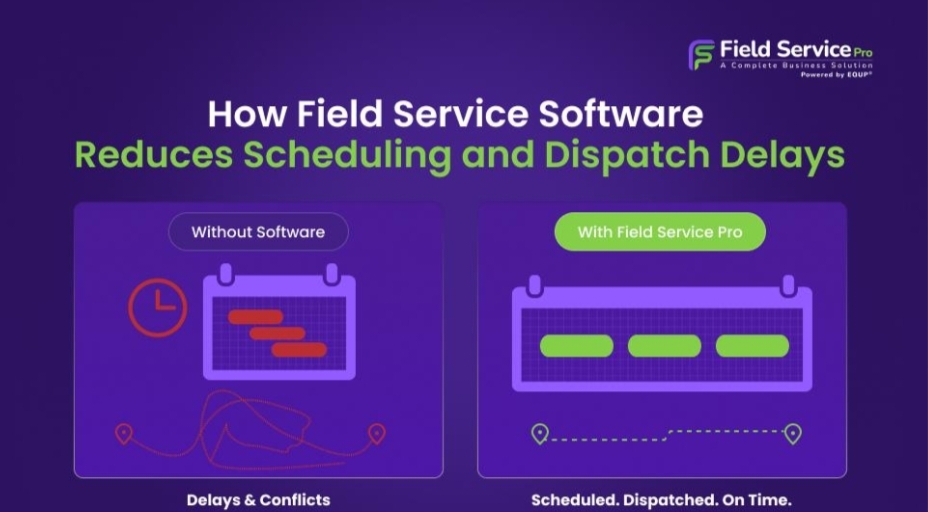
How Field Service Software Reduces Scheduling and Dispatch Delays
Ask any dispatcher what ruins their day and you will hear some version of the same story. A technician gets held up at a job that was supposed to take an hour but stretches into two. A customer calls asking why nobody has shown up during the window they were promised.
Someone has to figure out, on the fly, who can cover the next appointment, and by the time that person is found and briefed, the whole afternoon is running late. Multiply that by a dozen technicians and thirty or forty jobs a day, and it becomes obvious why so many service businesses feel like they are constantly putting out fires instead of running a smooth operation.
This is where field service software earns its keep. It does not eliminate the unpredictability of fieldwork. Traffic will still happen. Jobs will still run long sometimes. What good software does is give a business the ability to react to that unpredictability quickly, instead of scrambling through phone calls and guesswork every time a plan changes.
Where the Delays Actually Come From
It helps to look honestly at why scheduling breaks down in the first place, because the causes are rarely dramatic. They are usually small, everyday problems that pile up.
Manual, paper based scheduling
Many businesses still build their daily schedule by hand, whether on paper, a whiteboard, or a spreadsheet passed around the office. That works fine until something changes, which is basically every day in field service. Once a job runs late or a customer cancels, someone has to manually rework the rest of the day, and that person often does not know exactly where every technician is or how far they have left to drive.
No real visibility into technician location
Dispatchers frequently lack a clear view of where technicians actually are at any given moment. Without that, assigning the next job becomes a matter of asking around or making a best guess, rather than picking the technician who happens to be five minutes away.
Slow or missing communication
A technician might finish a job and have no idea what comes next until they call the office, and the office might be tied up handling three other calls at the same time. That gap, even if it is only 10 or 15 minutes per job, adds up fast across a full day.
Routing as an afterthought
Jobs often get assigned in the order they were booked rather than the order that makes sense geographically, so technicians end up driving back and forth across town instead of moving in a logical direction. All that extra driving eats into the time that should be spent actually doing the work customers are paying for.
None of these problems are unusual. They show up in nearly every service business that has not moved past manual coordination. The difference is how a company chooses to deal with them.
Real-Time Scheduling Changes the Whole Field Service Business Math
The biggest shift that field service software brings is turning a fixed schedule into a live one. Instead of a plan that gets locked in each morning and only revisited when something goes wrong, the schedule stays current throughout the day. Combined with field service time tracking, businesses can also monitor how long technicians spend traveling, working on-site, and completing each job, giving dispatchers a clearer picture of the day’s progress.
When a job takes longer than expected, the system reflects that immediately, and dispatchers can see exactly how it affects everything scheduled after it. This matters more than it might sound.
A schedule that updates in real time means a 15-minute delay stays a 15-minute delay. It does not turn into an hour of confusion while someone tries to figure out who needs to be told what. Dispatchers can look at technician locations and availability on one screen and make a decision in seconds rather than working the phones.
The practical effect is that customers get more accurate information. Instead of a vague promise that someone will arrive sometime in the afternoon, a business can tell a customer their technician is running 15 minutes behind and give them a realistic new time. With field service time tracking providing accurate job progress, those updates are based on real data rather than estimates. That kind of honesty, backed by actual data instead of a guess, tends to matter a lot to customers, even more than being perfectly on time every single visit.
Getting Technician Scheduling Right
Good technician scheduling means matching the right person to the right job based on more than one factor at a time. A technician might be available, but if they do not have the right certification for a job, or if the parts on their truck do not match what the job requires, sending them anyway just creates another delay down the line.
Software built for this kind of scheduling weighs several things at once before suggesting who should take a job:
- Certifications and skills: Is this technician actually qualified for the work involved?
- Current location: How far are they from the job, and how long will it take them to get there?
- Equipment on hand: Do they already have the parts or tools this job requires?
- Job priority: Is this an urgent repair or a routine visit that can wait if needed?
That kind of matching used to require a dispatcher who had memorized half the team’s skills and current locations. Now it happens in the background, which frees up dispatchers to deal with the exceptions and the customer conversations that actually need a human.
There is also a fairness angle that often gets overlooked. When scheduling is automated and based on clear criteria, technicians are less likely to feel like some people always get the easy jobs while others get stuck with the long drives. That might seem like a small thing, but it affects morale, and morale affects how quickly people move through their day.
Why the Mobile App Matters Just as Much as the Dispatch Side
A lot of the conversation around field service software focuses on what dispatchers see, but the technician’s experience matters just as much for keeping delays down. A mobile field service app puts job details, customer history, and navigation directly into a technician’s hands, so they are not calling the office every time they need a piece of information they could look up themselves.
Let’s see what actually changes on a day to day basis:
- Instant job updates: A technician can mark a job complete right from their phone, and that update flows back into the schedule immediately, instead of waiting until they get back to the office or catch a break to report status.
- Faster next assignments: The next job can go out the moment a technician is free, based on where they are and what is next in line, rather than waiting for a dispatcher to track them down.
- Less paperwork: Notes, parts used, time spent, and photos of completed work get logged on the spot instead of scribbled down and typed up later, which means technicians spend more of the day working and less of it catching up on admin.
- Built in navigation: Instead of technicians figuring out their own route between jobs, the app can suggest an order that actually makes sense based on location and traffic, saving real time over the course of a day.
How FieldServicePro Fits Into This
FieldServicePro was built with this exact set of problems in mind. Rather than treating scheduling, dispatch, and technician communication as separate pieces that need to be stitched together, it keeps everything connected in one place.
Dispatchers get a live view of the schedule and technician locations, jobs get matched to the right person based on skill and proximity, and technicians carry a mobile app that keeps them updated without needing to call in constantly.
For a service business managing dozens of appointments a day, that kind of connection is what turns scheduling from something that constantly needs fixing into something that mostly runs itself, with dispatchers stepping in only when a real exception comes up rather than for every small change.
The Bottom Line
Scheduling and dispatch delays rarely come from one big failure. They build up from small gaps. A schedule that cannot adjust on the fly, a dispatcher who cannot see where technicians actually are, a technician who has to call in for information they should already have, and routes that do not account for where people actually need to go next.
Field service software for small business closes those gaps, not by making fieldwork perfectly predictable, because nothing does that, but by giving everyone involved, dispatchers, technicians, and customers, better information faster. That is what actually keeps a schedule on track. Fewer phone calls, fewer guesses, and appointments that happen closer to when they were promised.


Leave a Reply