

The 7 Best Seo Reporting Tools For In-House B2b Teams In 2026
In a March quarterly review I watched an in-house SEO manager walk her CMO through eleven slides. Slide four carried organic sessions, down 9% year on year, and the question that followed was about next year’s budget, not rankings.
Slide nine saved it: a two-year view of branded demand and referring domains, rebuilt by hand because her SEO reporting tools held six months of history and her CMO had no login. The ledger: eleven slides, two days of manual work, one number that survived the room.
Who This Is For
This list is for in-house SEO and digital PR teams at B2B companies of 200 to 2,000 employees: a marketing team of 15 to 60 with 2 to 6 on SEO, one domain or a handful, not a client roster, and a monthly report that a CMO or VP signs off on. Agencies with a retainer list want a different one.
What In-House B2B Teams Need From An SEO Reporting Tool
- Free stakeholder or view-only access, so the CMO reads without a seat.
- Seat economics that hold at 15 to 60 people, not a per-reader line.
- A multi-domain structure, not a multi-client one.
- SSO, because procurement and IT review the purchase.
- Retention long enough to prove a multi-year programme.
- AI-answer visibility reportable beside classic rankings in the same SEO reporting software.
How We Picked
We read every vendor’s pricing page and documentation, verified prices on 16 September 2026, and scored each tool against those six needs.
Problem 1: The Traffic Line Stopped Meaning What It Used To
Search Engine Land reported 68.01% of US Google searches ended without a click between January and April 2026. The sessions line did not lie. Its base shrank underneath it, so a report headlined by sessions argues from ground that moves every quarter.
Problem 2: The Budget Conversation Starts Before Your Report Does
The CMO Survey found marketing spending grew just 1.7% over the prior 12 months, and that when profits fall short, 53.1% of executives cut expenses, with marketing the line cut 45.4% of the time. That decision gets made without your slides.
Search Engine Journal’s State of SEO 2026 found 43% of companies cut SEO spend last year and 77% of SEO professionals are worried AI answers will cut clicks. The monthly report is not a status update. It is the defence of a line item already on somebody’s list.
Problem 3: The People Who Read The Report Cannot Open The Tool
Forrester’s State of Business Buying 2026 found a typical B2B buying decision now involves 13 internal stakeholders and 9 external influencers, with procurement as decision-makers in 53% of cycles. Most will never log in to anything your team pays for.
Seat models and view-only access stop being a procurement detail: they decide whether the report gets read in the room or forwarded as a PDF nobody opens.
What Actually Fixes This, And How We Scored The Tools
Pick the reporting layer on the axes your CMO’s questions land on, not on the feature list. Gartner’s 2026 CMO Spend Survey of 401 marketing leaders found marketing budgets at 7.8% of company revenue, with 56% of CMOs saying that is not enough to deliver their 2026 strategy.
The table below is the whole comparison, where every SEO reporting software claim gets tested.
| Rank | Tool | Free stakeholder access | Seat cost beyond the team | History retained | AI visibility reportable | Entry price |
| 1 | SE Ranking | Yes, guest links on Growth, no paid seat | Extra manager seats from $20/mo ($16 annual) | 6 months on Core, all-time on Growth | Yes | $129/mo Core ($103.20 annual) |
| 2 | Nightwatch | Yes, unlimited seats | None, no per-seat fee | 3-year SERP archive | Yes, every plan | EUR 79/mo Starter |
| 3 | Semrush | No free view-only role | Additional users from $45/mo each | Historical data from Pro+ | Yes, all plans | $139/mo SEO plan ($117.33 annual) |
| 4 | Whatagraph | Yes, unlimited users on both tiers | None, users are unlimited | Not disclosed | No | EUR 699/mo Max, billed annually |
| 5 | TapClicks | Not disclosed | Not disclosed | Not disclosed | Not disclosed | Not published |
| 6 | Looker Studio | Yes, free viewers plus scheduled email | None on the free tier | None of its own | No | Free (Pro is a paid per-user licence) |
| 7 | Google Search Console | Yes, Restricted User role, up to 100 non-owner users | None | Not disclosed | Partial, Google surfaces only | Free |
How to read it: Free stakeholder access and History retained decide it. The rest is negotiable.
The 7 SEO Reporting Tools Ranked For In-House B2B Teams
Seven tools, scored on the six needs above. One number frames the list: SE Ranking’s research put ChatGPT referral traffic up 36.7% month over month from April to May 2026, the EU up 42.7%.
1. SE Ranking
SE Ranking is an SEO reporting platform that owns the ranking, backlink, audit and AI-visibility data it reports.
Why it works for in-house B2B teams: Stakeholders read by view-only guest link, so nobody buys a seat to look at a chart. The unit is projects, not clients, so one domain or five fits. GA4 and Search Console sit beside rankings, backlinks and audit, and Growth keeps all-time history, which proves a multi-year programme.
Standout feature: Dashboards refresh live, each widget is configurable, and a guest link opens one view-only with no seat attached. The drag-and-drop Report Builder handles templates, scheduling, white-label branding and PDF, XLS or HTML export. AI-answer visibility reports in the same deck as organic positions, so one pack covers both.
Pros:
- Exports the monthly pack as PDF, XLS or HTML
- Blends GA4 and Search Console with ranking data
- Reports AI Overview mentions and links
- All-time history kept on Growth
Cons:
- Core ships 1 manager seat and 10 reports, so a 15-60 person marketing team lands on Growth or adds seats from $20/mo
- Leaves SSO off the pricing page, which procurement’s security review will ask about
- Bundles white-label and client seats into the Agency Pack, capacity in-house teams skip
Pricing: Core $129/mo ($103.20 annual, 6-month history), Growth $279/mo ($223.20 annual, all-time history).
The ledger: Twelve monthly reports at Growth, $3,348 for the year, read by four people who never needed a seat. Three hours back per cycle, all formatting. The guest-link dashboard answered the AI question we fudged last year.
2. Nightwatch
Nightwatch answers the seat question first: a rank tracker priced by keywords tracked, never by readers.
Why it works for in-house B2B teams: Seats are unlimited and nobody pays per reader, so the VP and the content lead get logins without a line on the invoice. The 3-year archive covers a whole programme.
Standout feature: AI-visibility tracking ships on every tier, covering ChatGPT, Claude, Gemini, Perplexity, Google AI Mode and AI Overviews. Starter carries 50 prompts and 1,500 monthly responses. Those answers sit beside classic rankings and a 3-year SERP archive, so a programme’s history stays in one place.
Pros:
- Adds readers without a seat charge
- Reports AI answers on every tier
Cons:
- Puts SSO on Enterprise, stalling a security review at a 2,000-person company
- No Search Console in the listed integrations
- Tracks ranks first, so the rest of the report comes from elsewhere
Pricing: Starter EUR 79/mo, Professional EUR 159/mo, Agency EUR 399/mo.
The ledger: EUR 159/mo, eleven logins, zero seat cost. Search Console still got pasted in by hand.
3. Semrush
Semrush trades seat economics for coverage: one subscription reports rankings, audits and AI visibility across four engines.
Why it works for in-house B2B teams: Breadth arrives on every plan rather than on a tier you climb to. For one domain and a wide brief that spans rankings, audit and answer engines, that is one vendor to brief, not three.
Standout feature: Position Tracking and Site Audit run on every plan, and AI visibility is included across Google Search, ChatGPT, Perplexity and Gemini, with 50 to 200 daily prompts by tier. Historical data starts at Pro+, so a multi-year view means the higher plan.
Pros:
- Covers rankings, audit and AI visibility on every tier
- Tracks four answer engines without an add-on
Cons:
- Charges $45/mo per extra user, with no free view-only role
- Sells scheduled PDF delivery as a $10/mo Base Report add-on and white-labeling as another $20/mo
Pricing: SEO $139/mo ($117.33/mo billed annually).
The ledger: Nine logins, three of whom only read: $405/mo in seats before the plan, plus $10/mo for the scheduled PDF.
4. Whatagraph
Whatagraph is a marketing intelligence platform: every channel in one branded report, with SEO as one feed among several.
Why it works for in-house B2B teams: Both tiers carry unlimited users and custom branding, so every stakeholder on the report’s distribution list reads it under your own logo, and no reader adds a seat charge to the invoice.
Standout feature: Consolidation is the whole product. Each connected data source costs one credit, so a team blending GA4, Search Console, paid media and CRM data pays for feeds rather than readers.
Pros:
- Seats every stakeholder at no per-user charge
- Brands reports without a paid add-on
- Blends GA4 and Search Console with paid and CRM feeds
Cons:
- Keeps SAML, public API access and BigQuery transfer behind a quote-only Prime tier, exactly what procurement asks for
- No AI-search visibility at all
Pricing: Max EUR 699/month billed annually. Prime is quote-only.
The ledger: the highest entry price here, with unlimited readers. Consolidation earns its keep when the report spans paid, CRM and SEO. If SEO is the report, you are negotiating for the quote-only tier.
5. TapClicks
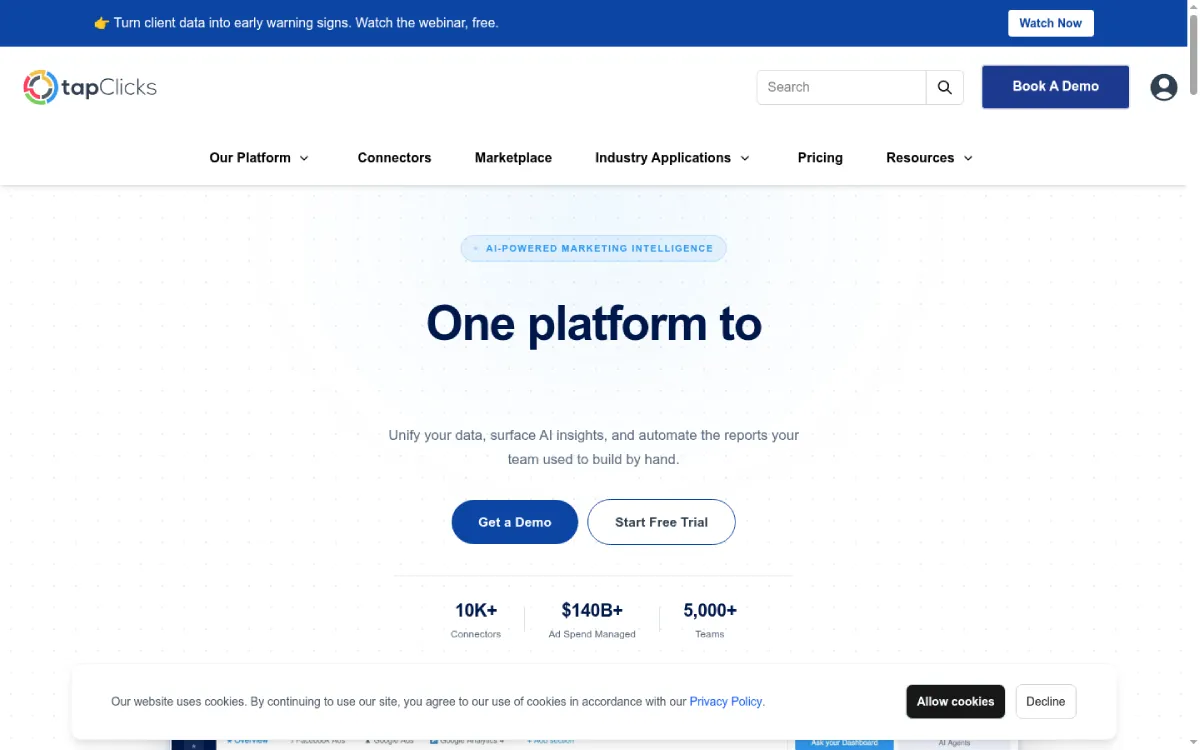
TapClicks bundles reporting and analytics for client rosters, and publishes no prices for any of it.
Why it works for in-house B2B teams: Honestly, it mostly does not. The packaging unit is clients, with a bundle of ten included, which suits a roster rather than one domain. It fits only if your group reports on ten separate business units.
Standout feature: Four tiers are named, SmartStory, SmartReports, SmartAnalytics and SmartSuite, and the only published difference between them is TapData Lite versus 250+ connectors. Among SEO client reporting tools that breadth is real, but it is the only spec you can compare before a call.
Pros:
- Connects 250+ sources on the higher tiers
- Names four tiers publicly, so the ladder is visible
- Includes ten client slots for account-by-account reporting
Cons:
- Publishes no figures, so you cannot budget for it before a CMO approves a plan
- Leaves seat model, SSO, retention, white label and the connector list undisclosed
Pricing: Not published. The pricing page carries only a booking flow.
The ledger: the autopsy is short. We shortlisted it, booked the call, and spent twenty minutes learning what a pricing page could have told us in ten seconds.
6. Looker Studio
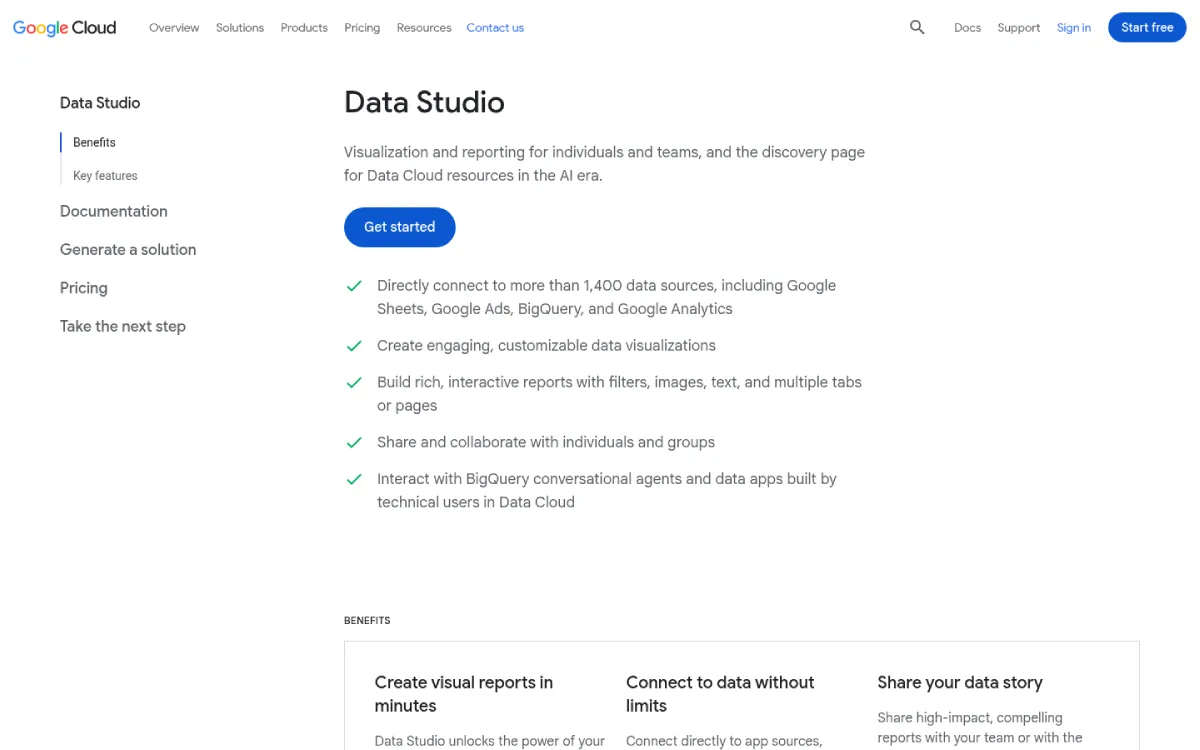
Google’s free display layer: it renders whatever you connect and holds no data of its own.
Why it works for in-house B2B teams: Viewers cost nothing. GA4 and Search Console connect natively, reports email themselves as scheduled PDFs, and a CMO plus nine stakeholders read the monthly numbers without a paid seat between them.
Standout feature: Scheduled delivery earns its place here: the PDF lands in the same inbox on the same date every month, and Pro allows up to 200 delivery schedules per report.
Pros:
- Connects GA4 and Search Console natively
- Gives every reader a free viewer seat
- Schedules the monthly PDF automatically
Cons:
- Holds no SEO data: rank tracking, backlinks, site audit and AI visibility need third-party connectors, mostly separate paid subscriptions
- Free-tier reports belong to whoever built them, so the CMO’s dashboard leaves with the SEO manager’s account
Pricing: Free. Pro is a paid per-user licence, with no published rate.
The ledger: Nothing on the invoice, real money underneath. Run it where the data already sits in something you pay for.
7. Google Search Console
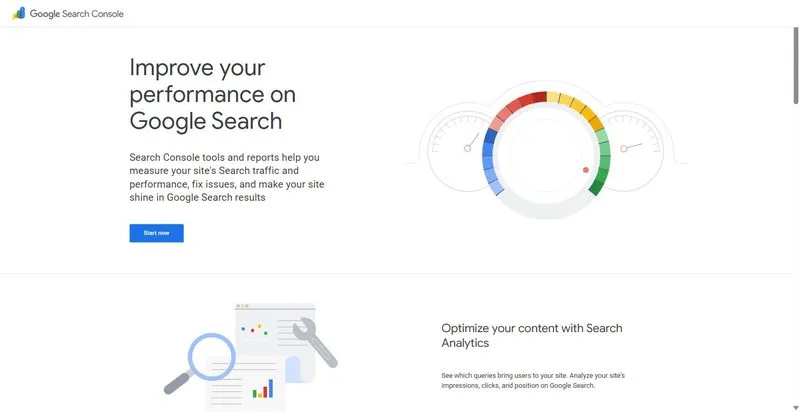
Google Search Console is the free first-party record of Search performance, and the source most rooms already trust.
Why it works for in-house B2B teams: Free, with a real view-only role: Restricted User, up to 100 non-owner users per property. The documented API returns 50,000 rows per day per search type, so the numbers leave the interface.
Standout feature: Search generative AI performance reports shipped on 3 June 2026, covering AI Overviews and AI Mode in Search plus generative AI in Discover. The rollout is phased, so check your own property before you promise a VP those rows will be there.
Pros:
- Costs nothing at any traffic volume
- Seats up to 100 read-only users
- Reports queries, pages, countries and devices
Cons:
- Reports one property at a time with no roll-up: main site, docs subdomain and regional domain are three separate reports
- Blends with nothing else and schedules no stakeholder-facing report
- AI reporting covers Google only: nothing from ChatGPT, Perplexity, Copilot or Claude
Pricing: Free.
The ledger: Every team already has it, and it is still the number a CMO trusts most. Of the free SEO reporting tools here, it is the floor of a report, never the whole.
Decision Guide: Which One To Buy For Your Situation
The best SEO reporting tools sort by situation, not by feature list.
If one subscription has to carry the whole monthly report to a CMO: SE Ranking. Start with how it assembles a monthly report.
If stakeholder logins are the sticking point and rank data is all the report needs: Nightwatch, with SSO on Enterprise the caveat.
If the team already runs a BI layer and the budget is committed elsewhere: Looker Studio, as long as the report does not leave with the account that built it.
If procurement requires SAML and a warehouse export before anything is signed: put Whatagraph on the list, and expect the quote-only tier.
If you have one domain: skip TapClicks.
FAQ: In-House SEO Reporting
What should an in-house SEO report show a CMO?
Show what the work returned against what it cost. That means five components: a rankings and visibility trend, organic traffic with the conversions behind it, technical health, authority movement, and AI-answer visibility stated with its cadence rather than as a single number.
How often should an in-house team report on SEO?
Monthly to leadership, with a live dashboard running in between. A monthly cadence matches the budget conversation. Automated SEO reporting handles the midweek question, which otherwise becomes an ad-hoc export somebody builds by hand.
Do in-house teams need white label SEO reports?
Usually no. White label SEO reports exist so an agency can present a vendor’s data under its own brand, and a team reporting inside its own company is not doing that. Buy free stakeholder access and scheduled delivery instead: the SEO reporting tool features an in-house team actually uses.
How do you report SEO value when clicks are falling?
Change the denominator, not the story. Report visibility and share of answers alongside sessions, name the conversions organic search still produced from a connected analytics source, and state AI-answer visibility with the cadence it was measured on. Falling clicks against rising visibility is a finding, not a failure.


Leave a Reply