
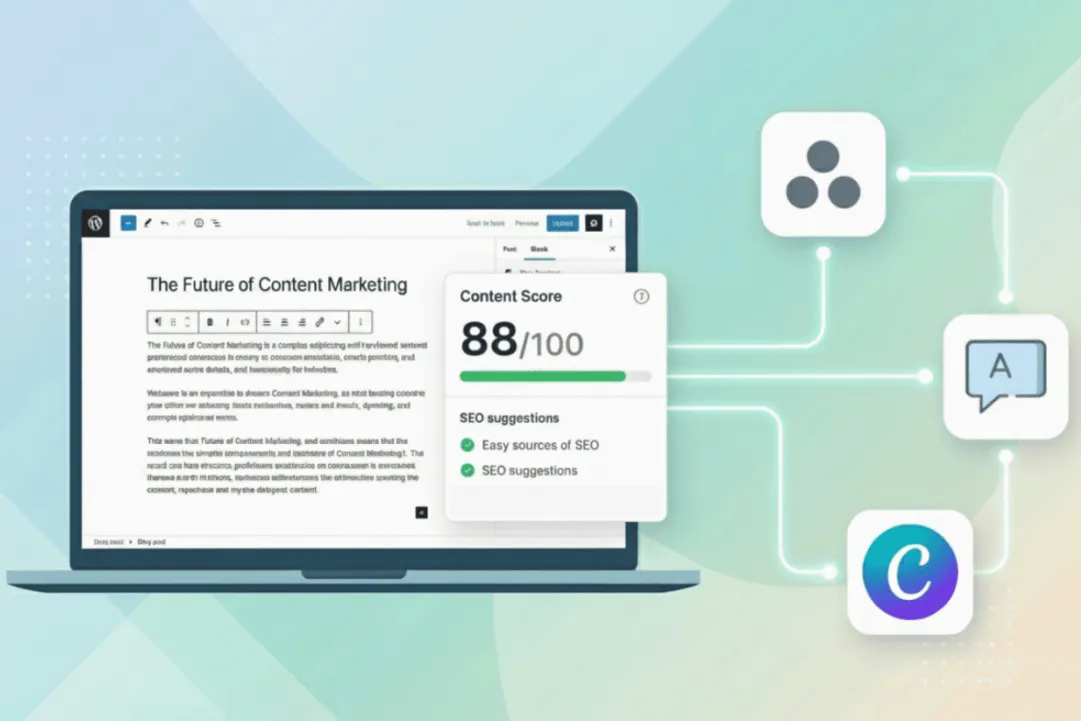
Best Apps to Scale Your Content Production
Content creation is technically “easier” than ever. Generative AI can draft a blog post in seconds
and generate nice visuals with a single prompt. Yet, paradoxically, marketing teams are more
burnt out than ever.
Why? Because the content management became more difficult and less straightforward.
Teams are drowning in demands for more content and faster. They are jumping between Google
Docs, Jira, Slack, email attachments, and CMS backends. Version control becomes a
nightmare, and assets get lost.
If you want to scale production without scaling your headcount (or your stress levels), you do
not need more writers. You need to upgrade your tool stack.
Ideation and Drafting
In a scalable content system, people should not start from zero. They should be more of the
editors and strategists.
However, using AI purely for copy-pasting is a mistake. The goal of the AI is to handle structure
and research, so your creative team can focus on voice and insight.
The examples of the tools you could use for content ideation and drafting:
- Jasper (or LLMs of your choice from OpenAI, Google, Anthropic)
Use these LLMs not to write your final copy, but to build detailed outlines and first drafts.
Such tools are excellent at doing this. For example, you can import your brand voice
guidelines to Jasper, so the first draft already sounds 60% like you.
- SurferSEO / Clearscope
Content that does not rank is mostly wasted effort. These tools analyze already
top-ranking pages and give your content a Score. Instead of guessing which keywords to
include, your writers have a clear checklist.
Project and Workflow Management
Scaling requires moving away from “Can you look at this?” Slack messages to a system where
every asset has a clear owner and deadline. Without such a system, you risk falling into the trap
where managers spend half their day asking people where files are.
There are great tools for this case:
- Monday.com /Asana: These are the gold standards. They allow you to visualize your
production pipeline as a Kanban board, moving assets from “Briefing” to “Publishing”.
(Check out their G2 reviews to see which tool suits your team best).
- Zapier: Use Zapier to automate repetitive tasks (e.g., creating a Google Doc
automatically when a new Asana task is created) or to send a Slack notification when a
task status changes.
Global Distribution
If you produce a high-performing blog post but keep it in English only, you are losing its
potential. However, many teams avoid translation because they think it is slow. They imagine
emailing Google Docs to agencies, waiting for the reply, and then pasting text back into
WordPress manually.
Such manual processes are now being automated with Translation Management Systems
(TMS):
- Crowdin: A localization platform that automates your multilingual content production.
Instead of manual file transfers, Crowdin uses “connectors” to sync with your website (toa CMS like WordPress, Webflow, or a custom-built site) and your other tools (Canva,
Zapier, Mailchimp, Zendesk, etc.). When you finish a post in English, it flows
automatically to your translators. When they finish, it flows back into your website. TMS
allows you to launch in 20 languages as easily as in one.
Asset Management
As content volume grows, so does the amount of JPEGs, PNGs, and MP4s. Without a system,
designers spend lots of their time just searching for the right logo file or resizing the same
banner for LinkedIn.
There are tools to solve this problem:
- Canva / Figma: Figma is ideal for heavy web design, prototyping, and complex vector
work. Canva, on the other hand, allows non-designers (like social media managers) to
create on-brand assets quickly, relieving your designers of the bottleneck. Use Figma to
build the product, and Canva to market it.
- Bynder / Brandfolder: These are Digital Asset Management (DAM) systems. They
ensure that the team in Germany uses the same approved product shots as the team in
the US.
Analytics and Optimization
Producing 100 blog posts that nobody reads is a waste of budget. To validate your investment,
you need to conduct market, keyword, and competitor analysis.
- Google Analytics 4 (GA4) and Google Search Console (GSC): These are essentials
for tracking website traffic. Track your content performance by topic, demographics,
device, referrer, and more.
- SEO Tools: Use these to research keyword volume for different topics and regions.
Analyze if people are actually searching for what you want to write about, or find gaps in
your competitors’ strategies.
- Hotjar: While GA4 tells you what happened, Hotjar tells you why. Using heatmaps, you
can see if users are actually reading your long-form content or if they are dropping off
after the first paragraph.
Conclusion
The best tool is not necessarily the one with the most features. It is the one that plays nicely
with others. When building your stack, look for integrations first. Can your project management
tool talk to your Slack? Can your localization platform talk to your repo? Can your DAM talk to
your CMS?When your tools talk to each other, your team does not have to. That is how you scale.


Leave a Reply