
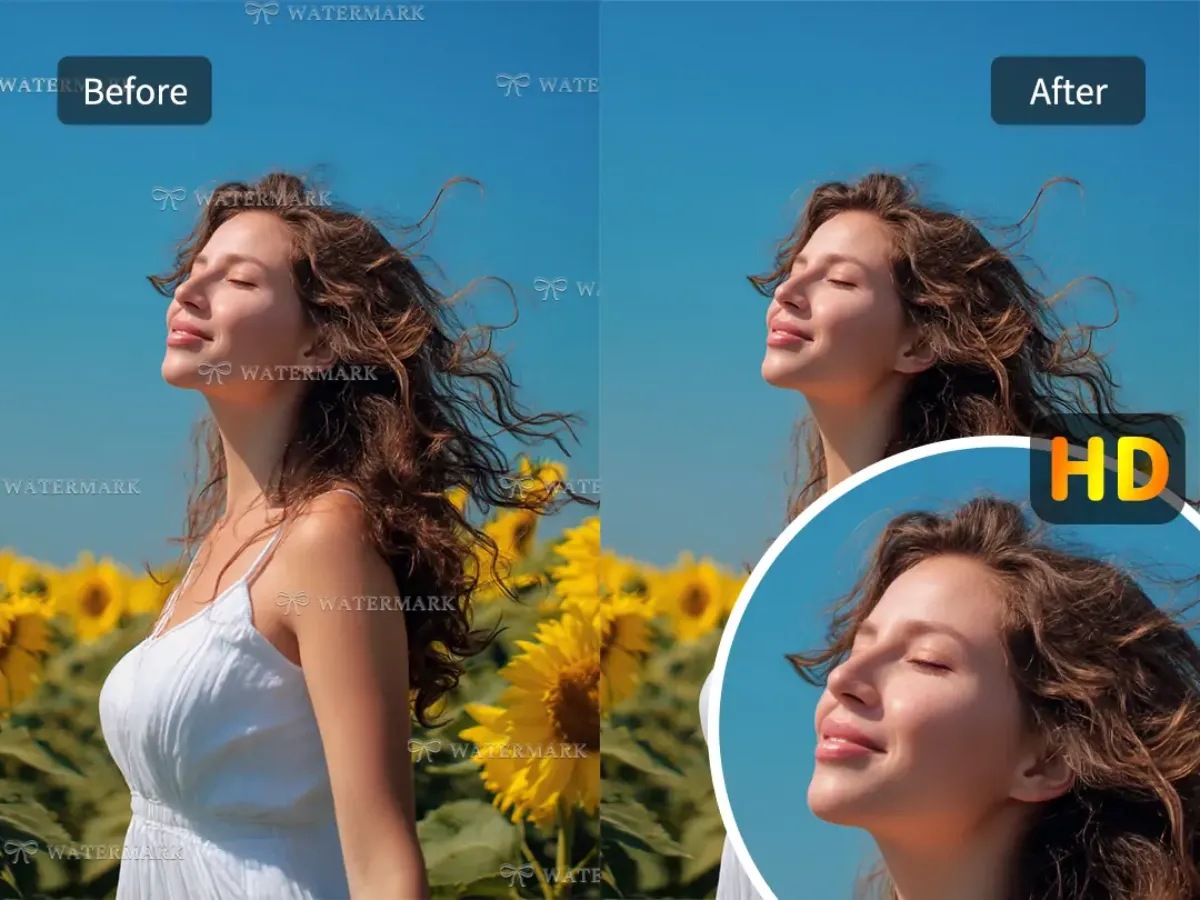
Best Free Video Watermark Remover for MP4, MOV & All Formats
In the digital world, video content has become one of the most powerful storytelling tools. Whether you’re creating marketing videos, social media reels, tutorials, or product showcases, clean and watermark-free footage is essential. Yet many videos downloaded from the internet or created using trial software often come with unwanted watermarks. That’s where a high-quality Video Watermark Remover becomes a game changer.
Today, creators are no longer forced to buy complicated software, hire professionals, or spend hours manually removing logos or text overlays. With advanced online tools powered by AI, removing watermarks is not only easy but also available for free—supporting all major video formats, including MP4, MOV, WebM, AVI, and more.
In this article, we explore the best free Video Watermark Remover for MP4, MOV, and all formats, how it works, why you need it, and how modern AI technology is improving the creative workflow for video editors worldwide.
Why You Need a Reliable Video Watermark Remover
Watermarks are used intentionally to protect copyrights, brand content, and prevent unauthorized use. However, not all watermarks are meant to stay forever. You may need a watermark cleaner in situations such as:
- You have the rights to a video but lost the original watermark-free version
- You downloaded your own video from social media and it added platform branding
- You’re editing a video template purchased legally but need to remove placeholder text
- You want to reuse B-roll footage without existing logos interfering
- You are repurposing content for ads, reels, or presentations
A powerful Video Watermark Remover ensures that these visuals can be restored quickly without damaging quality or leaving behind blurry smudges.
Supports MP4, MOV, WebM & All Major Formats
One of the biggest frustrations content creators face is compatibility. Traditional software requires specific formats, plug-ins, or conversions. But a modern, AI-powered Video Watermark Remover eliminates this problem by supporting all widely-used video formats:
- MP4 – Best for social media, ads, mobile
- MOV – Ideal for professional-grade editing
- WebM – Lightweight videos for websites
- AVI, MKV, FLV, MPEG – Older formats still widely used
This flexibility ensures you can upload any video and get fast results without converting files or losing quality.
How the AI Video Watermark Removal Process Works
Watermark removal used to be a complicated, manual process in video editing software like Adobe Premiere or After Effects. You would need to mask objects, track frames, apply patching tools, and sometimes repaint scenes frame by frame.
Today’s AI has made this effortless.
Here’s how a modern Video Watermark Remover works:
1. AI Object Detection
The system uses trained algorithms to identify watermark patterns, logos, text, timestamps, and semi-transparent overlays.
2. Frame-by-Frame Analysis
Instead of treating the video as one static file, AI analyzes each frame individually, ensuring accurate and consistent removal across motion scenes.
3. Content-Aware Fill
The tool predicts what the background should look like behind the watermark. It recreates pixels based on surrounding colors, textures, and lighting.
4. Smart Rendering
Finally, the processed frames are combined to produce a watermark-free output in the same format you uploaded.
This automated workflow ensures up to 95% removal accuracy with no visible quality loss.
Why AI Technology Makes All the Difference
AI is transforming nearly every aspect of digital content creation—from AI room design platforms that generate interior visuals in seconds, to AI video editors that automate tasks that once required hours of manual work.
In the same way, AI-powered watermark removal tools provide:
✔ Faster Results
Processing takes seconds, not hours.
✔ Higher Accuracy
AI detects even complex or moving watermarks.
✔ Minimal Quality Loss
Videos stay clean and clear.
✔ Support for All Formats
No need for external conversion tools.
✔ Beginner-Friendly Tools
Anyone can use them—even without editing skills.
This makes AI watermark removers the best choice for content creators, students, marketers, influencers, and businesses.
Benefits of a Free Online Video Watermark Remover
The best free tools today offer features once available only in premium editing software:
1. No Download Needed
Use it directly from your browser—no installation.
2. Completely Free
Remove unlimited watermarks without paying.
3. No Sign-Up Required
Start editing immediately without creating an account.
4. Drag-and-Drop Simplicity
Just upload your video and the AI handles everything.
5. Safe & Private
Videos are processed securely and automatically deleted after use.
Best Use Cases for Video Watermark Removal
Whether you’re a professional or beginner, a high-quality Video Watermark Remover is essential in many real-world situations:
Content Creators
Remove time stamps, logos, and unwanted overlays from reels, TikToks, or YouTube videos.
Digital Marketers
Prepare clean product demos, ads, and brand content.
Educators
Use watermark-free visuals in online courses or presentations.
Businesses
Clean up training videos, product tutorials, and promotional materials.
Interior Designers & Real Estate Marketers
Many people combine video editing with AI room design, and watermark-free videos help showcase spaces more professionally.
Freelancers
Deliver polished final videos without branding distractions.
Tips for Getting the Best Results
Though AI tools are highly advanced, you can maximize your output by following simple guidelines:
- Use the highest-quality video available
- Avoid heavily animated backgrounds
- Choose videos with minimal motion behind the watermark
- For large or moving watermarks, use multiple removal passes
- Save a backup in case manual editing is needed later
Following these steps ensures the cleanest possible result.
Is It Legal to Remove Watermarks?
Watermarks exist to protect intellectual property. Therefore, removing watermarks without permission is not allowed if you do not own or have rights to the content.
However, it is perfectly legal when:
- You own the video
- You created the footage
- You purchased a licensed template
- You are removing your own added watermark
- You downloaded your own videos from a platform
Use these tools responsibly.
How Video Watermark Removal Complements AI Room Design
You may be wondering why the AI room design. Interestingly, video editing and interior visualization rely heavily on AI to enhance creativity.
Here’s how they connect:
- Creators often showcase room makeovers, home tours, or interior tutorials
- AI room design tools help them create before-and-after visuals
- Video editors use watermark removers to clean up clips used in interior design content
- Together, they produce high-quality, engaging home décor and design videos
This combination is extremely popular among real estate agents, Airbnb hosts, architects, and influencers in the home décor niche.
Final Thoughts: The Best Free Tool for All Creators
A reliable Video Watermark Remover is no longer a luxury—it’s a necessity for modern content creators. Thanks to AI, you can now clean your videos instantly, with 95% accuracy, and without losing quality.
The best part?
It works on MP4, MOV, WebM, AVI, and every format you need.
Whether you’re editing content for social media, business, marketing, or AI room design projects, a free online watermark remover helps you present clean, professional results with zero hassle.
If you want a tool that is fast, free, and beginner-friendly, an AI-powered watermarked remover is the perfect solution—giving you the freedom to create without limits.


Leave a Reply