

Compare Pricing of Top Cloud Hosting Platforms
Selecting a cloud hosting platform can quickly become confusing. All the major providers guarantee great performance and simple scaling, yet the pricing models are where things get seriously complicated.
Some plans appear inexpensive initially, but costs suddenly jump as your website traffic increases. Others pack in features you will never use, making it genuinely hard to judge which choice actually delivers real value.
This article provides a direct comparison of the pricing structures for five highly-used cloud hosting platforms. We skip past the marketing headlines to detail the actual costs of various plans, discuss how pricing changes over time, and explain what justifies each provider’s consideration.
Our goal is to give you a very clear overview so you can select a service that matches your exact budget and needs—no nasty surprises.
How We Compare Pricing
Every Cloud provider structures its pricing differently, and those small differences often have the biggest impact on your actual monthly bill. To keep things fair, this comparison looks at a few practical points that matter to most users rather than relying on headline prices that can be misleading.
First, we look at the starting cost of each platform. This gives a baseline for anyone launching a new project or migrating an existing site. After that, we consider how each provider handles scaling. Some platforms increase prices gradually as you add resources, while others jump sharply once you cross certain limits. Understanding these patterns helps you avoid unexpected spikes.
We also check what each plan includes by default. Features like backups, security tools, support availability, or server management can change the real value of a plan quite a bit. A cheaper plan may cost more in the long run if basic features require paid add-ons.
Lastly, we look at price predictability. Some providers use simple monthly billing, while others rely on usage-based charges that are harder to estimate. For many users, knowing what the next invoice will look like is just as important as the base price itself.
This approach gives a clearer, real-world picture of how these platforms compare, instead of judging them only by their lowest advertised number.
Pricing Comparison Table
| Provider | Entry-Level / Base Plan (or typical low-tier option) | What’s Included (typical resources/features) |
| Cloudways (on cloud-infrastructure via e.g. DigitalOcean, or similar) | From US $11/mo (1 GB RAM, 1 vCPU, ~25 GB disk, ~1 TB bandwidth) | 1 GB RAM, 1 CPU, 25 GB storage, 1 TB bandwidth (on base plan) |
| Hosting.com | From $14.99 entry-level plan ($1 for first month), 1 website | Unlimited PHP workers, 5GB storage, 25GB bandwidth, Free SSL, Enterprise CDN and WAF |
| Kinsta | From US $30/mo (starter managed plan, 1 site) | Managed hosting amenities (as per Kinsta’s WP-optimized service), fixed resources (storage/site limits) |
| WP Engine | From around US $25/mo for basic plan (some sources cite slightly higher) | Hosting for a single site, with storage & bandwidth limitations (as per base-tier specs) |
| DigitalOcean (self-managed / unmanaged VPS or “droplet”) | Base droplets often start around US $4–5/mo (for the most minimal resources) | Minimal VPS resources (low RAM/CPU/storage) with no management extras by default |
| Major cloud-infrastructure (e.g. Amazon Web Services (AWS) / Google Cloud Platform (GCP)) via Cloudways or similar | When accessed through managed layers (e.g. via Cloudways), low-end offerings start in the ballpark of US $20–40/mo, depending on configuration. | More configuration flexibility, higher scale potential — but base setup still modest (small RAM/CPU/storage) |
Notes / caveats:
- Cloudways uses different cloud providers in the background, so the entry price shifts depending on which one you pick (e.g. DigitalOcean, Vultr, AWS, etc.). The upside is that even the smallest plans tend to include a good mix of performance and management features that would usually cost extra elsewhere. This makes the lower tiers feel more complete compared to many pay-as-you-add hosts.
- Managed hosts (like Kinsta or WP Engine) bundle administrative features, which may make them simpler to use but less flexible or cost-efficient at scale.
- Unmanaged services (like bare-bones DigitalOcean) can be very cheap — but you take on server maintenance, and added features (backups, caching, security, scaling) may cost extra.
- For infrastructure-heavy or traffic-heavy sites, costs can rise quickly once you scale beyond base-tier plans.
Detailed Pricing Breakdown by Provider
Pricing structures across the cloud hosting landscape differ wildly, and the full extent of those differences is often hidden behind the introductory rates. Every single platform designs its plans based on a unique set of priorities. This means two separate services advertised at the same monthly price can easily deliver completely different user value once you look closely at what features are actually included, how scaling is handled, and the level of direct control you receive.
To provide a truly useful comparison, we must review each provider individually. We will examine how their pricing models are structured for real-world application.
1. Cloudways
Cloudways operates with a distinct model—they do not run any of their own data centers. Instead, they provide a managed layer over existing, major public clouds like DigitalOcean, Vultr, AWS, or Google Cloud. Plans start at approximately $11 per month for a basic DigitalOcean server. While the final cost depends on the underlying provider chosen, the platform’s pricing structure remains simple, guaranteeing you always know your exact monthly expenditure.
A significant benefit is that even the least expensive tiers already include key features usually treated as costly add-ons elsewhere. This bundling covers essentials like automated backups, integrated caching, staging environments, and core server security. This inclusive approach keeps the total cost predictable and sharply reduces the probability of getting hit with unexpected billing fees.
Flexibility is a major upside. Server resources can be instantly scaled up or down without long term contracts, which makes handling traffic spikes or seasonal growth much easier. This matters a lot for teams running Laravel hosting, where performance needs can change quickly as apps grow. With the included feature set and clear pricing, Cloudways delivers strong value for anyone who wants managed cloud services without the risk of overspending.
2. Hosting.com
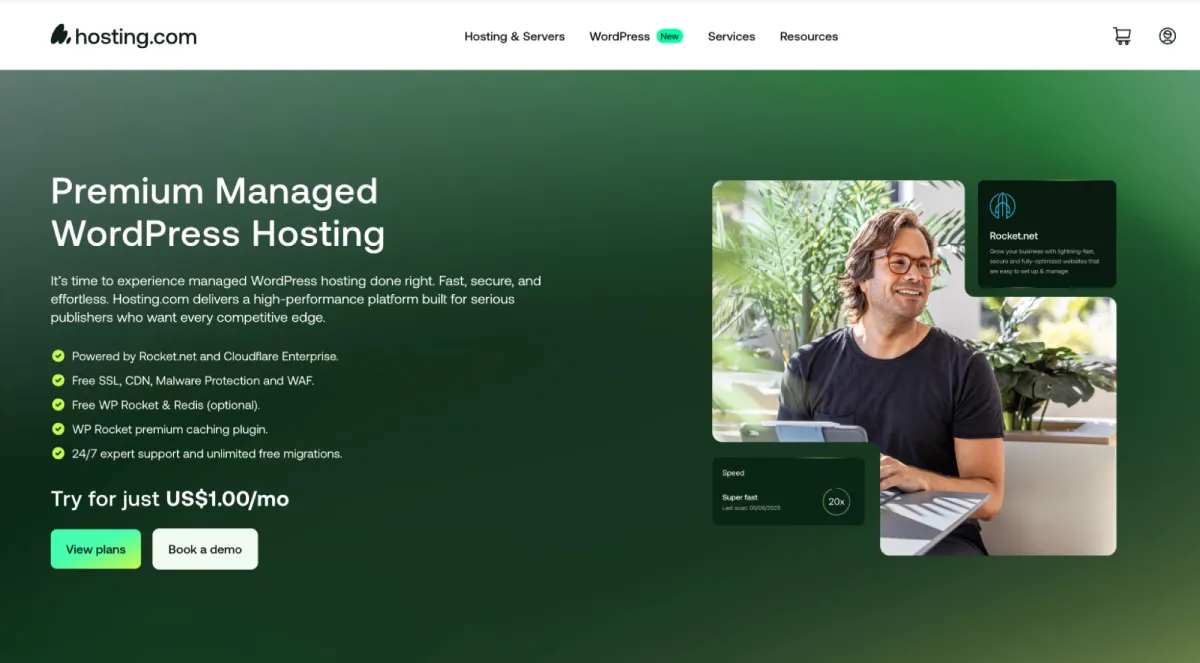
Hosting.com’s Managed WordPress hosting by Rocket.net is the perfect choice for users who want fast, secure, and worry-free performance. All without having to manage any of the technical details themselves.
Plans start at $14.99 per month (just $1 for the first month), and include generous SSD storage, enough bandwidth to support growing sites and–most importantly–unlimited PHP workers. The plans also include all the essential features you would expect from a premium WordPress host: automatic daily backups, free SSL, advanced caching, malware scanning, and a staging environment.
However, it stands out with its Enterprise CDN and WAF by Cloudflare, turning it into a hosting plan that ensures your site is fast, secure, and scalable. As your site grows, you can easily move it to higher tiers with more resources, higher traffic capacity, additional sites, and free WP Rocket.
3. Kinsta
Kinsta is a premium managed WordPress host. Its entry-level plan starts at $35 per month for a single site, 10 GB storage, and a monthly visit allowance of around 35,000. The price increases as you move up tiers for more sites, storage, and higher traffic capacity.
The plans include a range of features like automatic backups, SSL, CDN, security monitoring, and staging environments. While these features are useful, the base price is significantly higher than comparable plans on Cloudways, which also include server-level management and similar core features at a lower starting cost.
For sites that grow quickly, Kinsta requires moving to higher tiers once traffic or storage limits are exceeded. This structure is straightforward but less flexible compared to pay-as-you-go scaling, which can make other cloud providers more predictable and cost-efficient for projects that fluctuate in traffic or resource needs.
4. WP Engine
Last up, we have WP Engine. It operates as a dependable managed host for WordPress exclusively. Their entry-level plan starts at $25 per month. This plan typically includes one single site, 10 GB of total storage, and a cap of around 25,000 monthly visits.
The price includes several essential management features. These are built-in: daily backups, SSL certificates, security monitoring tools, and a staging environment. Because these features are part of the core package, you avoid the hassle of installing separate tools just to cover basic security and site management needs.
As your website demands increase, you can easily upgrade to higher tiers. These plans provide more storage capacity, increased bandwidth, and higher visit limits. Each subsequent tier comes with a higher price tag that directly matches the boost in resources you receive.
Cost Considerations Beyond the Base Price
The sticker price of a hosting plan only tells part of the story. There are several things that can push your costs up once your site is running.
One common factor is traffic. If your site suddenly gets more visitors than expected, some hosts charge extra, while others just handle it. It’s worth checking how each provider deals with these spikes.
Storage is another issue. Plans often include a set amount of disk space, and going over that usually means paying more. The same goes for things like backups, security, and support.
Some hosts include these features, while others treat them as extras. Knowing what’s included can make a big difference in what you actually pay each month.
Looking at these details gives a much clearer idea of the true cost, beyond just the number on the pricing page.
Final Thoughts
Choosing a cloud host is a big choice. It is more than just picking the cheapest plan you see. Every platform prices things differently. They include different features. They also handle scaling in their own way. What works well for one site may be too much for another.
When you look at options, think about your needs. How much traffic? What storage size? How much support do you want? How much do you need to grow later? Check the first price, but also look for extra costs, like bandwidth overages or add-on features.
The main point? Match the host to what you need. Don’t try to find a perfect host for everyone. Knowing your site’s needs makes choosing a service that fits your budget and keeps your project smooth simple.


Leave a Reply