

How to Run a People Search with CocoFinder: 2025 Step-by-Step Guide
Locating an individual in the vast expanse of online information can be a daunting task. Public records, social media, and scattered databases often yield fragmented or outdated details, making the process time-consuming. A structured approach that leverages specialized search techniques can dramatically improve both accuracy and efficiency.
In the following guide, CocoFinder is highlighted as a representative tool, demonstrating how dedicated people search services draw on billions of records to assemble comprehensive profiles. By blending methodical search strategies with technological assistance, users can uncover names, contact information, addresses, and more—while maintaining a neutral, professional stance throughout the process.
Preparing to Search: Gathering Core Identifiers
Collecting Essential Details
Before initiating a people search, assemble whatever verified data is already at hand:
- Full Legal Name: Including middle names or initials when possible.
- Known Aliases: Nicknames, maiden names, or professional pseudonyms.
- Geographic Clues: City, state, or country of last known residence.
- Additional Identifiers: Phone numbers, email addresses, or social media handles.
Clarifying Objectives
Determine what information is critical:
- Is the goal to find a current address?
- Does the user need contact numbers?
- Are legal or property records relevant?
A clear objective prevents unnecessary effort and keeps the search focused.
Step-by-Step Guide to Conducting a People Search
Step 1: Access the Search Platform
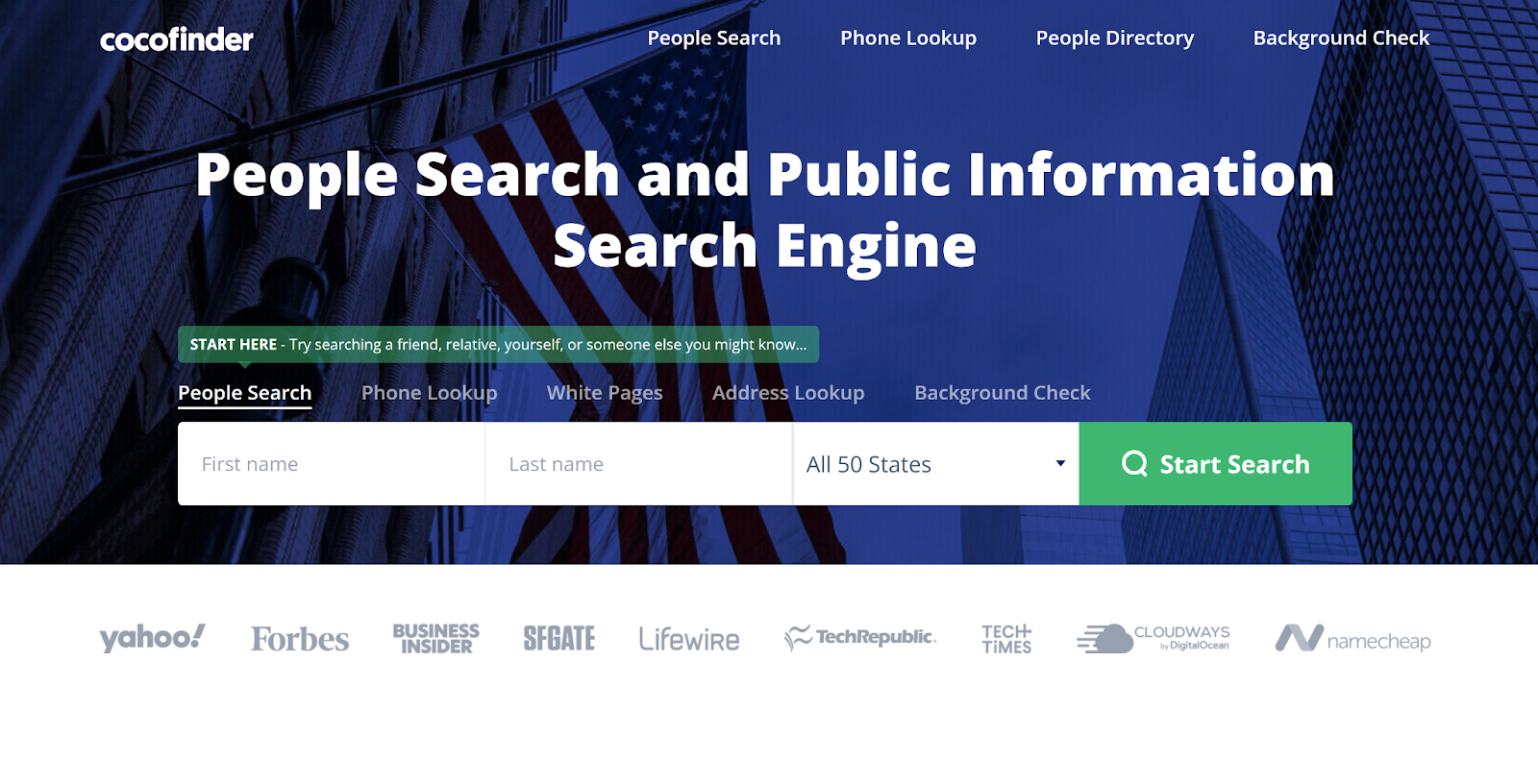
Begin by navigating to the chosen people search service’s website. In this example, the user would locate the People Search section of CocoFinder’s interface, which is designed to handle name-based queries efficiently.
Selecting the Appropriate Module
- People Search: For name and location-based searches.
- Reverse Phone Lookup: When a phone number is available instead of a name.
- Address Lookup: If only an address is known.
Choosing the correct module ensures relevant data sources are queried.
Step 2: Input Primary Identifiers
Enter the individual’s full name into the search field. If the platform allows optional filters, add known details such as city or age range to narrow results and reduce ambiguities.
Refining the Initial Query
- Exact Match vs. Partial: Exact matches yield fewer but more precise hits, while partial name entries may reveal variations or common misspellings.
- Geographic Filters: Limiting the search to a specific region trims unrelated entries.
Using these refinements increases the likelihood of identifying the correct person quickly.
Step 3: Review Preliminary Results
After submitting the query, the platform returns a list of possible matches. Each entry typically includes basic details:
- Name Variants: Different spellings or aliases.
- Age or Date of Birth: Helps distinguish among individuals with similar names.
- Location Snapshot: City, state, or ZIP code.
Verifying Initial Matches
- Compare the returned data against known identifiers.
- Discard entries that clearly do not match (e.g., incorrect age or location).
- Flag promising leads for deeper investigation.
This triage process focuses effort on the most likely candidates.
Step 4: Drill Down into Detailed Profiles
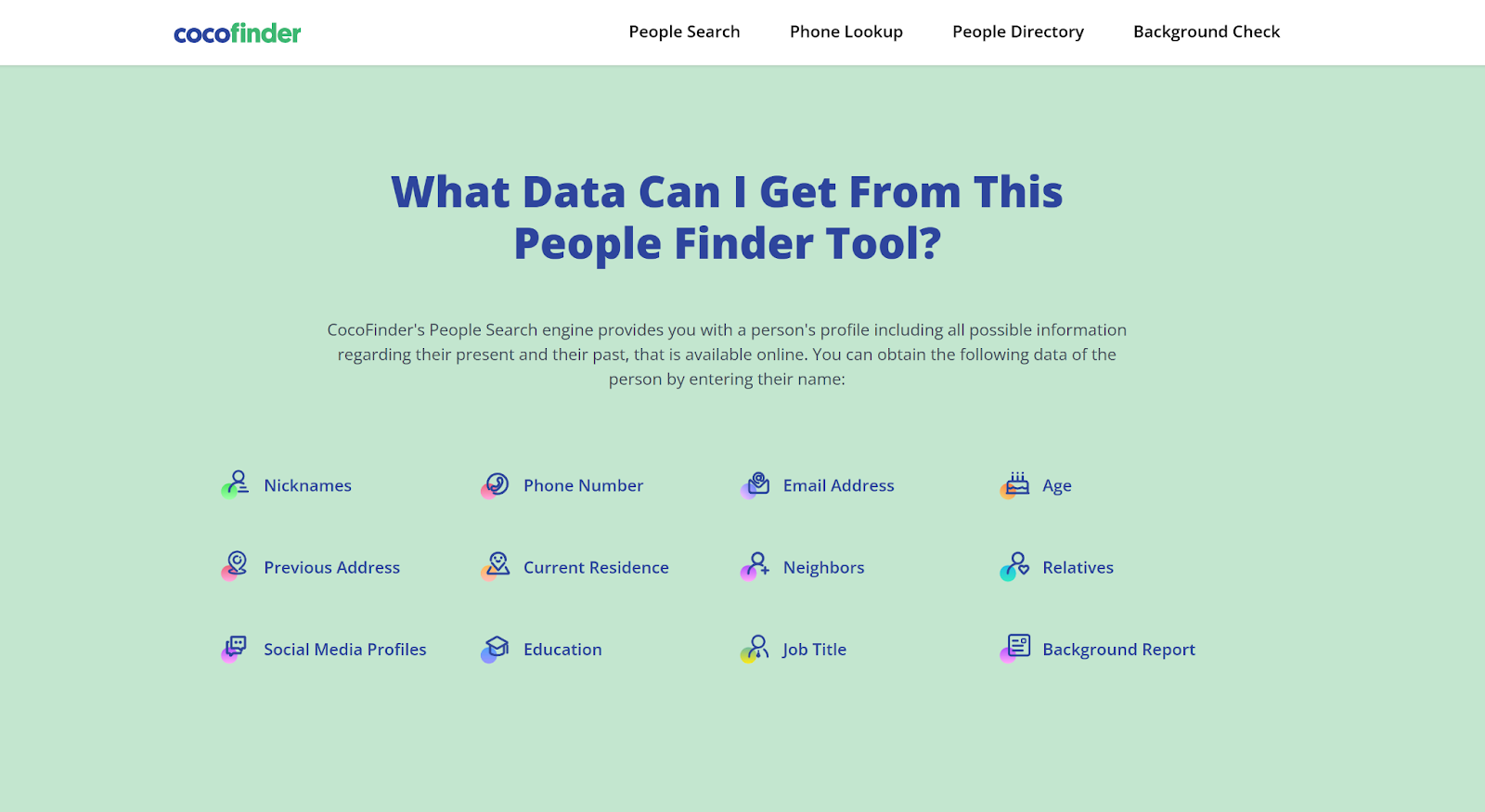
Upon selecting a promising match, access the full profile. Detailed profiles may include:
- Current and Past Addresses: Residential history up to several decades back.
- Phone Numbers and Email Addresses: Primary and alternate contacts.
- Social Media Links: Public profiles connected to the individual.
- Relatives and Associates: Family members or known associates listed in public records.
Organizing Collected Data
- Use a spreadsheet or database to record each data point.
- Note the source and date of retrieval for future reference.
- Highlight any discrepancies or missing information for follow-up.
Structured documentation prevents confusion when handling multiple profiles.
Leveraging Advanced Search Techniques
Using Wildcards and Boolean Operators
Platforms with advanced search capabilities allow:
- Wildcards (e.g., Jo*n) to capture name variations such as “John” and “Jon.”
- Boolean Logic (e.g., “Michael AND Smith” or “Jane NOT Doe”) to refine combinations and exclusions.
Practical Examples
- Searching for “Alex Johnson”* returns entries for “Alex,” “Alexa,” and “Alexander” Johnson.
- Querying “Taylor AND Lee” ensures results include both names in the profile.
These techniques reduce manual trial-and-error, expediting the search.
Cross-Referencing with External Data
After gathering profiles, cross-check information against:
- Social Networks: Public posts or user details on platforms like LinkedIn or Facebook.
- News and Publications: Local newspapers or academic journals mentioning the individual.
- Professional Directories: Licensing boards or industry memberships.
Validating Key Details
- Confirm an email address by finding matching profiles on multiple sites.
- Verify addresses through property tax records or satellite imagery.
- Match employment history with LinkedIn or company websites.
Triangulating multiple sources ensures higher confidence in the results.
Integrating People Search into Broader Investigations
Combining with Background Checks
Once identity is established, a user may perform a background check—examining criminal history, court filings, or traffic violations. Many people search services, including CocoFinder, integrate this functionality to streamline the investigative workflow.
Steps for Background Augmentation
- Submit Identifiers: Confirm the correct profile from the people search.
- Access Legal Records: Retrieve available court and criminal documents.
- Review Employment and Education: Pull public records that list jobs or degrees.
- Generate a Consolidated Report: Combine findings into a single document.
This layered approach provides a holistic view of the individual.
Address and Property Research
For users interested in real estate or residency verification, the address lookup feature reveals:
- Property Ownership: Historical deeds and current title holders.
- Tax Assessments: Valuations and payment histories.
- Neighborhood Context: Nearby schools, crime rates, and demographic data.
Mapping Relocation Patterns
By comparing past and present addresses, one can:
- Identify migration trends (e.g., frequent moves).
- Detect potential inconsistencies in personal narratives.
- Understand socio-economic backgrounds based on neighborhood profiles.
These insights often complement the personal data obtained through people search.
Best Practices for Efficient People Searches
Structuring the Workflow
- Plan Your Search: Define objectives and gather initial identifiers.
- Execute Initial Query: Choose the correct search module and input primary data.
- Triage Results: Quickly eliminate non-matches and flag suspects.
- Deep Dive: Access detailed profiles and archive pertinent data.
- Validate and Expand: Cross-reference with external sources and perform background checks as needed.
Time Management Tips
- Schedule dedicated blocks for data entry, triage, and validation.
- Use browser bookmarks and notes to track multiple profiles.
- Leverage search history features to revisit previous queries.
A disciplined approach prevents wasted effort and accelerates outcomes.
Documenting and Reporting Findings
- Create a Standard Template: Sections for personal data, contact details, legal records, and social connections.
- Include Source Citations: Always note where each piece of information was obtained.
- Summarize Key Insights: Provide a concise overview of findings at the beginning of any report.
Ensuring Clarity
- Use bullet points and tables where appropriate for readability.
- Highlight unresolved queries and recommended next steps.
- Archive both raw data and synthesized summaries for transparent audit trails.
Clear documentation elevates the professionalism of any investigation.
Conclusion: Achieving Accurate, Ethical People Searches
By following a structured methodology—preparing core identifiers, selecting appropriate search modules, refining queries with advanced techniques, and validating findings through cross-referencing—users can conduct efficient and accurate people searches. CocoFinder exemplifies how specialized platforms aggregate vast public records into single interfaces, streamlining the investigative workflow while emphasizing user privacy and data integrity.
Whether reconnecting with old friends, vetting professional contacts, or safeguarding personal security, a disciplined approach to people search empowers one to navigate the complexities of public data responsibly. With emerging technologies such as AI and API integration on the horizon, the future of people search promises even greater speed and precision—provided that ethical and legal standards remain the guiding principles.


Leave a Reply