
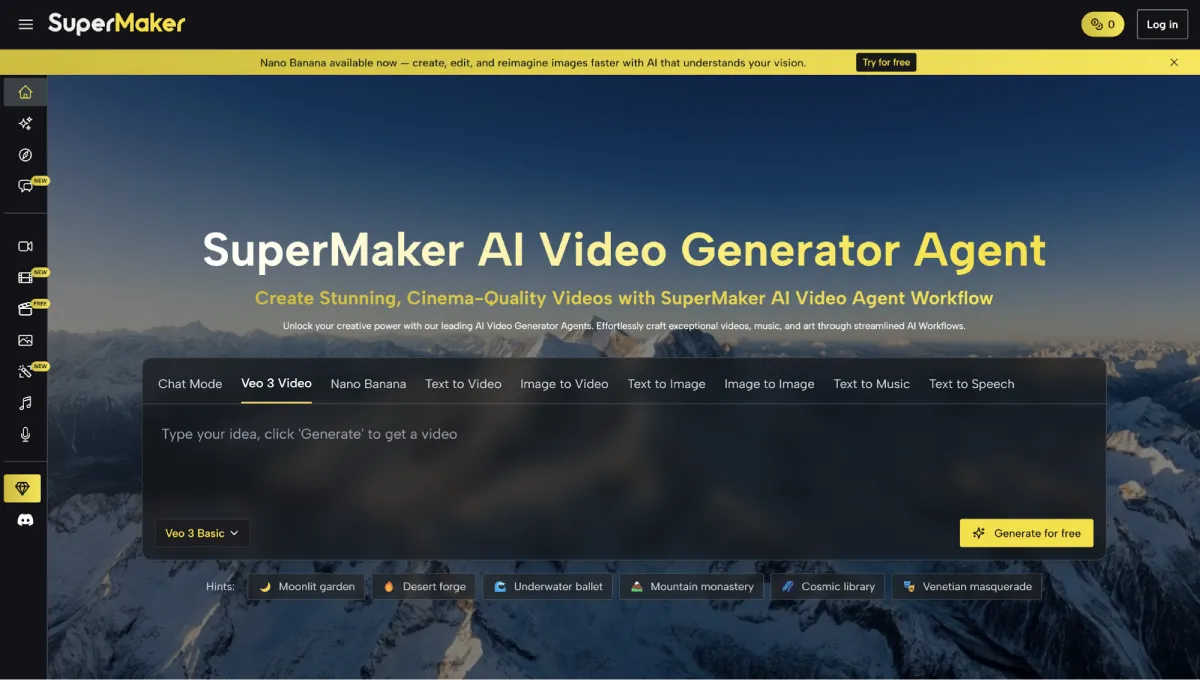
SuperMaker AI + Google Veo 3: The Ultimate AI Video Generator to Turn Any Idea into a Stunning Video
Have a video idea but lack the time, budget, or skills to bring it to life? Let Veo 3 in SuperMaker AI turn it into a stunning, ready-to-share clip in minutes—no editing skills required!
With the AI Video Generator, Veo 3 turns your concepts into high-quality videos with audio in just a few clicks.
Ⅰ. Introducing Veo 3 and SuperMaker AI
1. Veo 3
Veo 3 is Google’s latest AI-powered video generator, designed to transform your ideas into high-quality videos instantly. With simple prompts, Veo 3 interprets your concept and automatically creates a polished, professional-looking video with audio. Think of it as a always-on creative partner that brings your imagination to life—without the need for complex editing skills or expensive software.
2. SuperMaker AI Video Generator
SuperMaker AI is the platform that makes using Veo 3 seamless and accessible. It integrates Veo 3 directly into an intuitive interface, letting you generate, customize, and share videos in just a few clicks. In addition, SuperMaker AI can also generate images, music and voice. The platform also integrates the latest Nano Banana (powered by Google Gemini 2.5 Flash Image), giving you even more creative possibilities.
Ⅱ. Key Features You’ll Love About Veo 3 in SuperMaker AI
Here are advanced features that make Veo 3 stand out:
1. High-Quality Visuals
Veo 3 generates crisp, professional-quality videos with smooth motion and vibrant colors. You don’t need to master complex prompts or have video production experience—your videos will be polished and ready to share, with precise details handled automatically.
2. Prompts Understanding & Optimizing
Simply describe your idea in a few sentences, and Veo 3 brings it to life. The AI interprets your concept accurately and even optimizes prompts to produce the best results, so your video looks exactly how you envisioned.
3. Multiple Styles & Customization
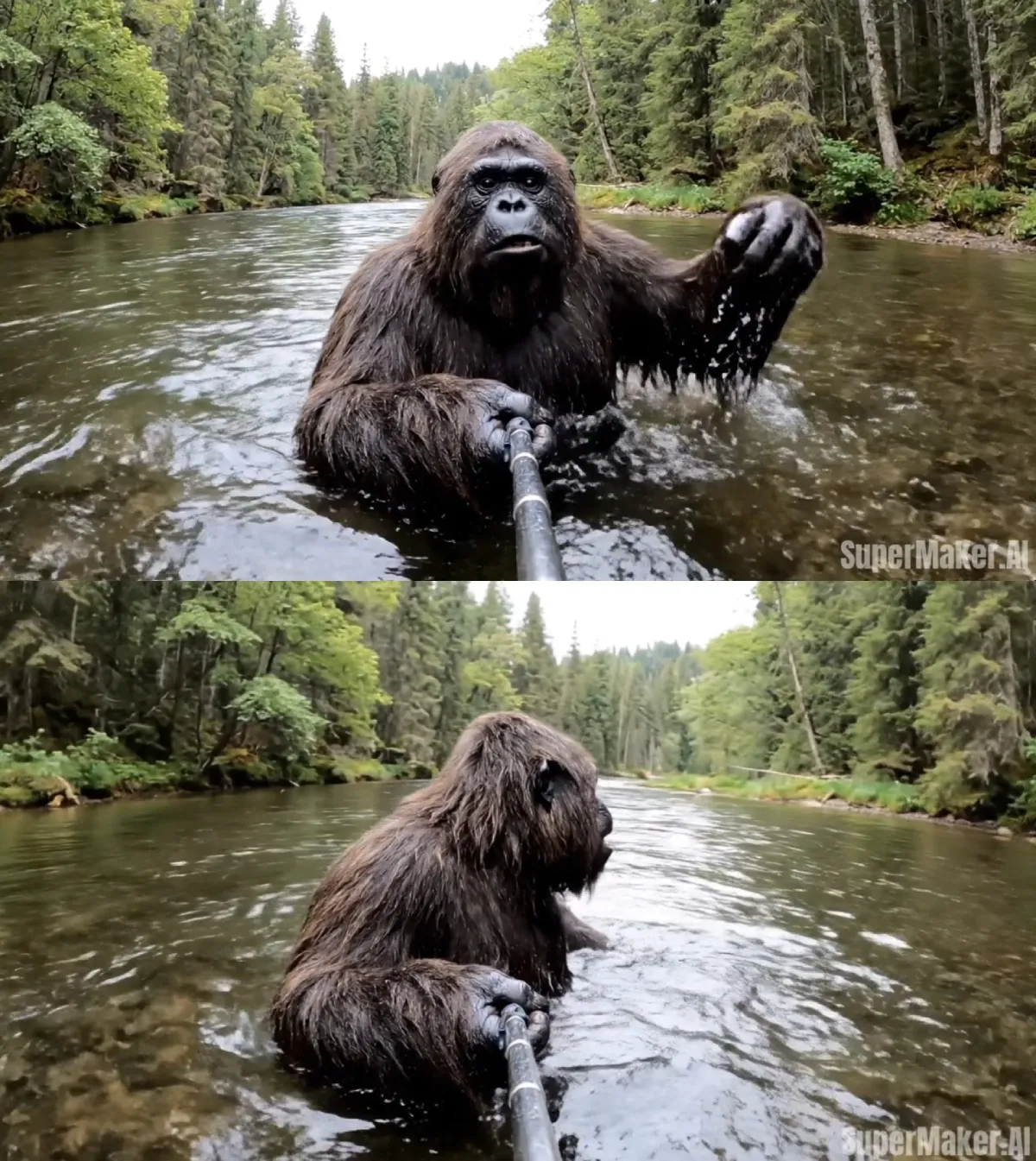
From cinematic storytelling to animated company videos, Veo 3 offers a wide range of styles to match your content. SuperMaker AI Video Generator also includes a rich library of effects for different creative needs—whether it’s making a unique Avatar video to boost your brand, a viral Bigfoot clip, or an engaging Baby podcast video. This flexibility ensures every video is unique and perfectly aligned with your vision.
4. Immersive & Built-in Audio
Sound is just as important as visuals, and Veo 3 makes your video more captivating. Add background music, sound effects, or AI-generated voiceovers to create fully immersive videos that grab attention from the first second.
5. Realistic Lip Syncing
Veo 3 ensures characters’ mouth movements match their dialogue perfectly. This lifelike feature is perfect for educational videos, animated series, or marketing content, making your message clear and engaging.
6. Specify Language and Speaking Content
With Veo 3, you can define the voice, language, and even the dialogue for your video, ensuring the narration matches your audience. This flexibility makes your content not just visually engaging but also culturally relevant and impactful.
7. Free Trial & No Login Needed
One of the most user-friendly aspects of Veo 3 in SuperMaker AI is accessibility. You can try it for free without creating an account or logging in. This makes it easy for anyone, especially beginners trying AI content for the first time, who can experiment without any barriers.
Ⅲ. How Veo 3 Works in SuperMaker AI
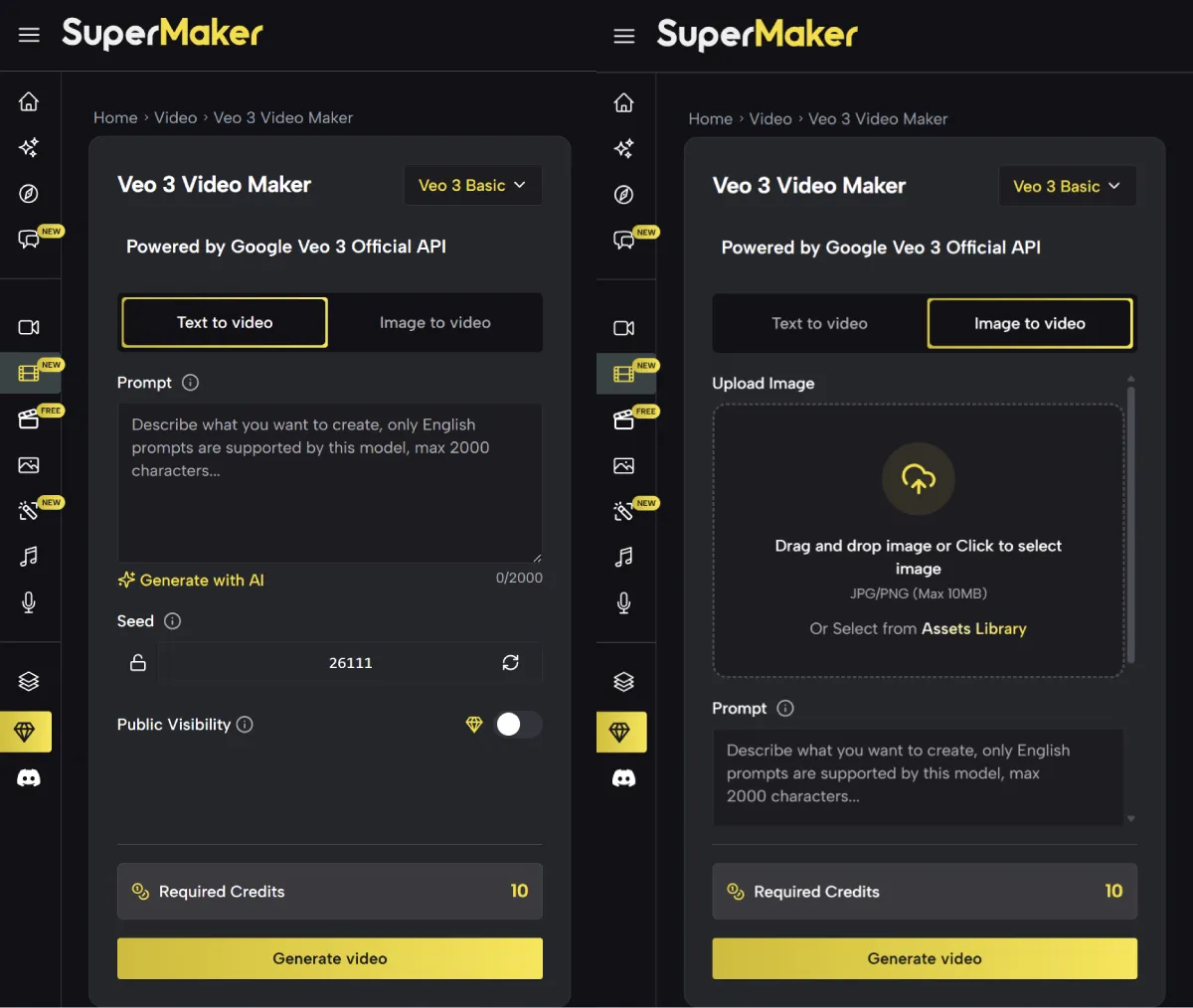
When using Veo 3 in SuperMaker AI Video Generator, you can choose between two modes: text-to-video and image-to-video.
Text-to-Video
This mode is perfect if you have a clear idea but no visuals yet. Simply describe the video content you want in a few sentences, and Veo 3 will automatically generate a high-quality video that matches your description.
Image-to-Video
If you already have an image in mind—like a product photo, avatar, or concept art—this mode lets you bring it to life. Upload your image, add your prompts, and Veo 3 will create a video that expands on your visual idea.
Ⅳ. Tips for Getting the Best Results
Here are a few simple tips to help you get the most out of Veo 3 in SuperMaker AI:
1. Keep Prompts Clear & Concise
The more specific your idea, the better the output.
Instead of saying ‘make a video of a dog,‘ try ‘a golden retriever running through a sunny park with kids playing in the background.‘ Clear details help Veo 3 capture your vision accurately.

2. Add Context When Needed
If your video is for a product launch, social media campaign, or educational content, mention it in your prompt. Context helps Veo 3 adjust the tone, pacing, and style, so the final video feels tailor-made for your purpose.
3. Use Images for Extra Precision
If you have logos, product shots, or reference images, use Image-to-Video mode. This anchors your idea and ensures the output matches your vision even more closely.
Ⅴ. Why Video Content Matters Today
Did you know that video content is shared ar more than text and images combined? It’s no surprise—videos grab attention faster, tell stories more vividly, and keep audiences engaged longer. From social media posts to marketing campaigns, video has become the most powerful way to connect online. The challenge, though, is that creating polished videos usually takes time, skill, and expensive tools. That’s where Veo 3 changes the game—letting you focus on your ideas while it handles the technical details for you.
Ⅵ. Who Can Benefit
Veo 3 is perfect for:
- Content Creators: Create eye-catching videos for YouTube, TikTok, or Instagram that grab attention and grow your audience.
- Marketers: Promote products and campaigns with professional-quality visuals created in minutes.
- Educators & Trainers: Transform lessons or tutorials into engaging, easy-to-follow video content for learners.
- Hobbyists: Turn personal ideas, stories, or creative projects into polished videos without any technical barriers.
Conclusion
Creating high-quality videos no longer requires hours of editing or costly tools. With Veo 3 in SuperMaker AI, your ideas can become professional, shareable videos in minutes—without the steep learning curve.
Try Veo 3 in SuperMaker AI today and start creating videos that stand out.


Leave a Reply