
The Best Sign PDF Apps in 2026
Signing documents has fully moved into the digital age. Modern sign PDF apps let you sign, send, and monitor documents directly from your phone, tablet, or laptop, whether you’re in the office, on-site, or working remotely.
Some PDF signing tools are designed for speed and simplicity, ideal for freelancers and field professionals. Others focus on compliance, automation, and large-scale workflows for teams and enterprises. Below is a detailed look at the seven best apps to sign PDFs in 2026, including their strengths, limitations, pricing, and ideal use cases.
The best apps to sign PDF in 2026
1. Jotform Sign
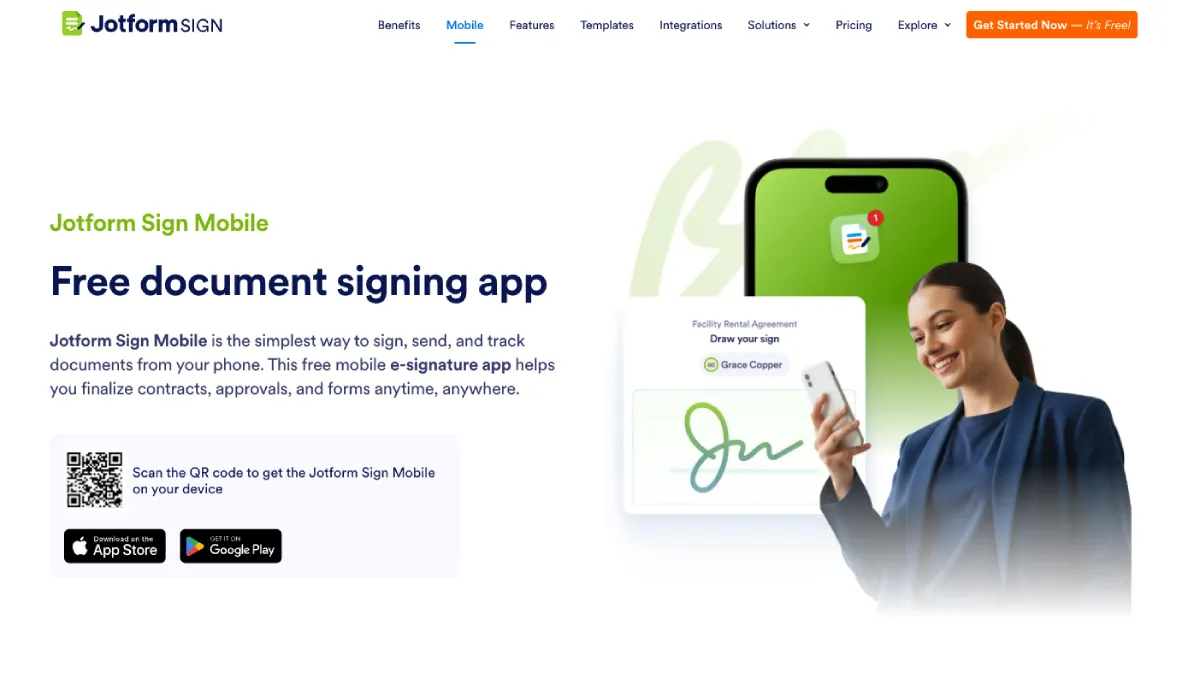
Jotform Sign is a comprehensive PDF signing app built for both mobile and web use. You can upload a PDF or scan a paper document directly from your phone, customize fields, add signatures, invite signers, and track progress from start to finish. It supports both in-person signing on a single device and remote signing through secure links or email invites.
The biggest advantage is its connection to the broader Jotform ecosystem. Signed PDFs can automatically sync with forms, workflows, approvals, and cloud storage. Every signature includes a detailed audit trail, and real-time notifications keep you updated throughout the process. Jotform also offers a Google Workspace add-on to sign PDF files, allowing users to do so directly inside Google Drive.
Jotform Sign Pros:
- Mobile-first signing and sending from anywhere
- Supports in-person and remote signing with multiple signers
- Real-time tracking and audit trails
- Free forever plan available
Jotform Sign Cons:
- Higher monthly limits require a paid plan
Jotform Sign Pricing:
- Free forever plan available
- Bronze: $34/month
- Silver: $39/month
- Gold: $99/month
- Enterprise: Custom pricing
Jotform Sign is best for:
Businesses, freelancers, and mobile professionals who need a complete, end-to-end PDF signing workflow on the go.
2. DocuSign
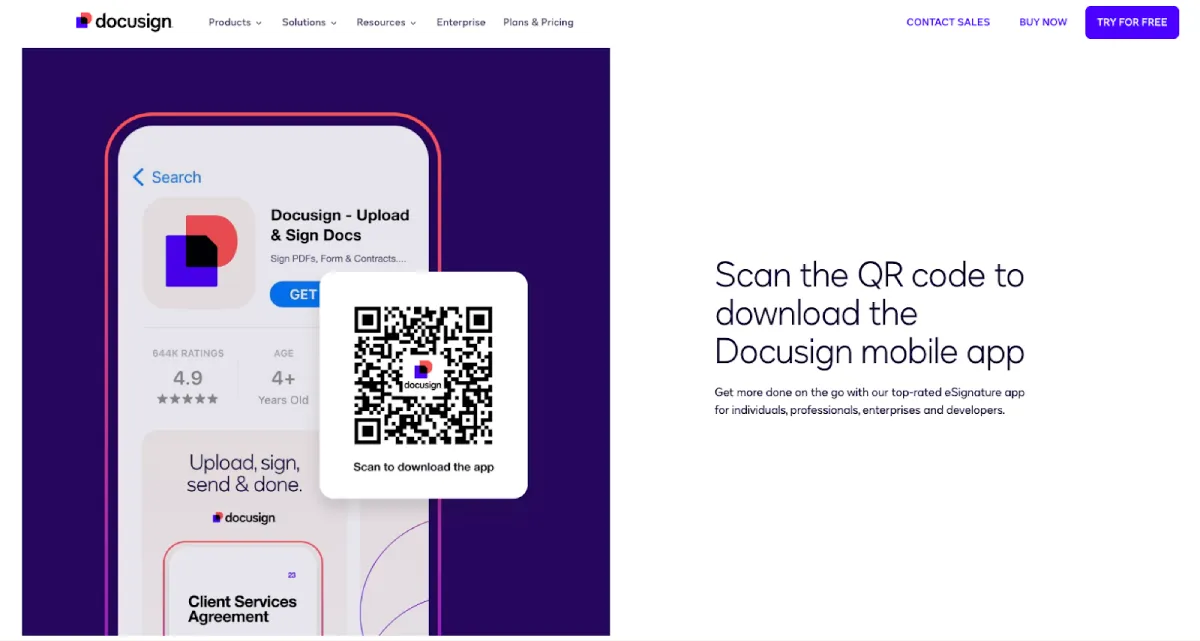
DocuSign is one of the most well-known electronic signature software, offering a mix of mobile convenience and enterprise-grade power. It supports multi-step signing workflows, role-based permissions, and integrations with CRMs and productivity tools. The mobile app enables quick signing, while the desktop experience handles large-scale document operations.
DocuSign Pros:
- Scalable platform for growing teams
- Mobile signing with strong enterprise features
- Advanced compliance and audit logs
DocuSign Cons:
- Advanced features increase cost quickly
- More than needed for low-volume users
DocuSign Pricing:
- Personal: $10/month/user
- Standard: $25/month/user
- Business Pro: $40/month/user
- Enhanced plans: Contact sales
DocuSign is best for:
Large organizations that need reliable, compliant e-signature workflows at scale.
3. Adobe Acrobat Sign
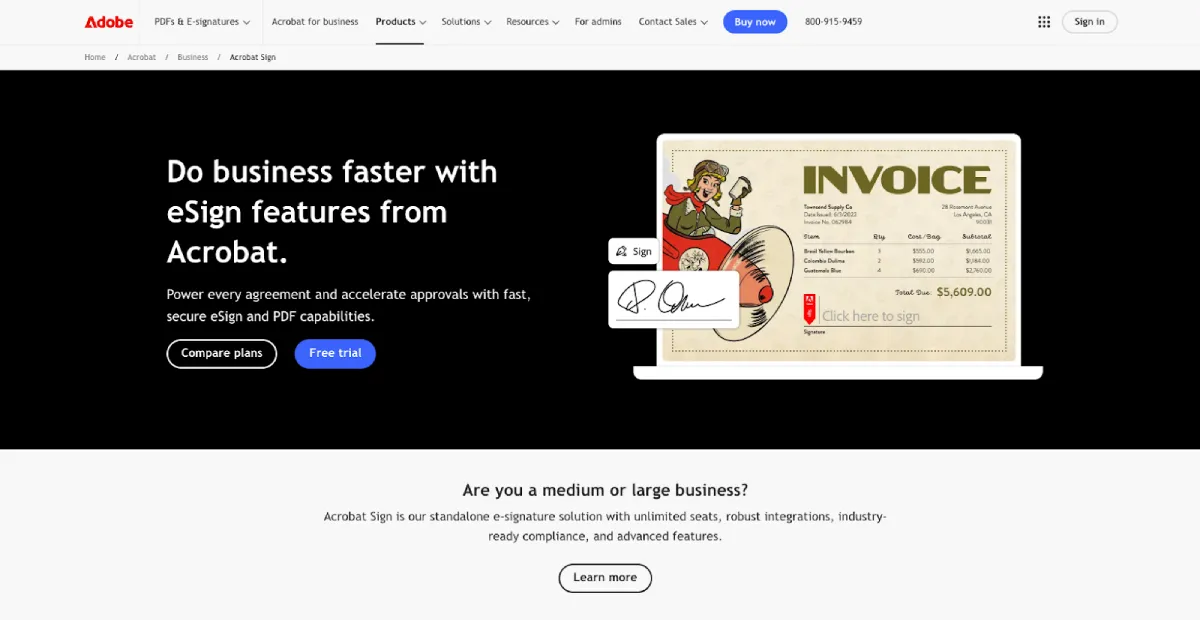
Adobe Acrobat Sign is an enterprise-focused PDF signing solution built into Adobe’s document ecosystem. It integrates with Microsoft 365, Salesforce, and Google Workspace, allowing teams to manage approvals, signatures, and document tracking from familiar tools. It also supports complex workflows and global compliance standards.
Adobe Acrobat Sign Pros:
- High security and global compliance support
- Deep integrations with enterprise software
- Reliable multi-step approval workflows
Adobe Acrobat Sign Cons:
- Higher price point
- Steeper learning curve for casual users
Adobe Acrobat Sign Pricing:
- Individual plans from $14.99/month
- Business plans from $23.99/user/month
Adobe Acrobat Sign is best for:
Large businesses and regulated industries that need enterprise-level document security and automation.
4. Zoho Sign
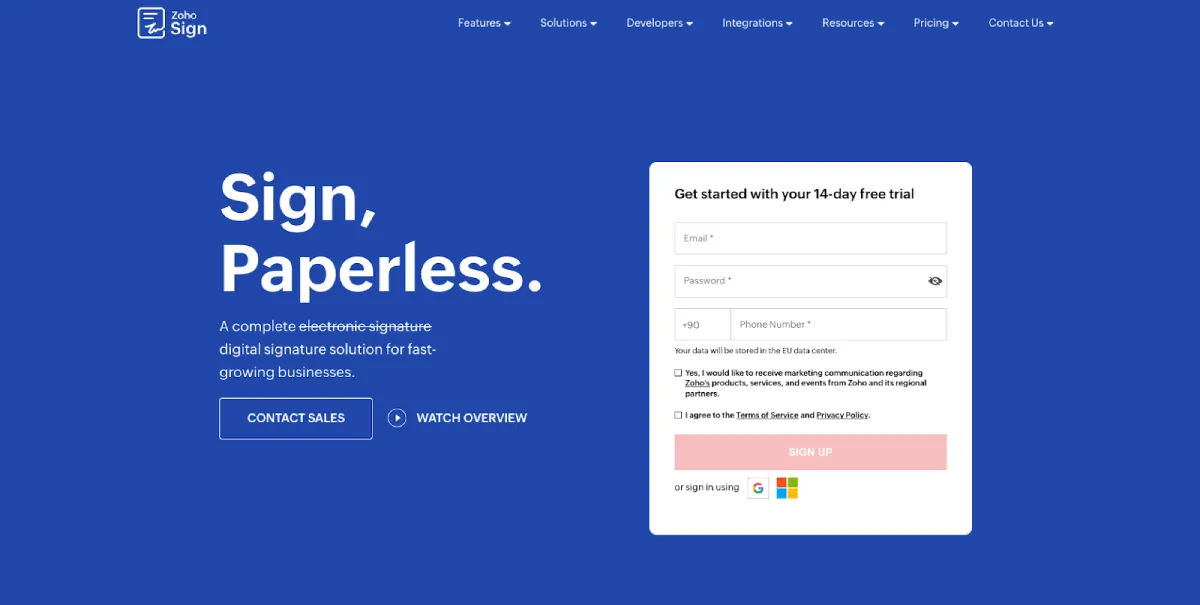
Zoho Sign is a cloud-based e-signature tool designed to work seamlessly within the Zoho ecosystem. It offers mobile and desktop signing, document templates, bulk sending, and workflow automation. Users can sign and send documents on the go, while teams benefit from centralized management and automation features.
Zoho Sign Pros:
- Strong value for Zoho users
- Functional mobile and desktop apps
- Built-in workflow automation
Zoho Sign Cons:
- Limited integrations outside the Zoho ecosystem
- Advanced features require higher-tier plans
Zoho Sign Pricing:
- Free tier available
- Standard: €10/month/user
- Professional: €16/month/user
- Enterprise: €22/month/user
Zoho Sign is best for:
Small to mid-sized teams already using Zoho tools or looking for affordable e-signing with automation.
5. PDFelement
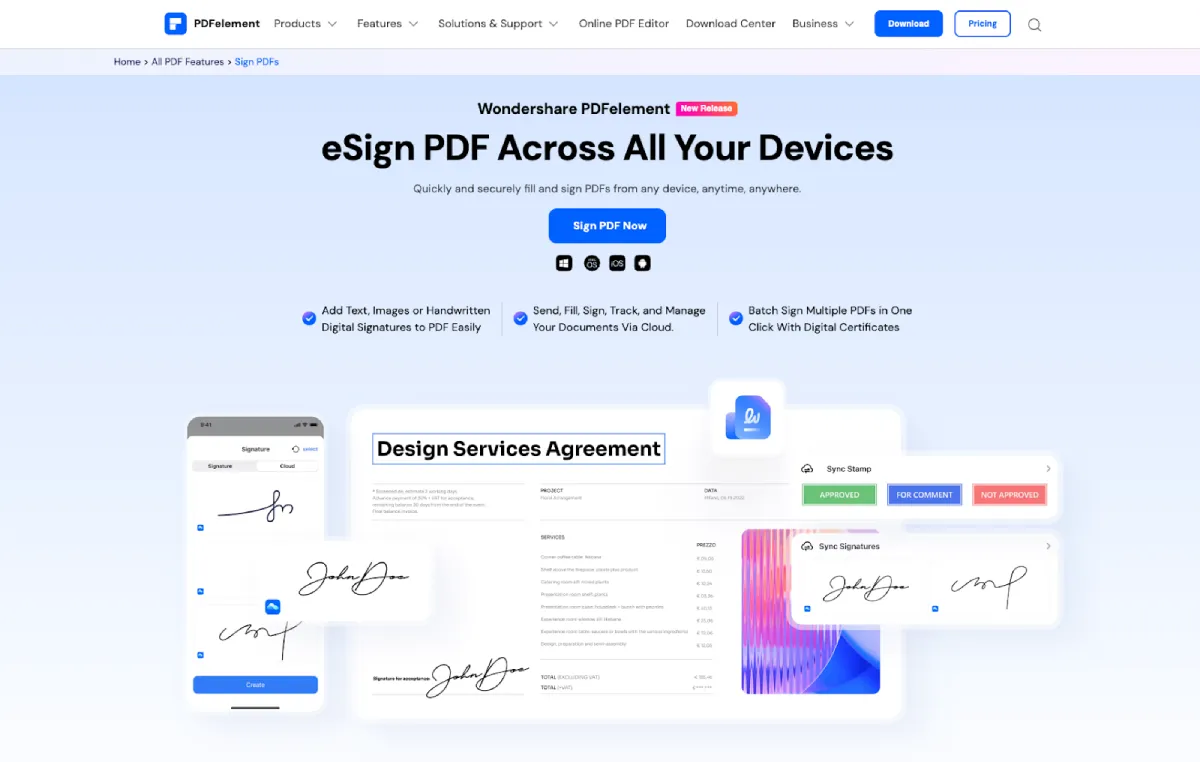
PDFelement is a full-featured PDF editor that includes e-signature capabilities. Users can edit, convert, merge, protect, and sign PDFs in one platform. While mobile apps support signing on iOS and Android, the desktop version unlocks more advanced tools like OCR, batch processing, and document protection.
PDFelement Pros:
- PDF editing and signing in one solution
- OCR and batch processing support
- Lifetime license options available
PDFelement Cons:
- Desktop software required for full functionality
- Mobile signing is more limited
PDFelement Pricing:
- Pricing varies by platform and user type
- Example: $369.90/year for a 10-user iOS team
PDFelement is best for:
Professionals who work heavily with PDFs, such as legal teams, educators, and document-intensive industries.
6. SignEasy
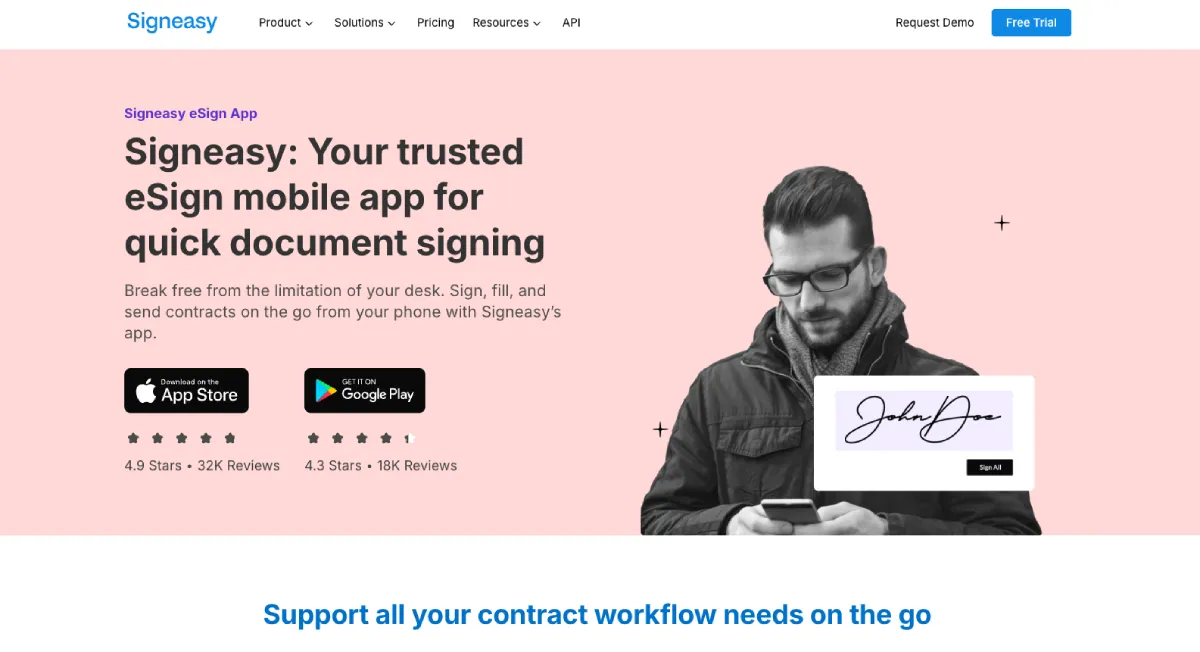
SignEasy is designed for simplicity and speed. It supports iOS, Android, and web, allowing users to sign documents or send them for signatures quickly. The interface is clean and minimal, making it easy to use without training or setup.
SignEasy Pros:
- Fast, mobile-first signing
- Simple and intuitive interface
- Works across devices
SignEasy Cons:
- Limited workflow and editing features
- Not ideal for large teams
SignEasy Pricing:
- Personal: $10/month/seat
- Business: $20/month/seat
- Business Pro: $30/month/seat
- Custom plans available
SignEasy is best for:
Freelancers and small teams who want quick, no-frills PDF signing on mobile devices.
7. JetSign
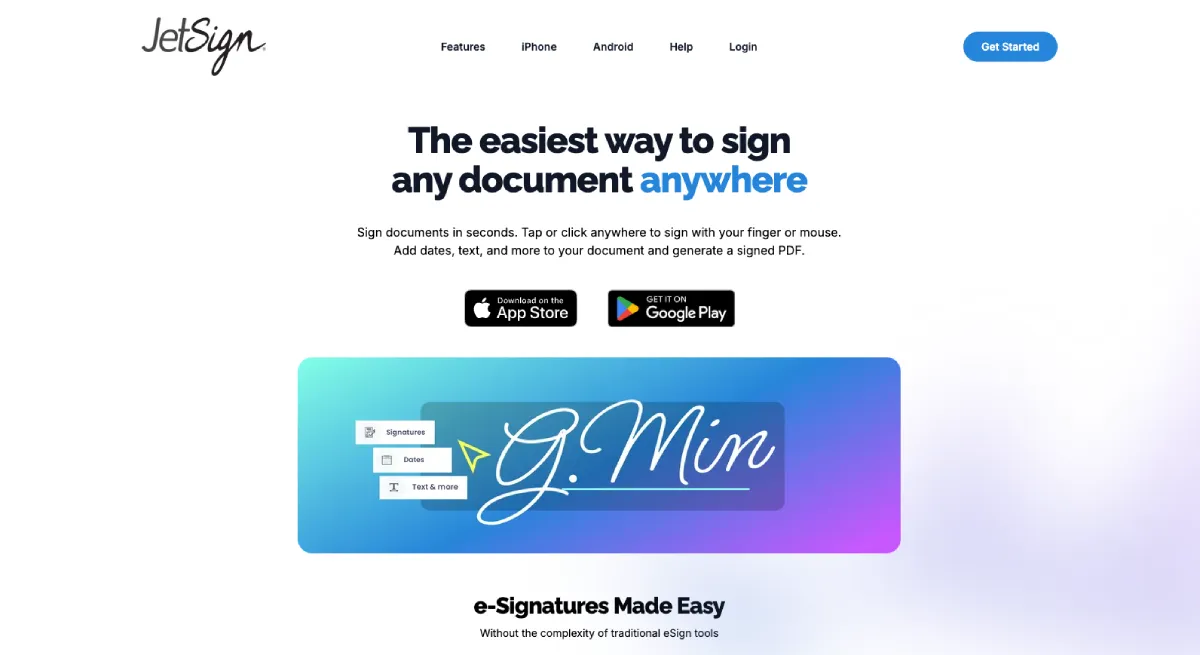
JetSign is a lightweight PDF signing app built primarily for mobile users. It allows users to upload documents, add signatures or dates, and send secure links for remote signing. Its streamlined design makes it well-suited for fast, occasional signing needs.
JetSign Pros:
- Fast and easy mobile experience
- Supports in-person and remote signing
- Affordable pricing for light use
JetSign Cons:
- Limited advanced workflows
- Basic desktop and web features
JetSign Pricing:
- 3 free signings or 7-day trial
- $4.99/month or $35.99/year
JetSign is best for:
Individuals and small teams who need quick PDF signing on their phones without extra complexity.
How to Choose the Best Sign PDF App in 2026
In 2026, PDF signing apps serve a wide range of workflows. Mobile-first users will appreciate Jotform Sign, SignEasy, and JetSign for speed and convenience. Teams needing compliance, integrations, or document automation may prefer DocuSign, Adobe Acrobat Sign, Zoho Sign, or PDFelement.
- Best overall PDF signing: Jotform Sign
- Best for enterprise workflows: DocuSign, Adobe Acrobat Sign
- Best for Zoho users: Zoho Sign
- Best for heavy PDF editing: PDFelement
- Best for simple mobile signing: SignEasy, JetSign
Choose based on how often you sign documents, your team size, compliance needs, and whether you prioritize mobile flexibility or enterprise control. With the right app, signing PDFs becomes a seamless part of your workflow.
FAQ
What is the best PDF signing app for mobile use?
Jotform Sign, SignEasy, and JetSign are best for mobile signing because they allow documents to be signed, sent, and tracked directly from iOS and Android devices.
What is the best PDF signing app for enterprises?
DocuSign and Adobe Acrobat Sign are best for enterprises because while on the expensive side, they support multi-step approvals, enterprise integrations, and global compliance standards.
What is the best free PDF signing app?
Jotform Sign and Zoho Sign offer free plans, making them strong options for individuals and small teams that need legally binding e-signatures without upfront cost.
What is the best PDF signing app with editing?
PDFelement is best for users who need to heavily edit and sign PDFs because it combines e-signatures with OCR, conversion, batch processing, and document protection.


Leave a Reply