
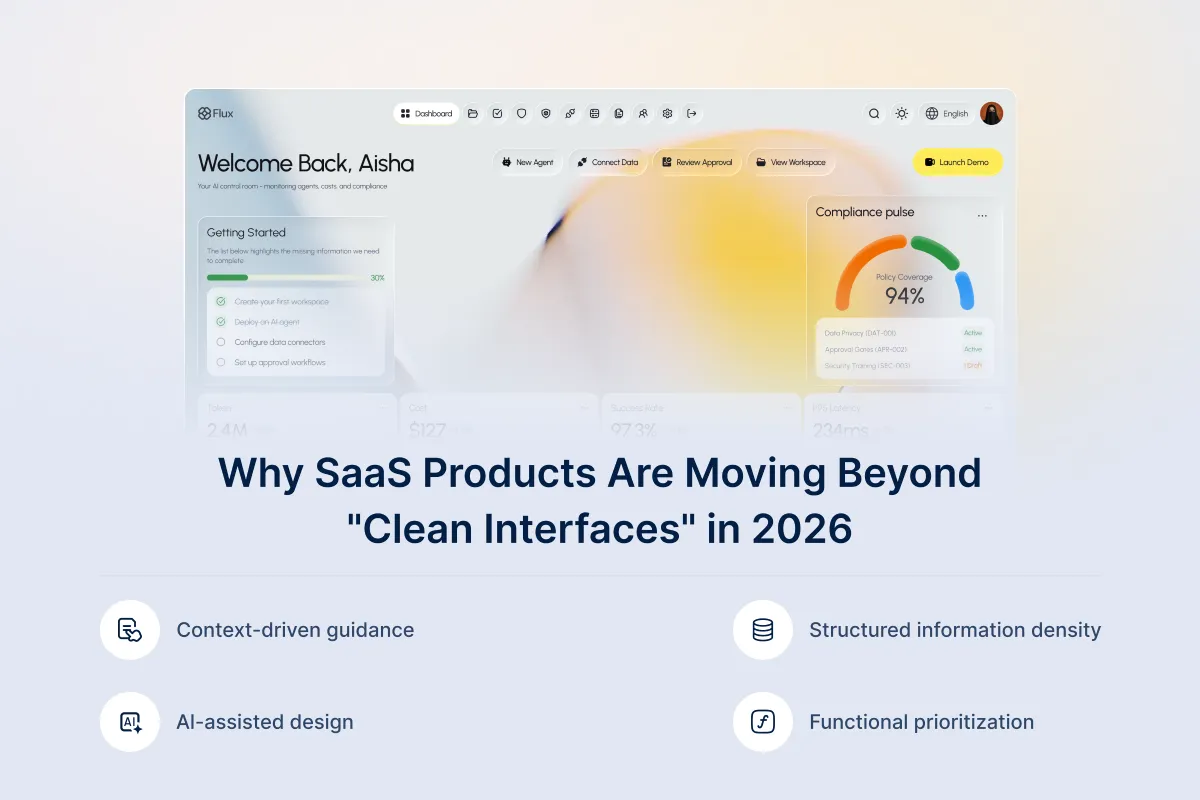
The End of Clean UI? Why SaaS Products Are Moving Toward Smarter, Denser Interfaces in 2026
Minimal design has been a really popular design trend over the past decade. It feels simple, clear, and easier to sell. That’s why early-stage SaaS products followed this approach.
But as SaaS products started adding complex workflows, enterprise-grade data, and layers of AI, sticking to a minimal design has become limiting. For this reason, SaaS products are now moving toward more meaningful, complex designs.
Meaningful complex designs present the right data, controls, and actions to users in a structured and organized way. They help reduce the user’s screen scrolling, make decisions more quickly, and feel like an actual tool to work with instead of a polished demo.
Today, we’ll talk about how this denser design approach is going to change the SaaS design industry in 2026.
What Does Shifting From Clean to Denser UI Mean?

Shifting from clean UI to denser UI means changing the goal of the interface. Here are the main changes when moving from clean UI to denser UI:
| Clean UI | Denser UI |
| Focuses on visual simplicity | Focuses on workflow efficiency |
| Uses lots of white space | Uses structured information grouping |
| Hides advanced controls | Surfaces relevant controls upfront |
| Spreads features across multiple pages | Combines related features in one workspace |
| Optimized for onboarding and demos | Optimized for daily execution |
In a clean UI, the goal is to make the interface look simple, aesthetic and easy to understand. However, it also has some downsides. Clean UI often splits tasks into multiple screens to maintain white space and visual simplicity. While this keeps the layout clean, it can also make users move through multiple pages to complete a single task.
Dense user interface focuses on making the interface more efficient and practical for users. In denser interfaces, the content is structured using grouped layouts instead of spreading them in multiple pages. And it reduces the need to switch between multiple pages for completing a task. Users can find related features and data in one place. And as a result, it’s easier for the users to complete daily work.
Shifting from clean to dense UI does not mean completely replacing one interface with another. Both clean and dense UIs are required for SaaS products. Clean UIs are effective for onboarding flows and product demo designs. While, denser interfaces are used where users need to complete tasks faster with fewer interruptions.
5 Key Reasons Why SaaS Products Are Moving Towards Denser Interfaces
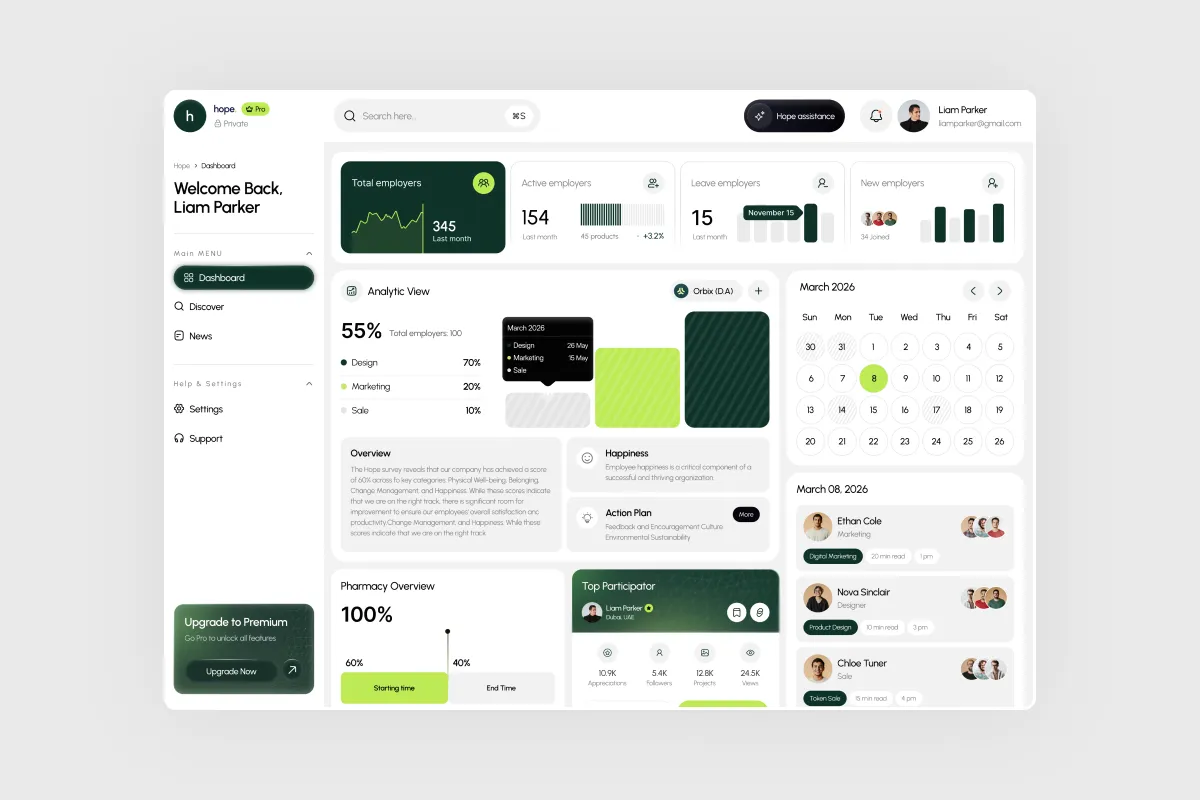
As SaaS products grow more complex, clean interfaces often slow users down instead of helping them move faster. Here are the 5 main reasons SaaS products are shifting from minimal designs to denser interfaces.
1. Products Became Platforms, Not Tools
In the early days, SaaS products solved one single problem. This could be anything from a marketing tool, an analytics dashboard, or a billing software. Each of these tools had one primary goal to fulfill. That’s why the interface also remained minimal, because the scope was limited in the product.
Today, the SaaS products are not just a single product, they are shifting into platforms. Modern SaaS products now follow a complex architecture that has features like automation, reporting, collaborations feature, and more. That’s why SaaS teams partner with agencies that can provide specialized UX design services to improve workflow and reduce friction in task implementation.
2. Enterprise Customers Demand More Control
Small SaaS companies usually have one or two types of customers. This means they rely on one single workflow to work with. That’s why they follow a simple setup for working. But, that’s not the case for enterprise level SaaS companies.
Enterprise level SaaS companies have multiple user roles, and each of them require different configurations to complete their tasks . For example, they might need custom workflows, advanced filtering, detailed reporting, conditional automations or API controls. What they don’t want is a “one size fits all ” approach.
That’s why a dense user interface approach is more useful for them instead of a simple one. It provides them a bird’s-eye view of all the operations directly in a dashboard instead of hiding them behind pages.
3. Speed-to-Value Became a Competitive Advantage
SaaS products used to compete in features in early days. They competed on specifications like which product has more features, which product has more functionalities, or which app has more automation features. But the time has changed, and so has the user behavior.
With so many options available to the customers, they no longer look for the product that seems the most clean. They choose the product that could help their team move faster. They care about:
- How quickly can they complete the core task
- How fast do they have meaningful results
- How efficiently users could move from one task to another
Clean UI often hides the features in other pages to maintain a minimal interface for the users. It also forces the users to go through multiple pages, and takes more time to complete tasks. In comparison, a denser UI groups related data together so users can understand information quickly and complete tasks faster.
4. AI Requires Context-Rich Interfaces
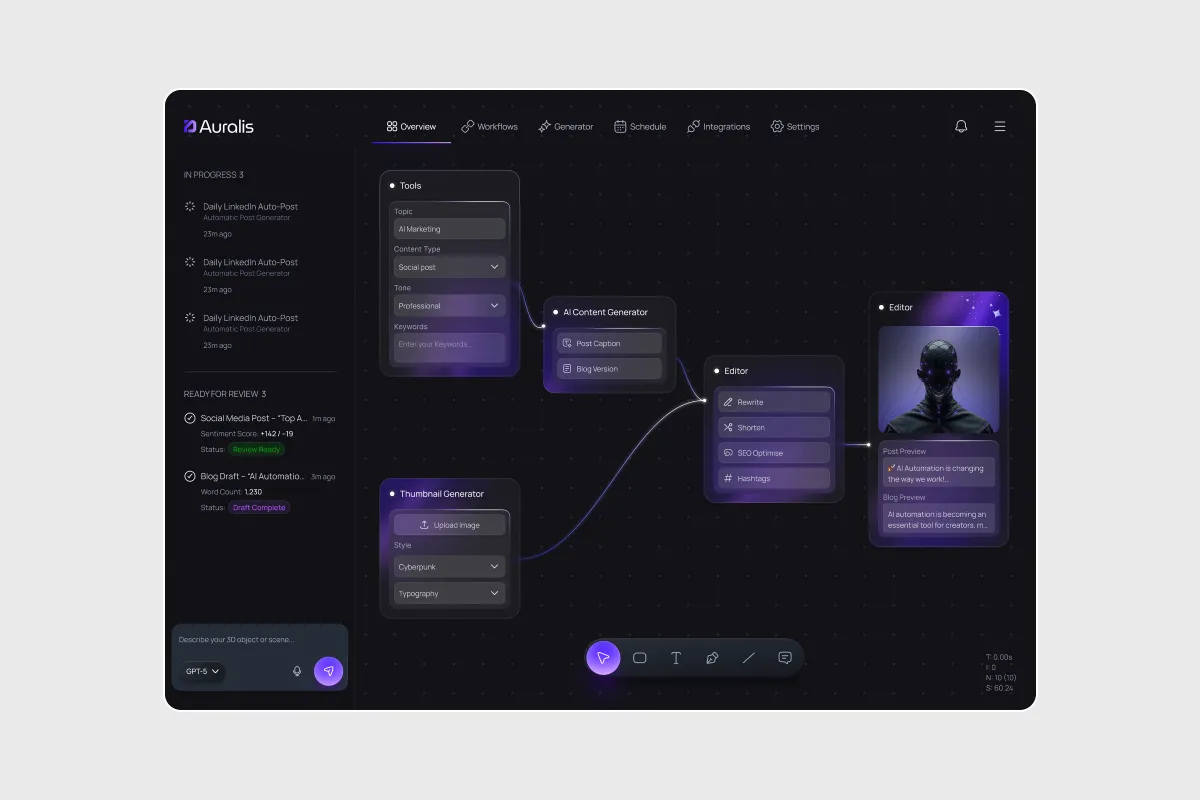
AI has changed the way users interact with product interfaces. Before AI, the software interfaces were reactive. They required the user to take any actions like clicking, filtering or searching, before anything happened.
But, AI has changed that. It’s not just adding features to the SaaS products; it’s making the interface proactive. This means the product interface does not wait for the users to take actions. The system analyzes data and suggests what to do next.
AI does this by observing the current interface and the user’s behavior pattern. Then, gathering useful recommendations based on the context. And for these suggestions to be useful, AI requires highly structured interfaces that could suggest contexts. A minimal interface can lack the data for AI to choose between right suggestions.
5. Users Are More Advanced Than Before
In the early days of SaaS products, the users were still adopting the cloud software. So, switching from spreadsheet to cloud tools felt revolutionary to them.
But times have changed now, and today users regularly work with dynamic products like Slack, Notion, Figma and advanced analytical platforms. So, they are more comfortable handling complex interfaces.
Previously, they would look for software that is simple and easy to navigate. Now, users expect dashboards, advanced filtering, automation controls, and flexible workflows. That’s why the market is also shifting from simpler design to more structured denser interfaces.
What SaaS Founders Should Change in 2026
By 2026, founders should stop asking, does this look clean?, and start asking, does this help my users to execute faster? That’s the change required.
Minimal UI helps onboarding, with a clean and aesthetic dashboard. But, your revenue does not come from onboarding alone. It comes from the daily active users that use the product repeatedly.
Regular users don’t care whether the page looks clean or not. They care whether they can complete their task quickly, without any friction. And that’s what increases the users retention and provides long-term growth. The interface should also evolve in the direction users are moving forward in the market.
If you want to check out how modern dashboards support complex workflows, the InvestIQ – Investment Dashboard Design case study is a strong example that shows how grouped data improves the operation efficiently. Understanding the real uses can help you decide whether the current interface supports the speed, and decision-making at scale.
Final Thoughts
The SaaS industry has changed, and so have the customer’s expectations. Teams now choose tools that make their workflow more efficient and help complete their task faster everyday.
That’s why the companies are also changing their product interfaces to match these customers’ needs. This shift to dense, structured interfaces is not about adding more complexity to the workflow. It’s about helping the customer complete their operations faster, and more effectively.


Leave a Reply