
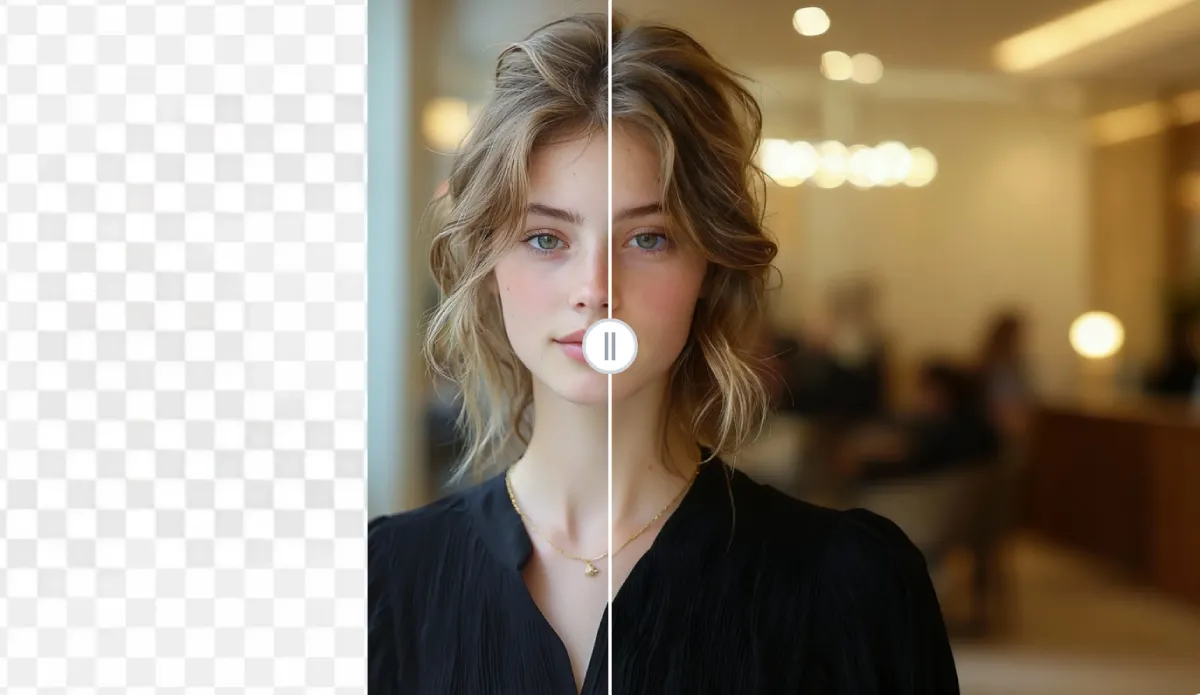
VisualGPT AI Image Extender: Expand Your Photos Without Losing Realism
Have you ever captured a perfect photo—only to realize it’s cropped too tightly or doesn’t fit your layout? VisualGPT AI Image Extender offers a simple, intelligent way to solve that problem. It allows you to expand images naturally, preserving lighting, texture, and depth so the final result looks as if it was originally composed that way.
In combination with Image Editor—a versatile online editing tool supporting multiple models and full customization—you can further refine every detail after the extension process. Together, these tools make professional-level image editing easy and accessible to everyone.
The Challenge of Cropped or Constrained Photos
Every creator, photographer, or social media designer has faced the same frustration: a shot that’s great in focus but lacks breathing room. Cropping, resizing, or framing can easily disrupt a composition, especially when preparing visuals for banners, posters, or digital campaigns.
Traditional methods like cloning or stretching pixels often leave behind blurry edges or distorted proportions. VisualGPT AI Image Extender approaches the problem differently—it generates new surrounding content that blends seamlessly with your original photo.
This means skies continue naturally, walls or landscapes stay consistent, and objects remain proportional. The extended image looks authentic, without visible transitions between the original and newly generated areas.
How VisualGPT AI Image Extender Works
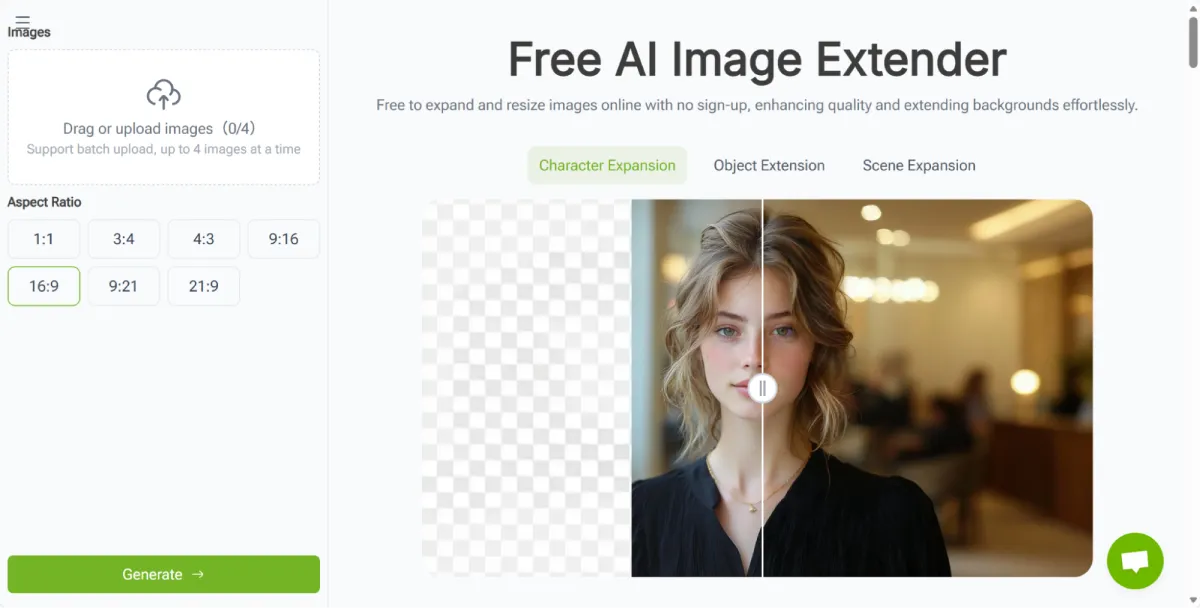
You don’t need any editing background to use VisualGPT. The process is simple, fast, and fully web-based.
Step 1: Upload Your Image
Start by uploading the image you want to expand. It can be a portrait, product photo, or landscape. No login or software installation is required.
Step 2: Define the Expansion Area
Decide where you need more space—top, sides, or full frame. The tool intelligently analyzes your photo to understand composition, lighting, and visual structure.
Step 3: Generate the Extended Image
In a few seconds, the image is extended seamlessly. You’ll see realistic textures, balanced lighting, and details that match your original frame. The tool preserves natural proportions and tone without visible editing marks.
Once the extended image is generated, you can move it into Image Editor for additional customization.
Refining Results with Image Editor
After extending an image, you may want to adjust color tones, add filters, or fine-tune the final presentation. Image Editor is ideal for that step. It’s a powerful online editor that supports multiple editing models and complete manual customization.
You can:
- Adjust brightness, saturation, and contrast for visual harmony
- Remove unwanted elements or clean up edges
- Crop and resize images for specific platforms or print formats
- Apply creative adjustments like tone matching or focus enhancement
This combination gives users both automation and creative control. VisualGPT handles realistic image generation, while Image Editor allows for personal finishing touches—all within your browser.
Real-World Use Cases
Expanding an image isn’t just a technical fix; it’s a creative opportunity. Here are some situations where VisualGPT AI Image Extender and Image Editor make a real difference:
- Design projects: Adapt vertical photos into horizontal layouts for websites or digital ads.
- Photography: Repair composition or restore cropped edges in portraits and landscapes.
- E-commerce: Add negative space around product images to fit marketing layouts.
- Content creation: Make visuals consistent across social media platforms without reshooting.
Each use case benefits from the same core advantage: the ability to expand creatively while maintaining authenticity.
The Freedom to Create Without Constraints
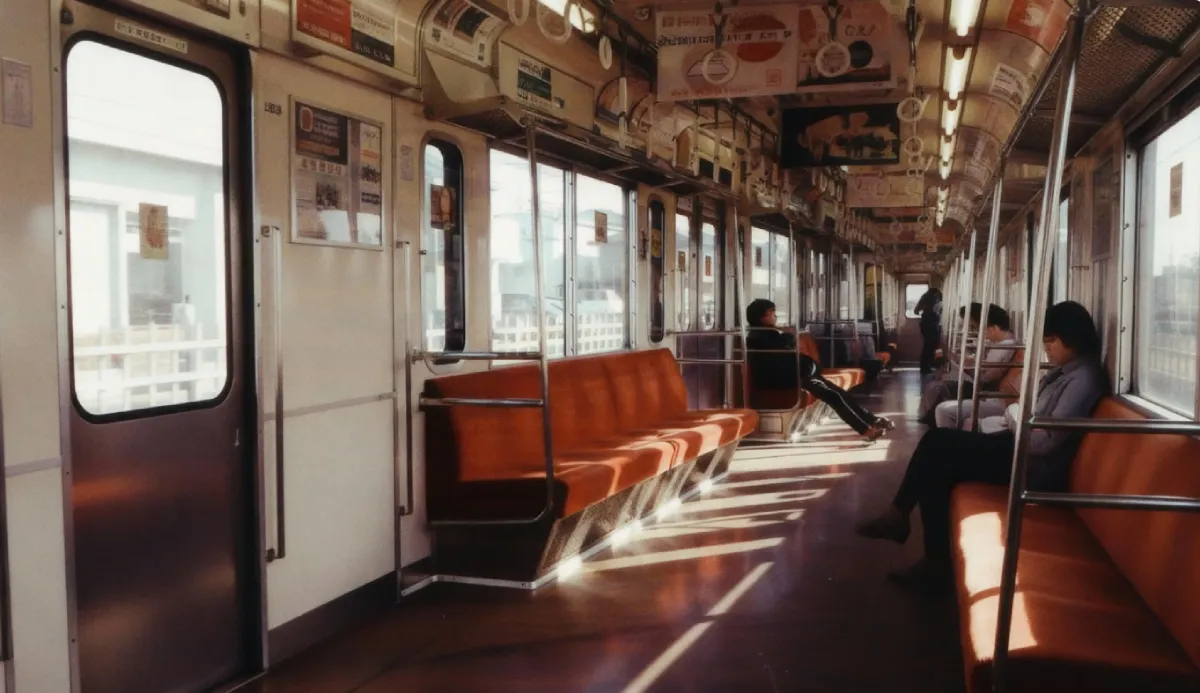
What sets VisualGPT AI Image Extender apart is its ability to balance automation and realism. Instead of artificial results, it creates extensions that align perfectly with the visual tone of your photo. You’re not just adding pixels—you’re expanding the story your image tells.
And when paired with Image Editor, that freedom becomes even greater. You can retouch, stylize, or adapt your extended image to different moods or campaigns, giving each piece of content its own identity.
Both platforms share one goal: to make advanced editing accessible without the need for complex design tools or technical expertise.
Conclusion
VisualGPT AI Image Extender redefines how we handle composition and photo framing. With intelligent generation that preserves the natural feel of every shot, it lets you expand your creative possibilities effortlessly.
After extension, Image Editor provides the customization power you need to finalize each image—whether it’s refining details, enhancing colors, or preparing visuals for publication.
If you’ve ever wished for a wider frame or more flexible composition, try VisualGPT AI Image Extender (https://visualgpt.io/ai-image-extender) today.
Once you’ve expanded your image, perfect it in Image Editor (https://imageeditor.online/) and experience a smoother, more creative way to work with your visuals.


Leave a Reply