

10 Best Presentation Makers (Free & Paid) in 2026
When creating presentations, it’s common to get stuck testing which fonts work rather than focusing on your content. This results in spending too much of your time when you have to complete everything on tight deadlines.
Fortunately, there is now a variety of competitive AI-powered presentation tools online. But the availability of choices also makes it harder to decide which one to pick.
To help you, we gathered 10 of the most popular presentation makers and evaluated them based on six criteria.
| Criterion | What We Measured |
| Ease of Use | Learning curve, easy-to-use interface, time to first usable slide |
| AI Features | Depth of AI generation, smart suggestions, prompt-to-slide quality |
| Template Variety | Volume, design quality, industry coverage, and customizability |
| Pricing & Value | Free tier generosity, paid plan cost, value relative to features |
| Export & Sharing | Format options, sharing links, compatibility |
| Brand Customization | Brand kit support, font/color control, logo integration, consistency |
| Maximum Score | 60/60 |
Every platform was scored out of 10 per category, giving a maximum score of 60 points. Scores were assigned based on the same prompt: “Create a presentation for a digital marketing agency called Next Level Promotions.”
The Top 5 Tools Expanded
1. Design.com
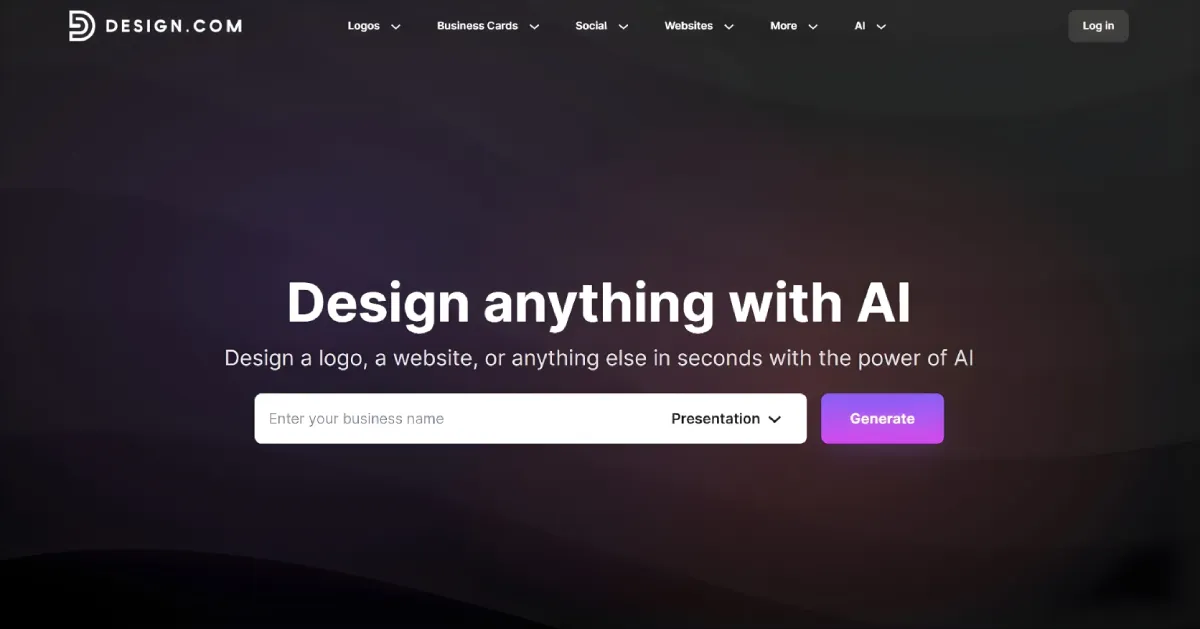
Best for: Users looking for professionally designed, brand-perfect presentations without a learning curve or a price tag.
Free plan: Generate, customize, and download presentations using free designs
Paid plan: From $9/month (billed monthly)
Score: 60/60
Design.com is an extensive branding ecosystem with a variety of AI branding tools. It includes the AI Presentation Maker, which tops this list with a perfect score for ease of use, accessibility, versatility, and brand customization capabilities.
With your business name and description, its AI can generate industry-tailored presentations. Made by professional designers, all templates feature polished layouts, complete decks, and cohesive color schemes.
In addition, Design.com lets you customize your chosen template. You can adjust their texts, fonts, colors, and other design elements using the platform’s beginner-friendly drag-and-drop editor.
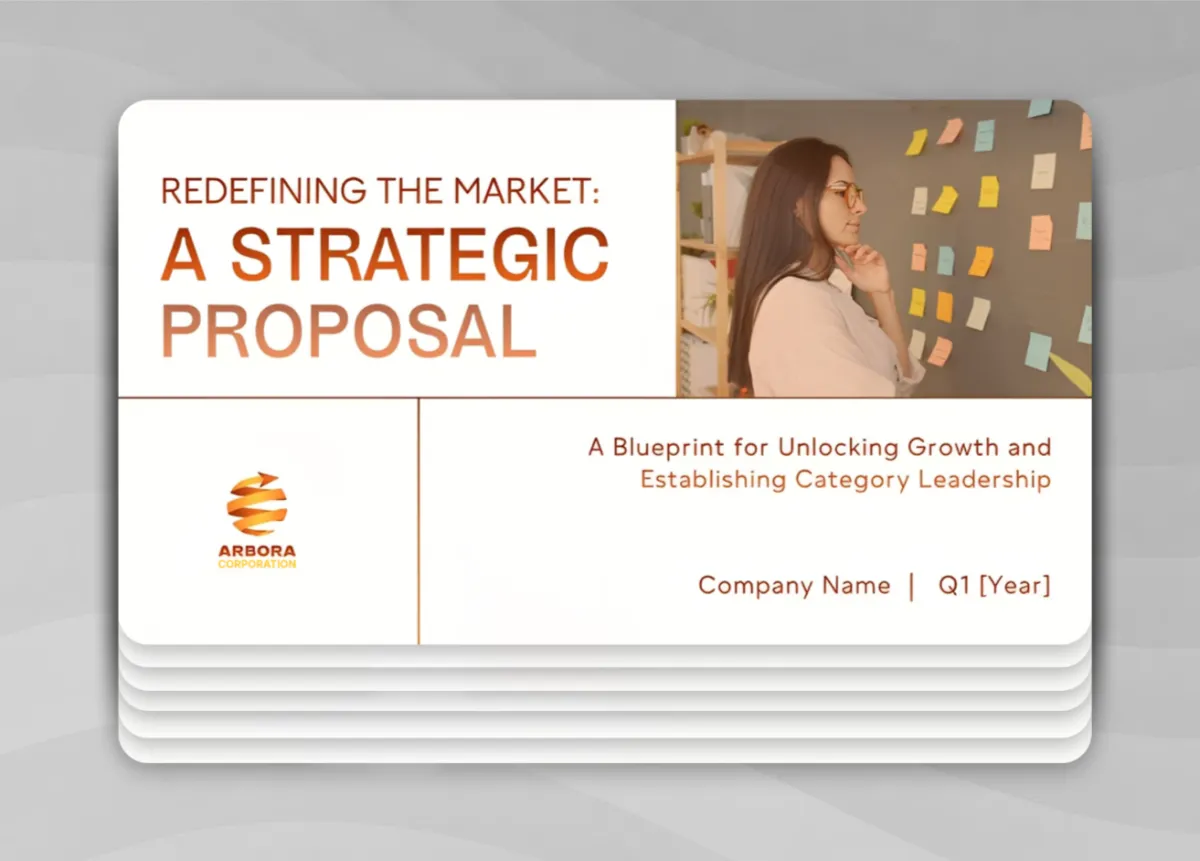
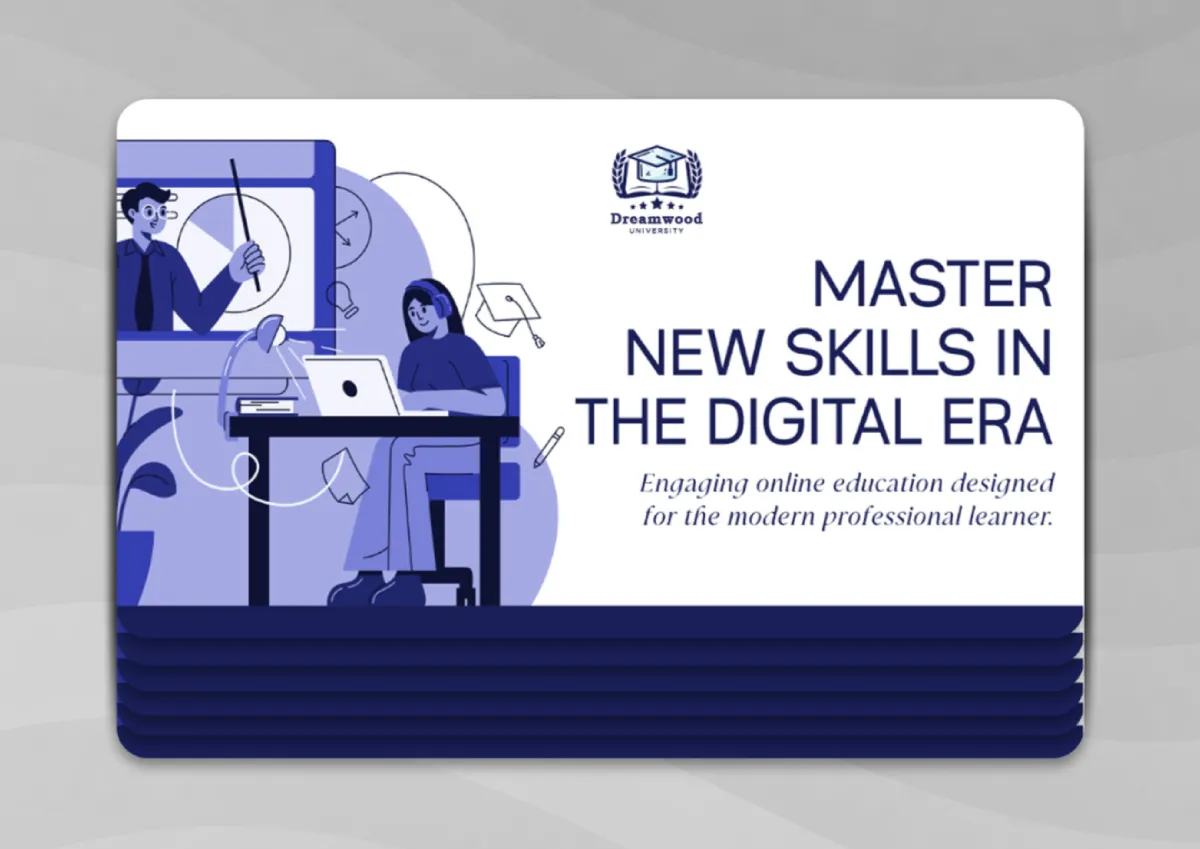
Here are samples generated by Design.com based on our working prompt:
What makes it stand out:
- AI-generated presentations with complete decks and tailored to your industry
- High-resolution (PNG and JPG) and vector (SVG, EPS, PDF) file downloads
- PPTX and Google Slides compatibility are included for free
- Generate, customize, and download presentations using free templates
- Automatically integrates your logo and brand elements into your slides
| Criterion | Score | Notes |
| Ease of Use | 10/10 | Prompt-to-presentation in seconds; no learning curve |
| AI Features | 10/10 | Full deck generation from business name and description |
| Template Variety | 10/10 | 589,000+ templates; excellent range across industries |
| Pricing & Value | 10/10 | From $9/month billed annually with full access to premium assets and other branding tools |
| Export & Sharing | 10/10 | PPTX, Google Slides, PNG, JPG, SVG, EPS, PDF |
| Brand Customization | 10/10 | Automatically integrates logos and brand colors across slides |
| Total | 60/60 |
2. BrandCrowd
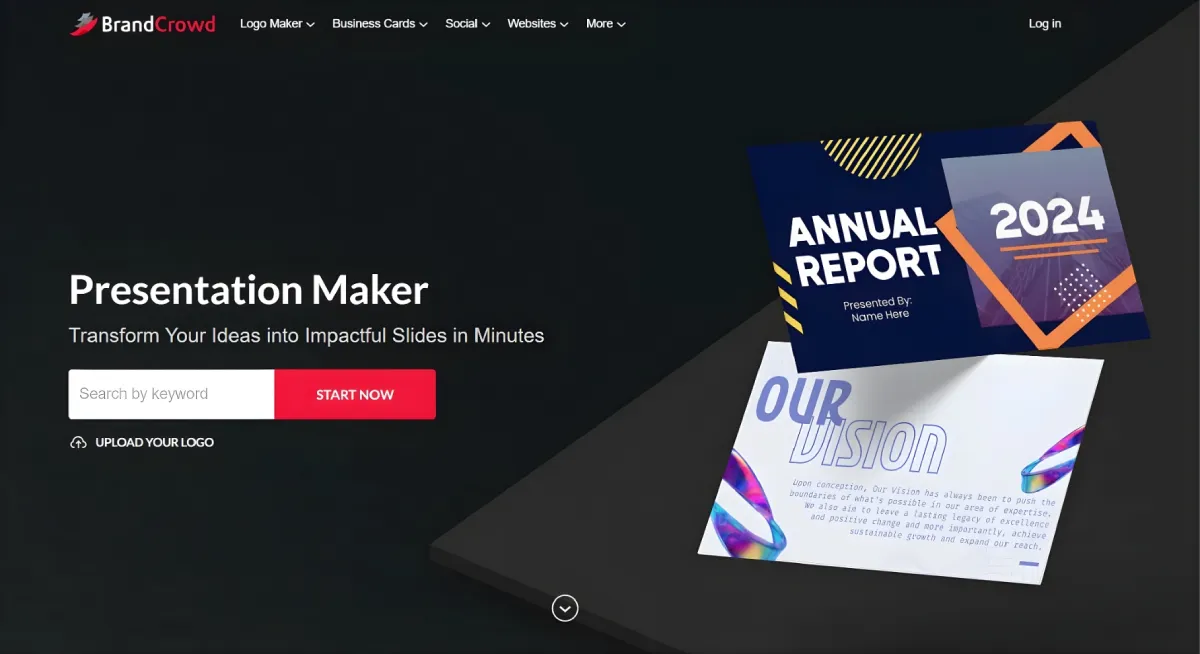
Best for: Small business owners and entrepreneurs who want professional, brand-consistent presentation templates.
Free plan: Generate, customize, and download presentations using free templates.
Paid plan: From $9/month (billed monthly)
Score: 58/60
BrandCrowd is widely known for its logo maker, but it also features over 50 branding tools to help you improve your branding. One of these tools is the BrandCrowd presentation maker. It combines AI technology with its library of high-quality templates to generate presentations tailored to your business name and industry.
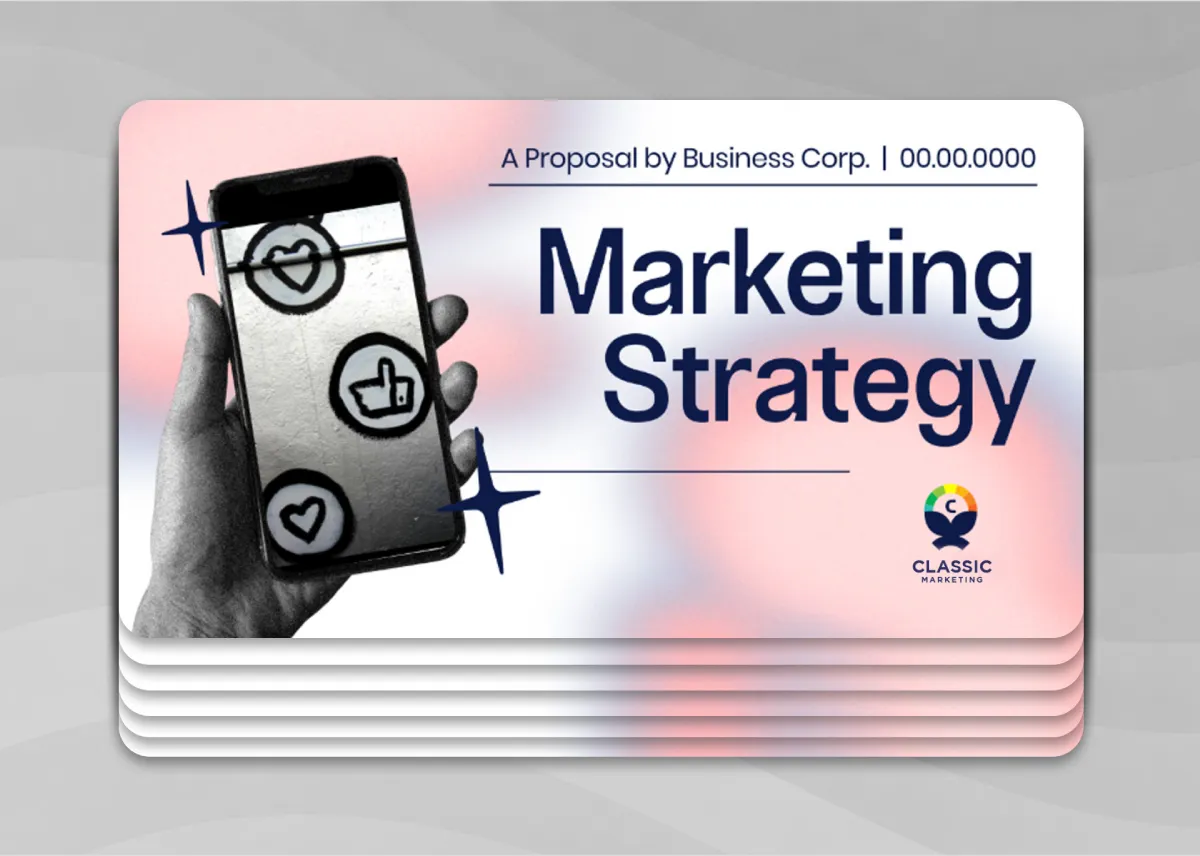
Here’s a sample presentation from BrandCrowd:
What makes it stand out:
- Thousands of professionally designed templates
- Easy-to-use drag-and-drop editor
- PNG, JPG, SVG, EPS, and PDF file downloads
- Access to 50+ design tools
- Consistent brand application
Where it could improve:
- Better AI generation
| Criterion | Score | Notes |
| Ease of Use | 10/10 | Streamlined workflow; intuitive interface |
| AI Features | 9/10 | Less generative than pure AI-first tools |
| Template Variety | 10/10 | Huge library of human-designed templates |
| Pricing & Value | 10/10 | From $9/month billed annually |
| Export & Sharing | 9/10 | No PPTX and Google Slides compatibility |
| Brand Customization | 10/10 | Branding-first design philosophy; consistent across all assets |
| Total | 58/60 |
3. Canva
Best for: Creators who want AI-assisted presentations alongside social graphics, PDFs, and video content.
Free plan: Limited to 10 AI generations
Paid plan: $12.99/month Canva Pro
Score: 50/60
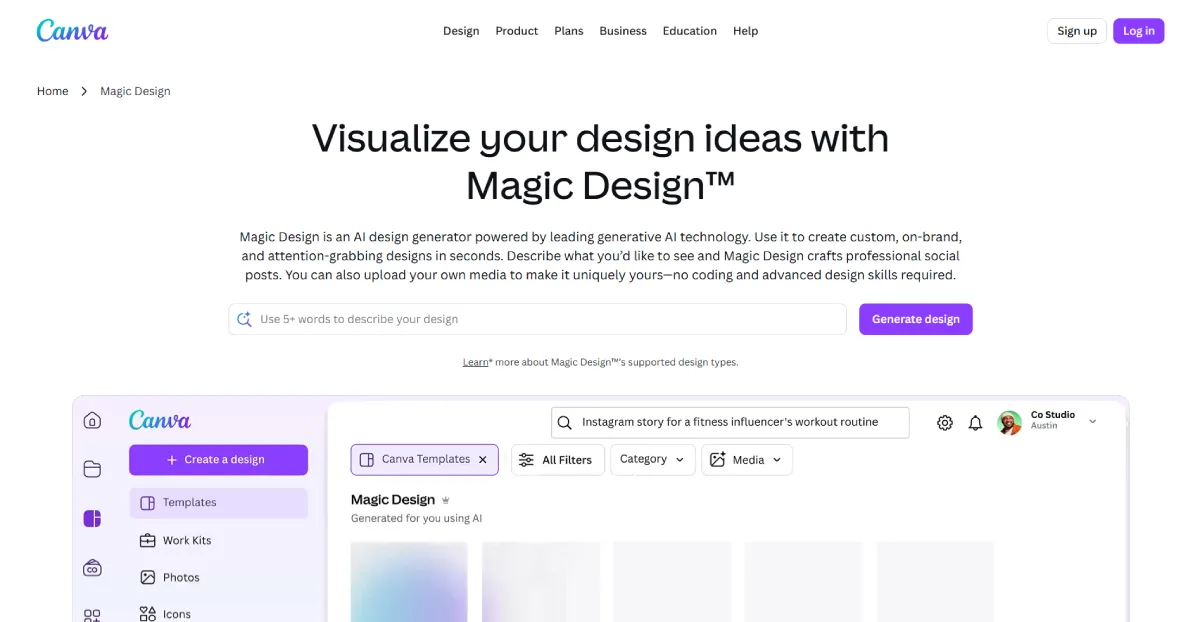
A popular design platform, Canva is the most versatile tool in this list. Its AI feature, called Magic Design, generates complete slide decks from your text prompt. It also lets you customize your presentation on Canva’s editor. However, while the platform is beginner-friendly and versatile, its presentation-specific features aren’t as flexible as the other tools.
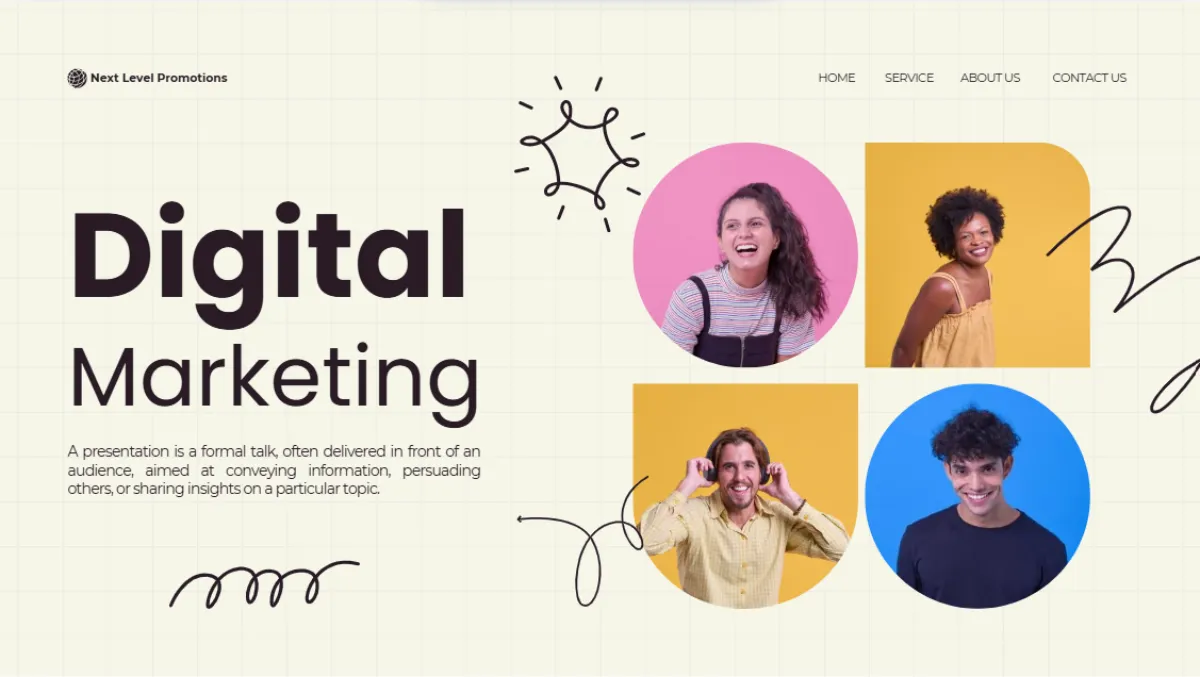
Here’s a sample of a Canva presentation:
What makes it stand out:
- 250,000+ templates and stock assets
- All-in-one design platform
- Real-time collaboration features
Where it could improve:
- Free plan limited to 10 AI generations
- Brand Kit is locked inside Canva Pro
- Limited export options
| Criterion | Score | Notes |
| Ease of Use | 10/10 | Drag-and-drop simplicity; minimal learning curve |
| AI Features | 8/10 | Magic Design is capable but capped on the free plan |
| Template Variety | 10/10 | Largest template library |
| Pricing & Value | 7/10 | Free tier limited; Pro at $12.99/month |
| Export & Sharing | 6/10 | PPTX (available on Pro), PDF, shareable links |
| Brand Customization | 8/10 | Brand Kit (available on Pro); solid but not bespoke |
| Total | 49/60 |
4. Gamma
Best for: Fast first drafts and modern, narrative-driven presentations.
Free plan: Limited to 400 AI credits
Paid plan: Starts from $9/month (billed annually)
Score: 48/60
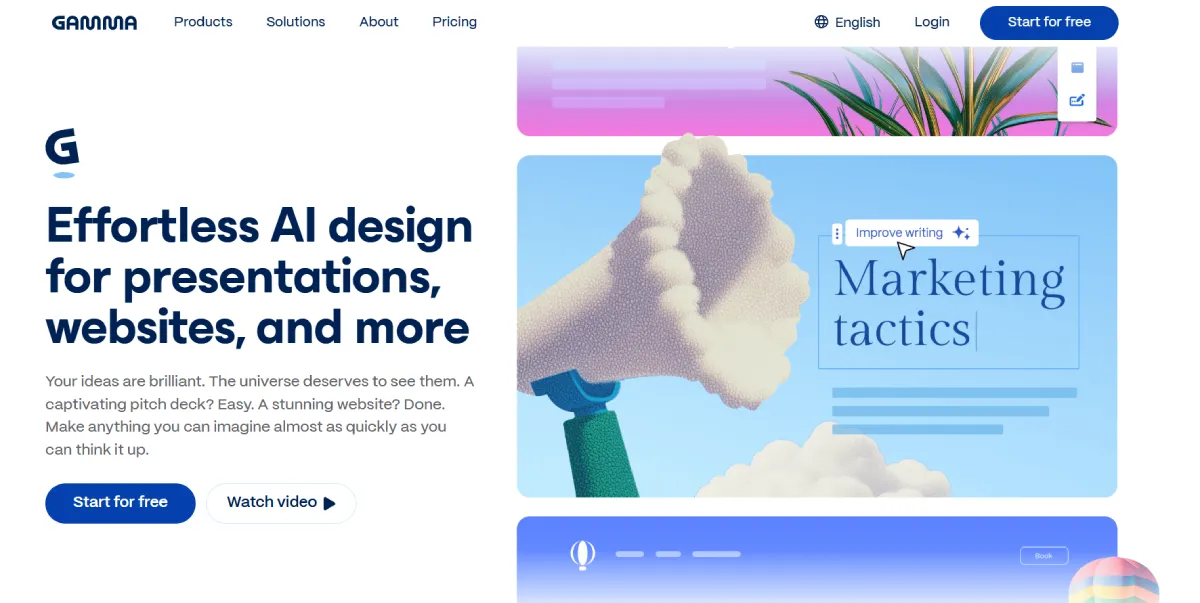
When it comes to speed, Gamma comes on top. It generates complete, card-based, scrollable presentations in seconds. All you have to do is provide your prompt and choose a theme. The platform can also create an outline for you. However, Gamma layouts are heavily template-based. There’s less creative control and branding features.
Here’s a sample Gamma-generated presentation:

What makes it stand out:
- Fastest prompt-to-deck output
- Clean, modern layouts that require minimal editing
- Multiple file formats, including PDF, PNG, PPTX, and Google Slides
Where it could improve:
- Less creative control
- Themes and layouts are limited
- Free plan not enough for heavy users
| Criterion | Score | Notes |
| Ease of Use | 10/10 | Prompt-to-deck in under 60 seconds; very intuitive |
| AI Features | 10/10 | One of the strongest pure AI generators in this list |
| Template Variety | 6/10 | Limited themes; layouts can feel recycled |
| Pricing & Value | 6/10 | Limited free plan; paid plan starts at $9/month (annually) |
| Export & Sharing | 9/10 | Shareable links, PDF, PPTX, PNG, Google Slides |
| Brand Customization | 6/10 | Basic brand controls; not built for strict brand governance |
| Total | 47/60 |
5. Beautiful.ai
Best for: Teams that need brand-consistent, professionally formatted decks.
Free plan: 14-day free trial
Paid plan: From $12/month (billed annually)
Score: 46/60
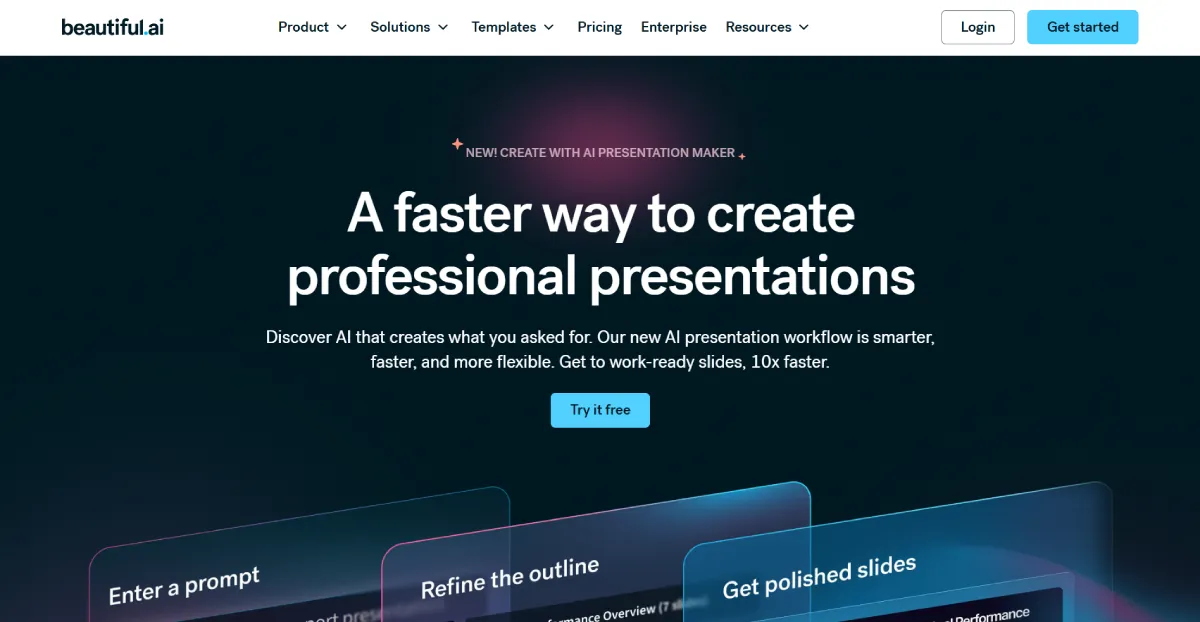
Beautiful.ai lets you make a presentation manually and use its AI feature to generate one for you. Just like with Gamma, all you have to do is provide a prompt, and it can create an outline for you. What sets it apart from the others is its heavy team collaboration features. You can invite collaborators and allow them to make changes to your presentation.
Here’s a sample of a presentation created in Beautiful.ai:

What makes it stand out:
- Smart Slides technology that automatically adjusts layouts as you edit
- Anthropic-powered AI assistant
- Strong branding tools for corporate teams
Where it could improve:
- No free plan
- Slight onboarding curve needed
- 300+ Smart Slide themes only
| Criterion | Score | Notes |
| Ease of Use | 8/10 | Smart auto-layout reduces manual work; slight onboarding curve |
| AI Features | 8/10 | Reliable Smart Slides AI |
| Template Variety | 7/10 | 300+ smart slide types |
| Pricing & Value | 6/10 | No permanent free plan; $12/month minimum |
| Export & Sharing | 8/10 | JPG, PPTX, shareable links; solid team sharing features |
| Brand Customization | 8/10 | Strong brand enforcement tools teams |
| Total | 47/60 |
The Rest of the Top 10 at a Glance
The last five presentation makers also have legitimate use cases. However, they involve more trade-offs, such as higher prices, fewer features, and a steeper learning curve.
| Tool | Score | Best For | Key Trade-off | Starting Price |
| Google Slides + Gemini | 46/60 | Teams already in the Google ecosystem | Gemini AI is basic; better as a collaborator than a generator | Free |
| Slidesgo AI | 45/60 | Template-first users | Output needs heavy manual editing; no native editor | Free (3/month) |
| Visme | 43/60 | Data-heavy decks and infographics | Most expensive in this roundup; steep learning curve | $29/month |
| Plus AI | 43/60 | Google Slides / PowerPoint users wanting an AI add-on | Add-on only — no standalone app; limited template range | $15/month |
| Prezi AI | 37/60 | Non-linear, visual storytelling; conference presentations | No PPTX export; niche format not suited to everyday decks | Free / $7/month |
Final Verdict
After evaluating 10 presentation makers across six criteria, one platform stands clearly above the rest.
Design.com AI Presentation ranked the highest in this list, earning perfect scores for ease of use, pricing and value, and brand customization features. It lets you easily and instantly generate high-quality, branded presentations with a single prompt, customize each deck according to your preference, and download them in various formats.
While the other platforms ask you to pay for more features, accept complex learning curves, or sacrifice brand consistency, Design.com trades nothing. While you can only use free designs without a subscription, you can still have full access to its AI technology, drag-and-drop editor, multiple file exports, and the platform’s other AI branding tools, like the AI logo generator, AI website builder, and AI business card generator.
For individuals, freelancers, small business owners, and marketers who need professional presentations without spending too much time and money, Design.com is the best choice. Start there, and you may never need to look further.


Leave a Reply