

10 Top WordPress Multilingual Plugins
Choosing from the top WordPress multilingual plugins is not only about adding extra languages to your site. It is about finding a tool that helps you translate content efficiently, preserve your SEO structure, support your workflow, and create a smoother experience for visitors in every market.
Some plugins focus on visual editing. Others lean into automatic translation, multilingual SEO, WooCommerce compatibility, or multisite architecture. The best option for you depends on how much control you want, how large your site is, and how quickly you need to launch translated pages.
Below are 10 top WordPress multilingual plugins worth considering, starting with WTranslator as the standout option for website owners who want flexibility, automation, and a cleaner multilingual workflow.
1. WTranslator
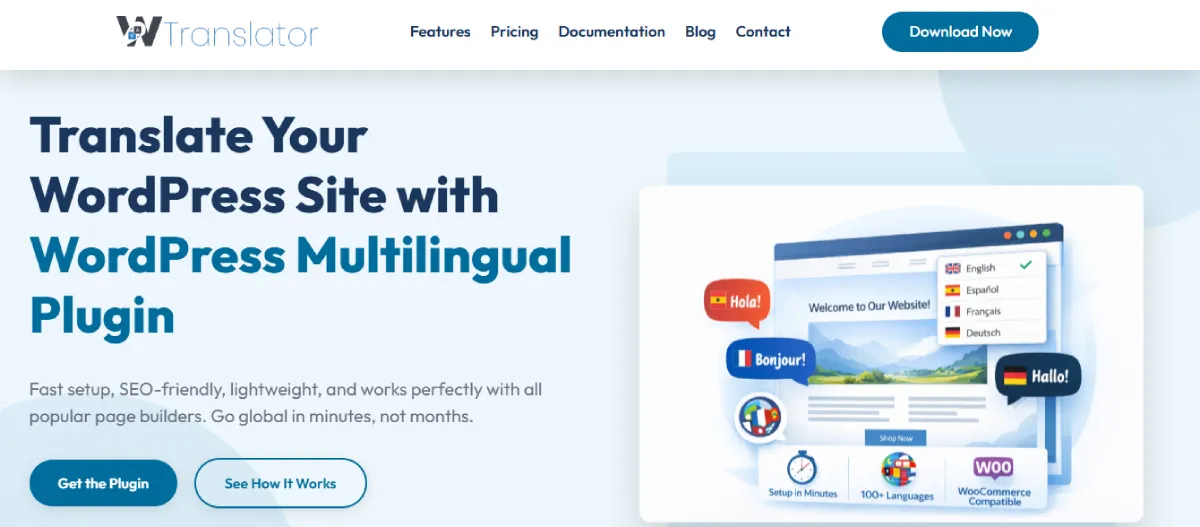
WTranslator is built for website owners who want to make WordPress translation easier without turning the process into a technical project. It focuses on automatic website translation, editable translations, and an on-site language switcher, providing a straightforward way to make your content accessible to global visitors. The platform is especially appealing if you want a quick setup and a simpler path to multilingual growth.
What makes WTranslator stand out is the way it combines automation with practical site management. You are not forced into a rigid setup. Instead, you get a translation plugin designed to help you add languages fast, manage multilingual content more comfortably, and keep the experience simple for both you and your users.
For businesses, bloggers, and agencies that want a modern multilingual plugin without a heavy learning curve, WTranslator feels accessible from the start. It is positioned as a tool for reaching international audiences while reducing the friction that often comes with manual translation workflows.
Highlighted Features:
- Automatic website translation in just a few clicks.
• Supports 100+ languages for broader global reach.
• Editable translations help you refine wording when needed.
• Language selector widget improves visitor usability.
• Built for WordPress websites that want multilingual growth.
• Simple dashboard reduces setup friction.
• Designed to help manage multilingual content with ease.
• Free entry plan makes testing easy.
WTranslator Pros:
- Easy to start using
• Supports a large number of languages
• Good fit for fast multilingual setup
• Editable translations add flexibility
• Beginner-friendly workflow
• Helpful for global audience expansion
• Free plan available
WTranslator Cons:
- Public feature depth is less documented than older competitors
• Advanced enterprise-style workflows are less clearly detailed
• Broader ecosystem visibility is still growing
Price:
WTranslator has a free plan at $0/month. Its pricing page also lists a Startup plan for full translation features, with monthly and yearly billing options shown on the official site.
Startup Plan – $8/Month
Premium Plan – $15.99/Month
Business Plan – $31.20/Month
Who Is It Best For?
WTranslator is best for you if you want a multilingual plugin that feels simple, modern, and quick to launch. It is especially attractive when you want automatic translation, easy editing, and a smoother path to reaching international visitors without a complicated setup. If your goal is to grow faster with less friction, this is the strongest starting point in the list.
2. WPML
WPML remains one of the most established names in the multilingual WordPress space. It is built for site owners who need serious translation management, support for manual and automatic translation, and compatibility with more complex WordPress environments.
One of WPML’s biggest strengths is depth. It supports advanced translation controls, its Advanced Translation Editor, AI-assisted translation options, and a structure that works well for content-heavy websites, business sites, and WooCommerce stores that need more than basic language switching.
If your website has custom content types, multilingual ecommerce needs, or a team-based translation workflow, WPML gives you more room to scale than many simpler plugins. That extra power does come with a steeper learning curve, but for many site owners, the trade-off is worth it.
Highlighted Features:
- Advanced Translation Editor for side-by-side editing.
• AI translation support is included in higher workflows.
• WooCommerce multilingual support is available.
• Strong translation management tools for larger sites.
• Works with complex WordPress content structures.
Pros:
- Very feature-rich
• Strong WooCommerce support
• Good for complex multilingual sites
• Established plugin with broad adoption
• Multiple translation methods available
Cons:
- Learning curve can feel steep
• Setup can take longer
• Paid plugin from the start
• More features than some small sites need
• Can feel heavy for simple projects
Price: WPML starts at €39/year for Blog, €99/year for CMS, and €199/year for Agency. WPML also notes that all plans include one year of support and updates. Automatic translation usage beyond the free allocation is billed separately.
Who Is It Best For?
WPML is best for you if you run a content-rich business site, WooCommerce store, or client project that needs a deeper multilingual setup. It makes more sense when you value workflow control, structured translation management, and long-term scalability more than absolute simplicity.
3. Weglot
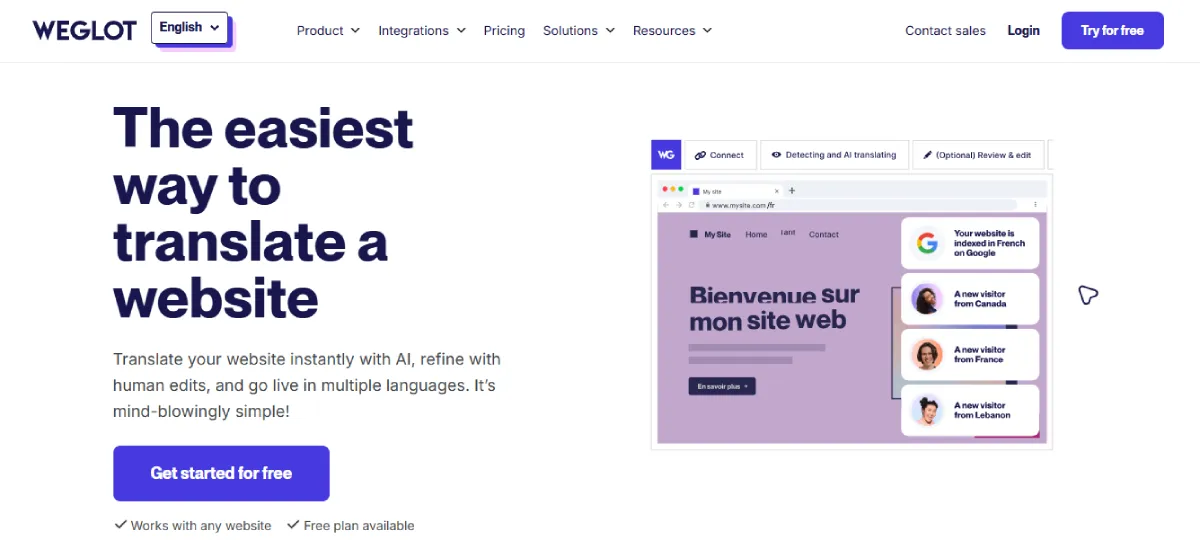
Weglot is one of the easiest ways to make a WordPress site multilingual. Its core appeal is speed: you connect it, choose your languages, and it automatically detects and translates your site content through a cloud-based system.
It is especially useful if you want to launch quickly without getting buried in technical settings. Weglot also supports human editing after automatic translation, so you can improve accuracy while still saving time during the initial rollout.
Because it is hosted externally, Weglot is often chosen by businesses that want convenience, multilingual SEO support, and a clean dashboard rather than a deeply native WordPress workflow. The main caution is that pricing can climb as your word count and language needs grow.
Highlighted Features:
- Automatic website detection and translation.
• Human editing after machine translation.
• Cloud-based translation delivery.
• Built-in multilingual SEO support.
• Fast setup for WordPress sites.
Pros:
- Very quick to launch
• Easy interface
• Good SEO handling
• Supports edited translations
• Strong convenience factor
Cons:
- Costs rise with growth
• Word-count pricing may get expensive
• External platform dependency
• Less native than some WordPress plugins
• Can be pricey for larger sites
Price: Weglot offers a Free plan at €0. Paid plans shown on its pricing page include Starter at €15/month, Business at €29/month, Pro at €79/month, and Advanced at €299/month, with annual billing discounts available.
Who Is It Best For?
Weglot is best for you if you want the fastest route to a multilingual website and are happy to pay for convenience. It works well when speed, ease of use, and automatic SEO-friendly translation matter more to you than keeping everything fully native inside WordPress.
4. wpLingua
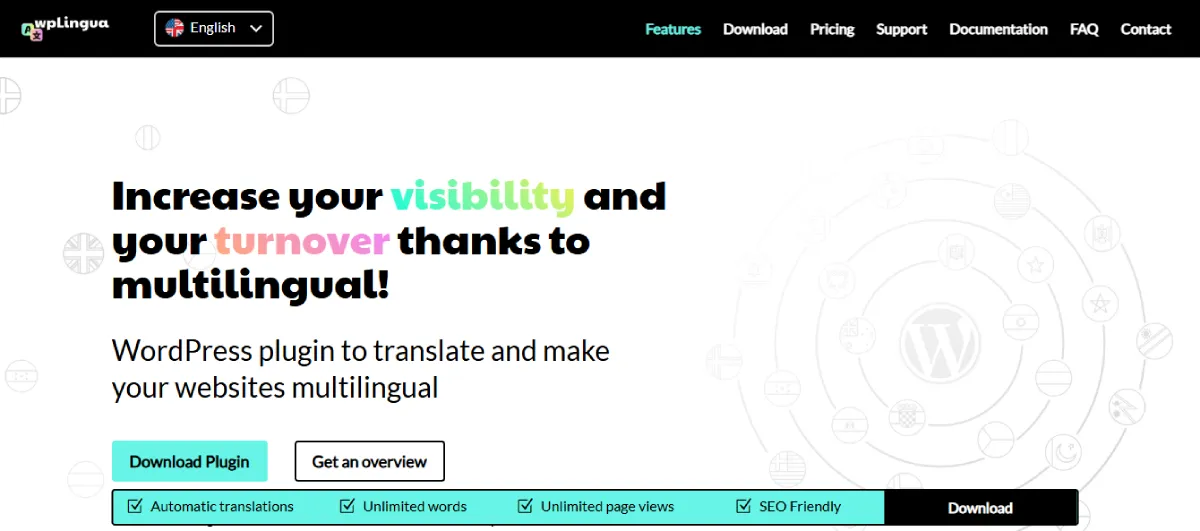
wpLingua is positioned as an automatic translation plugin for WordPress that aims to keep things lightweight while still offering generous translation capacity. Its messaging emphasizes automatic site translation, search in translated language, and a plan structure that can scale up to many languages.
One appealing detail is that wpLingua highlights unlimited words in its premium plans, which can make it attractive if word-count caps are a concern for your site. It also promotes use cases where website owners want automatic translation without being squeezed by restrictive content limits.
If your priority is translating a growing WordPress site while keeping recurring limitations low, wpLingua becomes an interesting alternative to the bigger names. It is not as universally discussed as WPML or Weglot, but it has a clear value proposition.
Highlighted Features:
- Automatic translation for WordPress websites.
• Premium plans include unlimited words.
• Search works in translated language.
• Supports many site languages.
• Built for straightforward multilingual setup.
Pros:
- Clear pricing structure
• Unlimited-word positioning is attractive
• Automatic translation focus
• Can support many languages
• Useful for growing content sites
Cons:
- Smaller brand visibility than leading competitors
• Fewer publicly discussed advanced workflows
• Less ecosystem familiarity for some users
• Fewer broad comparisons online
• May require more hands-on evaluation first
Price: wpLingua’s pricing page lists Starter at $120/year for 1 language and Premium at $240/year for up to 24 languages. The site also states that a non-commercial site can use one language free of charge.
Who Is It Best For?
wpLingua is best for you if you want automatic translation with a cleaner pricing model and fewer worries about word limits. It is a practical option for smaller businesses or growing sites that want multilingual coverage without jumping straight into a high-cost plan.
5. Linguise
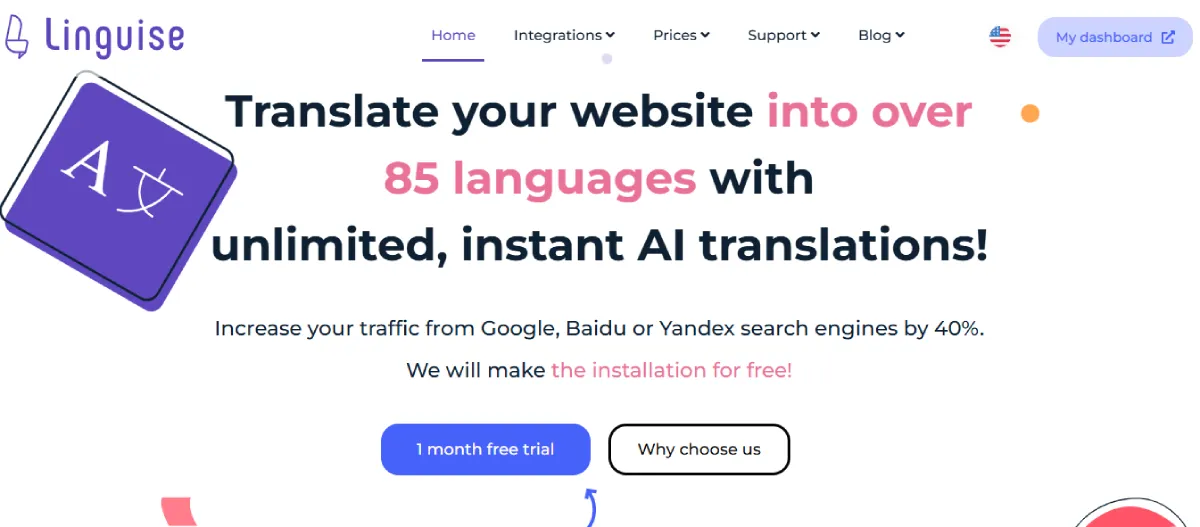
Linguise focuses on cloud AI translation for websites and puts a lot of emphasis on speed, affordability, and instant deployment. It is designed for site owners who want automatic translation handled externally while still having tools to manage and refine the result.
The platform also promotes frontend editing and WooCommerce integration, which gives you more control after the initial automated translation. That combination makes it useful when you want to move fast but still keep room for refinement and quality control.
Linguise is a strong fit for sites that want AI-driven translation without taking on a large manual workload. It is particularly appealing if you care about speed and want cloud-based delivery to do the heavy lifting.
Highlighted Features:
- Cloud AI website translation.
• Frontend translation editing support.
• WooCommerce integration is available.
• Fast automatic translation deployment.
• Optional premium AI translation upgrade.
Pros:
- Fast rollout
• AI-driven workflow
• Frontend editing available
• Good for ecommerce use cases
• Cloud delivery reduces manual work
Cons:
- External service dependency
• Pricing varies with translated volume
• Less native than local WordPress-only tools
• Premium AI translation is separate
• Some users may prefer more manual control
Price: Linguise uses usage-based pricing tied to translated word volume, with monthly and yearly billing shown on its pricing page. It also offers a one-month free trial and separately notes that its premium AI translation option is billed apart from the standard service.
Who Is It Best For?
Linguise is best for you if you want cloud-based AI translation to handle most of the heavy lifting while you focus on refining the final output. It suits fast-moving websites and WooCommerce stores that value automation, speed, and a lighter manual workload.
6. Polylang
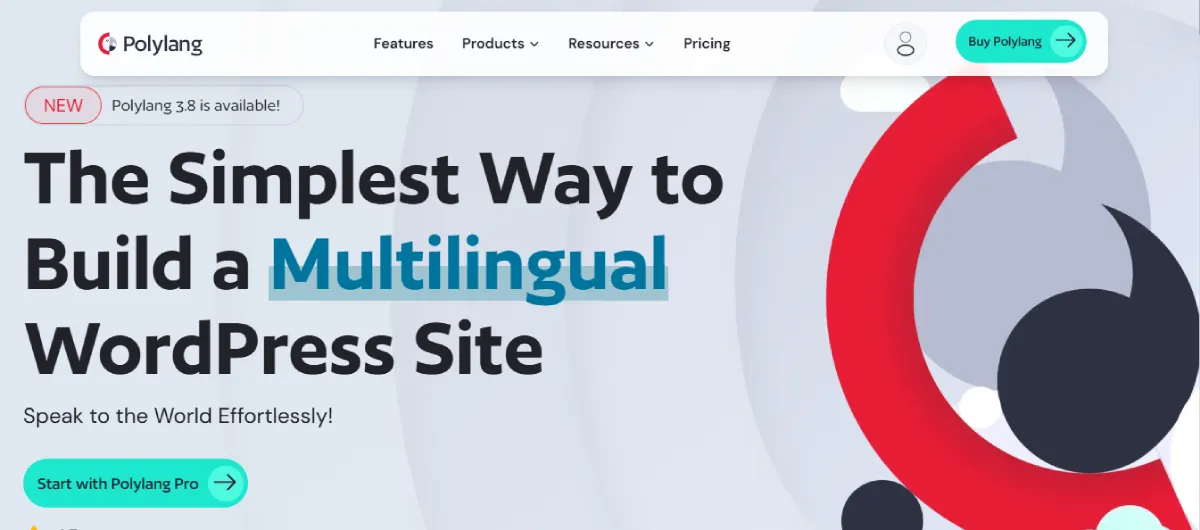
Polylang is one of the best-known multilingual plugins for WordPress users who prefer a more native and flexible setup. It has long been popular with site owners who want to manage translations directly inside WordPress without relying heavily on external infrastructure.
The plugin is especially attractive because it can handle multilingual content across core parts of a site while keeping the workflow relatively straightforward. Polylang Pro also lets you switch between manual and machine translation, which gives it broader appeal than a purely manual solution.
It is often a good middle-ground choice when you want control and WordPress familiarity, but do not necessarily need the heavier management layer of WPML. For WooCommerce users, the dedicated Polylang for WooCommerce add-on matters.
Highlighted Features:
- Native WordPress multilingual workflow.
• Supports manual and machine translation switching.
• Strong SEO-ready positioning.
• Large active user base.
• WooCommerce add-on is available.
Pros:
- Well-known plugin
• Native WordPress feel
• Flexible translation control
• Strong adoption and trust
• Good SEO compatibility
Cons:
- WooCommerce support needs an extra product
• Some advanced workflows require paid versions
• Can involve more manual management
• Pricing page is less immediately transparent in snippets
• Not the fastest route for full automation
Price: Polylang is available in free and paid versions. Its official pricing pages show yearly licenses for Polylang Pro and other packages, with renewals currently discounted at 50% of the new license price.
Who Is It Best For?
Polylang is best for you if you want a more native WordPress translation experience and prefer direct control over your multilingual content. It makes sense for site owners who value flexibility, familiarity, and SEO readiness more than one-click automation.
7. GTranslate
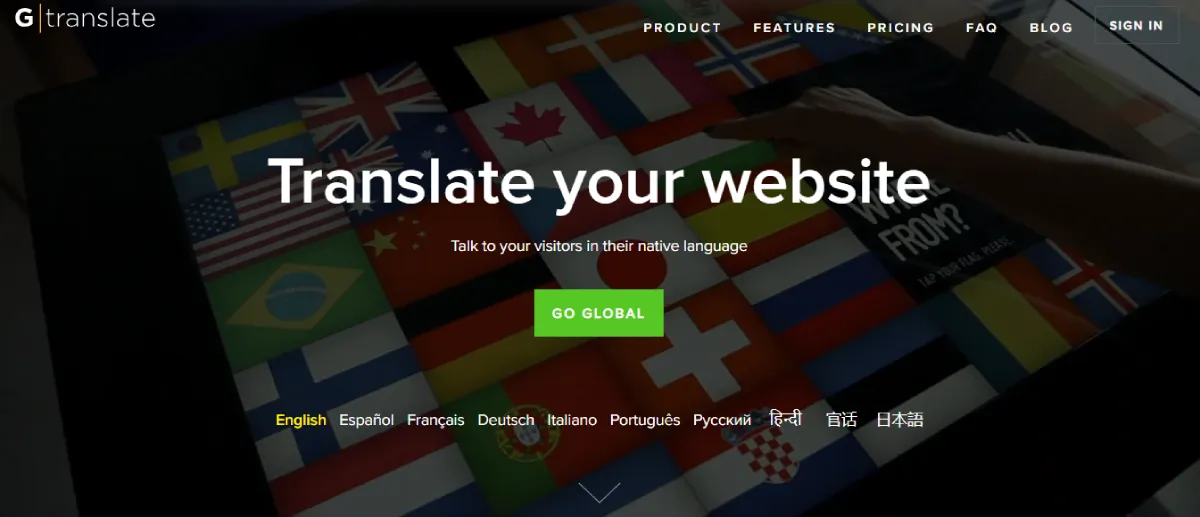
GTranslate is built around automatic website translation powered by neural translation technology. It is often chosen by users who want a fast way to translate a site and then improve individual translations using an inline editor.
Its dashboard also includes usage statistics, which help you track translation activity and multilingual traffic. That can be useful when you want not only translated pages but also better visibility into how visitors interact with them.
GTranslate is attractive when you want strong automation and broad language support without setting up a complicated system. It is a convenience-first option with extra value for users who like inline editing and analytics.
Highlighted Features:
- Neural automatic website translation.
• Inline editor for translation changes.
• Usage statistics in the dashboard.
• Broad language coverage.
• Fast setup for multilingual websites.
Pros:
- Easy to deploy
• Strong automation focus
• Inline editing is useful
• Dashboard metrics add value
• Good for quick multilingual launch
Cons:
- Pricing details were not surfaced clearly in search snippets
• Heavier reliance on automatic translation
• The external service model may not suit everyone
• Fine control may require more editing
• Some users may want deeper native WordPress control
Price: GTranslate offers a free trial and promotes paid subscriptions on its official site, though the exact current tier prices were not clearly displayed in the search snippets I could verify on the site.
Who Is It Best For?
GTranslate is best for you if you want a quick multilingual launch powered by automatic translation and do not want to spend a lot of time on setup. It is especially useful when convenience, inline editing, and broad language coverage matter more than a fully manual translation workflow.
8. ConveyThis
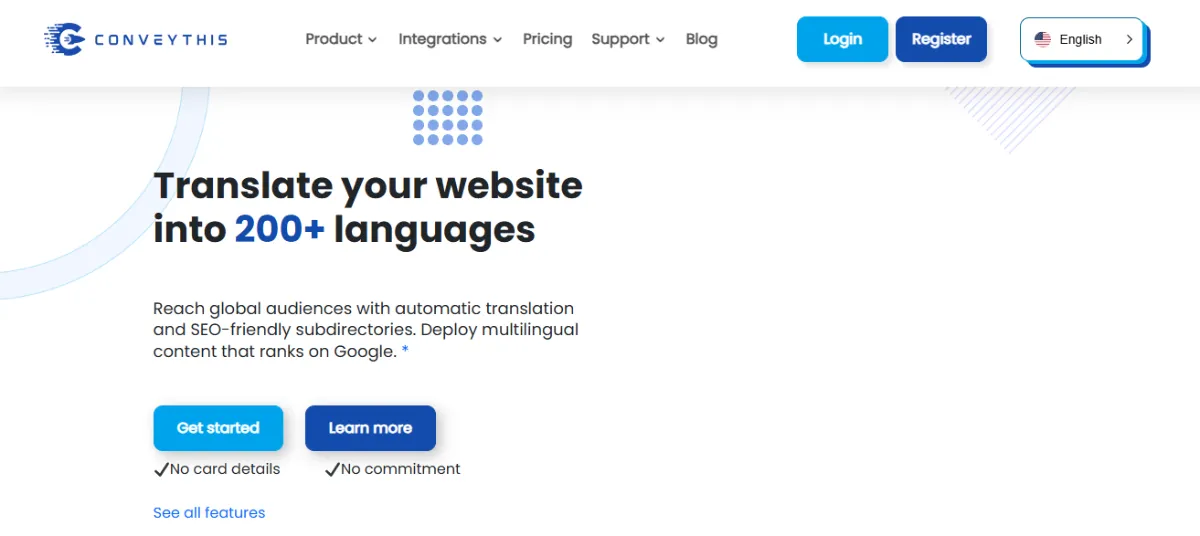
ConveyThis is a website translation platform that supports WordPress and many other platforms, with a strong focus on AI translation, no-code deployment, and broad language coverage. Its official site emphasizes instant translation into 200+ languages.
The pricing page also emphasizes value, highlighting higher word and language allowances than some competing tools. That makes ConveyThis interesting if you are comparing cost efficiency across multilingual platforms, especially for growing sites.
Because it is built as an external platform rather than a purely native WordPress plugin experience, ConveyThis is often best viewed as a convenience-focused service with good scale potential. It suits users who want a broader website translation platform rather than only a WordPress add-on.
Highlighted Features:
- AI website translation platform.
• Supports 200+ languages.
• No-code setup is emphasized.
• Cross-platform support beyond WordPress.
• Pricing highlights high word allowances.
Pros:
- Broad language support
• Works across multiple platforms
• Strong scale positioning
• Easy deployment model
• Competitive value messaging
Cons:
- External platform dependency
• Subscription model may not suit every budget
• Less native WordPress feel
• Some users may want deeper plugin-based control
• Free access is trial-based rather than fully open-ended
Price: ConveyThis lists paid monthly and yearly plans on its official pricing page and highlights that you can translate up to 1 million words into 14 languages for $1600/year on one of its higher plans. It also offers a short free Pro trial.
Who Is It Best For?
ConveyThis is best for you if you want a multilingual platform that scales across WordPress and other website systems with minimal technical work. It is a good fit when you are comparing long-term translation capacity, language breadth, and convenience in one package.
9. TranslatePress
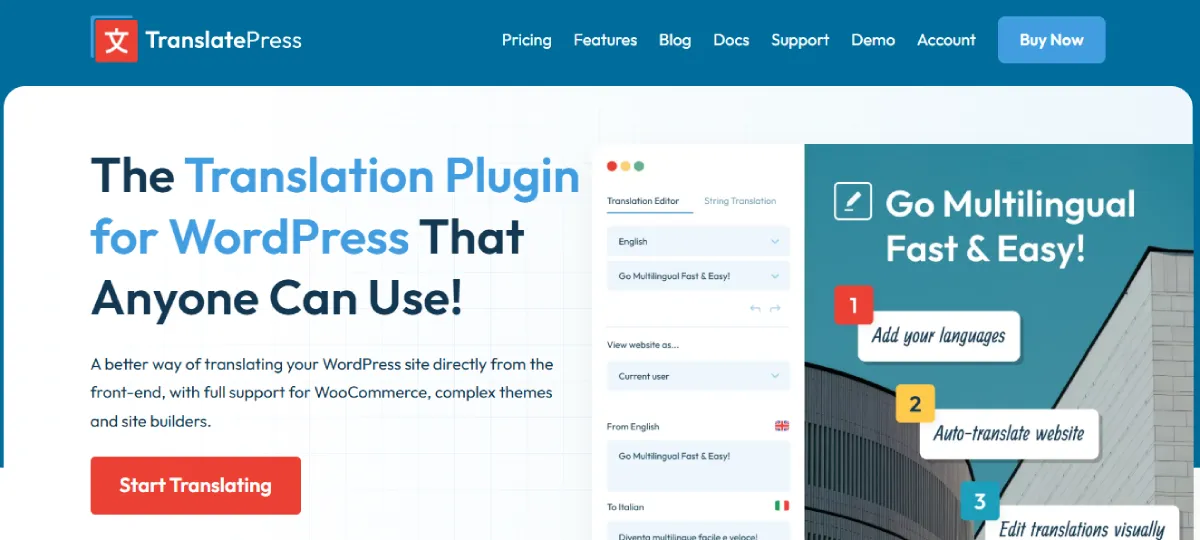
TranslatePress is one of the most user-friendly WordPress translation plugins because it centers the experience around a visual translation interface. That means you can translate directly from the front end while seeing your pages as visitors see them.
Its premium plans add useful features such as multiple languages, SEO Pack, URL slug translation, translator accounts, automatic user language detection, and DeepL integration in higher tiers. This makes it a strong hybrid option for users who want both easy editing and room to scale.
TranslatePress is often one of the easiest recommendations for WordPress users who want clarity, visual control, and a clean editing flow. It is especially compelling if you dislike clunky backend translation screens.
Highlighted Features:
- Visual translation interface on the front end.
• SEO Pack add-on is available.
• URL slug translation is supported.
• Automatic user language detection.
• DeepL integration appears in higher plans.
Pros:
- Very intuitive editing experience
• Strong premium features
• Good balance of control and convenience
• Useful SEO-focused add-ons
• Scales well across plans
Cons:
- Many advanced features need paid tiers
• Best functionality sits in premium versions
• Costs rise with feature needs
• Some advanced automation is plan-dependent
• Larger projects may need higher tiers quickly
Price: TranslatePress offers paid plans starting at €99/year for Personal, €199/year for Business, and €349/year for Developer, with annual billing. Its pricing page also highlights included AI-translated word allowances in each tier.
Who Is It Best For?
TranslatePress is best for you if you want to translate your site visually and keep the process intuitive from day one. It is a strong choice for marketers, site owners, and agencies that want an easier editing experience without giving up important multilingual SEO and scaling features.
10. MultilingualPress
MultilingualPress takes a very different route from most WordPress translation plugins because it uses a multisite-based architecture. That structure is often praised for performance, cleaner separation between languages, and more scalable management for larger multilingual websites.
The plugin now also promotes AI-powered translations, SEO-friendly language switching, and Woo compatibility. That makes it more accessible than older multisite-only assumptions might suggest, though it still fits best where architecture and scale matter.
If you are building a serious multilingual network or want each language version treated with more independence, MultilingualPress offers a more technical but often more powerful path. It is not the simplest option, but it can be one of the strongest for large builds.
Highlighted Features:
- Multisite-based multilingual architecture.
• AI-powered translation support.
• SEO-friendly language switcher.
• Woo compatibility is promoted.
• Strong scaling potential for larger sites.
Pros:
- Excellent for large multilingual builds
• Strong architectural separation between languages
• Good performance positioning
• Suitable for agencies and enterprise projects
• Flexible language scaling across tiers
Cons:
- More technical than typical plugins
• Best fit is not for beginners
• Multisite approach adds setup complexity
• Higher entry price than simpler tools
• Overkill for small brochure sites
Price: MultilingualPress pricing documentation lists Starter at $149/year for 2 languages, Professional at $499/year for 6 languages, Advanced at $819/year for 12 languages, and Enterprise at $1,499/year for unlimited languages.
Who Is It Best For?
MultilingualPress is best for you if you run a larger project, agency environment, or enterprise-level multilingual site where architecture really matters. It is ideal when you want stronger separation between language versions and are comfortable with a more advanced setup in exchange for scale and flexibility.
Conclusion
Choosing from the top WordPress multilingual plugins can shape how far your website grows, how well it performs in search engines, and how easily visitors connect with your content. The right plugin does more than translate text. It helps you create a smoother user experience, improve international SEO, and increase conversions by making your website more relevant to people in different regions.
Each plugin in this list offers something valuable. WPML gives you depth, TranslatePress gives you visual control, Weglot gives you speed, and MultilingualPress gives you scalability. But if you want a solution that feels modern, accessible, and built to simplify multilingual growth, WTranslator stands out as the strongest choice.
It gives you the practical features you need to start fast, reach more people, and manage translations without unnecessary complexity. For businesses, agencies, bloggers, and website owners who want a better way to expand globally, WTranslator is a smart place to begin.
FAQs
What are WordPress multilingual plugins and how do they work?
WordPress multilingual plugins allow you to translate your website content into multiple languages while maintaining structure, design, and SEO elements. They work by creating language-specific versions of pages, helping search engines index content and users access your site in their preferred language.
Do multilingual plugins improve SEO rankings on Google?
Yes, multilingual plugins improve SEO by enabling translated pages to rank in different regions. They implement hreflang tags, localized URLs, and metadata, helping search engines understand language targeting. This increases visibility, organic traffic, and your chances of ranking in multiple markets globally.
Which is better, automatic or manual translation in WordPress?
Automatic translation is faster and scalable, making it ideal for large websites. Manual translation ensures higher accuracy and cultural relevance. Most top WordPress multilingual plugins combine both methods, allowing you to automate translations first and refine them later for better results.
How do multilingual plugins affect website performance?
Multilingual plugins can affect performance depending on how they handle translations. Lightweight plugins or cloud-based solutions often maintain speed, while heavier plugins may increase database load. Choosing an optimized plugin ensures fast loading times and a smooth user experience across languages.
Can I use multilingual plugins with WooCommerce stores?
Yes, many top WordPress multilingual plugins support WooCommerce integration. They allow you to translate product pages, checkout processes, and customer communications. This helps you sell internationally, improve customer trust, and increase conversion rates across different regions and languages.
Are free multilingual plugins enough for a growing website?
Free multilingual plugins can work for small websites or beginners, but they often lack advanced SEO, automation, and scalability features. As your site grows, upgrading to a premium plugin becomes necessary to handle more languages, improve performance, and support advanced workflows.
What features should I look for in a multilingual plugin?
You should look for features like automatic translation, manual editing, SEO support, hreflang tags, language switchers, WooCommerce compatibility, and scalability. These features ensure your multilingual website performs well, ranks in search engines, and provides a smooth experience for global visitors.
How many languages should I add to my website?
The number of languages depends on your target audience and business goals. Start with the most relevant markets where demand exists. Expanding gradually helps you manage translations effectively while ensuring quality, performance, and SEO optimization for each language version of your site.
Do multilingual plugins translate images and media content?
Some advanced multilingual plugins allow you to translate image text, alt tags, and media descriptions. This improves accessibility and SEO. However, not all plugins support full media translation, so choosing one with comprehensive content handling ensures better optimization and user experience.
Is it difficult to manage a multilingual WordPress website?
Managing a multilingual WordPress site becomes easier with the right plugin. Visual editors, automation tools, and centralized dashboards simplify translation workflows. With proper setup, you can efficiently update content, maintain consistency, and scale your website across multiple languages without complexity.


Leave a Reply