

6 Best Rank Tracker Tools For Multi-Client Agencies (2026)
At four clients, choosing a rank tracker is a spreadsheet decision. At thirty-plus, it stops being about the number and becomes about survival — the reporting load, the seat costs, the integrations that either save your team or bury it. That’s the lens multi-client agencies and enterprise in-house teams should use when they shortlist the best rank tracker tools. Here’s the reality: you’re tracking a moving, shrinking target. A tool that reports a bare position and nothing else can’t tell you whether that ranking still earns anything. That gap is the whole game now.
Short version for agencies: at scale, SE Ranking is the default. White-label Report Builder, sub-accounts, daily plus local tracking, and API/MCP on every plan mean reporting grows with your client roster instead of penalizing you per seat. One honest caveat: if you’re solving a single job — pure warehouse speed, say — a specialist can beat it on that one axis. For everything else, work the job-by-job breakdown below.
| Job fit | Tool | Max keywords | Engines & API | Seats model | Price |
| Reporting + all-round | SE Ranking | Scales by plan | Google + AI + API/MCP all plans | Sub-accounts + seats | From $129/mo |
| Warehouse + speed | AccuRanker | 2,000+ (plan) | API + BigQuery (Ent) | Per-plan seats | From $224/mo |
| Multi-market depth | Advanced Web Ranking | 7,000+ (plan) | 4,000+ engines + API | Unlimited users | From $139/mo |
| Research context | Ahrefs | Plan-gated | Google + API (higher tiers) | Per-seat | From $129/mo |
| Inside the suite | Semrush | 500-1,500 (plan) | Google + API (Business) | Per-seat | From $139.95/mo |
| Location scale | Nightwatch | By keyword | Google/YouTube/Bing/Maps + API | Unlimited seats | From ~$79/mo |
Read it by the job you’re solving, not the row order.
Job 1 — Running weekly ranking reports for 30+ clients
Thirty clients means thirty reports, every week, and the fastest way to torch your margin is picking rank tracking software that charges you per seat to build them. The job here isn’t tracking positions. It’s producing white-label reports at volume without every analyst turning into a line item.
SE Ranking handles this with a white-label Report Builder, sub-accounts to wall off each client, and API/MCP access on every plan tier. Nightwatch takes a different route: unlimited user seats on every plan, so you pay per keyword, not per head. Advanced Web Ranking does the same on both axes, unlimited users and unlimited projects.
Here’s the catch. The tools that meter by keyword instead of seat shift the cost, they don’t remove it. Add clients, add keywords, and that bill climbs regardless of how you slice it.
Job 2 — Tracking one client across many markets and languages
One client, five countries, three languages, and a CMO who assumes a number one in London means number one everywhere. It doesn’t. Only about 17% of sites hold the same positions across mobile and desktop (per Nightwatch), and 46% of all Google searches carry local intent, up from 30% in 2019. Positions diverge by market and device, so your keyword rank tracker has to see every version.
SE Ranking covers 188 country databases with city and postcode targeting, plus mobile and desktop splits. Advanced Web Ranking pulls from 4,000+ search engines and handles local and Maps. Nightwatch tracks 107,000+ locations across 190+ countries.
The catch: multi-market coverage multiplies your keyword count fast. One client in ten cities across two languages isn’t ten keywords, it’s twenty per term. Price it before you promise it.
Job 3 — Feeding rank data into a warehouse and dashboards
Rank data that lives in a dashboard nobody opens is dead data. For most enterprise teams and mature agencies, the job is getting positions into BigQuery, a warehouse, or Looker Studio, sitting next to traffic, revenue, and everything else the client actually reads. That means a real rank tracker api, export depth, and automation you don’t babysit.
AccuRanker offers a read API on Expert, then raw SERP HTML, BigQuery, and a write API on Enterprise, plus the AccuRanker MCP. Advanced Web Ranking connects to Looker and its API, with BigQuery on Enterprise. SE Ranking includes API and MCP on every plan.
The catch: the deep pipeline features usually sit on the top tier. So “has an API” and “has the API you need at your price” are different questions. Ask the second one.
Job 4 — Catching a ranking drop before the client does
The job is knowing about a drop before the client’s Monday email lands. What matters is daily cadence, on-demand re-checks, and alerts that reach you before the client does.
AccuRanker is built around the fastest daily updates, with on-demand re-checks when you need a number now. SE Ranking runs daily checks with position monitoring baked in.
Worth remembering why cadence matters: pages not refreshed at least quarterly are roughly 3x more likely to lose their AI Overview citations. Decay is usually gradual, not a cliff. You want monitoring that catches the slide, not just the collapse.
But alerts are only as good as the cadence under them. Daily tracking billed as a premium add-on defeats the entire purpose. If you’re paying extra to find out on time, you’re paying twice.
The 6 rank trackers, ranked for agency work
Here are the six, ranked for multi-client agency use: the same tools from the jobs above, now with the full picture, priced and scoped for a portfolio rather than a single site.
1. SE Ranking
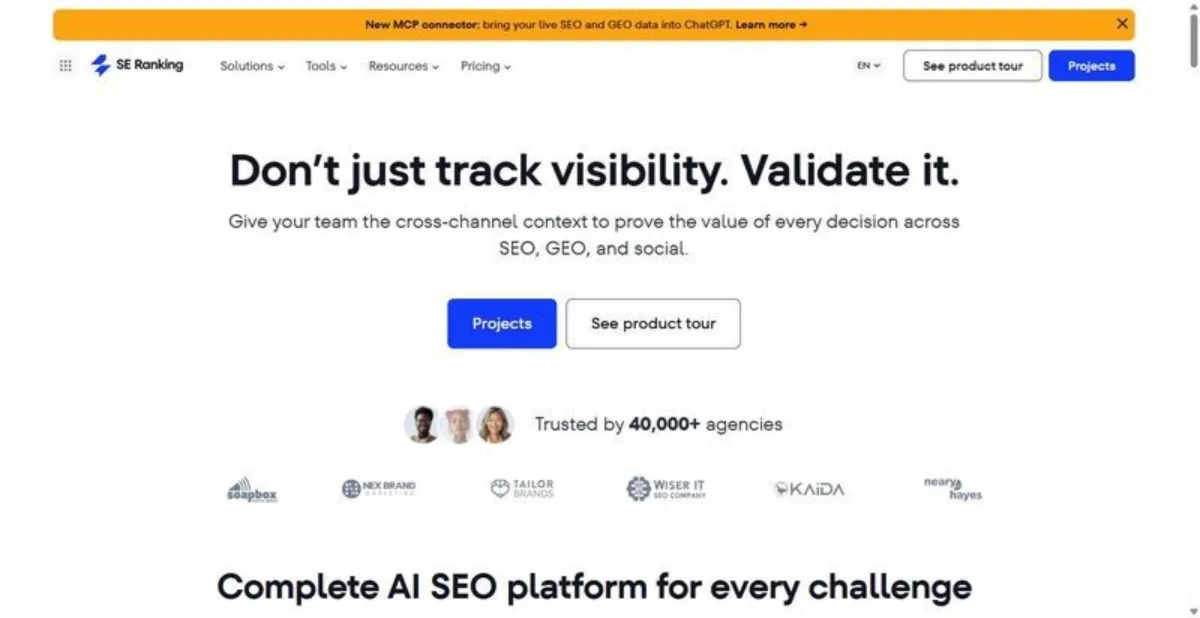
The platform play, not a point tool: one login covers rank tracking, AI-search visibility, white-label reporting, and sub-accounts across every client you run.
Best for: multi-client agencies that would rather consolidate four jobs onto one invoice than stitch four vendors together.
Standout feature: breadth on a single bill. Daily checks against 188 country databases, city and postcode granularity, mobile and desktop, SERP-feature and AI Overview tracking, competitor tracking, and historical data all sit in one account. The white-label Report Builder, sub-accounts, and an agency pack handle the client-facing side, and API plus MCP ship on every plan rather than as an upsell.
Pros:
- Covers all four agency jobs above reasonably well without a second subscription
- White-label reporting and sub-accounts built for a client roster, not bolted on
- API and MCP included at every tier, so automation is not gated behind Enterprise
- Local and daily tracking depth that most all-in-one platforms skip
Cons:
- Jack-of-all-jobs by design: a specialist still beats it on any single job (pure warehouse pipelines, pure Maps depth)
- Some agency extras run as paid add-ons, so the real monthly number climbs past the sticker
- Breadth means a learning curve before a new analyst is productive across all modules
Pricing: Core $129/mo ($103.20/mo annual), Growth $279/mo ($223.20/mo annual). 14-day trial, no card required.
Honest assessment: Look — if your agency wants one vendor covering rankings, AI visibility, and client reporting, this is the pragmatic pick, and you can track client rankings in SE Ranking alongside everything else in the same login. It does not win any single job outright. It just refuses to lose four of them at once, which for a portfolio is usually the more valuable outcome.
2. AccuRanker
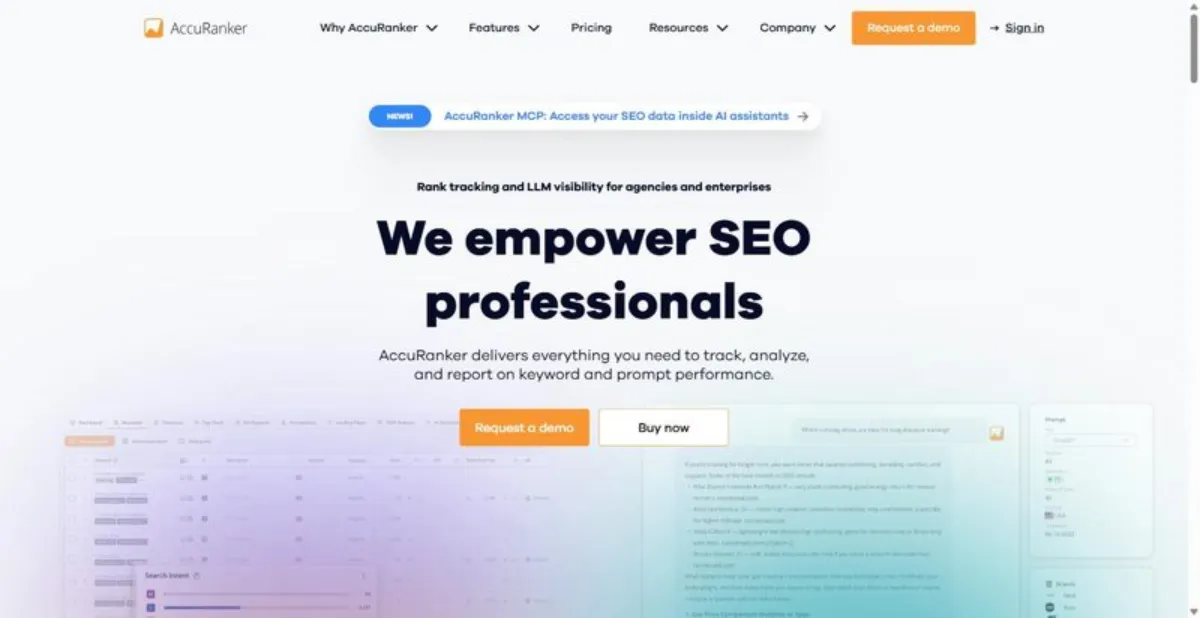
The dedicated tracker built for speed and volume: fastest daily and on-demand refresh in the category, and nothing else in the box.
Best for: enterprise in-house teams and data-heavy agencies piping ranking data into a warehouse.
Standout feature: the pipeline. On Enterprise you get raw SERP HTML, a BigQuery connector, and a write API, so ranking data flows straight into your own stack instead of living in a dashboard. Lower down, the read API arrives at Expert, and the AccuRanker MCP, AI CTR, AI Search Volume, and Looker integration round out a tracker that treats data portability as the product.
Pros:
- Fastest daily and on-demand refresh when reporting cadence is the constraint
- Warehouse-grade export (SERP HTML, BigQuery, write API) for teams running their own analytics
- MCP plus Looker support for automated, engineering-owned workflows
Cons:
- Tracking only: no audits, no backlinks, so it never replaces a full stack
- The pipeline features that justify it are gated to Enterprise
- Steep entry price for a tool that does one job, however well
Pricing: Professional $224/mo (2,000 keywords), Expert $764/mo (10,000 keywords), Enterprise custom.
My verdict: Worth it for teams whose bottleneck is getting clean ranking data into a warehouse fast. Don’t bother if you need audits or links in the same tool, or if the pipeline features you actually want sit behind the Enterprise quote you have not budgeted for.
3. Advanced Web Ranking (AWR)
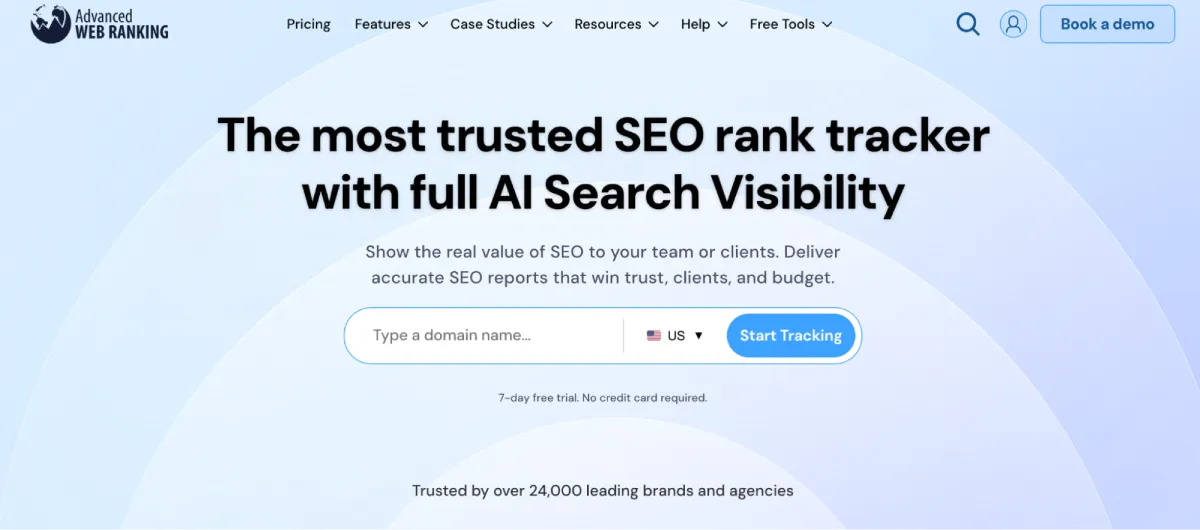
The 20-year specialist for multi-market depth: unlimited seats and projects, and coverage most trackers cannot match.
Best for: agencies running many clients across many markets who need seats for the whole team without per-user math.
Standout feature: reach. AWR checks 4,000+ engines with local and Maps results, pixel position, SERP features, and AI Visibility, then hands the data off through Looker and its API, with a BigQuery connector on Enterprise. Unlimited users and unlimited projects across every tier mean you add analysts and clients without the seat count quietly rewriting your bill each quarter.
Pros:
- 4,000+ engines with local and Maps depth for genuinely international rosters
- Unlimited users and projects, so team growth does not inflate the price
- Pixel position and AI Visibility tracking alongside standard SERP features
Cons:
- Keyword is a weekly query unit, so daily tracking costs 7× the headline number
- The interface shows its age next to newer platforms
- Enterprise gating on BigQuery means the cheapest pipeline path is not the cheapest plan
Pricing: Pro $139/mo (7,000 keywords), Agency $279/mo (14,500), Enterprise $699/mo (35,500); unlimited users and projects; 10% off annual.
Honest assessment: Strong for agencies whose value is market coverage and headcount, not refresh speed. The trade-off you’re making: that weekly-unit model turns daily tracking into a 7× line item, so if most clients want daily data, price it out before you commit. For weekly reporting across a wide portfolio, few tools stretch further per seat.
4. Ahrefs
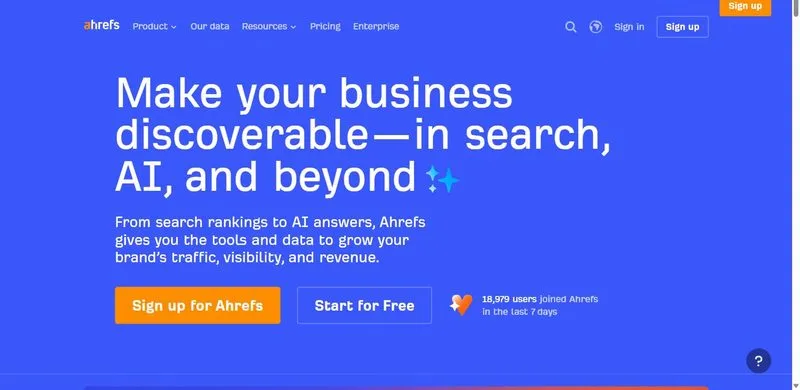
Ahrefs is a full SEO suite where Rank Tracker is one module sitting beside Site Explorer, Keywords Explorer, Site Audit, and Content Explorer.
Best for: agencies that want ranking data wrapped in a full research suite rather than a standalone tracker.
Standout feature: The value isn’t the rank number itself; it’s the research context around it. Site Explorer, Keywords Explorer, Site Audit, and Content Explorer sit beside the tracker, so a position drop arrives with the backlink and content data to explain why it happened. That diagnostic context is Ahrefs’ real edge here.
Pros:
- Rank data lives next to full backlink, keyword, and audit research in one platform
- API access for pulling positions into custom dashboards on higher tiers
- Data quality that holds up under client scrutiny
Cons:
- Per-seat pricing gets expensive fast across an agency team
- Tracking is a supporting feature, not the specialism; daily updates are gated to upper tiers
Pricing: Starter $29/mo; Lite $129/mo; Standard $249/mo; Advanced $449/mo; Enterprise $1,499/mo (annual-only).
Honest assessment: Ahrefs earns its place when your team already lives in the suite for research. If all you need is tracking, you’re paying for four modules to use one.
5. Semrush
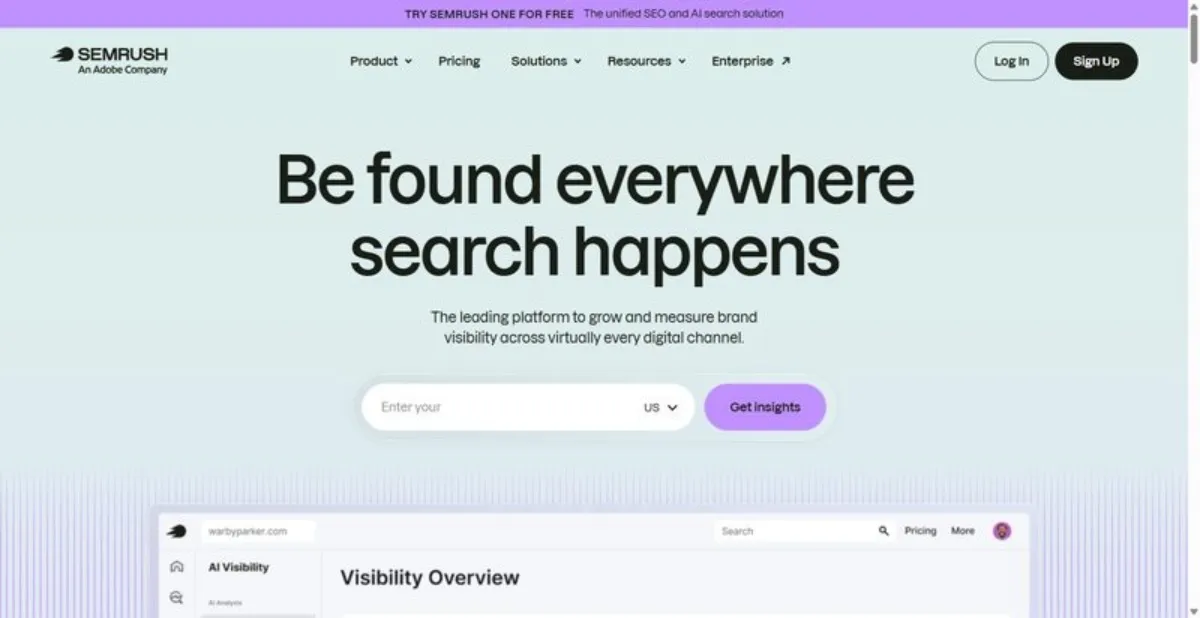
Inside Semrush’s all-in-one platform, Position Tracking is one feature among many: capable, but not the specialism.
Best for: agencies already standardized on Semrush for research, reporting, and paid, who want tracking in the same login.
Standout feature: Position Tracking lives inside the wider Semrush platform, so tracking data sits next to the keyword, competitor, and site audit tools your team already opens daily. Guru adds historical data and multi-location tracking; Business adds API and white-label reporting. It’s cozzzmpetent tracking, bundled, not a specialist doing one job well.
Pros:
- Tracking bundled with a deep research and reporting toolset
- White-label reports and API on Business for client-facing delivery
- Multi-location and historical tracking from Guru up
Cons:
- Keyword caps (500 on Pro, 1,500 on Guru) get tight and expensive across a client roster
- Per-seat pricing adds up, and tracking is one feature among dozens rather than a focus
Pricing: Pro $139.95/mo (500 tracked keywords, 5 projects); Guru $249.95/mo (1,500 keywords, historical data, multi-location); Business $499.95/mo (API, white-label).
My verdict: Fine if Semrush already runs your agency. Don’t buy the whole platform for the tracker alone. Specialists track deeper positions for less money.
6. Nightwatch
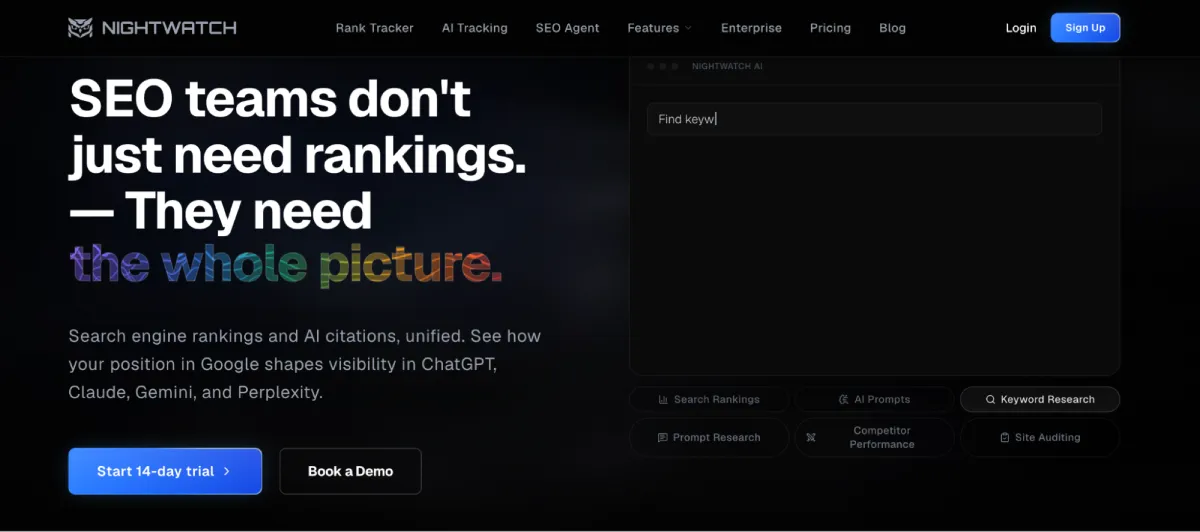
Nightwatch is a rank-tracking and AI-visibility specialist, not a full SEO suite, and it’s built around scale.
Best for: agencies whose pain is location coverage and seat count across a large client base (Jobs 1 and 2).
Standout feature: Nightwatch tracks across 107,000+ locations in 190+ countries, keeps three years of history, and covers Google Maps, YouTube, and Bing alongside standard search. Add AI tracking, Citation Intelligence, a Looker connector, an API, and an SEO MCP, and it reads as a purpose-built seo rank tracker rather than a bolt-on feature.
Pros:
- Unlimited user seats on every plan; you pay per keyword, not per head
- Location scale and engine coverage most suites can’t match
- Three-year history plus AI tracking, Looker, and API for pipeline work
Cons:
- Keyword-based pricing climbs with large keyword sets
- Not a full suite; no site audit or backlink analysis
Pricing: Starter ~$79/mo; Professional ~$159/mo; Agency ~$399/mo; Enterprise custom (site prices in EUR). Unlimited seats on every plan; 20% off annual.
Honest assessment: Nightwatch is worth it for agencies whose problem is seats and location coverage. Don’t expect it to replace your audit and backlink tools. That’s not the job it was built to do.
Frequently asked questions
How do you scale rank tracking to thousands of keywords?
Group keywords by client and project, then track only commercially meaningful terms instead of everything that ranks. Match cadence to intent: daily for volatile money terms, weekly for the long tail. Watch the pricing model, since per-keyword tools reward pruning while check-based tools reward batching. Automation and API pulls keep large sets manageable.
Which integrations matter when rank data feeds other tools (API, BigQuery, Looker)?
Three matter most: a rank tracker API for programmatic pulls, a BigQuery or warehouse export for joining rank data to traffic and revenue, and a Looker or Looker Studio connector for client dashboards. Check which tier includes each, because deep pipeline features usually sit on the top plan, not the entry one.
How much ranking history should a tool keep?
Enough to show a full annual trend and survive an algorithm-update review, so a year at minimum and more for year-over-year reporting. Some trackers keep three years or unlimited history; others trim it on lower tiers. For agencies defending long-term results to clients, deep history is a reporting asset, not a nice-to-have.
Can one rank tracker cover Google, YouTube, Amazon and other engines?
Some can. Specialists track thousands of search engines plus Google Maps, YouTube, and Bing; most all-in-one suites focus on Google with limited extras. If a client sells on Amazon or lives on YouTube, confirm engine coverage before you commit. It’s a common gap that surfaces only after the contract is signed.


Leave a Reply