
7 Business Card Generators for Small Business Owners in 2026
Creating a business card used to take a lot of time and effort (if you’re DIY-ing it) or huge amounts of cash (if you’re hiring a designer).
So it’s no surprise that small businesses and startups lean towards online business card maker tools to create their cards. After all, it’s the best way to get a professional card without having to lose both time and money.
However, not all business card makers are created equal. Some focus on aesthetic quality, some on the ease of use, others focus on printing options, and a few try to do everything. How do you know which one is the best of the best?
To make things clearer, we scored the top tools in the market using a structured system based on what small business owners actually need to help you know which tool is actually worth your time.
Let’s take a look at how everything stacks up below.
How We Evaluated the Business Card Maker Tools
Each tool was scored out of 100 based on these weighted criteria:
| Criteria | Weight | What We Evaluated |
| Template Quality | 30% | Variety, Industry Relevance |
| Customization Flexibility | 20% | Editing Depth |
| Ease of Use | 20% | Speed, Intuitiveness |
| Download & Print Options | 15% | File Formats & Print Readiness |
| Value for Money | 15% | Pricing vs Output Quality |
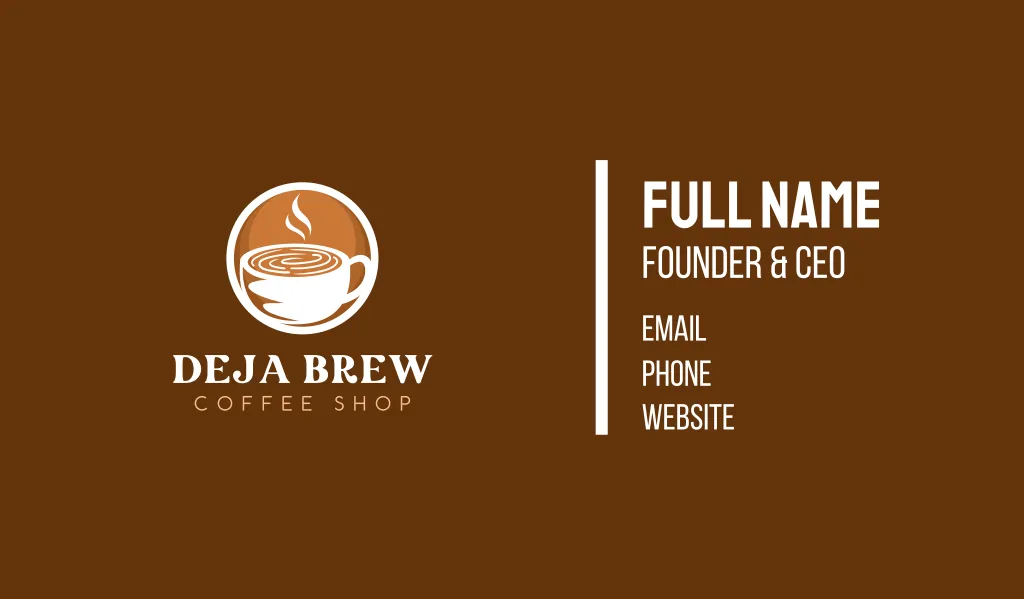
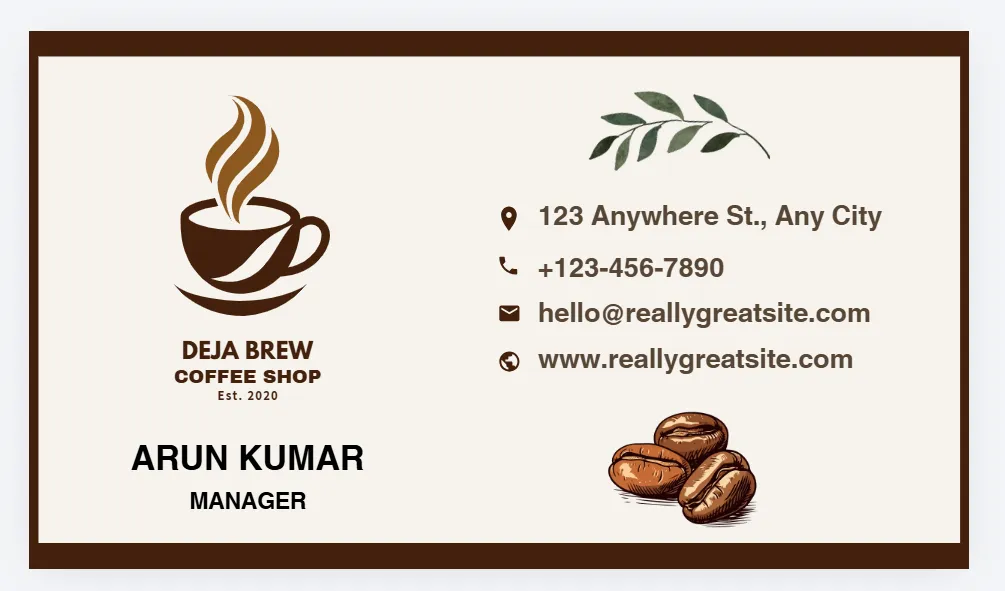
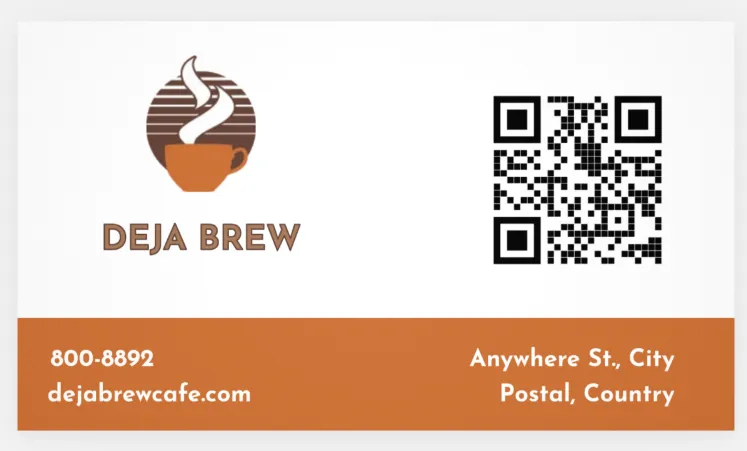
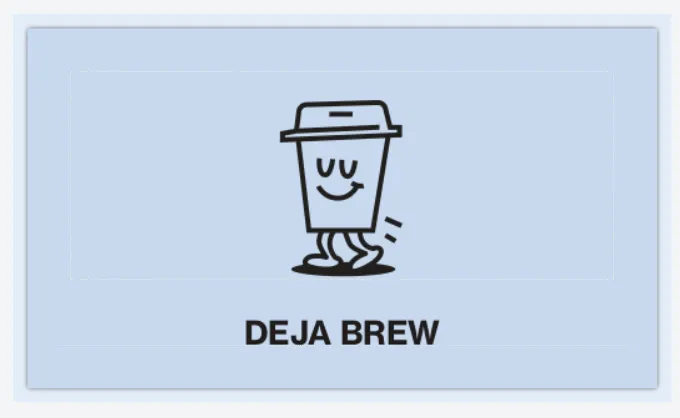
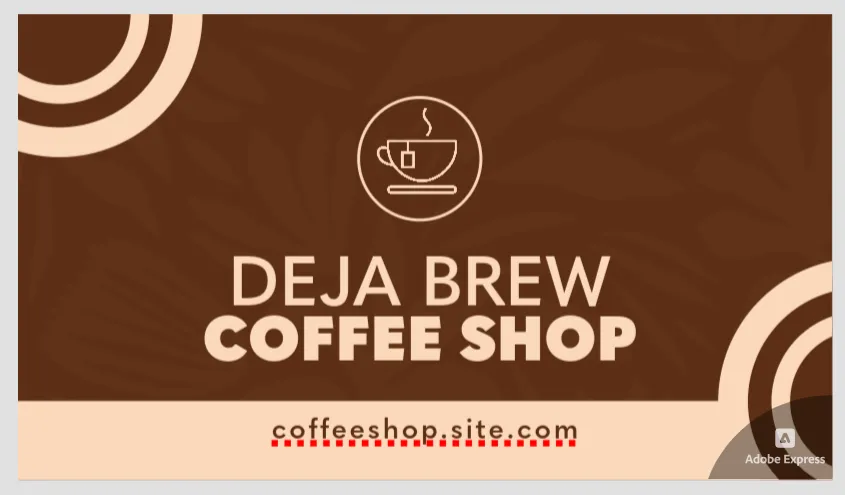
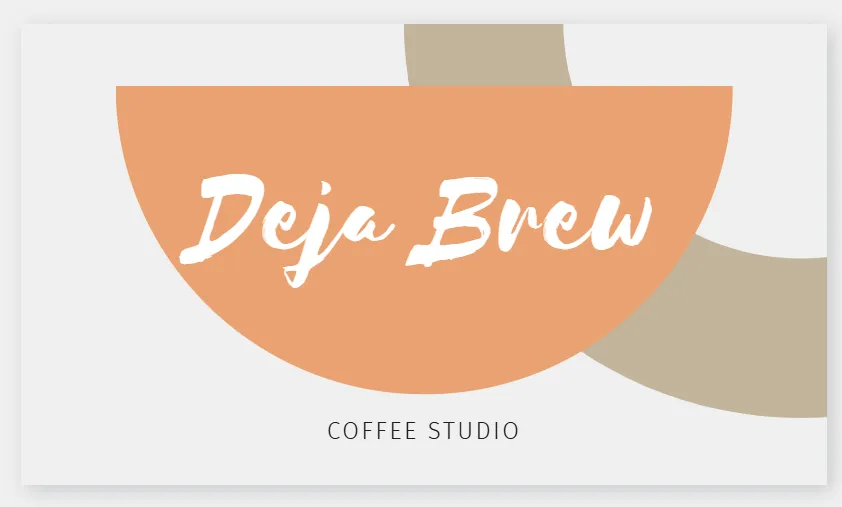
Each platform was tested using the same fictional business scenario, which is to make a card for a quaint, cozy coffee shop called Deja Brew.
Template quality was judged based on usability and structure, plus the overall visual aesthetic of the design. Pricing was also evaluated based on long-term overall value, not just entry cost.
Top Business Card Maker Tools (Results Overview)
Here is how the scoring went down when we evaluated each tool. Design.com came out as the clear winner, with BrandCrowd following closely behind.
| Tool | Template Quality | Customization Flexibility | Ease of Use | Download & Print Options | Value for Money | Total Score |
| Design.com | 29 | 19 | 19 | 14 | 15 | 96 |
| BrandCrowd | 28 | 18 | 19 | 14 | 14 | 93 |
| Canva | 26 | 17 | 19 | 13 | 14 | 89 |
| VistaPrint | 25 | 17 | 17 | 15 | 13 | 87 |
| Moo | 25 | 16 | 17 | 15 | 13 | 86 |
| Adobe Express | 24 | 18 | 18 | 13 | 13 | 86 |
| Visme | 23 | 17 | 18 | 12 | 13 | 83 |
Top Business Card Generators (Detailed Breakdown)
Now that we’ve seen the scoring and overall rankings, it’s worth looking beyond the numbers. Below is a detailed breakdown of the top business card generators that we tested, including the reason for their rankings plus their strengths and weaknesses.
1. Design.com — Best Overall for Small Businesses
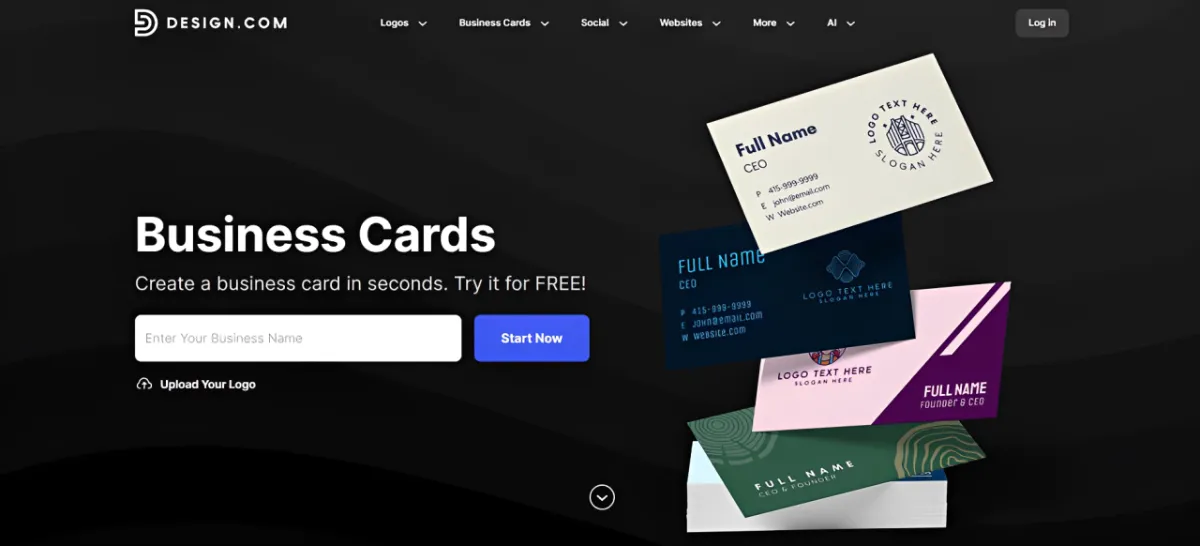

Score: 96/100
Why it ranks #1:
- 20,000+ professionally designed business card templates
- Strong industry alignment across categories
- Huge library of decorative elements to liven up your design, such as 750+ fonts and 62,000+ design elements
- Ability to fully customize the template, including creating gradients, adding animations, and curving texts
- AI business card generator option for those looking for an even faster way to create cards
- Multiple hi-res formats for both print and digital needs
- Option to directly print on the platform
Design.com’s business card maker stands out because it gets the balance right.
Sure, the platform provides templates to give non-designers a good foundation. But that doesn’t mean you are getting plain and generic layouts. What you get are designs that are not only visually appealing but are also relevant and tailored to a wide range of industries.

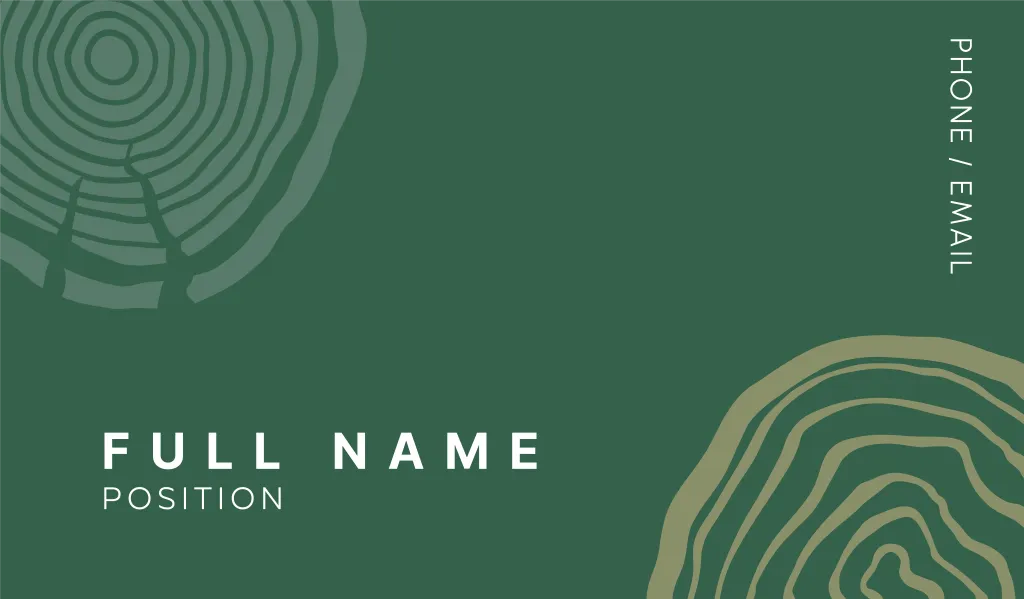

So even if you are looking for a card for a really niche business (say a grilled seafood food truck), you can still find an appropriate design here instead of just settling for a plain card.
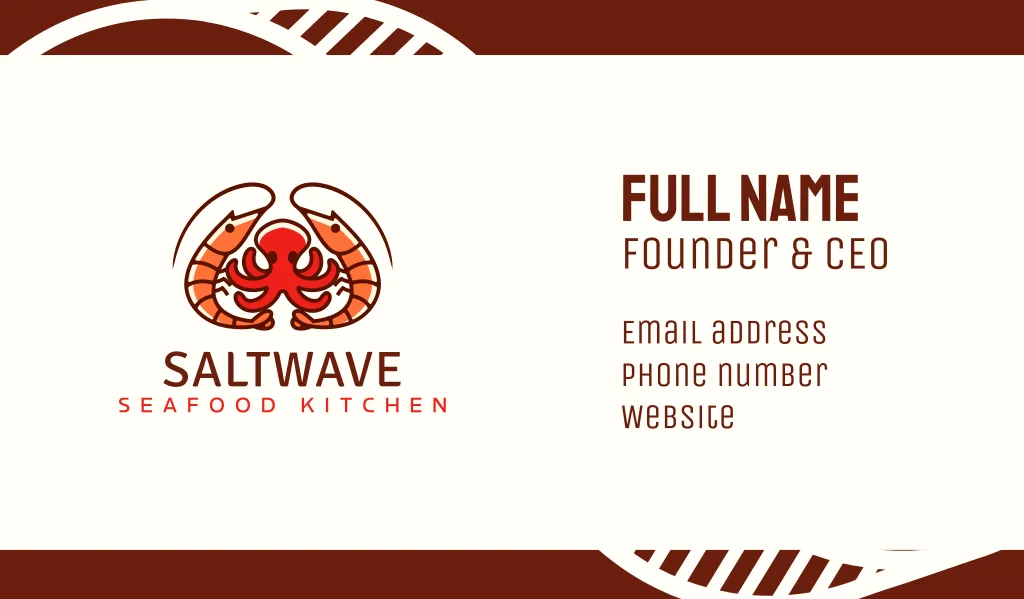
Next is the ease of use. Yes, it’s geared towards beginners. But users still get comprehensive editing options. Users can freely change minute details of the design, including the spacing of letters to choosing the individual color of a gradient. You can even choose the shape and color of the QR code. You get a high degree of creative freedom without making it complicated.
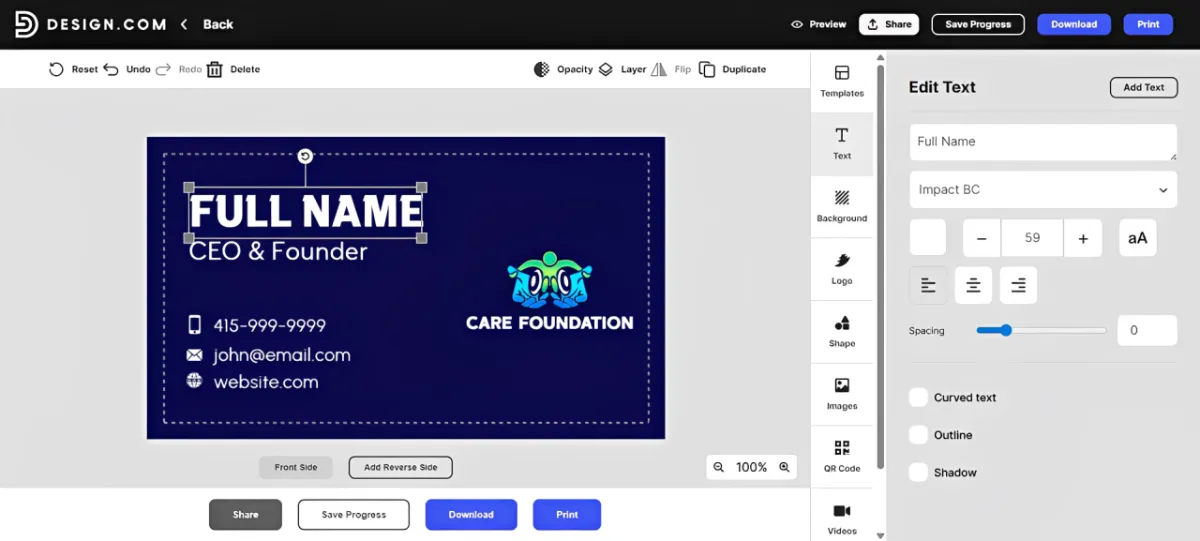
On top of that, the Brand Kit feature gives it long-term value beyond just one card. Once you upload your logo to the site, the platform will automatically apply the styling across materials. So it’s really easy to create a Brand Kit of assets that have strong visual cohesion.
2. BrandCrowd — Best for High-Quality Visual Styles
Score: 93/100
What it does well:
- Strong template aesthetics across industries
- Clean typography and balanced layouts
- Wide design variety without feeling inconsistent
- Beginner-friendly editing experience
- Files available in PNG, JPG, SVG, EPS, and PDF
- Printing available on the platform
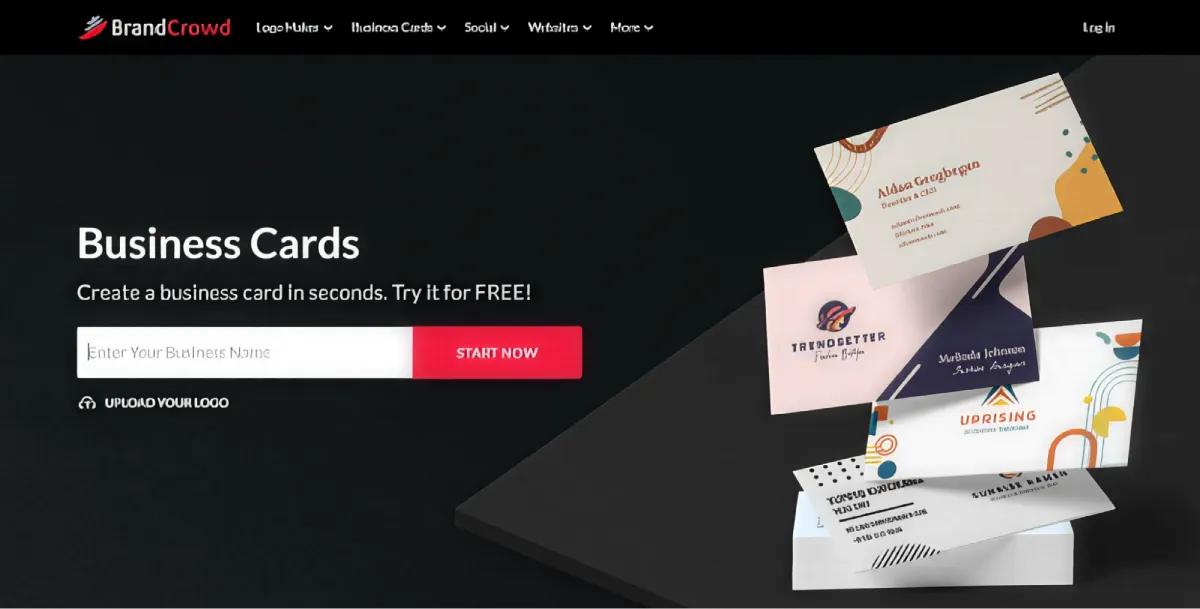
BrandCrowd’s business card generator is a close second in our list as they excel in visual presentation.
The platform focuses heavily on polished, creative, and ready-to-use designs. If you want something that looks refined quickly, BrandCrowd delivers.

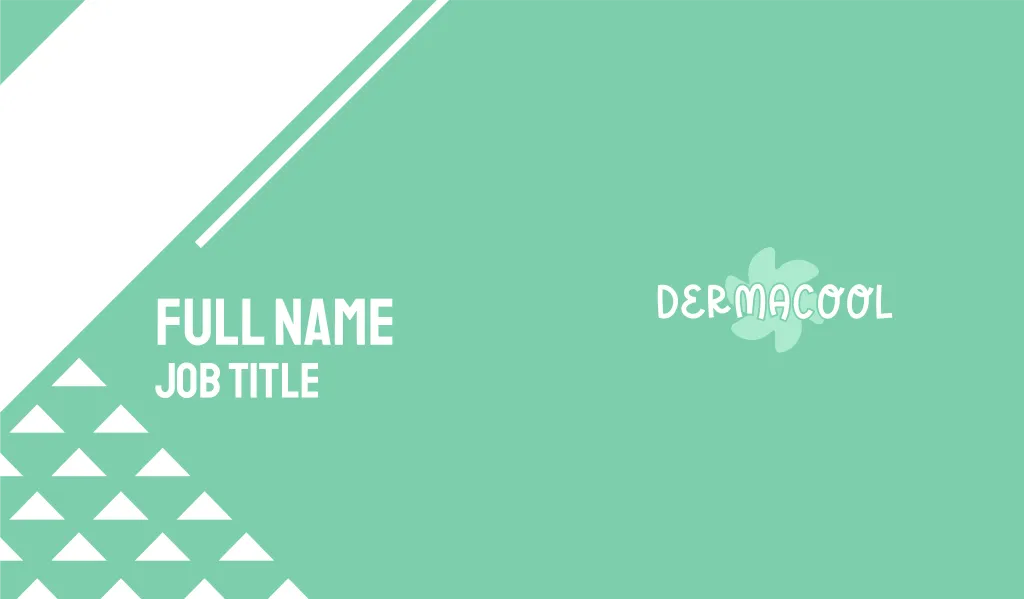
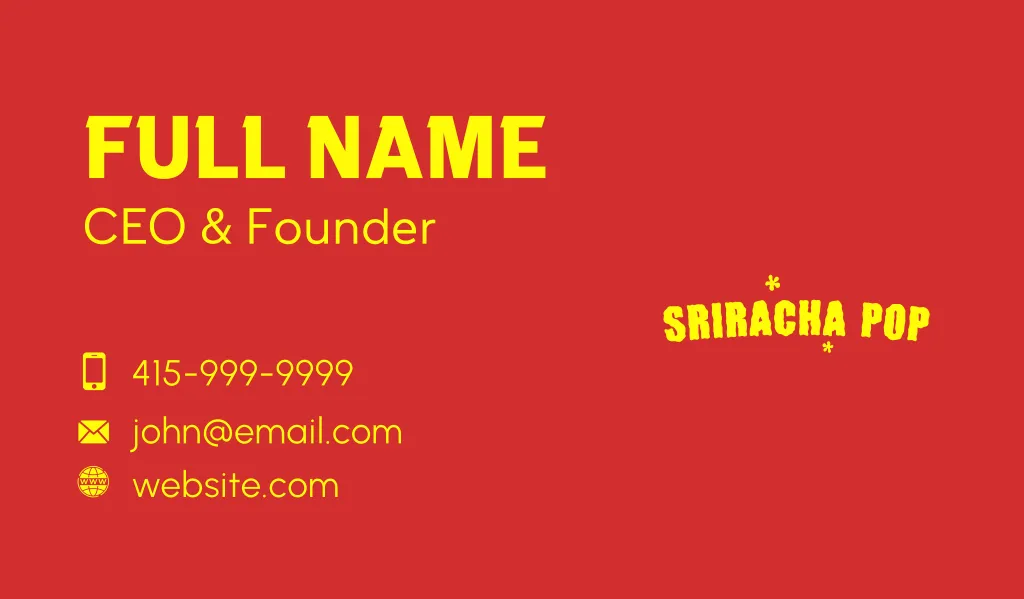
BrandCrowd’s templates also undergo thorough checking for quality and originality before it even makes it on the site. This ensures that you will only get the best of the best.
Compared to Design.com though, they have slightly less the number of templates. They also don’t have an AI business card generator unlike Design.com. Still, the quality of the design and the customization capabilities of BrandCrowd is still stellar enough to make it to 2nd place.
3. Canva — Best for Quick Edits
Score: 89/100
Strengths:
- Extremely beginner-friendly interface
- Wide variety of modern templates
- Built-in collaboration tools
- Great options for graphics and decorative elements
- Offers direct printing on the platfor
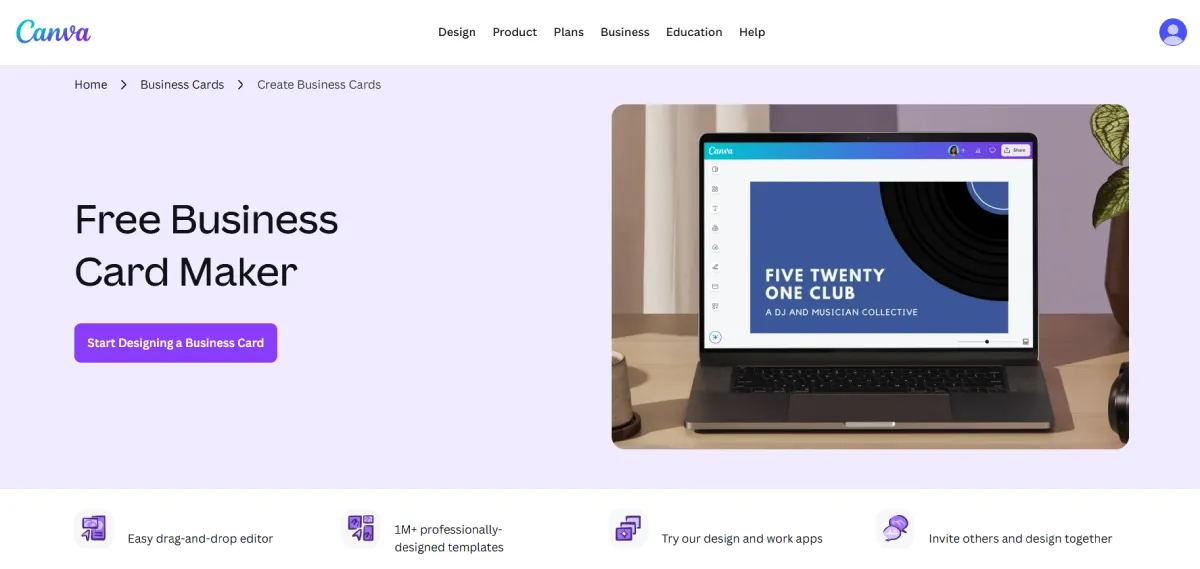
Canva is one of the most well-known online design platforms.
Their drag and drop editor is really easy to use. Even if you don’t have any design experience, you can figure the tool out pretty easily.
Canva also has a large library of icons, photos, illustrations, and graphics that can be used to enhance your design.
However, template quality can vary. The prettier designs are also often locked behind their Pro plans, as well as their advanced editing features. If you are just using their Free plan, you may feel severely limited with what you can get.
4. VistaPrint — Best for Unique Printed Cards
Score: 87/100
What stands out:
- Reliable and premium print quality
- Can print in different shapes, like leaf, oval, or square
- Special finishes like foil accent, embossed gloss, soft touch, etc.
- Good amount of templates to choose from
- Solid editor tool
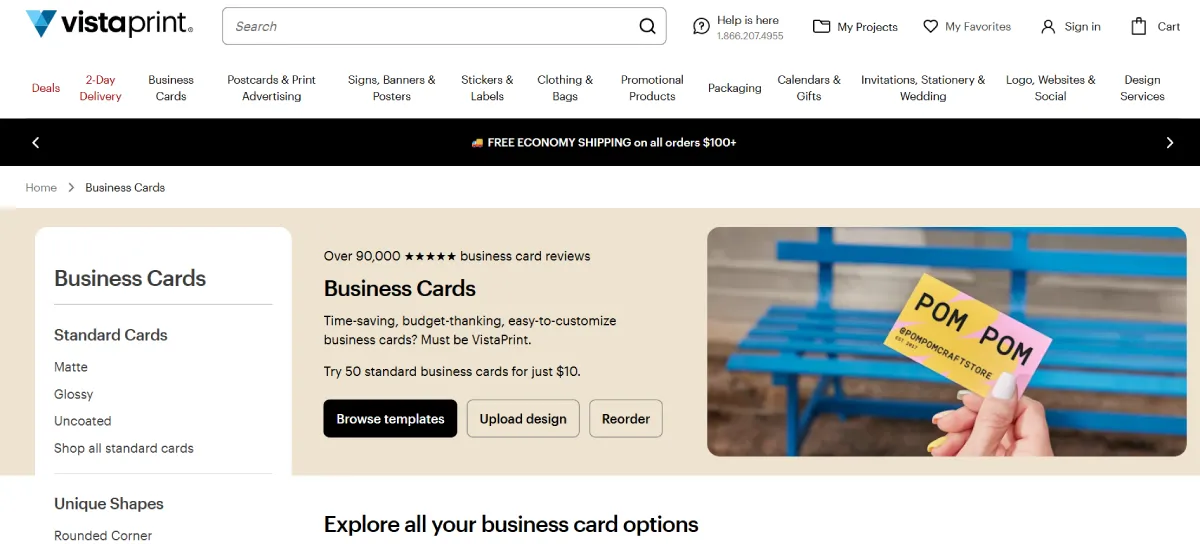
VistaPrint is more print-focused than design-focused. You get loads of options for printing your card in a wide range of finishes, paper, shapes, and size.
The design of their templates can be a hit or miss. They do offer solid designs, but the quantity and quality is not as great as Design.com.
The editor tool is pretty solid in our opinion. It has a smaller graphics library to jazz up your cards compared to other tools, but you can still do granular and complex editing. They even mark the safety area and bleed area on your card so you can edit without worrying that your design will get awkwardly cut off. That scores more points with us.
We do think that VistaPrint is a stronger option for businesses that already have a design, and just want a great printer with more unique styles to produce your cards. But if you’re starting from scratch, Design.com is the better tool.
5. Moo — Best for Premium and Creative Print Finishes
Score: 86/100
What makes it different:
- Luxe, extra-thick paper options
- “Printfinity” feature allows different designs per card
- Unique formats like square or mini cards
- Wide range of finishes like Gold Foil and Letterpress
- Also offers sustainable cards
Just like VistaPrint, Moo focuses on printing. But their main appeal is their high-end and more premium printing.
Moo offers several card stocks, such as Original, Super, Luxe, and Cotton. Thickness can also range from standard to an ultra-thick luxury paper. They also offer unique finishes like raised spot gloss and silver foil.
Moo also offers more eco-friendly cards, made with 100% recycled paper and water-based inks. It’s a good option for customers that are conscious of their carbon footprint.
The trade-off is less design flexibility compared to other platforms. Quantity and quality of their available templates are also a lot less compared to sites like Design.com. Searching for designs is also more difficult. Another issue may be the cost, as premium materials will obviously cost more.
6. Adobe Express — Best for Creative Control
Score: 86/100
Key advantages:
- Strong editor tool that can do more complex changes, while still remaining beginner-friendly
- Option for AI design tools for more creative generation
- Access to Adobe library
- Seamlessly integrates to other Adobe tools, great for users that are already in the Adobe ecosystem
- High-quality export for print, plus a direct printing option available
Adobe Express brings Adobe-level design quality into a simpler interface. Adobe Express works in templates like the other platforms mentioned above, so you won’t need to know layers and masks to design here (unlike their other famous software).
Users can also access Adobe library of fonts, graphics, and stock photos to further customize their designs.
What’s also great about this tool is the more advanced editing you can do. You can adjust text flows, add filters, tweak the saturation, add animated stickers, and so on. It requires more effort and more learning curve compared to other tools, but it does give you more control over the final result.
Adobe Express also offers direct printing for their cards, but they only ship to US, UK, Australia, and Canada at the moment.
7. Visme — Best for Simple and Quick Designs
Score: 83/100
What it offers:
- Clean, modern templates
- Great options for graphics, icons, and other visual elements
- Easy to use editor
- Good customization options
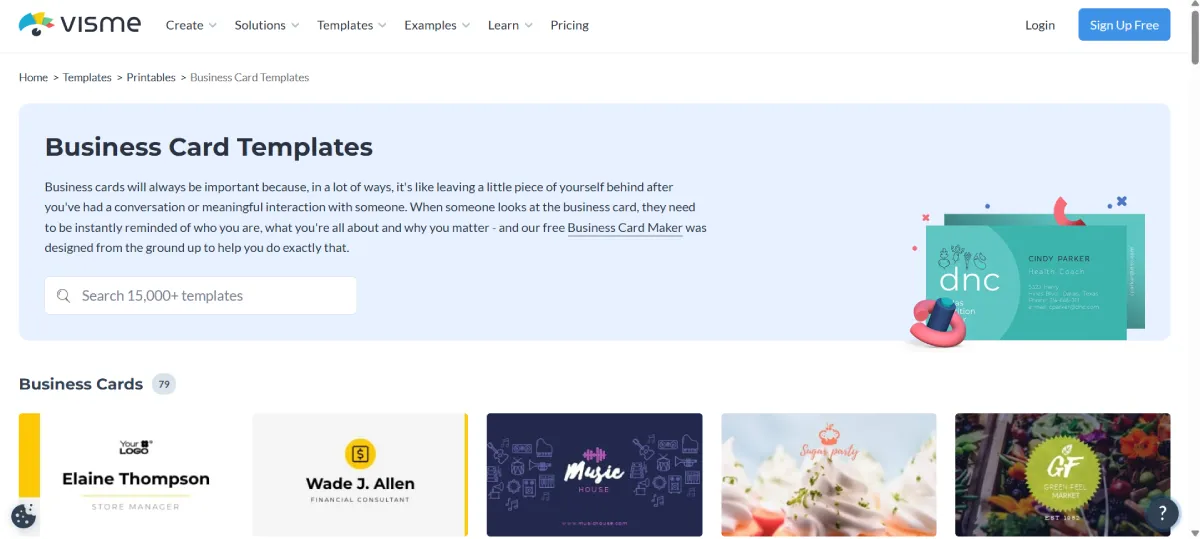
Visme is more commonly used for presentations and infographics, but its business card tools are solid.
They only offer 70+ designs. Still the templates are solid enough for us. Their editor is also comprehensive, and just like VistaPrint they also mark the safe area when editing your card. You can also add a lot of graphics and decorative elements to spice up the final look of your card. The whole process is easy and quick, which may be good enough for people who just want a simple and straightforward card.
Visme does not offer printing unlike the other tools here. But they do offer multiple file formats that can be used for printing, which is why we still included them in the list.
Final Verdict
If you want the most complete business card generator in 2026, Design.com ranks first for its combination of design quality, flexibility, and value.
If your priority is strong visual aesthetics with minimal effort, BrandCrowd is a close second.
The rest of the tools each serve a purpose, but these two stand out for delivering consistently professional results with the least friction.


Leave a Reply