
7 Cloud Phone Mistakes to Avoid When Scaling Multi-Account Operations
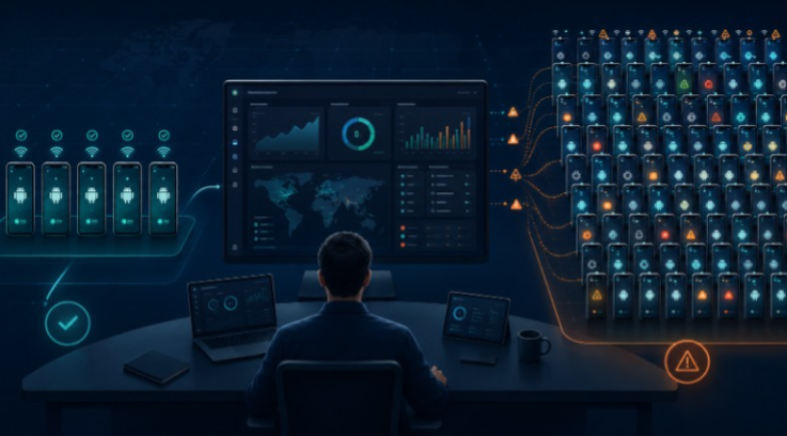
Mobile multi-account operations often become difficult for a simple reason: teams scale the number of devices before they scale the operating process.
With five Android environments, people can remember which device belongs to which project. With fifty, memory stops working. Proxy assignments become inconsistent, app versions drift, team members share access informally, and automation is added to processes that were never stable in the first place.
The solution is not simply to add more phones or more software. The team needs a repeatable model for environment separation, network ownership, access control, applications, handoffs, and automation.
Below are seven of the most common mistakes teams make as mobile operations grow—and how to avoid them.
Mistake 1: Scaling Device Count Before the Workflow Is Stable
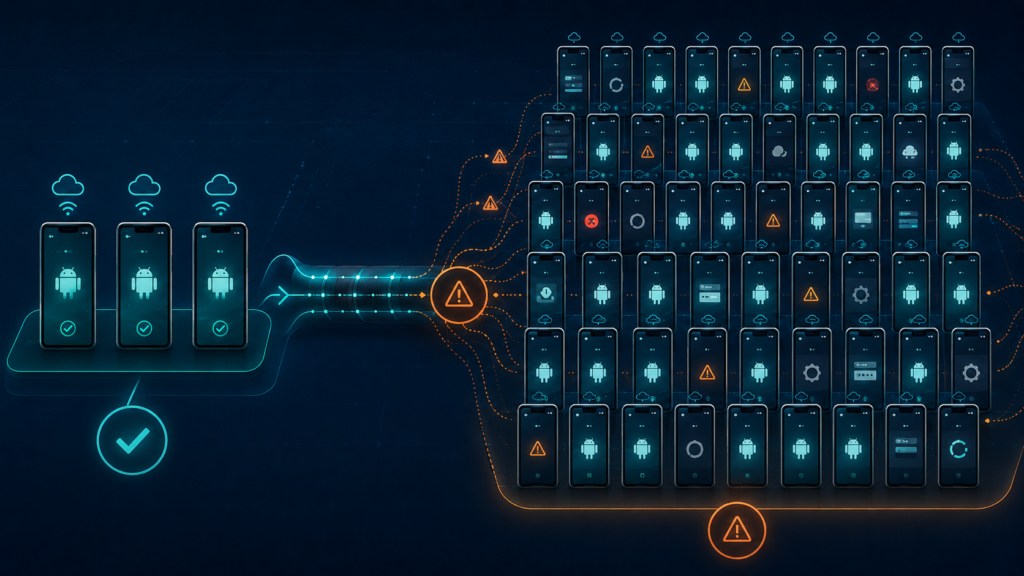
The easiest mistake is to see a process working on three devices and immediately expand it to thirty. Small tests hide exceptions. One account may require a different application version, another may need additional approval, and a third may encounter a network or permission prompt that the original process never considered.
Before scaling, define the manual workflow clearly. Identify the starting state, required apps, approved network configuration, operator actions, expected result, and recovery process when something goes wrong.
A good rule is to make the process boring before making it big. If operators still need to improvise constantly, adding more environments will multiply inconsistency rather than capacity.
Mistake 2: Using Weak Naming, Grouping, and Ownership Rules
Phone 1, Phone 2, and Phone 3 are acceptable names for a test. They are terrible names for a production system.
Every environment should communicate enough information that another team member can understand its purpose without opening it. A naming structure can include client, market, platform, project, and sequence number. Groups and labels can then separate environments by status, operator, campaign, or department.
A platform such as MoreLogin Cloud Phone allows teams to organize cloud Android environments centrally with profile names, groups, labels, proxy information, and member access. The important part is not the feature itself; it is using the same organizational rules across the whole team.
Ownership should also be explicit. Every environment should have a current operator or responsible team, not a vague assumption that “someone in marketing uses it.”
Mistake 3: Treating Proxy Changes as an Informal Operator Decision
Cloud phones and proxies solve different problems. The cloud phone provides an Android environment; the proxy controls the network route. Problems appear when several operators can change proxies without documentation or when location choices are made inconsistently.
Create a proxy policy. Record which provider, region, protocol, and assignment belongs to each workflow. Decide who is allowed to replace a failed proxy and what should be documented after the change.
Consistency makes troubleshooting much easier. When an account or application behaves differently, the team can identify whether the device environment, network route, app version, or workflow changed instead of guessing.
Mistake 4: Sharing Credentials Instead of Managing Access
As teams grow, shared passwords become a shortcut. One person sends login details in chat, another stores them in a spreadsheet, and soon the organization cannot tell who still has access to which device or account environment.
A scalable workflow separates device access from personal credential sharing. Administrators should assign the minimum environment access each operator needs and remove it when responsibilities change.
Permission-based access also improves handoffs. The next operator can continue inside the existing environment without copying account data onto a new personal device or rebuilding the session from scratch.
This becomes especially important for agencies that separate clients or for companies with contractors, rotating shifts, and frequent onboarding or offboarding.
Mistake 5: Letting Applications and Files Drift Between Devices
A device fleet becomes unreliable when every operator installs whatever app version they prefer and stores important files in different places.
Define an approved application set for each workflow. Decide how APK files are sourced, who can upload them, when updates should occur, and how files are transferred into the Android environment. For content workflows, establish clear rules for images, videos, documents, naming, and retention.
MoreLogin supports application installation and file management for cloud phones, including API-based options for technical teams. Centralizing these tasks can reduce repeated setup and make troubleshooting more predictable.
The objective is configuration control. When two devices are supposed to perform the same job, the team should know whether they are actually running the same approved environment.
Mistake 6: Automating an Unstable Process
Automation can make a good workflow faster. It can also make a bad workflow fail at scale.
Teams often automate too early because a synchronizer or RPA template looks efficient during a demonstration. Then an app update changes a button, a permission dialog appears, a network request times out, or one device enters a different state. The automation continues without understanding the exception.
Start with repeatable, low-risk steps. Test synchronization on a small group. Build RPA around processes with predictable interfaces. Add schedules only after the workflow has clear failure handling. Use APIs or ADB when technical control is genuinely required, not simply because they are available.
MoreLogin provides several automation paths, including a cloud phone synchronizer, RPA, scheduled tasks, Open API, Local API, and ADB. A mature team chooses the simplest level of automation that reliably solves the task.
Mistake 7: Treating Mobile and Browser Work as Separate Silos
Many business workflows cross between native Android applications and browser dashboards. A team may review or publish content in a mobile app, then use a web interface for advertising, analytics, email, customer support, payments, reporting, or administration.
If mobile environments are managed in one tool and browser accounts in another with unrelated naming, proxy records, permissions, and ownership, the same project can become fragmented across two operating systems.
Map both sides of the workflow. If one account or client needs a mobile environment and a browser profile, use matching names and ownership rules. Document how the environments relate and which operator is responsible for each layer.
MoreLogin combines cloud phones and anti-detect browser profiles in the same broader workspace, which is useful when a team needs to coordinate app-based and web-based environments instead of maintaining two disconnected management structures.
A Cleaner Four-Layer Operating Model
A scalable mobile operation can be simplified into four layers:
- Environment layer: a clearly defined Android cloud phone or browser profile for each account, client, market, or project boundary.
- Network layer: an approved proxy and location policy, with documented ownership and replacement rules.
- Access layer: role-based member permissions, named owners, and a handoff process.
- Automation layer: synchronization, RPA, schedules, APIs, or ADB only after the manual process is stable.
Applications and files sit across the environment and automation layers and should follow their own configuration-control policy.
How to Scale Without Losing Control
Start with a pilot group
Choose five to ten environments and run the real workflow for several days. Include more than one operator so that handoffs, permissions, and documentation are tested—not just the Android screen.
Measure exceptions, not only successes
Record failed logins, app crashes, proxy changes, permission prompts, file-transfer problems, and automation interruptions. The goal is to understand recovery effort before the same exception appears across dozens of devices.
Standardize before duplicating
Create naming rules, groups, app lists, access roles, proxy records, and operating checklists. Then scale by copying the process, not by asking each new operator to invent their own version.
Review permissions and inactive environments
As projects end or staff change, remove unnecessary access and archive or delete environments according to internal policy. An operation becomes harder to audit when inactive devices and former members remain mixed with current work.
Where MoreLogin Fits
The purpose of a multi-account platform is not to encourage uncontrolled account creation. It is to give legitimate teams a structured way to separate environments, manage access, organize network settings, handle applications and files, and automate repeatable work.
MoreLogin brings ARM-based cloud Android environments, proxy configuration, groups and labels, team permissions, synchronization, RPA, scheduled tasks, application and file management, APIs, ADB, and anti-detect browser profiles into one management system.
That combination is most useful when the operational challenge is no longer “Can this Android app run?” but “Can the team keep fifty or one hundred environments understandable and controllable?”
Final Verdict
The biggest scaling mistakes are usually process mistakes disguised as device problems. Teams add phones before defining ownership, change proxies without records, share credentials, allow app configurations to drift, automate unstable steps, and separate mobile and browser work into unrelated silos.
Fixing those issues early creates a system that can grow without requiring the operations team to remember every exception manually.
MoreLogin is a strong fit for teams that want the cloud phone and browser layers managed together, with the organization, permissions, files, proxy settings, and automation tools needed to keep a growing workflow structured.
Scale the operating model first. The device count should be the result of a stable process, not a substitute for one.


Leave a Reply