
Why WordPress.org Moved Its Support Inboxes to Self-Hosted FreeScout
The WordPress.org team has chosen FreeScout, an open-source help desk system, to handle its support operations.
The decision represents more than a simple change of ticketing system. It reflects a broader strategy: gaining greater control over infrastructure, reducing dependency on external SaaS platforms, simplifying account management, and making support tools easier to customize and integrate with the WordPress ecosystem.
In October 2026, the WordPress.org Meta team publicly announced its migration plan. Within weeks, the first mailboxes were running on the new platform, and the Community team’s migration was officially completed.
So, why did WordPress.org choose FreeScout, and what can we learn from the transition?
Why WordPress.org Decided to Change Its Ticketing System
The primary trigger was a change in the pricing model of its existing support platform.
As Konstantin Obenland from the WordPress.org Meta team explained in the October 2 announcement, their current ticketing platform was moving from contact-based pricing to user-based pricing.
For an organization with multiple teams, shared mailboxes, and numerous contributors, this change made the existing arrangement less attractive.
However, pricing wasn’t the only consideration.
The Meta team identified three broader advantages of moving to a self-hosted solution:
- Shared infrastructure: More parts of the WordPress community could use common tools and infrastructure.
- Customization: Teams, particularly the Plugins team, would have greater flexibility to customize their support inboxes.
- Long-term scalability: A self-hosted platform would provide more room to expand and adapt as the organization’s requirements evolved.
The important point is that WordPress.org wasn’t simply looking for a cheaper inbox. It wanted a platform that could better accommodate its complex organizational structure.
Why FreeScout?
FreeScout was selected as the replacement platform.
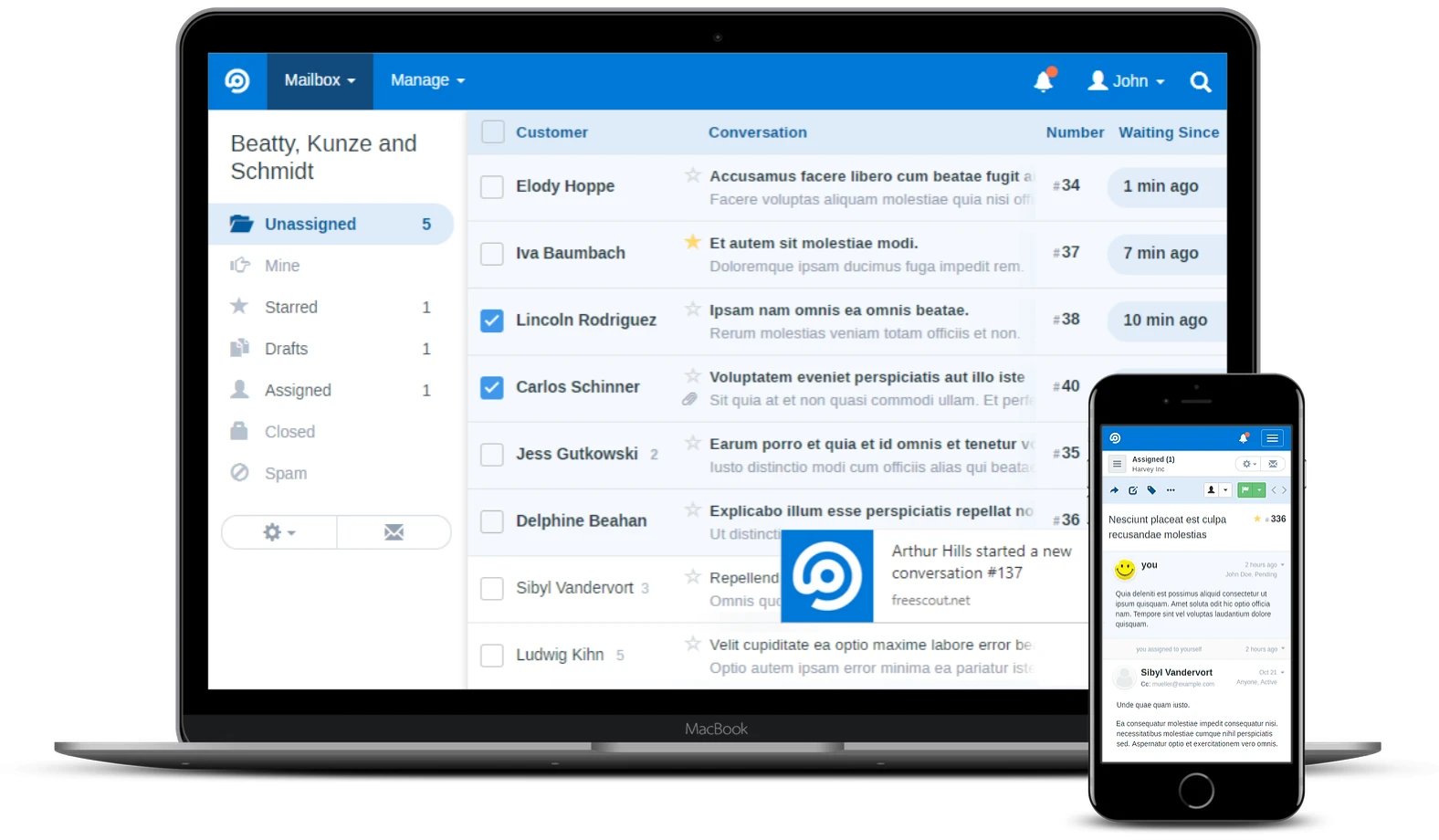
It is an open-source ticketing system that organizations can install and operate on their own infrastructure. It provides shared inboxes and ticket management while allowing additional functionality through modules and custom integrations.
For WordPress.org, several characteristics made it a suitable choice.
1. Self-Hosting and Greater Control
Self-hosting was central to the decision.
Rather than relying entirely on an external SaaS provider, WordPress.org could operate its own FreeScout installation. This gives the organization greater control over its infrastructure, configuration, and future development.
It also makes it easier to build functionality around the actual needs of individual teams instead of adapting every team to the limitations of a third-party service.
2. Customization and Integration Possibilities
The WordPress.org Plugins team had particularly complex requirements.
Its existing support processes relied on several integrations and custom tools, including:
- Browser extensions for Chrome and Safari that enhanced the support interface.
- API connections for creating and replying to plugin review emails.
- Automated AI analysis of review responses.
- Tools for classifying general incoming emails and preparing responses.
- Extensive use of search functionality.
These integrations were important enough that the Plugins team warned their Meta team that adapting its tools could take several weeks.
FreeScout’s modular architecture offered an opportunity to recreate or extend these capabilities.
The Meta team even discussed the possibility of porting existing browser-extension functionality into a custom FreeScout module.
This illustrates one of the biggest advantages of FreeScout as a ticketing platform: it can serve as a foundation for a customized support environment rather than just a ready-made ticketing application.
3. WordPress.org Single Sign-On
Another important improvement was account management.
Previously, support contributors needed separate accounts for the ticketing platform.
With FreeScout, WordPress.org introduced authentication through its existing WordPress.org Single Sign-On (SSO) system.
This brought several advantages:
- Existing WordPress.org accounts could be used to access the support platform.
- User information could be synchronized.
- Two-factor authentication could be enforced across accounts.
- Administrator access could be further restricted through proxy access requirements.
The migration plan covered approximately 86 accounts.
Importantly, existing users wouldn’t need to register again or manually create new accounts.
For a large open-source community with contributors working across different teams, this is a meaningful operational improvement.
The Migration: A Carefully Planned Five-Phase Process
The WordPress.org team didn’t attempt to move every mailbox simultaneously.
Instead, Konstantin Obenland proposed a five-phase migration plan, prioritizing relatively simple inboxes before moving on to more complicated environments.
The original announcement listed approximately 20 mailboxes across different WordPress.org projects.
The Migration Results: FreeScout Goes Live
The migration progressed throughout October 2026.
On October 9, Konstantin reported that all required modules were active, user accounts had been prepared, and teams and workflows had been imported.
Nine of the planned 20 mailbox imports had been completed at that point, including saved replies.
By October 15, all WordCamp.org and WordPress Foundation inboxes had been migrated.
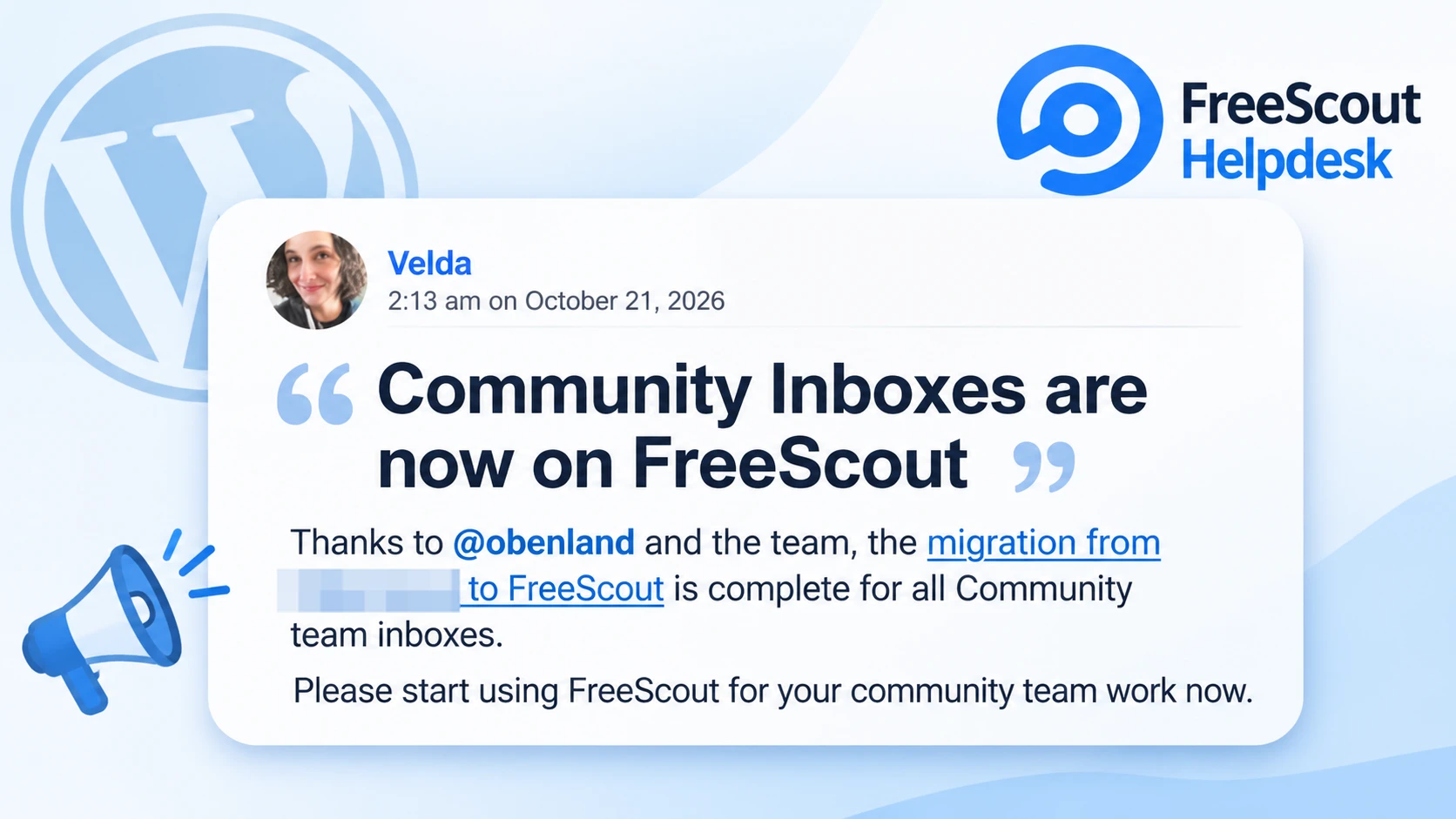
On October 21, the Community team officially announced that its inbox migration was complete.
What Does the WordPress.org Decision Tell Us About FreeScout?
The WordPress.org migration is an interesting example of how a large open-source organization evaluates support infrastructure.
There are several lessons worth highlighting.
First, ownership matters. Self-hosting provides more control over infrastructure, configuration, and data management.
Second, customization can be more important than having every feature available out of the box. WordPress.org needed a support platform that could accommodate different teams and their individual workflows.
Third, integration capabilities are essential. A ticketing system becomes much more valuable when it can connect to existing APIs, automation tools, and internal applications.
Fourth, account management should be part of the decision. Integrating support access with WordPress.org SSO simplifies contributor onboarding and improves centralized security management.
Finally, migration planning matters as much as software selection. WordPress.org had to account for approximately 20 mailboxes, 86 accounts, extensive historical conversations, hundreds of saved replies, and numerous workflows.
The team deliberately prioritized a smooth transition over speed.
Final Thoughts
WordPress.org’s choice of FreeScout was driven by a combination of changing pricing economics, the desire for self-hosted infrastructure, customization requirements, and the need for better integration with its existing ecosystem.
The move also demonstrates that FreeScout can be considered for more than small support teams with simple email-based workflows.
WordPress.org’s environment includes highly automated inboxes, substantial historical archives, external APIs, and different operational requirements across multiple teams.
The migration wasn’t entirely without challenges, particularly around search performance and rebuilding integrations. However, the public updates show a structured transition with phased deployment and ongoing improvements.
For organizations considering a similar move, the main takeaway is straightforward:
Choose a ticketing system not only for the features it offers today, but also for the control, flexibility, and integration possibilities it provides as your support operation grows.
FreeScout’s adoption by WordPress.org is a compelling example of that approach.


Leave a Reply