
Apple POS System for Small Business: Can iPads Replace a Traditional POS?
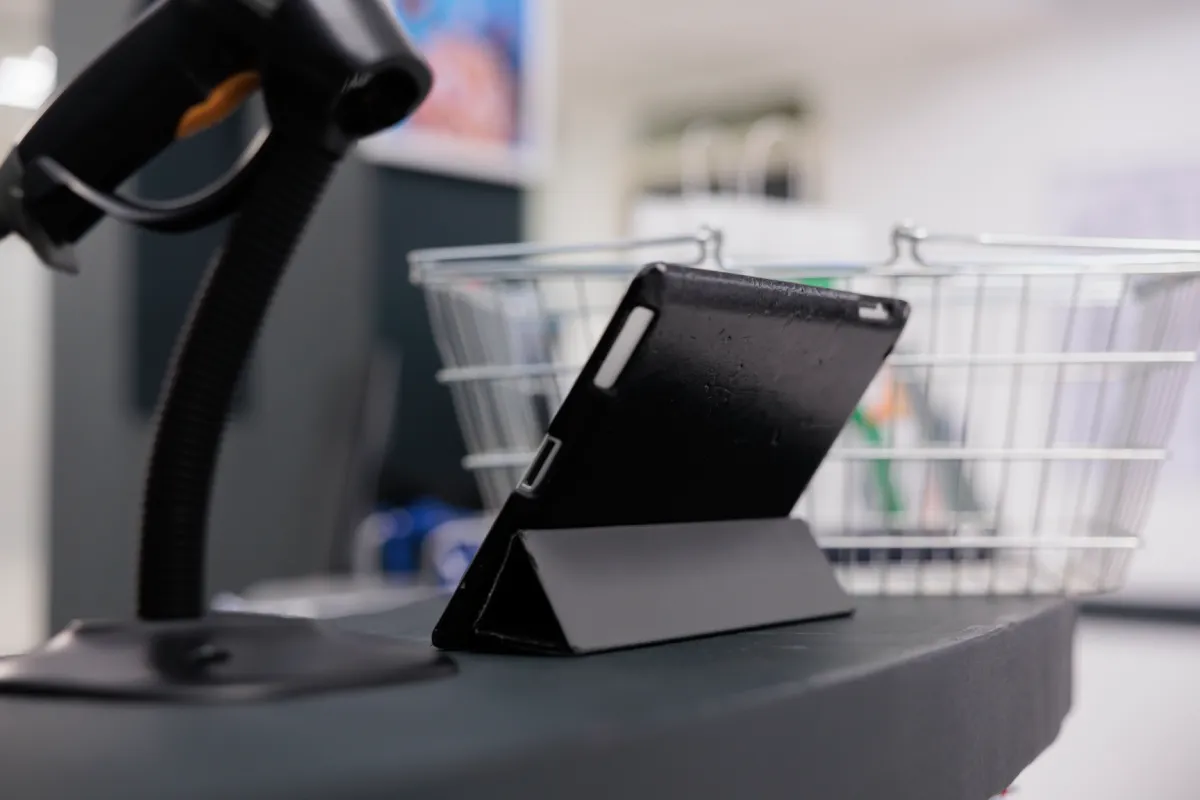
iPads don’t replace traditional POS. They become the terminal — when you set them up right. A properly configured Apple POS system running on current iOS, connected to certified payment hardware and a stable Wi-Fi network, handles the full transaction stack: order entry, payment capture, receipt delivery, and same-session sync to your accounting platform. The real question isn’t whether an iPad can do this. It’s whether your specific setup — your floor layout, your peripheral stack, your network — will let it.
I’ve seen both ends of this. Cafes running clean, fast iPad setups with zero drama. And retail shops where the card reader firmware hadn’t been updated in months, throwing “payment timeout” errors every third transaction during the lunch rush. The hardware is rarely the problem. The configuration almost always is.
What an Apple POS Setup Actually Looks Like in 2026
Here’s the first thing to clear up: native Apple Pay does not process retail merchant transactions. Apple Pay is a consumer payment method — it’s what your customer uses to tap their phone against a reader. The actual transaction gets processed by certified third-party hardware from vendors like Ingenico or Pax, connected to your iPad via Bluetooth or Lightning. PCI SSC compliance lives in that external reader, not in the iPad itself.
So when someone says “Apple POS,” they mean an iPad or iPhone running POS software — Shift4, SkyTab, Square, and others — paired with external EMV-capable hardware. The iPad is the brain and display. The reader is the vault.
Platforms like SkyTab and Shift4 explicitly support iPad and iPhone as primary terminals for restaurant and retail environments. SkyTab’s deployment guide requires iOS 15 at minimum and a dedicated Wi-Fi network for real-time cloud sync. That’s not a suggestion — it’s a hard requirement. Run below iOS 15 and you’ll hit sync failures mid-shift.
Where iPad POS Wins — and Where It Doesn’t
For small retail, salons, cafes, and service businesses in the US, the iPad-based setup has real operational advantages:
- Mobility: An iPhone on a Shift4 app lets your server close a tab tableside. No terminal trip. No card leaving the customer’s hand.
- Setup speed: Most iPad POS deployments go live faster than traditional all-in-one terminals — no proprietary OS to configure, no vendor tech visit required for basic installs.
- Familiar interface: Staff already know iOS. Training time drops. (I’ve seen new hires process their first transaction within an hour of onboarding, which is not typical with legacy terminals.)
- Cloud reporting: Sales data posts to QuickBooks and similar platforms within 15 minutes of transaction close. According to QSR Magazine, this workflow reduces manual reconciliation errors by 90% in hospitality settings. That’s a real number — not a marketing claim.
- Scalability: Adding a second or third iPad terminal doesn’t require new wiring. It requires a license and a solid access point.
Now the limits. And they matter.
Wi-Fi dependency is the single biggest operational risk. Ingenico’s deployment specs flag anything below -65 dBm signal strength as unstable for POS transactions. That’s a moderately strong signal — many small business Wi-Fi setups don’t hit it consistently across the whole floor. Dead zones at the back counter or near the walk-in cooler will generate “payment timeout” errors. Those errors don’t just inconvenience customers — they can create duplicate authorization holds that take time to unwind.
Peripheral compatibility is the second friction point. Cash drawers, receipt printers, and barcode scanners all need to be verified against your specific POS software. Not every Bluetooth receipt printer works cleanly with every iOS POS app. Check the vendor’s hardware compatibility list before you buy anything — don’t assume.
The Network Check You Have to Do Before Go-Live
Before your first live transaction on an iPad POS, run this:
- Measure Wi-Fi signal at every point where a terminal will be used. Target above -65 dBm. Use a free tool like WiFi Analyzer or your router’s admin panel.
- Confirm your iOS version is current — SkyTab requires iOS 15+, and most cloud POS vendors follow similar minimums.
- Update card reader firmware through the vendor’s app before the first shift. Outdated firmware is the most common cause of “payment timeout” errors, and it’s a five-minute fix that most people skip.
- Run a test transaction — including a refund and a void — before opening. Voiding after close triggers different reconciliation behavior than voiding same-session, and you want to know how your system handles it before it matters.
- Verify accounting sync: process a test sale and confirm it posts to your accounting platform within the expected window.
Yes, this is basic. But I’ve watched businesses skip steps 3 and 4 and spend their first week troubleshooting issues that wouldn’t exist if they’d done a 30-minute pre-launch check.
When You Still Need Dedicated Hardware
High-volume retail with barcode-heavy inventory management — think a boutique doing hundreds of SKUs — will hit the limits of a pure iPad setup faster than a cafe will. Barcode scanning via iPad camera works, but it’s slower than a dedicated scanner under real transaction pressure. During a busy Saturday, that lag adds up.
Same story for businesses that need reliable offline fallback. Most iPad POS platforms have some offline mode, but the behavior varies by vendor and isn’t always transparent. If your location has spotty internet, verify offline transaction behavior explicitly with your vendor before committing. Some platforms queue transactions locally and sync when connectivity returns. Others throttle or block processing entirely.
Cash-heavy operations — certain food service models, service businesses that still run a lot of cash — will want a proper cash drawer integration tested and confirmed, not assumed.
The Hybrid Option: Android-Based Dedicated Terminals
Here’s where the conversation gets interesting for small businesses that want mobility without betting everything on iPad stability. The Clover Flex POS is a purpose-built mobile terminal — Android-based, with an integrated card reader, receipt printer, and barcode scanner in one handheld device. It’s not an iPad, but it solves the “I need mobility and I need peripherals in one unit” problem cleanly.
For businesses where an iPad-plus-accessories stack feels like too many moving parts to manage, a dedicated mobile terminal like Clover Flex sidesteps the peripheral compatibility headache. The trade-off is less software flexibility — you’re operating within Clover’s ecosystem rather than having the full iOS app marketplace available.
Neither approach is universally better. The right answer depends on your transaction volume, floor layout, peripheral requirements, and how much IT overhead you’re willing to manage.
The Bottom Line for Small Business Owners
An iPad-based POS setup is a legitimate, production-ready solution in 2026 — not a workaround or a budget compromise. Platforms like Shift4 and SkyTab have built real restaurant and retail infrastructure on iOS. The reconciliation integrations are solid. The mobility is real. The setup time is genuinely fast.
But “Apple POS” is not a plug-and-play product. It’s a stack: iOS device + certified payment hardware + POS software + network infrastructure + peripheral compatibility. Every layer has requirements. Miss one, and you’ll feel it during the first busy service.
Check your Wi-Fi first. Update your firmware before go-live. Verify every peripheral against your vendor’s compatibility list. And if you’re running a high-SKU retail operation or a cash-heavy service business, be honest about whether a pure iPad setup handles your edge cases — or whether you need dedicated hardware in the mix.
The businesses that run clean iPad POS setups didn’t get lucky. They did the pre-launch work.


Leave a Reply