

Best 12 Tools For Managing Multiple WordPress Sites
Managing multiple WordPress sites can be overwhelming, especially when you have to maintain regular updates, backups, and security checks across various platforms. A robust WordPress site management tool simplifies this task, offering centralized control, streamlined workflows, and enhanced security.
If you’re running an agency or managing several WordPress websites, finding the right tool can significantly boost your efficiency and productivity. In this article, we will explore the top 12 tools that will help you manage multiple WordPress sites with ease and precision, ensuring your sites remain updated, secure, and optimized.
The Dangers of Not Using The Ideal WordPress Site Management Tool
When managing multiple WordPress sites, failing to use the right management tool can lead to various risks and inefficiencies that could harm your business. Here are the dangers of not leveraging a comprehensive WordPress site management tool:
- Increased Risk of Security Vulnerabilities: Without a centralized tool, it’s difficult to ensure all sites are protected with the latest security patches.
- Manual Error Risks: Handling updates manually on multiple sites increases the chances of errors, leading to broken functionality or even data loss.
- Time-Consuming Updates: Managing each site individually wastes valuable time and resources that could be better spent growing your business.
- Missed Backups: Without automation, backing up your sites regularly can be overlooked, leaving them vulnerable to data loss.
- Lack of Scalability: As your business grows, manually managing sites becomes less sustainable and limits your ability to scale effectively.
- Inconsistent Performance: If updates and optimizations are not applied simultaneously across all sites, you may experience inconsistent performance, affecting the user experience.
- Difficulty in Reporting: Managing multiple sites without a centralized tool makes it harder to analyze data or generate performance reports, hindering decision-making.
Why The Best WordPress Management Tool Is Important For Your Agency
A good WordPress site management tool is more than just a convenience—it’s essential for maintaining the health, performance, and security of your websites. As an agency, the benefits of using such tools are immense. Here’s why a management tool is crucial for your business:
Efficient workflows are key when handling multiple WordPress sites. With the best WordPress management tool, you can automate repetitive tasks such as updates, backups, and security checks. This not only saves time but also reduces the chances of human error, which could lead to costly mistakes.
The right tool enhances collaboration within your team. It allows multiple users to manage sites with different permission levels, ensuring better coordination and security. You can delegate tasks such as content updates, plugin installations, and troubleshooting to team members without worrying about security breaches.
Centralized management offers greater control over your sites. With a single dashboard, you can oversee the performance, security, and updates of all your sites, making it easier to spot issues before they become significant problems. Additionally, a good tool gives you access to detailed analytics and reports, which are invaluable for tracking site performance and user engagement.
A reliable management tool also improves client satisfaction. By streamlining processes such as regular updates and troubleshooting, you can maintain better service levels and faster response times. Your clients will appreciate the proactive management of their sites, which will strengthen business relationships.
With a comprehensive WordPress management tool, you can also scale your agency without worrying about added complexities. These tools grow with your business, making it easy to onboard new clients and manage more sites without overloading your team.
Finally, the cost savings associated with using an all-in-one management tool are substantial. The time and resources saved by automating tasks and improving efficiency can be reinvested into growing your agency and improving the quality of service you offer.
12 Best Tools For Managing Multiple WordPress Sites
Using the best WordPress management tool can make managing multiple WordPress sites feel effortless. You can even update themes, plugins, and the WordPress core of multiple sites simultaneously with the push of a button. Here, we have handpicked 12 of the best WordPress site management tools to make it easy to manage multiple WordPress sites. Check them out below.
1. WP Managify
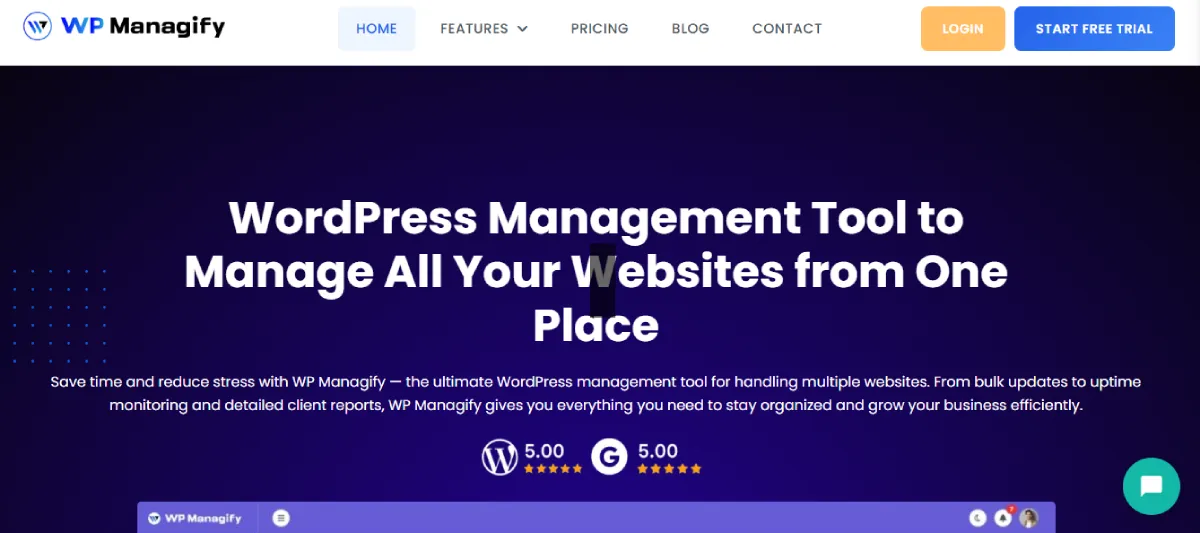
WP Managify is an all-in-one WordPress site management tool that simplifies managing multiple sites. It lets you manage themes, plugins, and core updates across all your WordPress sites from a single centralized dashboard. With its user-friendly interface and powerful features, WP Managify is perfect for agencies managing numerous WordPress websites.
Key Site Management Features of WP Managify:
- Bulk Updates: Manage multiple sites with a single click for updates on themes, plugins, and core WordPress.
• Security Monitoring: Automated security scans and vulnerability detection for all sites.
• Backup Management: Schedule and manage backups for all your sites effortlessly.
• Performance Monitoring: Real-time performance insights for every site, including load speed and uptime.
• Multi-Site Dashboard: Manage all sites from one dashboard, streamlining operations.
Benefits for Agencies:
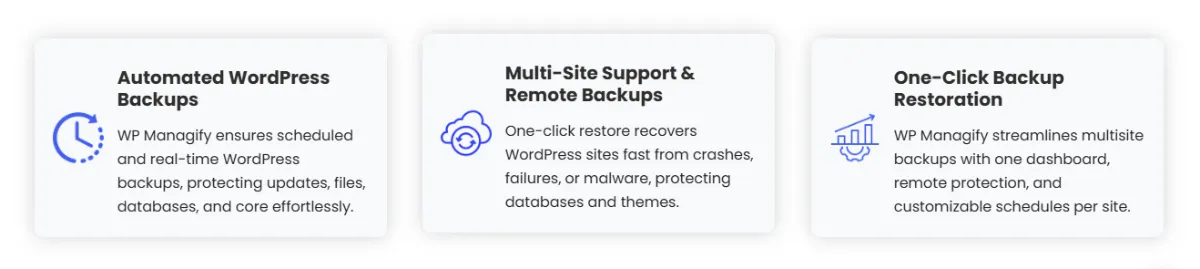
WP Managify offers agencies enhanced efficiency with its bulk update features and automated backups. Centralizing site management reduces the manual effort required to maintain multiple sites and enables quick updates, security checks, and performance monitoring.
WP Managify Pros:
- Centralized control for all sites
• Easy-to-use interface
• Bulk updates for all sites
• Automatic backups
• Real-time security monitoring
• Detailed performance insights
WP Managify Cons:
- Limited to WordPress sites
• Pricing may be high for small agencies
• Limited customizability in reporting
• Not all integrations are included
• Some learning curve for beginners
WP Managify Pricing Plans:
- Starter Plan: $29/month
• Business Plan: $49/month
• Enterprise Plan: $99/month
2. WP Umbrella
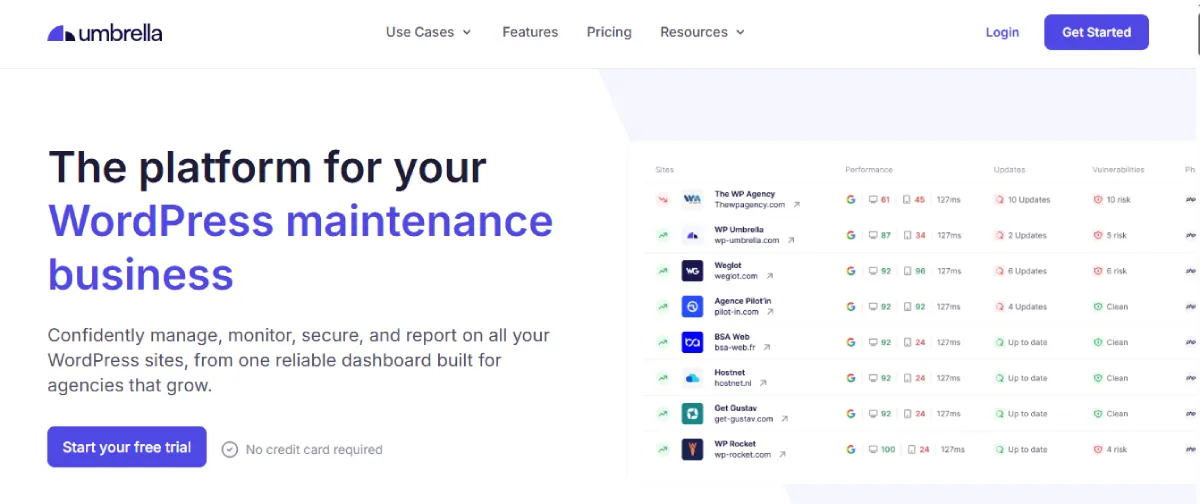
WP Umbrella is a robust WordPress management tool that offers automatic backups, uptime monitoring, and plugin management for multiple WordPress sites. Its intuitive interface makes it a perfect solution for busy agencies and web developers.
Key Site Management Features of WP Umbrella:
- Auto Backups: Automatically back up your sites daily or weekly.
• One-Click Updates: Update plugins, themes, and WordPress core with a click.
• Uptime Monitoring: Get instant alerts if any site goes down.
• Reports: Generate automated performance reports for each site.
• Site Health Check: Monitor site performance and health in real-time.
Benefits for Agencies:
WP Umbrella makes managing multiple sites easier by providing automated backups and performance monitoring. Agencies benefit from quick updates and the ability to monitor all sites from a single platform, leading to greater productivity.
WP Umbrella Pros:
- Simple interface
• Automatic backups
• Uptime monitoring
• Site health tracking
• Easy updates
WP Umbrella Cons:
- Limited customization options
• No free plan available
• More expensive for larger teams
• Limited integrations
• Reporting features could be more advanced
WP Umbrella Pricing Plan:
$2.19 per site per month
3. InfiniteWP
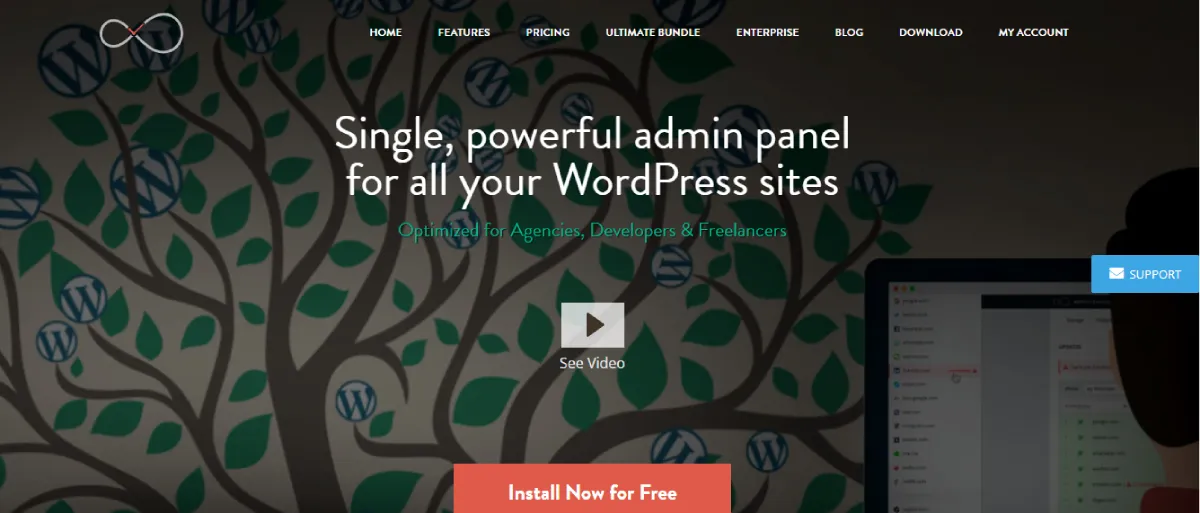
InfiniteWP is a powerful tool designed for developers and agencies managing multiple WordPress sites. With its self-hosted solution, you can perform updates, backups, and monitor performance from a centralized dashboard.
Key Site Management Features of InfiniteWP:
- Unlimited Sites Management: Manage an unlimited number of sites from one dashboard.
• One-Click Updates: Update WordPress, plugins, and themes across all sites simultaneously.
• Automated Backups: Schedule automatic backups for all sites.
• Performance Monitoring: Track site performance, including uptime and speed.
• Client Reporting: Send automated reports to clients about their site health and performance.
Benefits for Agencies:
InfiniteWP enables agencies to scale by managing an unlimited number of sites. Its powerful features, such as client reporting and performance tracking, help agencies provide superior services to clients without manual effort.
InfiniteWP Pros:
- Self-hosted solution
• Unlimited site management
• One-click updates
• Client reporting tools
• Performance monitoring
InfiniteWP Cons:
- Requires self-hosting
• The interface can be overwhelming for beginners
• Premium add-ons are costly
• Limited free features
• No mobile app for site management
InfiniteWP Pricing Plans:
- Enterprise Plan: $647/year
- Agency Plan: $447/year
- Freelancer Plan: $347/year
- Developer Plan: $247/year
- Starter Plan: $147/year
4. Modular DS
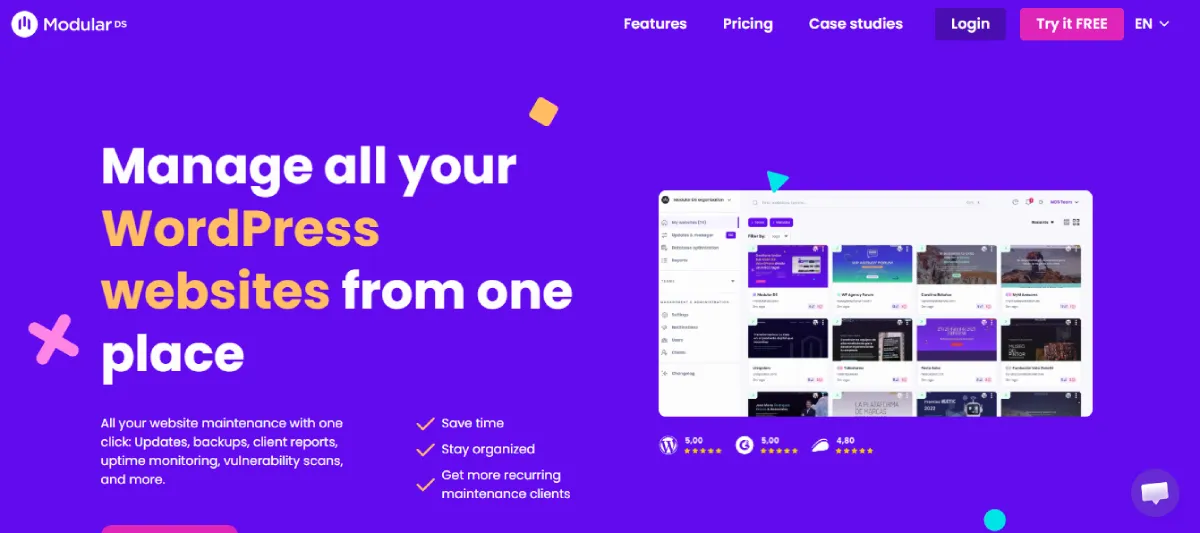
Modular DS offers a seamless solution for managing multiple WordPress sites, with a focus on powerful performance monitoring, backups, and security. This tool is perfect for developers who need advanced management features in a highly customizable format.
Key Site Management Features of Modular DS:
- Centralized Dashboard: Manage all WordPress sites from one place.
• Real-Time Monitoring: Track uptime, server performance, and speed in real-time.
• Automated Backups: Schedule daily, weekly, or monthly backups for all sites.
• Plugin & Theme Management: Easily update plugins, themes, and WordPress versions.
• Security Scanning: Regular security checks for vulnerabilities across all sites.
Benefits for Agencies:
Modular DS gives agencies the flexibility to monitor and update all sites from a single intuitive dashboard. Its customizable backup schedules and security features help safeguard clients’ sites and maintain smooth operations.
Modular DS Pros:
- Highly customizable
• Advanced monitoring features
• Flexible backup scheduling
• Security vulnerability scans
• Easy theme and plugin management
Modular DS Cons:
- Complex interface for beginners
• Limited customer support options
• Premium plans can be pricey
• Lacks some integrations with other tools
• Not ideal for very small agencies
Modular DS Pricing Plans:
- Freelancer Plan: $15/month
- Starter Plan: $35/month
- Enterprise Plan: $57/month
- Business Plan: $99/month
5. MainWP
MainWP is a free, self-hosted WordPress management tool designed for agencies managing multiple websites. With extensions, MainWP offers a broad range of features, including backup, security, and performance monitoring.
Key Site Management Features of MainWP:
- Self-Hosted Management: Keep all data in-house with a self-hosted solution.
• Bulk Updates: Update WordPress, plugins, and themes across multiple sites in one go.
• Backup Management: Schedule automated backups for all websites.
• Security Checks: Perform security audits across multiple sites.
• Reporting Tools: Generate comprehensive reports for site performance and security.
Benefits for Agencies:
MainWP is an excellent tool for agencies that prefer to host their own management system. Its free-to-use platform, combined with affordable extensions, gives agencies the flexibility to manage WordPress sites with minimal overhead costs.
MainWP Pros:
- Self-hosted solution
• Free core features
• Bulk updates for all sites
• Comprehensive reporting
• Customizable with extensions
MainWP Cons:
- Requires self-hosting
• The learning curve can be steep
• Limited features in the free version
• Extensions can be costly
• The setup process can be time-consuming
MainWP Pricing Plans:
- Free Version: Free
• Pro Extensions Bundle: $499/year
6. InstaWP
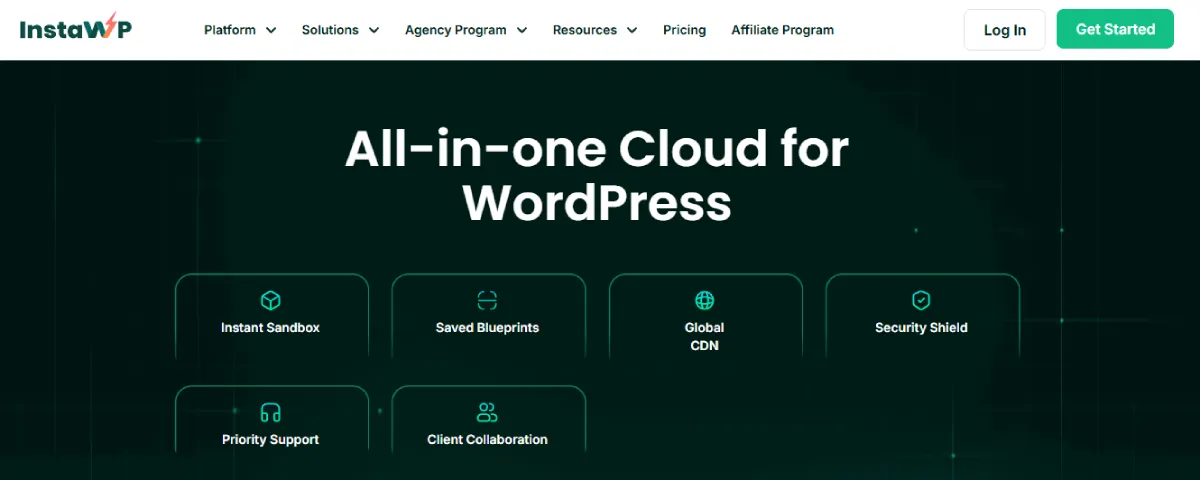
InstaWP is a unique tool that lets developers quickly create temporary WordPress sites. While it’s primarily used for staging sites, it’s a great tool for quickly launching and testing websites across multiple WordPress instances.
Key Site Management Features of InstaWP:
- One-Click WordPress Installations: Quickly create staging environments for development and testing.
• Pre-configured Templates: Access ready-to-use templates for faster site setup.
• Multi-Site Management: Handle multiple sites with ease from one interface.
• Security Features: Built-in security features to protect staging sites.
• Real-Time Collaboration: Invite team members to work on staging sites collaboratively.
Benefits for Agencies:
InstaWP is a game-changer for agencies needing quick test environments or staging sites for multiple projects. It allows you to rapidly deploy WordPress sites, test new features, and collaborate with team members in real-time.
InstaWP Pros:
- Fast deployment of WordPress sites
• Easy collaboration
• Pre-configured templates
• Security features for staging sites
• Ideal for testing and development
InstaWP Cons:
- Limited to staging environments
• Not suitable for live site management
• Can get expensive for multiple sites
• No in-depth performance monitoring
• Limited integrations with other tools
InstaWP Pricing Plans:
- Sandbox Plan: $2/ month (all are priced per site)
- Starter Plan: $5/month
- Plus Plan: $9/month
- Pro Plan: $15/moth
- Turbo Plan: $25/month
- Elite Plan: $45/month
7. WPMU DEV
WPMU DEV offers an all-in-one platform for managing multiple WordPress sites, with an emphasis on performance, security, and maintenance. The platform provides essential tools like backups, security scans, and detailed reports.
Key Site Management Features of WPMU DEV:
- Centralized Management: Manage all your WordPress sites from one dashboard.
• Performance Monitoring: Track site speed, uptime, and overall performance.
• Security Features: Automated security scans and malware protection.
• Backup & Restore: Schedule backups and restore your sites with ease.
• Reports: Detailed performance and security reports for each site.
Benefits for Agencies:
WPMU DEV is an ideal solution for agencies that need a complete suite of tools to manage their WordPress sites. It ensures that all sites are secure, optimized, and running smoothly, freeing agency staff to focus on other tasks.
WPMU DEV Pros:
- Full-featured toolset
• Excellent security features
• Comprehensive backup options
• Performance monitoring
• Client management tools
WPMU DEV Cons:
- Expensive for small agencies
• Some features can be complex
• Limited to WordPress only
• No free plan
• Add-ons could increase costs
WPMU DEV Pricing Plans:
-
- Basic Plan: $36/year
- Standard Plan: $60/year
- Plus Plan: $120/year
- Premium Plan: Custom pricing
8. ManageWP
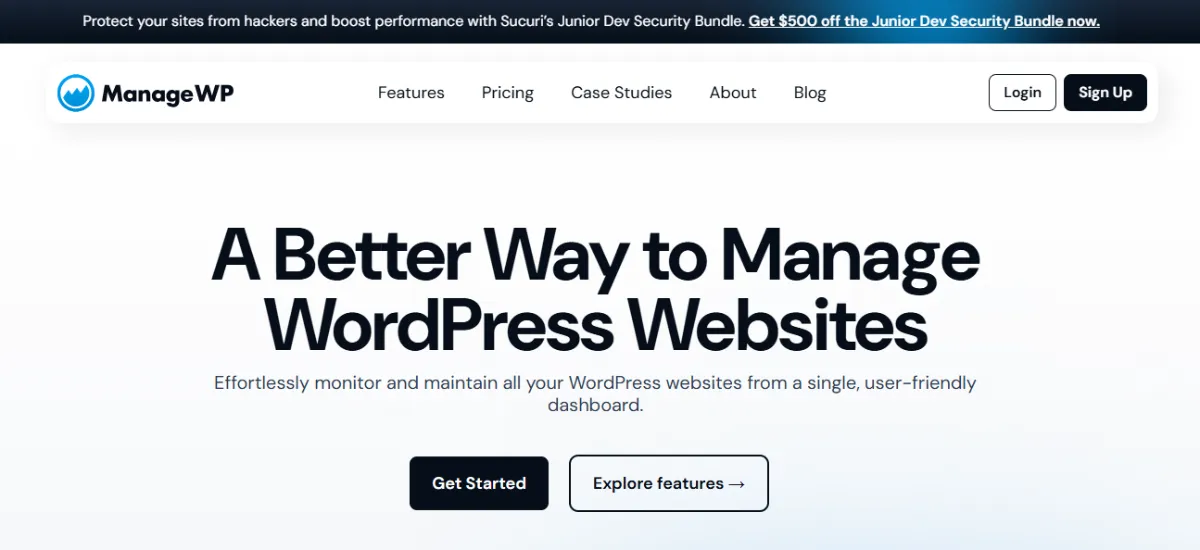
ManageWP is a popular WordPress management tool that simplifies managing multiple sites. It offers a wide range of features, including automated backups, security checks, and performance monitoring—all from a single centralized dashboard.
Key Site Management Features of ManageWP:
- One-Click Updates: Update plugins, themes, and WordPress versions across multiple sites.
• Performance Monitoring: Track site performance and uptime.
• Automated Backups: Schedule automatic backups for all your sites.
• Security Checks: Perform regular security scans to detect vulnerabilities.
• Reports: Generate and schedule detailed performance and security reports.
Benefits for Agencies:
ManageWP is designed to enhance efficiency for agencies managing numerous WordPress sites. Its easy-to-use interface and powerful features enable agencies to deliver high-quality service to clients by streamlining tasks such as updates and backups.
ManageWP Pros:
- User-friendly interface
• One-click updates
• Automated backups
• Excellent performance tracking
• Detailed security scans
ManageWP Cons:
- Limited free features
• Premium features can be costly
• Customer support can be slow
• Some features are only available on higher plans
• May require third-party integrations
ManageWP Pricing Plans:
Custom pricing plan. Users only pay for what they use.
9. Glow
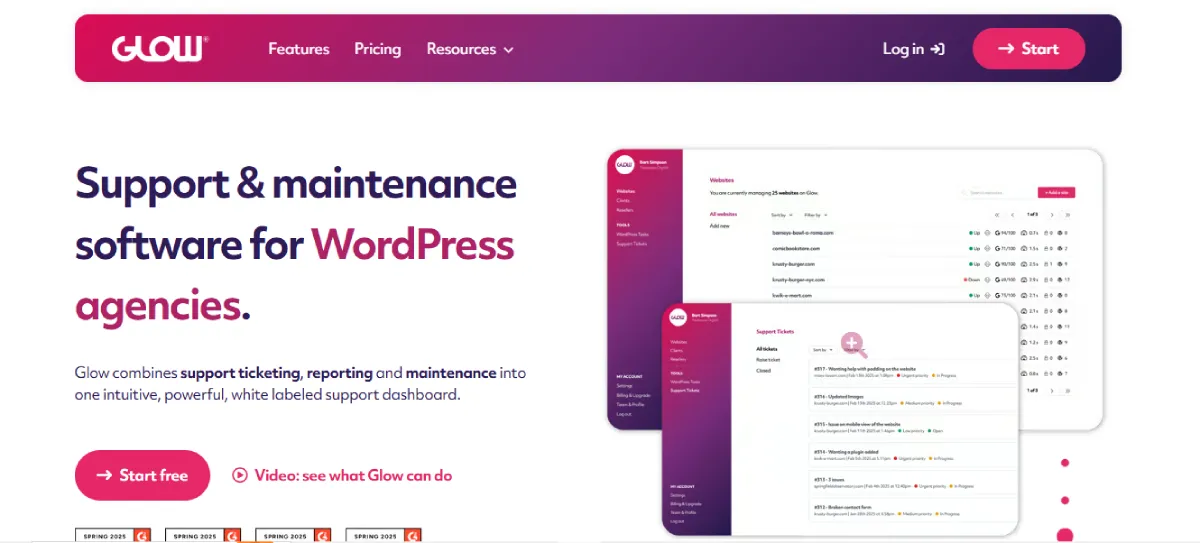
Glow is an easy-to-use platform for managing multiple WordPress sites, with enhanced security and optimization tools. It offers robust backup and performance features ideal for agencies that want to keep their sites in top shape.
Key Site Management Features of Glow:
- Real-Time Monitoring: Track uptime, performance, and server status in real time.
• Automated Backups: Automatically back up your sites on a regular basis.
• Security Alerts: Receive alerts when any site has a potential security issue.
• Centralized Dashboard: Manage all your WordPress sites from one interface.
• Maintenance Mode: Activate maintenance mode across all sites simultaneously.
Benefits for Agencies:
Glow allows agencies to efficiently monitor and maintain multiple WordPress sites, minimizing downtime and security risks. Its real-time performance monitoring and automated backups are essential for keeping sites running smoothly and securely.
Glow Pros:
- Real-time monitoring
• Easy-to-use interface
• Automated backups
• Security alerts
• Centralized dashboard
Glow Cons:
- Limited customizability
• Can be expensive for smaller agencies
• No mobile app
• Lacks some integrations
• Limited reporting features
Glow Pricing Plans:
- Optimize Plan: $49/month
• Perform Plan: $99/month
• Grow Plan: $199/month
10. WP Remote
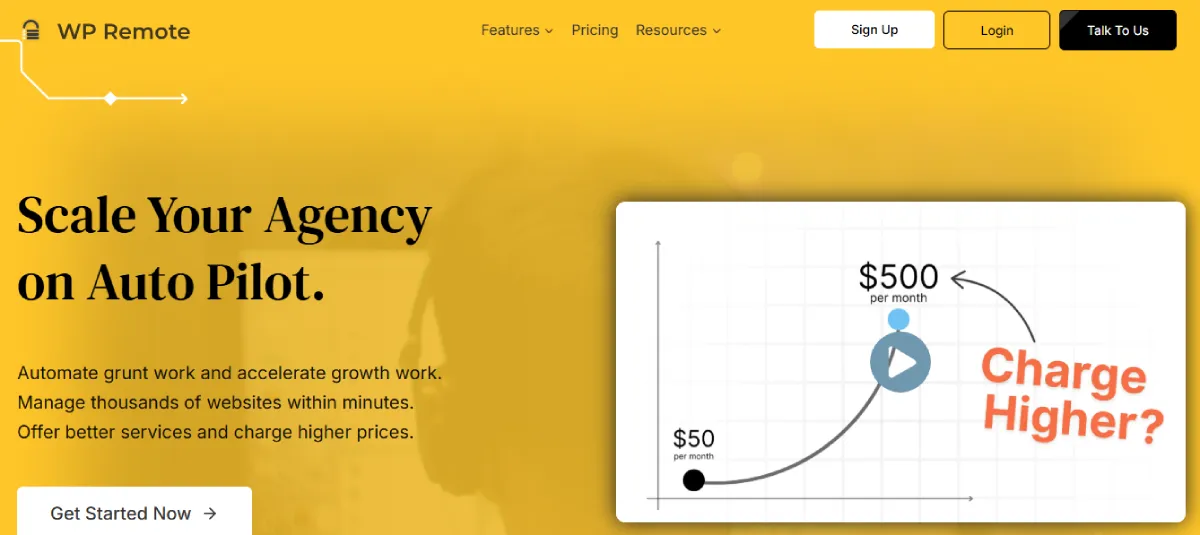
WP Remote is a simple yet powerful WordPress management tool that allows you to monitor, update, and secure multiple WordPress sites from a single dashboard. It focuses on streamlining the essential aspects of site management for small agencies and developers.
Key Site Management Features of WP Remote:
- Bulk Updates: Perform updates for plugins, themes, and WordPress core across all sites.
• Backup Management: Schedule regular backups for your WordPress sites.
• Uptime Monitoring: Get real-time alerts when any of your sites go down.
• Security Scans: Run automated security scans on all sites for vulnerabilities.
• One-Click Installations: Quickly install themes and plugins across multiple sites.
Benefits for Agencies:
WP Remote offers agencies a simple solution for managing their WordPress sites without the complexity. Its bulk updates, security scans, and backup management features help agencies focus on client work rather than manual updates.
WP Remote Pros:
- Simple and easy-to-use interface
• Bulk updates for all sites
• Uptime monitoring
• Security scans
• Automated backups
WP Remote Cons:
- Limited features on the free plan
• Lacks advanced customization options
• Some features are only available on higher plans
• No client reporting options
• Limited integration options
WP Remote Pricing Plans:
- Essential Plan: $1.99 per site/month
• Premium Plan: $4.99 per site/month
• Advanced Plan: $19.99 per site/month
11. Solid Central
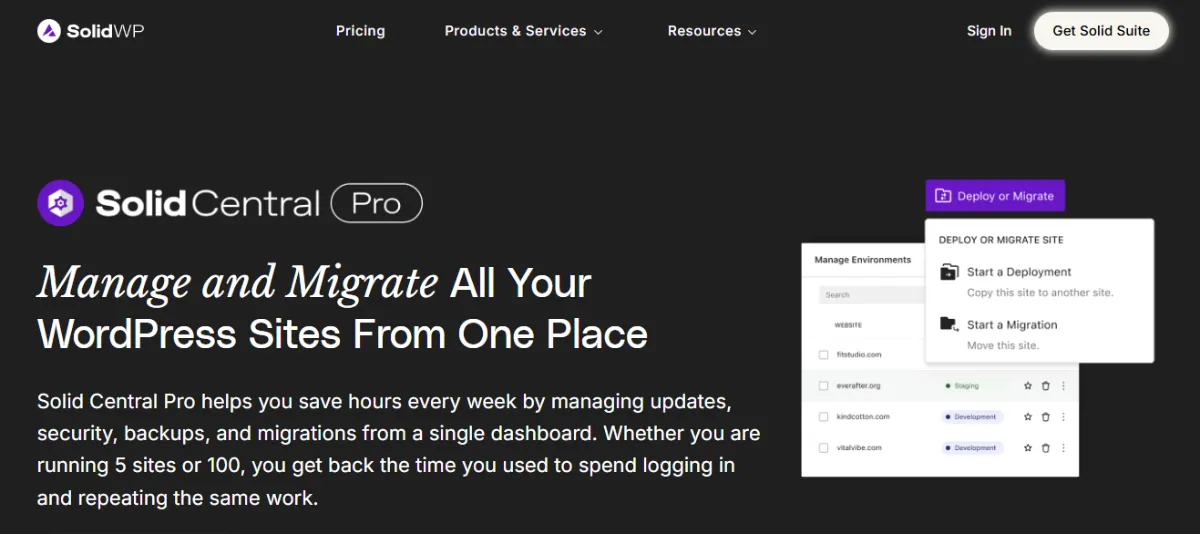
Solid Central offers a comprehensive management platform for WordPress sites with a focus on security, performance, and seamless site operations. It is perfect for agencies looking for a user-friendly yet powerful management tool to monitor and maintain their clients’ sites.
Key Site Management Features of Solid Central:
- Security Scanning: Regular scans to detect vulnerabilities and malware.
• Centralized Dashboard: Manage multiple sites from one interface.
• One-Click Updates: Update themes, plugins, and WordPress core with ease.
• Backup Scheduling: Schedule automated backups for all sites.
• Performance Insights: Track site performance, including uptime and page speed.
Benefits for Agencies:
Solid Central makes it easy for agencies to keep all their WordPress sites secure and running smoothly. With features such as centralized management, automated backups, and performance tracking, agencies can deliver better service while reducing manual tasks.
Solid Central Pros:
- Centralized site management
• Regular security scanning
• One-click updates
• Performance insights
• Automated backup scheduling
Solid Central Cons:
- No free version available
• Pricing can be high for smaller agencies
• Limited integrations
• Lacks some advanced features
• Customer support can be slow
-
Solid Central Pricing Plans:
- Solid Suite Plan: $199/year
- Solid Security Pro Plan: $99/month
- Solid Backup Next-Gen Plan: $99/month
- Solid Central Pro Plan: $69/month
12. JetPack
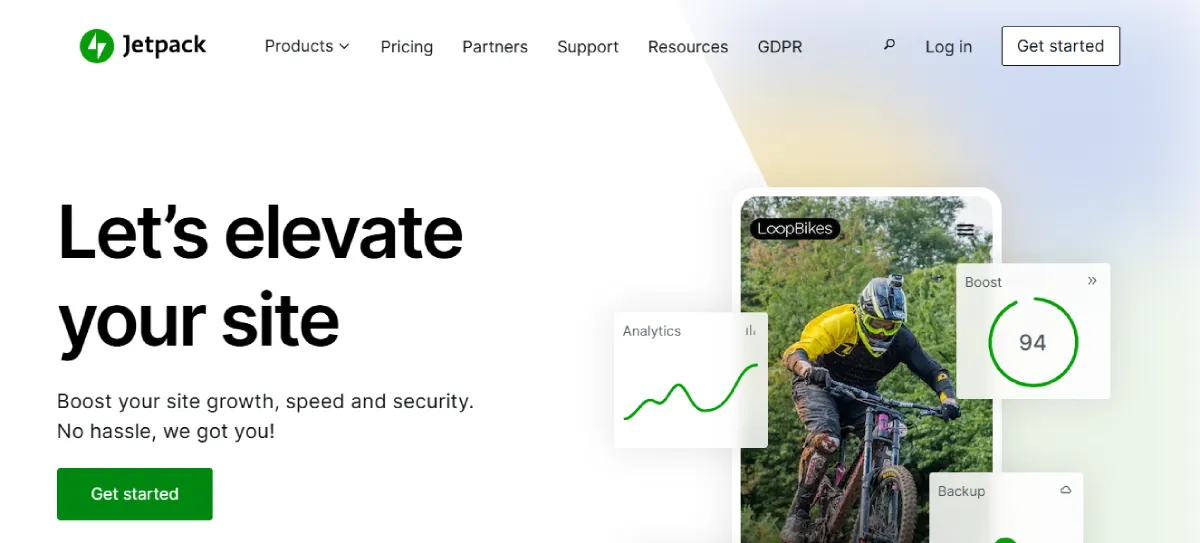
JetPack is a popular all-in-one solution for managing WordPress sites, offering powerful tools for security, backups, and performance optimization. It’s widely used by agencies looking for a reliable solution to manage multiple WordPress sites with minimal hassle.
Key Site Management Features of JetPack:
- Automated Backups: JetPack offers automated backups for all WordPress sites.
• Security Features: Protection against brute-force attacks and malware.
• Performance Optimization: Speed optimization for faster loading times.
• Activity Monitoring: Track changes and activity across all sites.
• One-Click Site Management: Easily manage themes, plugins, and settings across sites.
Benefits for Agencies:
JetPack offers agencies a straightforward way to manage WordPress sites with robust security, performance, and backup features. It streamlines operations, allowing agencies to focus on client work while keeping sites secure and optimized.
JetPack Pros:
- Comprehensive security features
• Automated backups
• Performance optimization tools
• One-click site management
• Activity tracking
JetPack Cons:
- Limited features in the free version
• Premium pricing can be high
• Lacks some advanced customization
• Limited integrations with third-party tools
• Some features require additional plugins
JetPack Pricing Plans:
- Security Plan: $9.95/month
• Growth Plan: $9.95/month
• Complete Plan: $24.95/month
Conclusion
Managing multiple WordPress sites can be complex and time-consuming, but with the right tools, it becomes significantly easier. The 12 tools listed above are designed to simplify the process of monitoring, updating, and securing WordPress websites, helping you save time, increase productivity, and reduce errors.
Among these, WP Managify stands out as the top choice due to its comprehensive features, user-friendly interface, and excellent pricing plans. Whether you’re running an agency or managing multiple client sites, the tools we’ve discussed will help you stay organized and ensure your websites perform at their best.
Choosing the right tool depends on your specific needs, but with these solutions, you can confidently manage multiple WordPress sites without the usual headaches.


Comment (1)
very informative