

Best Import Export Plugins for WooCommerce 2026
Managing a WooCommerce store in 2026 involves a lot more moving parts than just processing sales. Product catalogs need updating, orders need exporting, stores need migrating, and inventory has to stay in sync — do any of that by hand and it gets messy fast. The right import export plugin takes all of that off your plate.
A good one compresses hours of tedious work into minutes, keeps errors out of your data, and scales with your store as it grows. We’ve rounded up the best import export plugins for WooCommerce in 2026 — tools that make data management less of a chore and give you more time to focus on building the business.
WooCommerce Import Export Plugins Worth Using in 2026
1. WebToffee Import Export Suite for WooCommerce
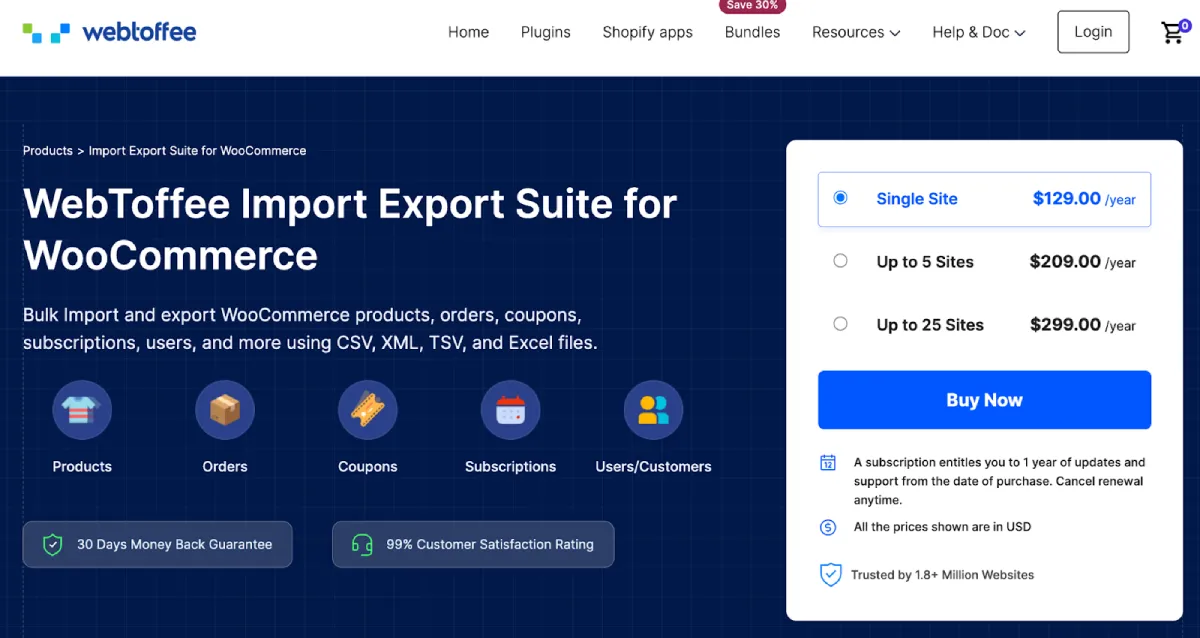
If you want a single plugin that handles everything, the WebToffee WooCommerce Import Export Suite is where to start. It takes care of importing, exporting, and updating WooCommerce data across a wide range of types — products, orders, customers, coupons, reviews, and subscriptions — which makes it a go-to for store migrations, bulk updates, and day-to-day data management.
It works with CSV, XML, TSV, and Excel, and gives you two modes to choose from — quick for straightforward jobs, advanced for when you need more control. Filters, field mapping, and reusable templates let you set things up the way your store works, or the way your third-party systems expect data to arrive.
FTP/SFTP scheduling, detailed activity logs, and a clean interface make the Import Export Suite for WooCommerce a strong fit for WooCommerce stores that are actively growing. The combination of flexibility, accuracy, and scalability is why it sits at the top of this list.
2. WP All Import
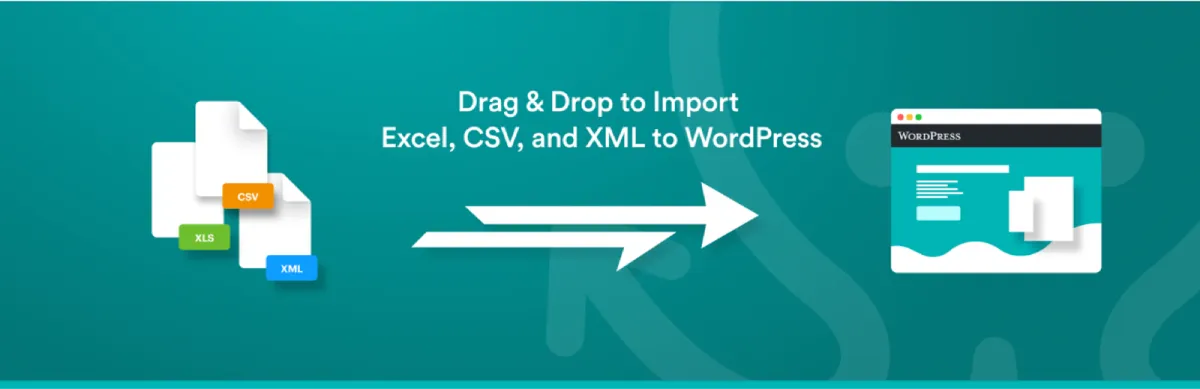
WP All Import has been around long enough to earn a reputation as one of the most adaptable import tools for WordPress. You can pull data from nearly any CSV, XML, Excel, or Google Sheets source, and the drag-and-drop field mapping makes it straightforward to connect your file’s columns to the right WooCommerce fields — no matter how the source data is structured.
Worth knowing before you commit: WP All Import handles imports only. Exporting is done by its companion plugin, WP All Export, which pairs directly with it. Used together, they give you the full picture — bring data in from virtually any source, push it back out in CSV, XML, or Excel with the same level of control.
You’re not limited to products either — posts, users, custom fields, and more are all supported, with filters and reusable templates that make repeat workflows easy to manage. The free version covers the basics, and upgrading to WP All Import Pro with the WooCommerce add-on brings in recurring imports, external URL sourcing, and priority support. For anyone who needs a solid import/export pair in 2026, WP All Import and WP All Export make a reliable team.
3. WP Import Export Lite

Don’t let the price fool you — WP Import Export Lite handles more than most free plugins have any right to. It works with CSV, XLS, XLSX, JSON, TXT, ODS, XML, and ZIP, giving you plenty of options when it comes to moving data in and out of your site.
Posts, pages, custom post types, taxonomies, comments, and users can all be moved between WordPress sites. Background processing is built in, with pause, resume, and stop controls that make it practical for large datasets — no timeout worries, no waiting around for jobs to complete. Multiple import and export operations can also run at the same time.
Field mapping and filtering keep you in control of where your data lands and what gets included. If you need to extend the plugin further, 19+ freemium add-ons are available for integration with other popular tools. Scheduled jobs come with the premium version.
As a free solution in 2026, WP Import Export Lite covers the essentials well and gives you a clear path to premium features when your needs outgrow it.
4. Product Import Export for WooCommerce
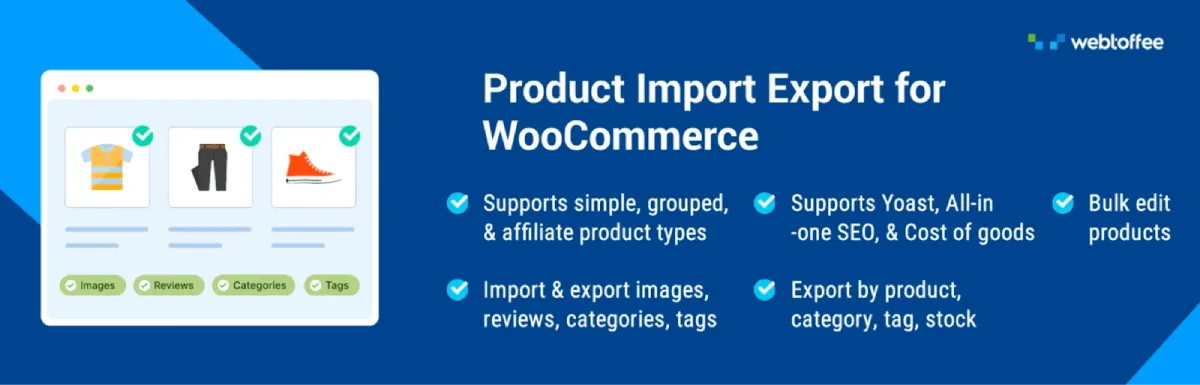
WebToffee’s WooCommerce Product Importer plugin is built with one job in mind: product data management done right. Bulk imports and exports of thousands of SKUs are handled across CSV, XML, Excel, and TSV, covering every major product type — simple, variable, grouped, affiliate, custom, and subscription — making it practical for everything from catalog migrations to ongoing inventory work.
You can filter exports down to exactly what you need — by category, stock status, tags, price, or other criteria. Bulk price and stock updates during import are possible using mathematical formulas, and three workflow modes — quick, pre-saved template, and advanced — let you pick the approach that suits the job.
It goes beyond the basics too. Image and custom metadata export, product review import/export, FTP-scheduled jobs, and ChatGPT API integration for auto-generating product descriptions during import are all part of the package. For anyone managing product data at scale in 2026, this plugin covers the full range. Also a free version was available for this plugin.
5. WP Ultimate CSV Importer

WP Ultimate CSV Importer stretches well beyond its name. It handles bulk data across CSV, XML, Excel, TSV, Google Sheets, ZIP, and JSON, and supports a broad range of content — WooCommerce products, orders, users, custom post types, taxonomies, and more. The drag-and-drop mapping interface keeps complex transfers manageable.
The plugin has kept up with where things are heading — it now connects with ChatGPT, Gemini, and Claude AI to generate content automatically during import, which can cut down significantly on the time spent onboarding large product catalogs.
Import is what the core plugin handles. Export comes through the WP Ultimate Exporter add-on, available separately from the WordPress plugin directory. Together they cover the full data workflow, including product images, custom fields, SEO metadata, and more.
For store owners, developers, and agencies managing bulk data, it’s a capable option with room to grow through add-ons. The range of supported content types and extensibility keep it competitive among import/export tools in 2026.
6. WordPress Users & WooCommerce Customers Import-Export
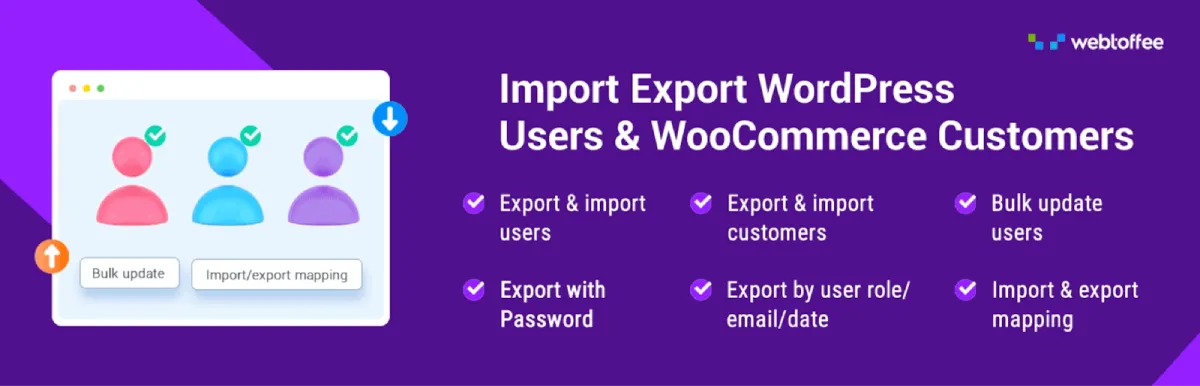
User migration is easy to put off — until you actually need to do it. This Import Export WordPress Users plugin handles both WordPress users and WooCommerce customers, making it a practical fit for site moves, CRM integrations, and bulk customer list management. The premium version supports CSV, XML, TSV, XLS, and XLSX; the free version sticks to CSV.
Names, email addresses, billing and shipping details, user roles, and custom metadata can all be transferred, with field mapping to make sure everything goes where it’s supposed to. Advanced filtering and FTP/SFTP scheduled exports let you pull specific records on a set timetable.
To be clear, this user import export plugin is focused on user and customer profile data. For store owners, developers, and agencies handling customer migrations, bulk profile updates, or CRM syncs, it takes care of the process without adding unnecessary complexity.
7. Export Products, Orders & Customers for WooCommerce

WPFactory’s export plugin is exactly what it sounds like — a free, straightforward tool for getting WooCommerce data out of your store. A few clicks and you can export products, orders, order items, and customers to CSV or XML, ready for reporting, backup, or migration to another platform.
Predefined export fields cover the essentials: product SKUs, prices, order statuses, payment methods, billing and shipping details, and more. Custom and meta field exports are available in the Pro version if you need to go further. The tabbed layout keeps product, order, and customer exports clearly separated, and the output opens cleanly in Excel or Google Sheets.
If you want a free export tool that handles the core use cases without getting in the way, this delivers. The Pro upgrade is there when you need unlimited custom field exports.
8. Order Import Export Plugin for WooCommerce
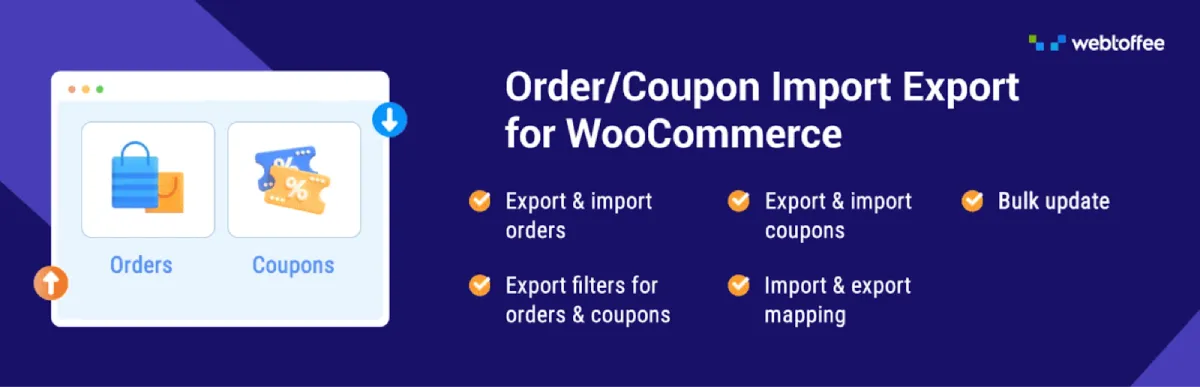
Order data is one of the trickier things to move — and this plugin makes it less painful. The Order Import Export Plugin for WooCommerce handles bulk importing and exporting of orders, coupons, and subscriptions without requiring a lot of manual setup. The premium version supports CSV, XML, TSV, and Excel; the free version covers CSV, which works for most common scenarios.
Quick mode keeps simple transfers fast. Advanced mode, with filters and field mapping, gives you more control for complex workflows. You can bulk-update order data during import, carry across custom metadata, and schedule recurring jobs via FTP/SFTP. Activity logs track what’s been run and make troubleshooting straightforward.
For WooCommerce stores that deal with order history regularly — whether for migration, reporting, or backups — this order import export plugin handles the heavy lifting and keeps data workflows reliable in 2026.
9. WP Ultimate Exporter

Smackcoders’ WP Ultimate Exporter is purpose-built for export, giving store owners, developers, and site managers precise control over what leaves their WordPress database. One thing to know before you dive in: this plugin works as an add-on to WP Ultimate CSV Importer, so that base plugin needs to be installed and active first.
Once that’s in place, you get solid export functionality for posts, pages, WooCommerce products, orders, users, custom post types, and more, in formats including CSV, XML, XLS, XLSX, TSV, and JSON. Advanced filters and flexible field selection keep exports accurate, and large datasets aren’t a problem.
Whether you’re running store migrations, pulling sales data for reporting, or preparing records for external analysis, WP Ultimate Exporter is a dependable companion for anyone already using the CSV Importer in 2026.
10. Import WP

Import WP handles data from any XML or CSV source, making it a practical option for WooCommerce store migrations and broader content management work. Posts, pages, categories, tags, users, and attachments are all supported, with visual field mapping and the ability to pull files from local uploads, remote URLs, or FTP.
Export is built in too, letting you produce CSV, XML, or JSON output for reporting or backups. The WooCommerce add-on extends support to products — including images, categories, stock levels, and variations — along with custom post types, taxonomies, and more advanced mapping. For WooCommerce data workflows in 2026, Import WP is a flexible option worth considering.
Conclusion
There’s no single right answer when it comes to WooCommerce import export plugins — especially in the evolving eCommerce niche. The right choice depends on what you’re moving and how often you need to do it. Whether your focus is product management, order history, user migration, or routine backups, the tools available today cover every use case. With a reliable plugin in place, what used to be a slow and error-prone process becomes quick and manageable.
As stores in the eCommerce niche handle more data than ever in 2026, choosing the right plugin now can save you significant time down the line. Identify your actual needs, keep the setup simple, and choose a solution that not only works for your current workflow but can also scale as your store grows.


Leave a Reply