

Best Poster Generators to Try in 2026
Running a business means wearing a dozen hats at once, from managing operations and serving customers to growing your social media presence and promoting your brand. When it comes to marketing, few tools are as effective as a well-designed poster. A great poster can help announce a weekend sale, launch a new product, or promote an upcoming event while capturing attention quickly.
The challenge is that most business owners are not graphic designers. Professional design software can be difficult to learn, and hiring a designer for every campaign is not always practical. Poster generators solve that problem by making it easy to create professional-looking designs in minutes, even without design experience.
The best poster generator for you depends on your goals, budget, and workflow. Some are designed specifically for small businesses, others focus on creating social media-ready content, and a few offer free plans that are suitable for occasional use.
Here’s a breakdown of the best poster generators to try this year.
How We Evaluated the Best Poster Generators
To create this list, we excluded tools that:
- Required advanced design skills to produce quality results
- Locked essential features behind aggressive paywalls
- Generated generic or outdated-looking designs
- Offered limited export formats or poor print-quality output
Each platform was assessed based on:
- Quality and usability of the free plan
- Variety and flexibility of available templates
- Availability of AI design features
- Range of export formats, including PNG, PDF, SVG, and print-ready files
- Ease and speed of creating a finished poster
- Availability of branding tools, social media templates, and related marketing assets.
Quick Verdict
- Design.com: The strongest choice for businesses that want to create professional posters quickly. Its AI-generated designs, branding features, and streamlined workflow make it ideal for producing high-quality marketing materials with minimal effort.
- BrandCrowd: A great option for users who value template variety and customization. With thousands of designs and built-in branding tools, it’s well-suited for creating polished posters that maintain a consistent visual identity.
- Adobe Express: The strongest choice for marketers and businesses that need professionally polished, commercially safe posters backed by Adobe’s creative ecosystem and Firefly AI.
Comparison Table
| Tool | Price | Key Strength | Best For |
| Design.com | Freemium | AI-generated, on-brand posters + print workflow | Small businesses wanting fast, impressive results |
| BrandCrowd | Freemium | Massive template variety + brand consistency tools | Founders who want polished, professional designs |
| Adobe Express | Free + Paid | Firefly AI generation + commercially safe outputs | Firefly AI generation + commercially safe outputs |
| Canva | Free + Paid | Collaboration tools + all-in-one marketing workspace | Teams creating high volumes of content |
| Adobe Express | Free + Paid | Advanced editing + Creative Cloud integration | Users already in the Adobe ecosystem |
| Visme | Free + Paid | Data-driven and presentation-style poster design | Businesses needing informational or report-style posters |
1. Design.com — Best for Fast, On-Brand Poster Generation
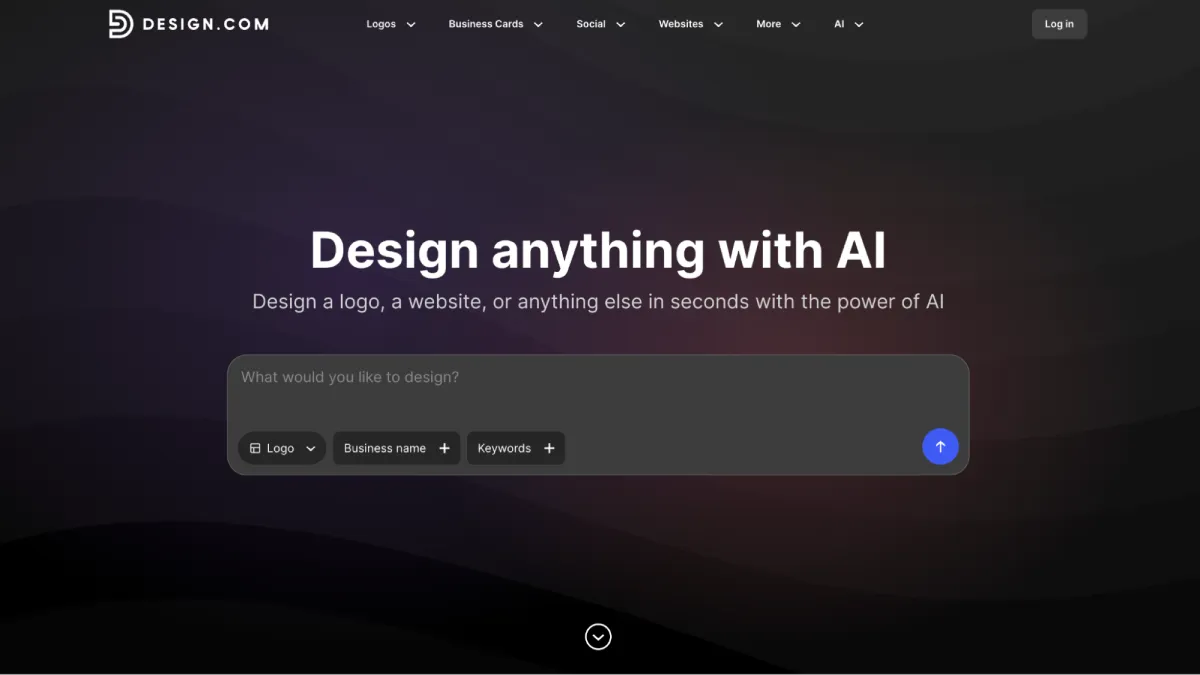
Design.com’s AI poster generator takes the complexity out of graphic design and hands the heavy lifting over to artificial intelligence. If you’re a small business owner who needs professional-looking promotional materials but doesn’t have hours to spare or the patience to master advanced design software, this platform works like having a creative assistant available around the clock.
You simply describe your business, drop in a few keywords, and within moments the AI returns a set of tailored poster concepts that already feel aligned with your brand’s direction. The results aren’t generic placeholders either. The designs arrive with relevant color palettes, appropriate typography, and layout choices that match the nature of your business. A boutique bakery gets something warm and inviting. A fitness brand gets something bold and energetic. A tech company gets something sleek and minimal.
Say you own a flower and gift shop called Petal & Pine. You type the name and a quick note about what you sell, and within seconds the screen fills with poster options complete with matching color palettes, clean typography, and visual styling that already feels crafted around your business, just like the ones below.
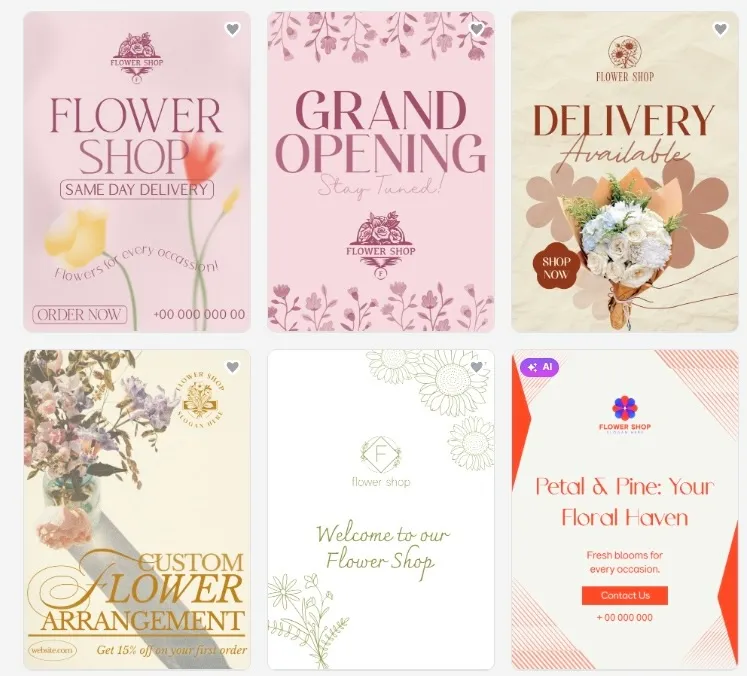
The second page carries the same consistency as the first, with cohesive typography, spacing, and visual hierarchy that help the design feel unified from start to finish.
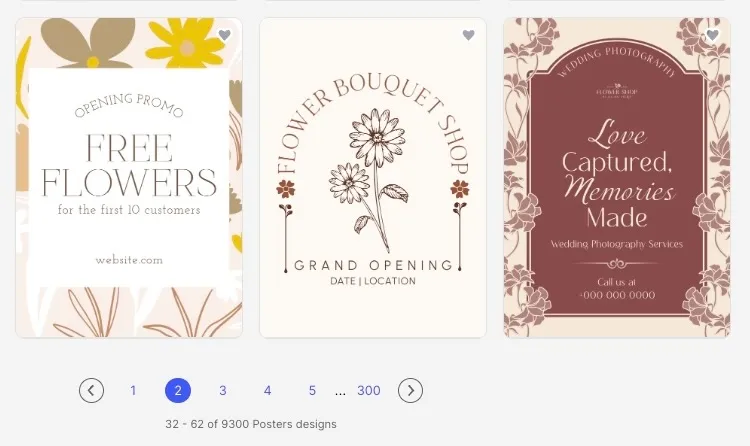
And here’s what makes it stand out even further: those generated concepts aren’t rough drafts that need hours of cleanup. They arrive polished and ready to use. There’s no credit card required to explore and trial period forcing your hand.
Product Highlights:
- AI Poster Generation: Describe your business or drop in a few keywords, and the AI returns multiple relevant poster concepts in seconds.
- Extensive Template Library: Design.com’s vast template collection extends far beyond AI-generated designs. From web design and branding to print materials, social media graphics, and advertising assets, the platform provides a constant source of inspiration and ready-made concepts that can be adapted to almost any project.
- Beginner-Friendly Editor: The drag-and-drop editor is built for people who’ve never touched design software. Fonts, colors, graphics, and layouts can all be adjusted in a few clicks, without a learning curve that burns your afternoon.
- Design-to-Print Workflow: Once your poster is finished, you can order professional prints directly through the platform, ranging from a single copy to bulk quantities, with multiple paper finishes and worldwide delivery. The whole process stays in one place.
- Complete Branding Toolkit: Posters are just one part of the picture. Design.com also includes an AI logo generator, business card maker, website builder, background remover, and social media design tools, so your whole brand stays consistent without jumping between subscriptions.
Pricing:
- Free templates available with no watermarks and high-resolution downloads included
- Premium Plan: Approximately $3/month (billed annually)
- Premium Design Pack + Website: Approximately $6/month (billed annually)
The Verdict:
Design.com works best when you need something that looks professionally made without spending hours at a professional price to get there. The AI gives you a starting point that already reflects what your brand is about, which means less time editing and more time actually running your business. For business owners, creators, and side hustlers who want speed without sacrificing quality, this is the strongest option on this list.
2. BrandCrowd — Best for Template Variety and Creative Exploration
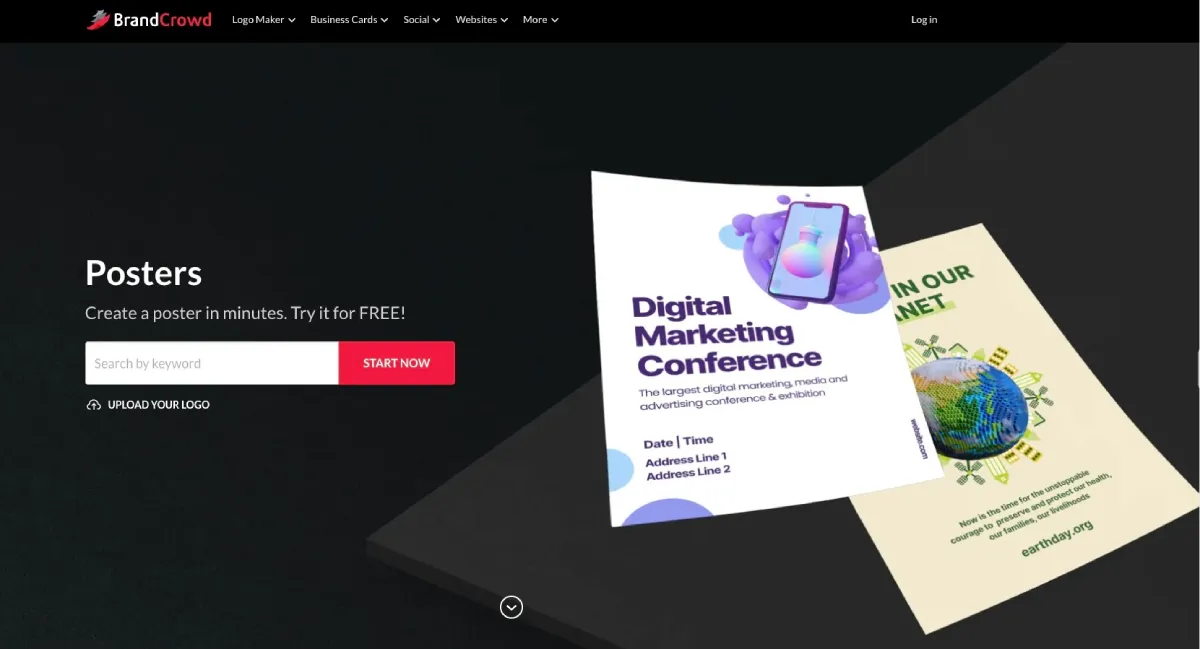
BrandCrowd’s poster maker is where creative range meets professional consistency. The platform’s defining strength is the sheer scale of its design library, thousands of poster templates spanning every industry, aesthetic, and occasion imaginable, all created by professional designers from around the world. If you’ve ever spent an afternoon scrolling through a template library only to find everything looks the same, BrandCrowd is a refreshing change.
What sets it apart from other template-heavy tools is the quality floor. Even the more experimental designs read as polished and production-ready, unlike free assets cobbled together from a stock library. Typography choices tend to be stronger than most competitors’, icon combinations feel intentional, and the color work holds together even when you push it into bold territory.
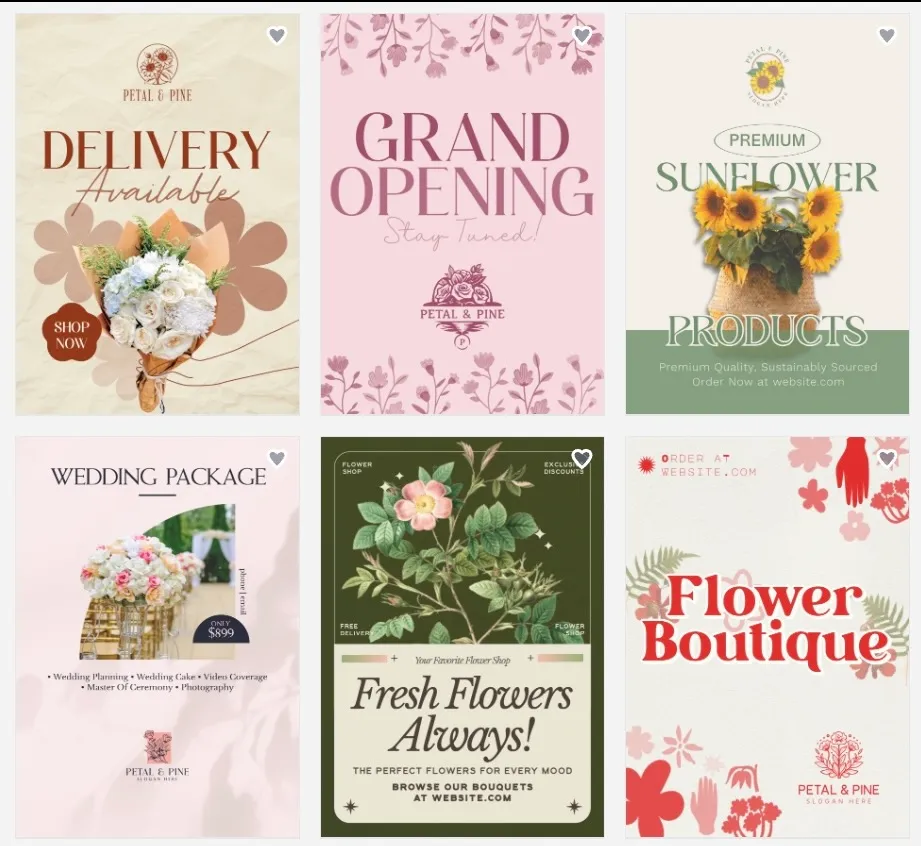
To see how BrandCrowd performs in a real-world scenario, we also tested it using a fictional flower and gift shop called Petal & Pine. We used the platform to generate poster ideas and create promotional designs, and the results were impressively polished. Check out some of the posters we created below.
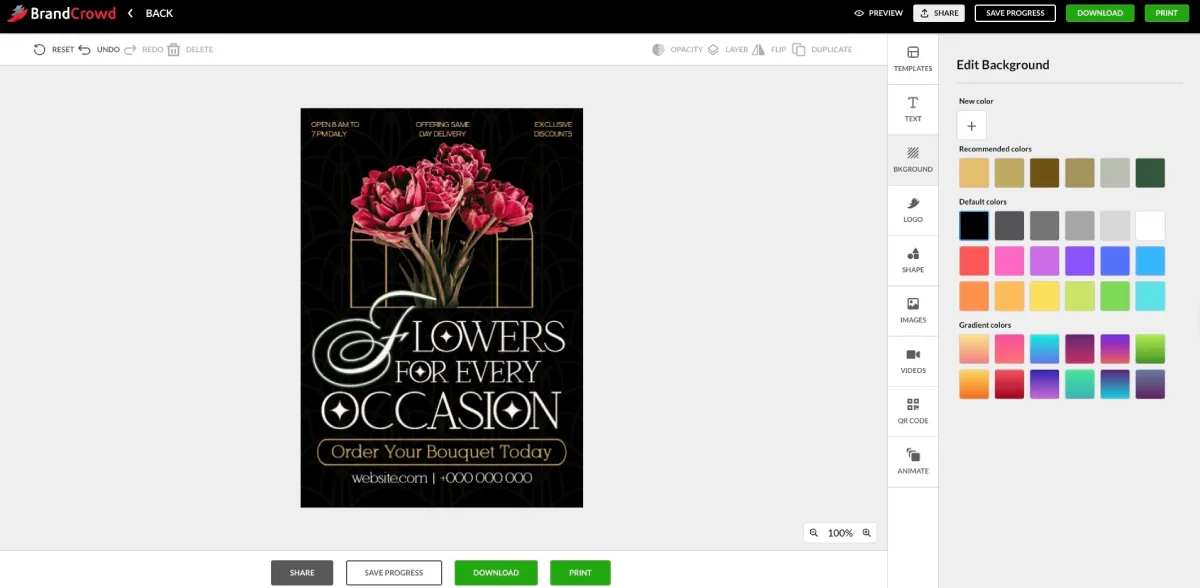
BrandCrowd’s interface is also easy to use. Notice how the editor is straightforward and intuitive, making it simple to customize text, colors, images, and layouts without any design experience.
Product Highlights:
- Thousands of Professional Templates: Every design in the library was created by a professional designer, which means the quality baseline is higher than that of platforms relying heavily on user-submitted or auto-generated assets.
- Unlimited Customization: Layouts, color palettes, fonts, and graphic elements can all be adjusted freely. Granular controls let you fine-tune things like gradient directions, text spacing, and icon curvature, so the final result feels genuinely custom rather than off-the-shelf.
- High-Resolution Exports: Download your finished poster in high-resolution files across multiple formats, including SVG, EPS, and PDF, covering everything from digital sharing to large-format print.
- Brand Consistency Tools: Color and layout variations keep your posters looking consistent across different materials, while access to matching social media templates, letterheads, and email signatures means your brand identity extends beyond a single design.
- Social Media and Brand Identity Templates: Create branded social content that coordinates with your poster. Social posts, stories, and other brand materials are automatically styled to match your chosen colors.
- 24/7 Design Support: A dedicated support team is available around the clock to help with customization questions, download issues, or print guidance.
3. Adobe Express — Best for Professionally Polished, Commercially Safe Posters
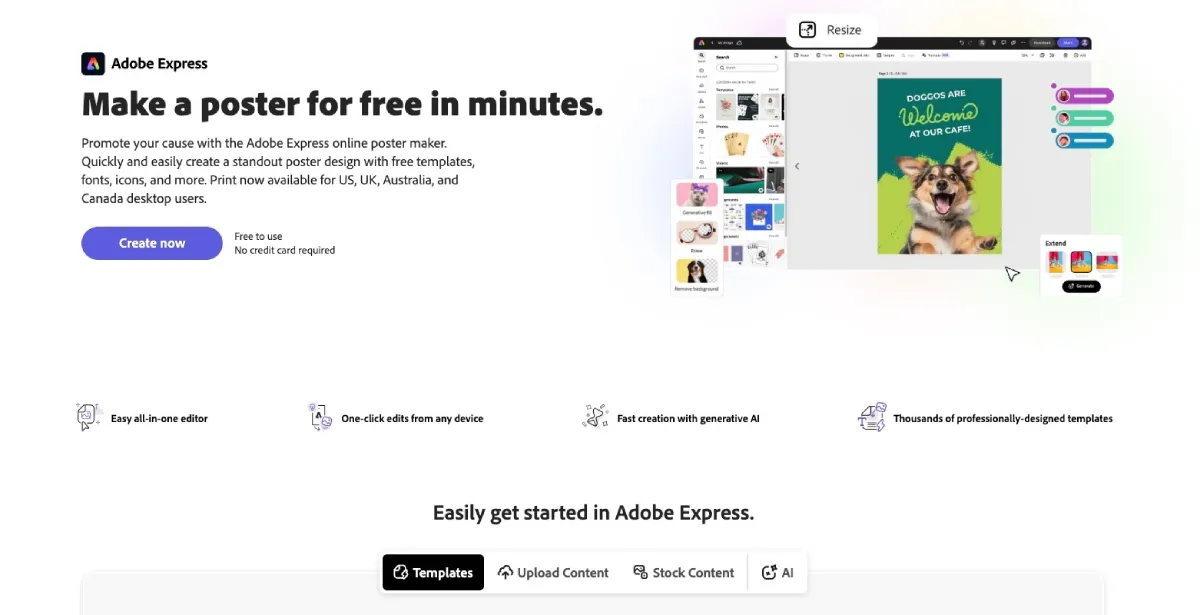
Adobe Express is Adobe’s accessible design platform with a built-in poster maker powered by Adobe Firefly — Adobe’s generative AI model trained exclusively on licensed Adobe Stock images and public-domain content — giving every poster asset the strongest commercial safety profile of any tool on this list. For marketers and event organizers who need print-ready, brand-consistent posters without hiring a designer, it delivers professional-grade results backed by decades of Adobe design expertise.
The platform draws from Adobe Fonts’ library of 20,000+ premium typefaces, giving users access to typographic quality that template-first tools simply cannot match. AI tools like generative fill, background removal, and text effects handle common design challenges in one click, while Brand Kit tools enforce consistent colors, fonts, and logos across every poster and marketing asset. Finished posters export in print-ready PDF, PNG, and SVG formats, and for users already inside Adobe Creative Cloud, designs connect directly to Photoshop and Illustrator for advanced refinement.
Most of the standout designs featured in Adobe’s marketing are locked behind the Premium plan, while the free options are good but tend to rely heavily on stock-photo layouts.
Product Highlights:
- Firefly-powered AI generation with commercially safe outputs trained on licensed content
- Access to Adobe Fonts’ library of 20,000+ premium typefaces
- Brand Kit tools for consistent colors, fonts, and logos
- Strong AI tools for background removal, generative fill, and text effects
- Print-ready exports in PDF, PNG, and SVG formats
- Creative Cloud integration with Photoshop and Illustrator
Pricing:
- Free plan available with limited features and a reduced asset library
- Premium Plan: $9.99/month (or $99.99/year), unlocks advanced AI tools, premium fonts, brand kits, expanded storage, and one-click resize
- Included as part of Creative Cloud All Apps: $59.99/month
The Verdict:
Adobe Express makes the most sense for marketers and businesses that need professionally polished, commercially safe posters with the full power of Adobe’s creative ecosystem behind every design. The Firefly AI engine, professional typography, and print-ready exports set it apart from more template-first tools.
4. Canva — Best for Teams and High-Volume Content Creation
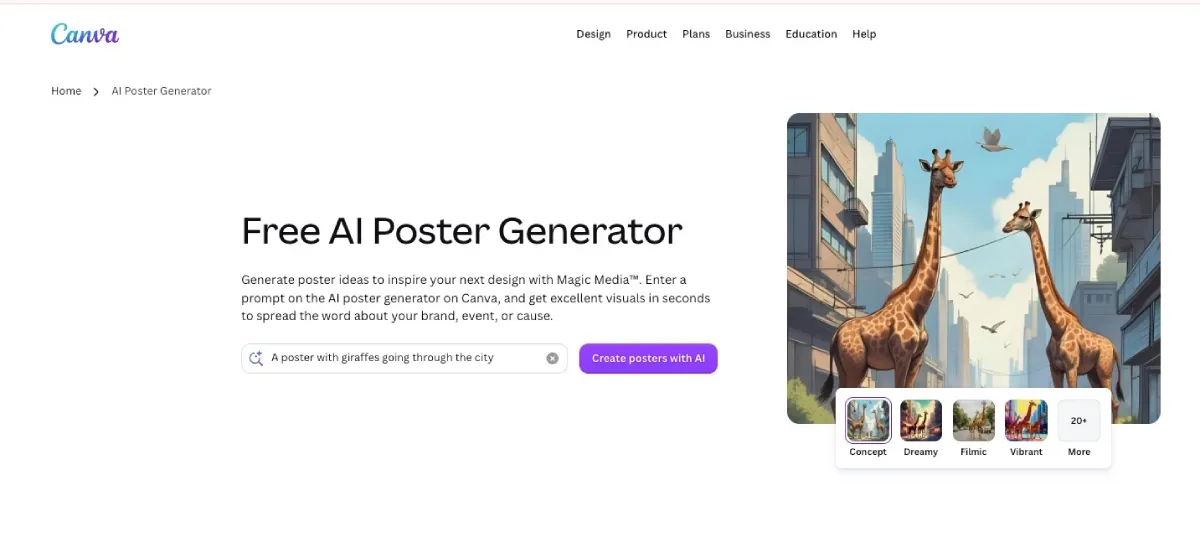
Canva is one of the most recognized design platforms in the world, and for good reason. What it does especially well, and what separates it from more poster-focused tools, is serving as a full creative workspace for teams producing consistent content across multiple formats at once.
Here’s an example of a poster created with Canva.
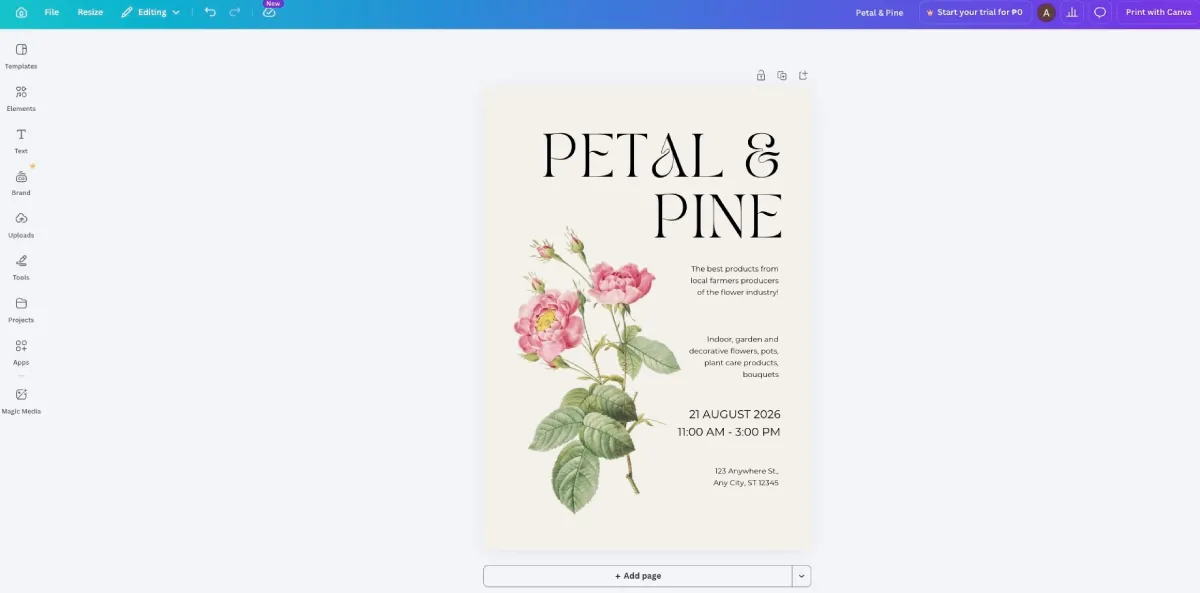
Canva’s poster results vary widely depending on the search term and category, and many of the free-tier outputs carry a noticeably templated look that doesn’t photograph well as a representative sample.
Product Highlights:
- Massive template library covering posters, social media, presentations, flyers, and marketing materials
- Real-time team collaboration with shared workspaces, commenting, and design review tools
- Brand Kit features for consistent fonts, colors, and logo usage across all materials
- Extensive stock asset library including photos, illustrations, icons, and videos
- Cloud-based editing accessible from any device
Pricing:
- Free plan available with basic templates and editing features
- Canva Pro: $15/month (or $120/year), unlocks premium templates, advanced brand kit tools, background remover, and priority support
- Canva Teams: $10/month per person (minimum 3 people, billed annually)
The Verdict:
Canva is less of a dedicated poster maker and more of a comprehensive design ecosystem. If your team is regularly producing content across multiple channels and you want everything to live in one place, the convenience factor alone makes it worth considering.
5. Visme — Best for Informational and Data-Driven Posters
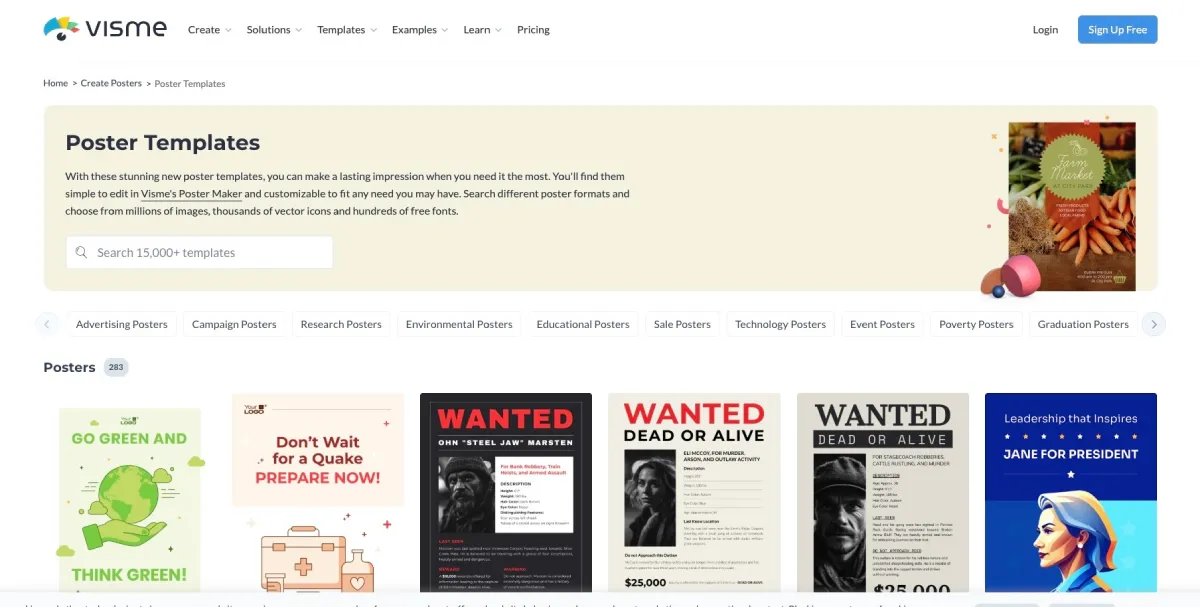
Visme occupies an interesting niche in the poster generator space. Most tools focus on promotional or event-style posters, but Visme is particularly well-suited for businesses that need to communicate information visually. Think infographic-style posters, data visualizations, internal announcements, or educational materials.
Here’s an example of a poster you can create with Visme.
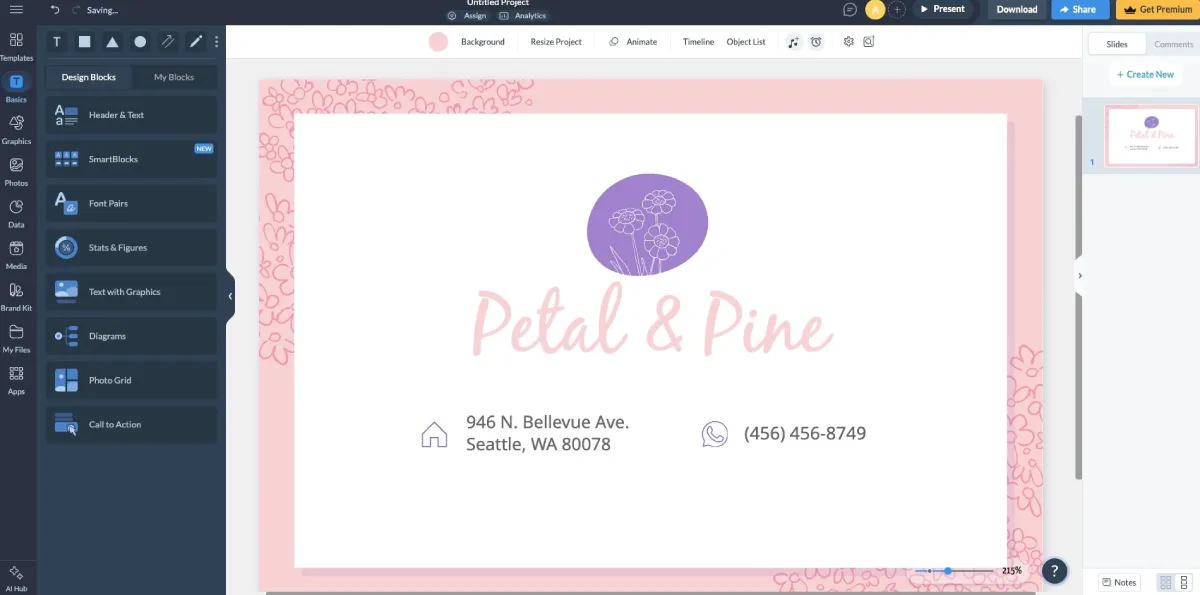
The design works well in the right context, but it’s not built for businesses that lead with emotion and aesthetics.
Product Highlights:
- Strong infographic and data visualization tools built directly into the design editor
- A wide range of poster and presentation templates with a more structured, information-forward aesthetic
- Interactive design capabilities, useful for digital posters embedded in websites or shared online
- Collaboration and sharing tools for team use
- Brand kit features for a consistent visual identity across materials
Pricing:
- Free plan available with limited downloads and Visme branding on all exports
- Starter Plan: $29/month (or $19.75/month billed annually)
- Pro Plan: $59/month (or $44.75/month billed annually), unlocks full template library, custom fonts, and advanced analytics
- Teams plans available on request
The Verdict:
If your poster needs to do more than look good, if it needs to explain something, present data, or walk viewers through a process, Visme is one of the few tools built with that specific need in mind.
Conclusion
For most small businesses and independent creators, Design.com is the strongest starting point, especially if you need something that looks professionally crafted without spending hours refining it. The AI generation doesn’t just save time. It saves the creative energy of having to figure out where to start.
BrandCrowd is the better pick if you want to explore a wider range of creative directions before landing on a final look, or if you place a high premium on design quality and brand consistency across multiple materials.
Both handle the core use case, getting a great poster made quickly, better than anything else on this list.


Leave a Reply