

Best WordPress Booking Plugins in 2026
Introduction
Adding a booking system to a WordPress site is simple once you know which plugin fits your business. The hard part is choosing from dozens of tools that all look similar on the surface.
Some plugins are built for solo consultants. Some are better for clinics, salons, tutors, gyms, and agencies. Some focus on clean appointment booking. Others try to cover events, calendars, payments, forms, and staff management at the same time.
This guide compares 8 of the best WordPress booking plugins in 2026. The ranking focuses on real appointment and service booking use cases: staff schedules, locations, payments, notifications, calendar sync, mobile usability, and long-term value.
Prices can change. Always check the vendor’s pricing page before purchasing.
How We Evaluated These Plugins
We looked at four practical factors:
- Scheduling depth: services, staff, locations, working hours, breaks, and time slots.
- Payment and notification support: deposits, online checkout, email, SMS, WhatsApp, and calendar sync.
- Real business fit: whether the plugin works for actual service businesses, not only simple demo cases.
- Value for money: what a usable setup costs, including add-ons or higher-tier limits.
Quick Comparison: Top 8 WordPress Booking Plugins
| Rank | Plugin | Type | Starting Price | Free Version | Best For |
|---|---|---|---|---|---|
| 1 | Booknetic | WP Plugin | $45/yr | Yes | Multi-staff and multi-location service businesses |
| 2 | MotoPress Appointment Booking | WP Plugin | $49/yr | Yes, Lite | Solo and small service businesses |
| 3 | WP Travel | WP Plugin | Free; Pro from $99.99/year | Yes, WordPress.org | Travel agencies, tour operators, and independent guides |
| 4 | FluentBooking | WP Plugin | $79/yr | Yes, WordPress.org | FluentCRM users and meeting scheduling |
| 5 | Simply Schedule Appointments | WP Plugin | $99/yr | Yes, WordPress.org | Consultants and solo practitioners |
| 6 | Easy Appointments | WP Plugin | Free | Yes, WordPress.org | Simple free appointment requests |
| 7 | Amelia | WP Plugin | $49/yr | Yes, Lite | Businesses that also need events |
| 8 | LatePoint | WP Plugin | $79/yr | Yes, WordPress.org | Clean booking UI and simple pricing |
| 9 | Bookly Pro | WP Plugin | $49/yr | Yes, free base plugin | Modular setups with many paid add-ons |
1. Booknetic – Best Overall
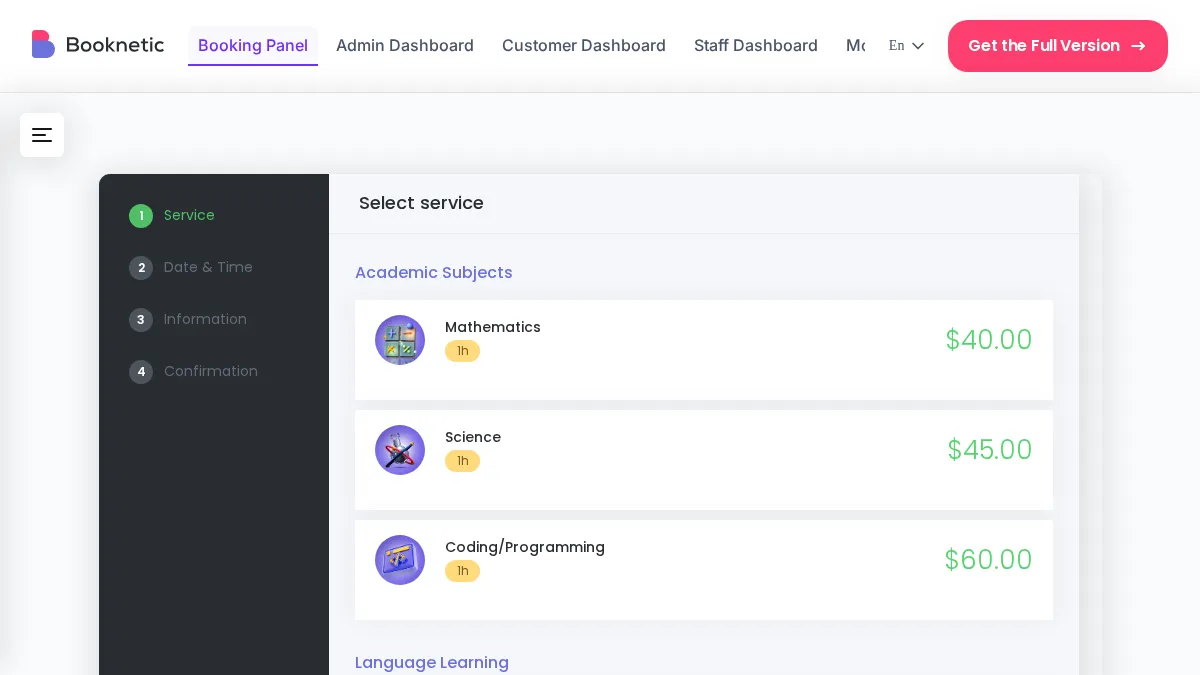
Booknetic is the strongest all-around appointment booking plugin for WordPress. It is built for service businesses that need real scheduling depth, not just a simple calendar form.
The plugin supports multiple staff members, individual working hours, breaks, days off, multiple locations, recurring appointments, group bookings, custom fields, deposits, and automated notifications. It also has a dedicated staff dashboard, which keeps booking management separate from the standard WordPress admin area.
This is important for real businesses. A receptionist, trainer, consultant, or clinic staff member should not need to work inside the normal WordPress dashboard just to manage bookings. Booknetic gives them a cleaner panel focused only on appointments.
Key features:
- Step-by-step booking wizard
- Multi-staff scheduling
- Multi-location support
- Recurring appointments and group bookings
- Deposit and full payment options
- Stripe, PayPal, Square, WooCommerce, and other gateways through add-ons
- Email, SMS, WhatsApp, and Telegram notifications
- Google Calendar and Outlook Calendar sync
- Zoom and Google Meet integrations
- Custom fields with conditional logic
- Mobile app for staff and admins
- REST API included on all plans
- 50+ add-ons through Boostore
Pros:
- Best overall scheduling depth in this list
- Dedicated dashboard for staff
- Works well for multi-staff and multi-location businesses
- Strong lifetime license options
- 50+ add-ons for advanced workflows
Cons:
- Free limited version is available from booknetic.com, not WordPress.org
- Some integrations require add-ons
- Very simple one-person businesses may need time to configure all options
Pricing: Basic $45/yr, Standard $99/yr, Premium $149/yr, Elite $299/yr. Lifetime licenses: Basic $99, Standard $239, Premium $599, Elite $699.
Best for: salons, clinics, gyms, consultants, tutors, agencies, law firms, cleaning businesses, repair services, and any business that needs serious WordPress appointment scheduling.
2. MotoPress Appointment Booking – Best for Simple Service Scheduling
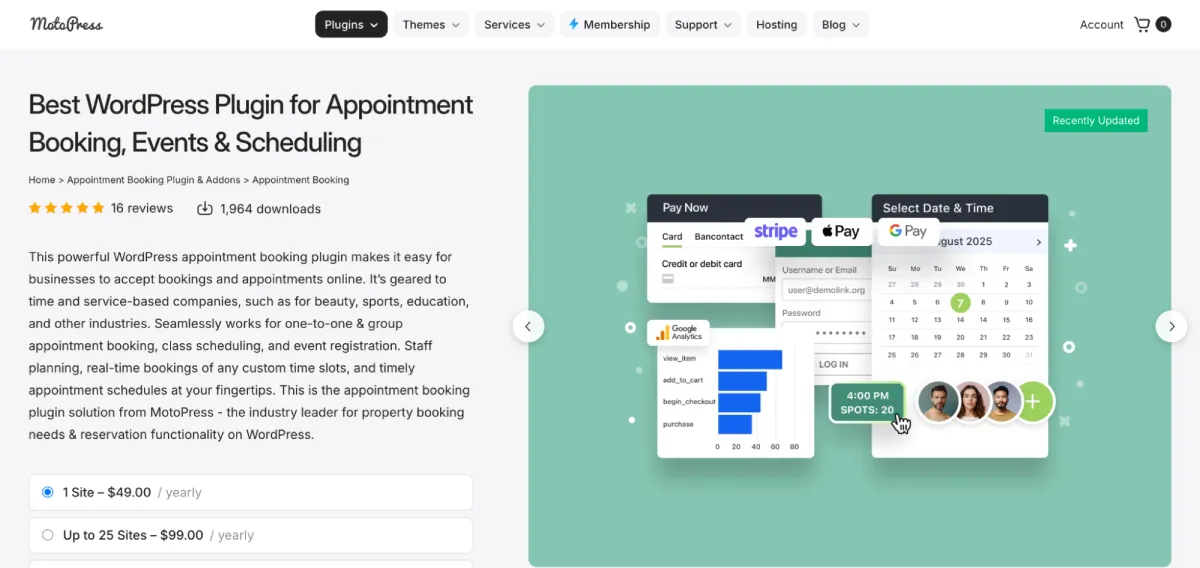
MotoPress Appointment Booking is a clean option for smaller service businesses. It is not as deep as Booknetic, but it gives solo practitioners and simple teams a clear way to accept appointments online.
The free Lite version includes unlimited services, employees, and locations. That makes it more useful than many free booking plugins. The paid version adds payments, SMS, video meeting links, invoices, coupons, and other business features.
Key features:
- Unlimited services, employees, and locations in Lite
- Appointment calendar and availability rules
- Stripe and Square payments in Pro
- Twilio SMS notifications in Pro
- Video meeting links in Pro
- PDF invoices
- Elementor and Gutenberg support
Pros:
- Generous free Lite version
- Simple setup
- Good fit for small service businesses
- Affordable paid plans
Cons:
- Smaller ecosystem than Booknetic or Bookly
- Fewer advanced automations
- No dedicated mobile app
- Not ideal for complex multi-branch businesses
Pricing: Free Lite version. Pro starts at $49/yr. Bundle plans are available from $99/yr.
Best for: solo practitioners and small local businesses that want a simple WordPress appointment booking setup.
3. WP Travel – Best for Travel Agencies and Tour Operators
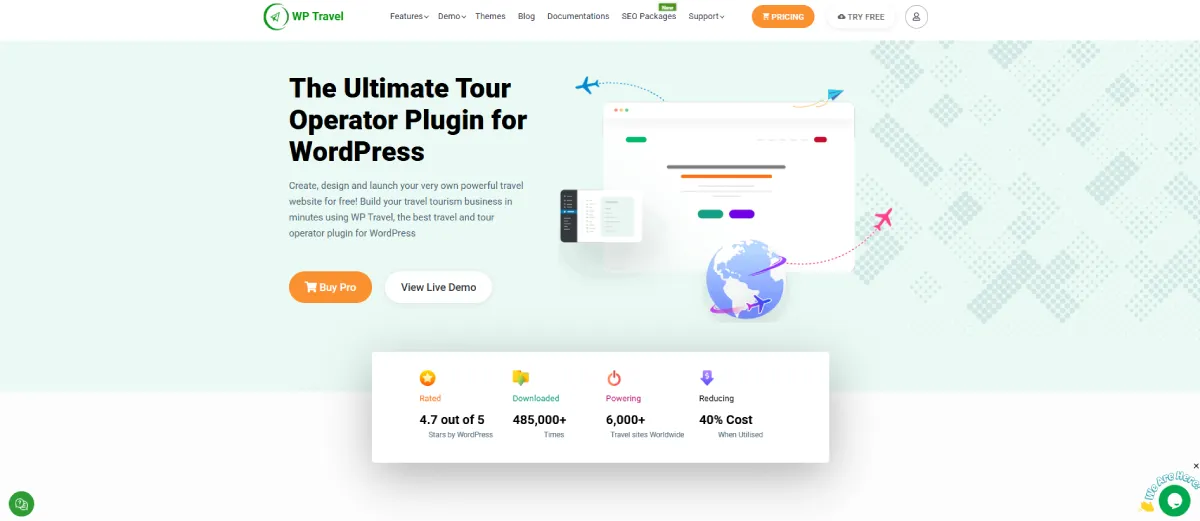
WP Travel is a reliable WordPress travel booking plugin for travel agencies, tour operators, trekking companies, and independent guides. Unlike general appointment plugins, it focuses on creating tour packages, detailed itineraries, departure dates, traveler pricing, inquiries, bookings, and online payments.
The plugin allows travelers to complete the booking process directly from the trip page instead of moving through a separate checkout page. It also lets businesses create unlimited trips and display tour details, prices, dates, locations, galleries, inclusions, exclusions, and day-by-day itineraries.
Key features:
- Unlimited trip and tour listings
- Detailed itineraries and trip information
- Fixed departure dates
- Traveler and group-based pricing
- On-page booking
- Booking-only and booking-with-payment options
- Full and partial payment support
- Multiple payment gateways
- Trip extras and optional services
- Group discounts and coupons
- Multiple currencies
- Booking reports and analytics
- Customer booking dashboard
- WooCommerce integration
- Zapier and Mailchimp integrations
- Trip search filters
- Booking and payment email notifications
- Widgets and shortcodes for displaying trips
Pros:
- SEO-friendly tour booking plugin with built-in schema markup support
- Free version supports unlimited trips and tour packages
- Wide range of payment gateways and third-party integrations
- Supports flexible pricing, partial payments, group discounts, and tour extras
Cons:
- Not intended for salons, clinics, or basic appointment-only businesses
- Advanced payment gateways and automation features require Pro
Pricing: A free version is available. WP Travel Pro Personal starts at $99.99 per year for one website. The Plus plan costs $199.99 per year for five websites, while the Expert plan costs $599.99 per year for 25 websites.
Best for: Travel agencies, tour operators, trekking companies, destination management companies, and independent guides that want to sell and manage tours directly through WordPress.
4. FluentBooking – Best for FluentCRM Users
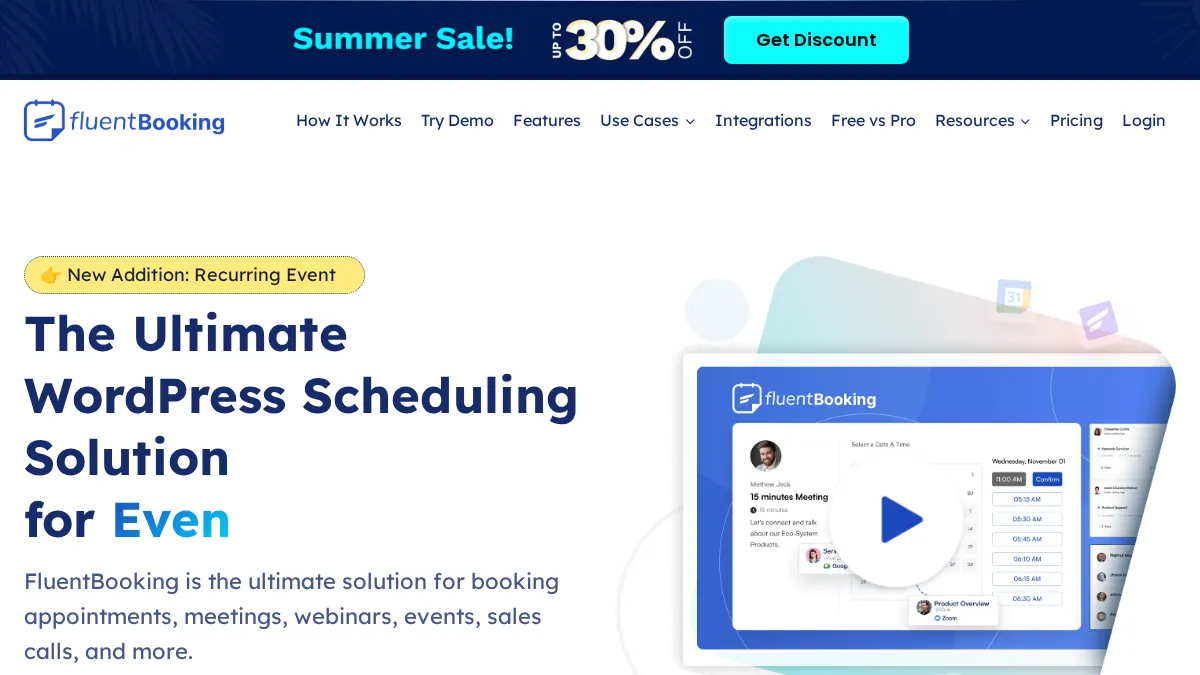
FluentBooking is a newer WordPress scheduling plugin from WPManageNinja. It is especially useful if your website already uses FluentCRM, Fluent Forms, or other Fluent ecosystem products.
It works well for one-on-one meetings, group sessions, round-robin scheduling, and internal appointment workflows. The Pro version adds calendar sync, payments, video meetings, webhooks, and automation integrations.
Key features:
- One-on-one, group, and round-robin meetings
- Custom booking questions
- FluentCRM integration
- Google Calendar and Outlook Calendar sync
- Zoom, Google Meet, and Microsoft Teams
- Stripe, PayPal, and WooCommerce payments
- Zapier, Make, and webhook support
- SMS and WhatsApp via Twilio
Pros:
- Strong choice for FluentCRM users
- Modern interface
- Useful free version
- Lifetime license available
Cons:
- Newer than Booknetic, Amelia, Bookly, and LatePoint
- No mobile app
- No true multi-location management
- Smaller documentation base than older plugins
Pricing: Free version available. Paid plans start at $79/yr. Lifetime pricing starts at $249.
Best for: coaches, consultants, and teams that already use FluentCRM or want a self-hosted Calendly-style scheduling tool.
5. Simply Schedule Appointments – Best for Solo Consultants
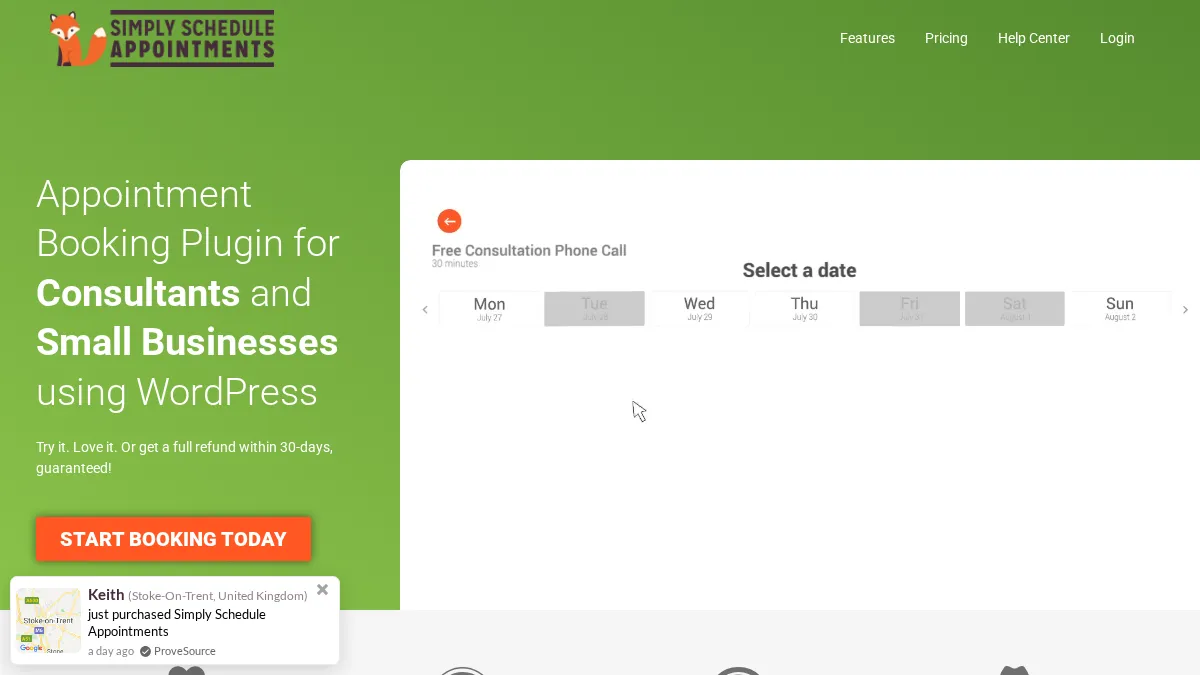
Simply Schedule Appointments focuses on ease of use. It is not trying to be the deepest booking platform. It is trying to make appointment scheduling easy for consultants, coaches, freelancers, and solo professionals.
The free version is useful for simple scheduling. Paid plans add Google Calendar sync, payments, Zoom, Google Meet, group bookings, SMS reminders, and more.
Key features:
- Simple appointment booking flows
- Google Calendar sync
- Stripe and PayPal payments
- Zoom and Google Meet
- Group and class bookings
- SMS reminders
- Elementor, Divi, Beaver Builder, and Gutenberg support
- Accessible booking forms
Pros:
- Very easy setup
- Strong support reputation
- Good free version for solo users
- Accessible front-end design
Cons:
- No multi-location support
- Team scheduling requires higher plan
- No recurring appointment booking
- Paid plans cover only one site
Pricing: Free version available. Paid plans: Plus $99/yr, Professional $199/yr, Business $399/yr.
Best for: solo consultants, freelancers, coaches, and small appointment-based websites.
6. Easy Appointments – Best Free-Only Option
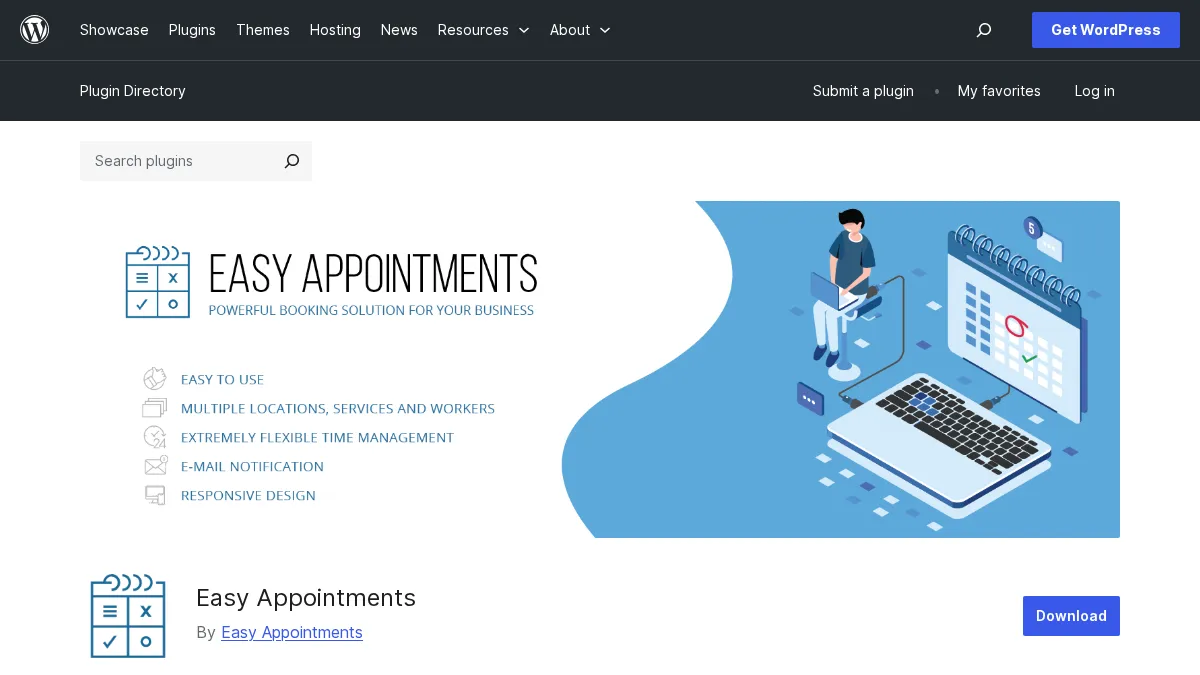
Easy Appointments is a free WordPress booking plugin for simple appointment requests. It supports services, workers, locations, and availability rules.
It is useful when budget matters more than automation. The trade-off is clear: it does not offer the polished business features of paid tools.
Key features:
- Multiple services
- Multiple workers
- Multiple locations
- Availability rules
- Email notifications
- Manual approval workflow
- Shortcode and widget support
Pros:
- Completely free
- Lightweight
- Good enough for simple appointment requests
- Supports services, staff, and locations
Cons:
- No built-in online payments
- No SMS or WhatsApp reminders
- No advanced automation
- Manual approval can slow down busy businesses
Pricing: Free.
Best for: small sites that need a basic free appointment request form.
7. Amelia – Best When You Also Need Events
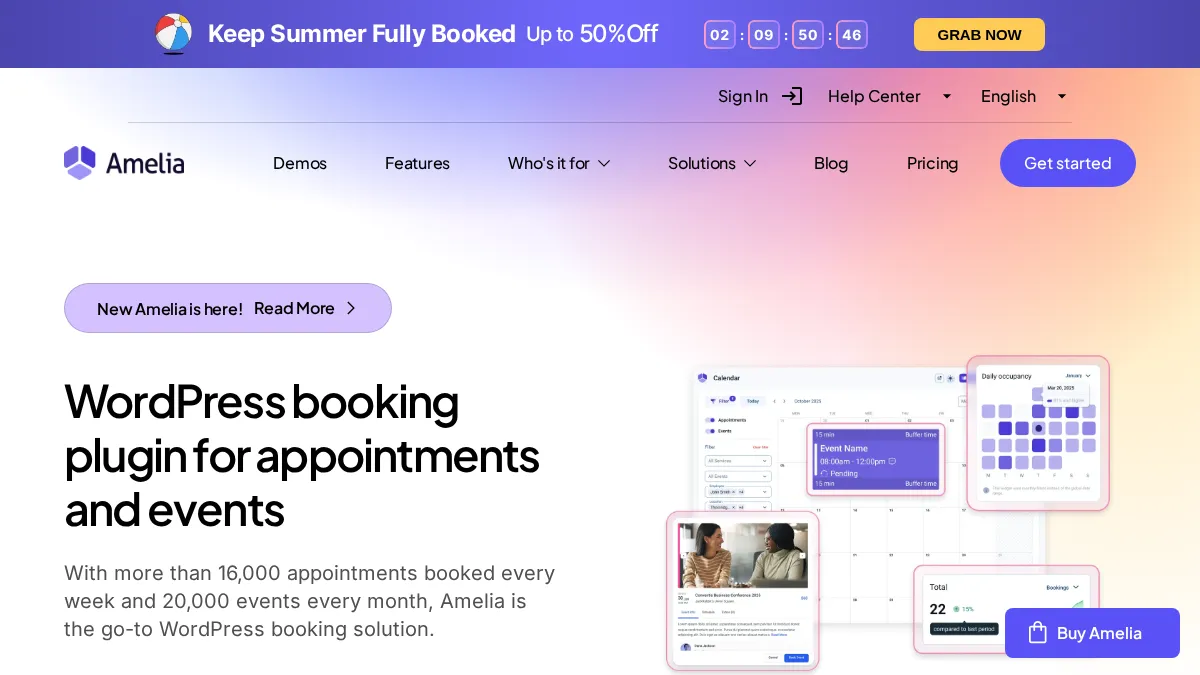
Amelia is one of the best-known WordPress booking plugins. Its biggest strength is that it handles both appointments and events.
If your business runs workshops, group classes, seminars, or paid events alongside normal appointments, Amelia can be useful, though gyms, swim schools, and dance or music studios juggling class capacity, family accounts, and multiple locations often outgrow a WordPress plugin and move to a dedicated platform like Omnify. It includes event tickets, recurring events, attendee management, and QR code check-in on higher plans.
The reason it is not higher in this ranking is practical. Some important integrations are locked behind higher plans, and public review patterns show recurring complaints about support response times after major updates.
Key features:
- Appointment booking
- Event booking and ticketing
- Recurring appointments
- Service extras and packages
- Google Calendar and Apple Calendar sync
- Zoom, Google Meet, and Microsoft Teams
- Stripe, PayPal, Square, Mollie, and WooCommerce payments
- WhatsApp and email notifications
Pros:
- Strong event module
- Polished front-end booking interface
- Good option for businesses that combine appointments and events
Cons:
- Calendar sync and video integrations require higher plans
- No staff mobile app
- REST API is locked to the Elite plan
- Support reputation is mixed across review platforms
Pricing: Starter $49/yr, Standard $89/yr, Pro $149/yr, Elite $259/yr. Lifetime plans are available on higher tiers.
Best for: businesses that need appointment booking and event management in one plugin. For websites focused more on scheduled events than individual appointments, Modern Events Calendar is another option, with event calendars, booking, ticketing, attendee check-in, and support for virtual and hybrid events.
8. LatePoint – Best Clean Booking Interface

LatePoint has one of the cleanest booking interfaces in the WordPress market. It is fast, modern, and easy for customers to use.
Its pricing model is also simple. All paid plans include the full feature set. You mainly choose based on how many sites you need.
The limitation is depth. LatePoint is strong for appointment scheduling, but it does not have the same add-on depth, mobile app, or broad customization ecosystem as Booknetic.
Key features:
- Clean multi-step booking wizard
- Google, Outlook, and Apple Calendar sync
- Zoom and Google Meet
- SMS and WhatsApp reminders
- Invoicing
- Automation workflows
- Recurring appointments and group bookings
- Free version on WordPress.org
Pros:
- Clean front-end experience
- All features included on paid plans
- Good choice for simple service businesses
- Lifetime licenses available
Cons:
- Higher entry price than Booknetic Basic
- Smaller add-on ecosystem
- No staff mobile app
- Less flexible for complex multi-location setups
Pricing: Free version available. Paid plans start at $79/yr. Lifetime licenses start at $199.
Best for: small businesses that want a clean booking UI and simple paid-plan structure.
9. Bookly Pro – Best Modular Ecosystem
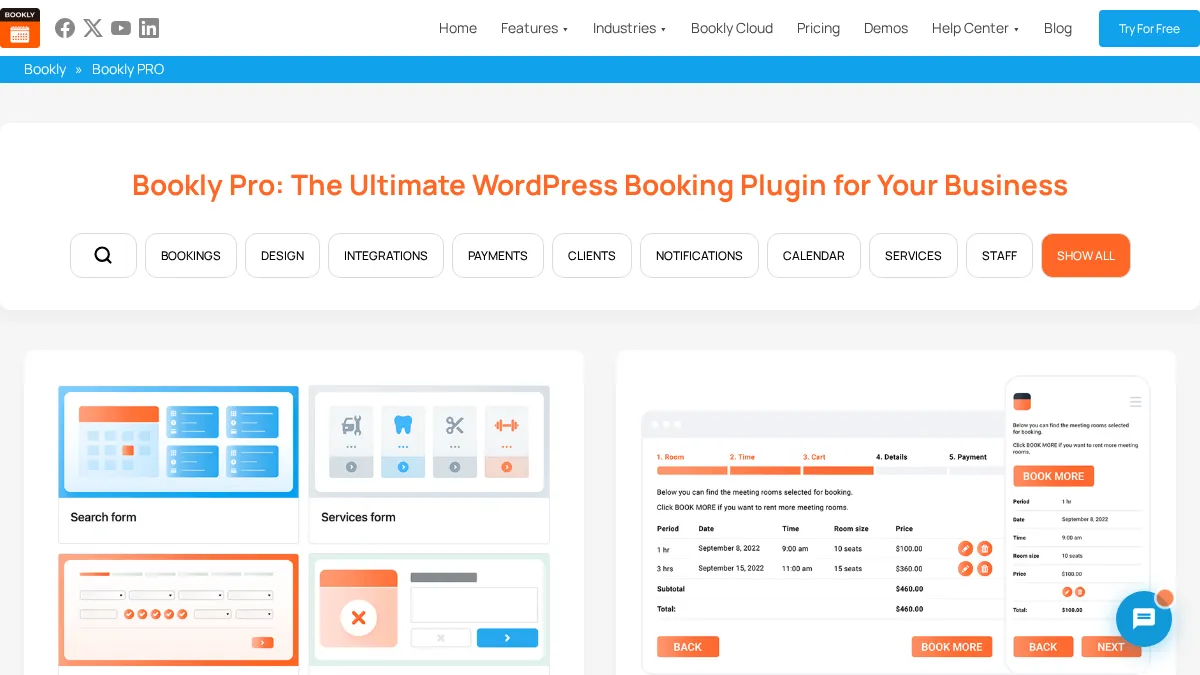
Bookly Pro is one of the oldest booking plugins in the WordPress ecosystem. It has a large add-on library and a long history.
The free base plugin is useful for simple setups. Bookly Pro unlocks more staff, services, and payment features. The main issue is cost planning. Many important features are separate paid add-ons, so the final setup can become more expensive than it first appears.
Key features:
- Free base plugin on WordPress.org
- Bookly Pro for unlimited services and staff
- 40+ paid add-ons
- Google Calendar sync
- PayPal, Stripe, and WooCommerce through Pro/add-ons
- SMS notifications
- Custom fields and group bookings through add-ons
Pros:
- Long track record
- Large add-on ecosystem
- Flexible modular setup
- Widely known in the WordPress market
Cons:
- Many advanced features require separate add-ons
- Final cost can rise quickly
- Interface feels older than newer competitors
- No dedicated mobile app
Pricing: Free base plugin. Bookly Pro starts at $49/yr for a single site. Lifetime option starts at $129. Add-ons usually cost $29 to $79 each.
Best for: agencies and developers who prefer a modular booking setup and are comfortable calculating add-on costs.
How to Choose the Right Plugin
Choose based on your workflow, not only feature count.
Choose Booknetic if you need a complete booking system for multiple staff, multiple locations, online payments, notifications, customer management, and long-term growth.
Choose MotoPress Appointment Booking if you want a simple and affordable plugin for a smaller service business.
Choose FluentBooking if your site already uses FluentCRM or if you mainly need meetings, calls, and CRM-connected scheduling.
Choose Simply Schedule Appointments if you are a solo consultant or freelancer and want the easiest setup.
Choose Easy Appointments if you need a basic free plugin and can manage bookings manually.
Choose Amelia if events are a major part of your business.
Choose LatePoint if a clean booking interface and simple paid plans matter most.
Choose Bookly Pro if you want a long-standing modular plugin and are comfortable buying add-ons.
Frequently Asked Questions
Which WordPress booking plugin is best overall?
Booknetic is the best overall choice for most service businesses because it combines staff scheduling, locations, automation, payments, calendar sync, custom fields, mobile apps, and 50+ add-ons.
Which WordPress booking plugin is best for salons and spas?
Booknetic is the strongest option for salons and spas because it supports multiple staff, services, recurring appointments, deposits, reminders, and customer-facing booking flows.
Is there a free WordPress booking plugin?
Yes. MotoPress Appointment Booking Lite, FluentBooking, Simply Schedule Appointments, LatePoint, Amelia Lite, Bookly, and Easy Appointments all have free versions. Booknetic offers a free limited version directly from booknetic.com.
Do I need WooCommerce for booking plugins?
No. Most booking plugins work without WooCommerce. Some plugins offer WooCommerce as an optional payment method.
Which plugin has the best lifetime pricing?
Booknetic has strong lifetime value because all plan tiers offer lifetime licenses. LatePoint and FluentBooking also offer lifetime options.
Conclusion
Booknetic is the best overall WordPress booking plugin for most service businesses in 2026. It offers the strongest mix of scheduling depth, staff management, automation, payment options, add-ons, and long-term value.
MotoPress, FluentBooking, Simply Schedule Appointments, and Easy Appointments are useful for narrower cases. Amelia, LatePoint, and Bookly are established options, but each has trade-offs that should be checked carefully before purchase.
If your business depends on appointments, choose the plugin that gives your team fewer manual tasks and gives customers the clearest booking experience.


Leave a Reply