
Beyond the Visual Refresh: Updating Legacy Content During a Theme Redesign
Setting up a brand-new premium website theme is undeniably one of the most rewarding phases of any web development project. You import the demo layout, tweak the global color palette to match your client’s branding, adjust the header builder, and suddenly, the staging environment looks incredible. The CSS is clean, the mobile responsiveness is flawless, and the page load speeds are finally where they need to be.
But once the excitement of the visual overhaul settles, reality sets in. You now have to migrate the client’s existing content into this beautiful new architecture.
For many agencies and site owners, content migration is the most frustrating bottleneck of a redesign. You are often dealing with legacy blog posts written in 2018, product descriptions that are stuffed with outdated SEO keywords, and “About Us” pages that read like they belong in a printed brochure from a decade ago. Dropping this old, clunky text directly into a sleek, modern layout is like putting cheap plastic hubcaps on a luxury sports car. The aesthetic mismatch is jarring, and it instantly degrades the user experience.
Faced with looming launch deadlines, the standard industry shortcut has become feeding this legacy content into a generative language model, asking it to “rewrite and modernize.” It seems like a brilliant, time-saving hack until you actually preview the results on the frontend. The text outputs are usually perfectly spelled and grammatically correct, yet they are completely devoid of any real personality. When you rely on automated tools to update your pages, you must take deliberate steps to humanize ai generated drafts, or you risk launching a visually stunning storefront that reads like a sterile technical manual.
How Robotic Text Breaks Visual Hierarchy
The friction between premium web design and automated copy goes much deeper than just the brand’s tone of voice; it actually breaks the fundamental principles of user interface design.
Modern web templates are built on the concept of scannability. They utilize ample whitespace, bold typography, and modular feature cards to guide the user’s eye down the page. Good design requires text that breathes. Generative text models, however, are notoriously verbose. They tend to output massive, dense paragraphs and highly symmetrical bullet points.
Think about a standard three-column feature block on your homepage. In a perfect world, each column has a punchy three-word headline and exactly two lines of supporting text. If you let an automated script rewrite those features, you will likely end up with one column containing fifty words, another containing twenty, and a third that uses a generic, overly enthusiastic phrase like “Revolutionizing the digital paradigm.” Suddenly, your grid is misaligned, your buttons are pushed out of place on mobile devices, and the entire section looks sloppy. The typography that looked so elegant in the theme demo now looks cluttered and overwhelming.
Furthermore, synthetic writing relies heavily on predictable transitional phrases. If every single blog post on your newly redesigned site starts with “In today’s fast-paced digital world,” returning visitors will subconsciously tune out. Your typography can be beautiful, but if the words themselves lack rhythm and dynamic pacing, your bounce rates will inevitably spike.
Building a Scalable Content Refinement Workflow
So, how do developers and store owners manage content migration without spending thousands of dollars on freelance copywriters or delaying the site launch by three months? The answer lies in treating content refinement as a standard technical step within your staging workflow.
Instead of generating text and pasting it directly into your Gutenberg blocks or page builder, you need an intermediary processing phase. Once you have used an automated tool to update the factual structure of an old legacy article, do not publish it immediately. The draft is simply raw material. It needs to be stripped of its predictable robotic markers—the repetitive sentence structures, the hollow adjectives, and the rigid paragraph lengths.
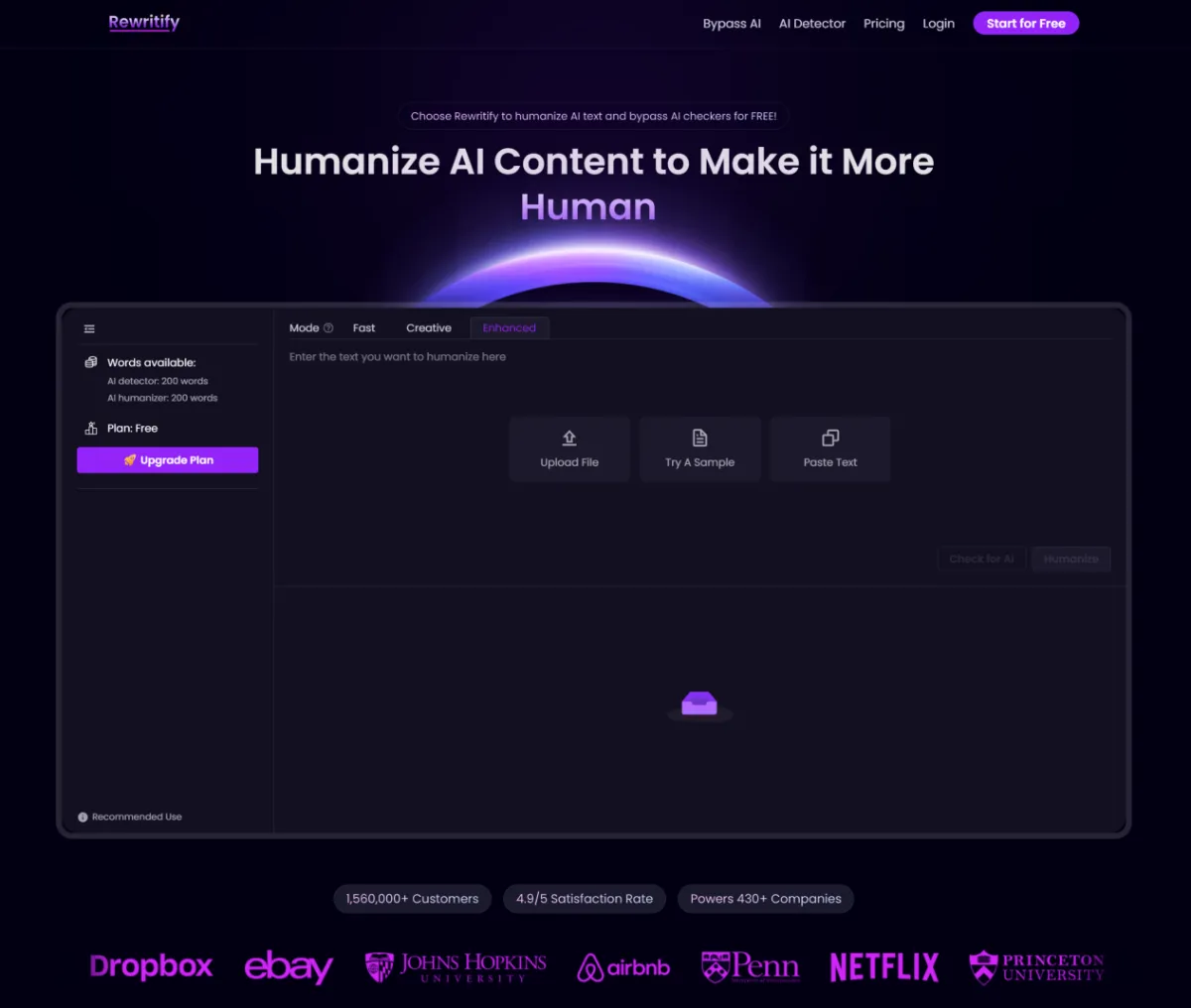
This is where integrating a specialized text processing platform like rewritify.ai into your pre-launch checklist proves incredibly useful. Rather than manually rewriting hundreds of product pages to fix the awkward phrasing, development teams can use targeted refinement tools to algorithmically restructure the syntax. These platforms are designed to break up monotonous pacing and remove the synthetic filler that standard language models leave behind. It acts as a structural bridge, allowing you to rapidly update your legacy databases while ensuring the final copy matches the premium, natural feel of your new design framework.
The Final Polish Before Going Live
Even with the best workflow tools in place, there are a few manual touch-ups that every site owner should perform before flipping the DNS switch to go live.
First, review your microcopy. The call-to-action buttons, navigation labels, and footer links should be sharp and human. Never settle for a generic “Click Here to Learn More” when a specific, action-oriented phrase like “View Our Design Packages” fits the layout better.
Second, inject specific, real-world variables into your primary landing pages. If your new theme includes a counter or a statistics block, ensure the text supporting it contains hyper-specific, localized details that prove your business’s authenticity.
A successful website redesign is never just about upgrading your CSS or moving to a faster hosting environment. It is about creating a cohesive digital experience where form and function operate in perfect harmony. By upgrading your content migration workflow alongside your visual templates, you guarantee that your new website doesn’t just look spectacular, but actually connects with the users who navigate it.



Leave a Reply