
Are ChatGPT T-Shirt Designs Actually Print-Ready for Print on Demand?
Short answer: not on its own. ChatGPT is excellent for ideas, briefs, slogans, and image
prompts, but it does not give you a file you can upload straight to a print-on-demand platform and sell. The image it generates is usually low resolution, locked to a solid background, and saved as raster pixels rather than a clean vector. To get a real print-ready file, you need one or two extra steps after ChatGPT.
This guide explains exactly where ChatGPT helps, where it falls short, and the full workflow that turns a chat prompt into a file that passes a POD platform’s upload checks.
What “print-ready” actually means
Print-ready is not one fixed standard. It changes by platform, by print method, and by product. Still, the same handful of requirements show up almost everywhere.
A file is usually considered print-ready when it meets these:
- Resolution of 300 DPI at the final print size
- A transparent background for any design that is not a full bleed
- A format that the platform accepts, normally PNG for direct-to-garment work
- The correct color space, usually sRGB
- Large enough pixel dimensions, often 4500 x 5400 px for a full front print
- No stray pixels, soft halos, or leftover background edges
If a file misses any of these, the platform either rejects it or prints something that looks fuzzy, boxy, or off-color.
What ChatGPT does well for t-shirt design
This is where ChatGPT earns its place. It is a strong idea and language engine, so use it for the thinking, not the final art.
ChatGPT is genuinely useful for:
- Niche research and design angles for a target buyer
- Slogan and typography ideas
- Detailed design briefs you can hand to an artist or an image tool
- Structured image prompts with style, mood, and color direction
- Product titles, tags, and listing descriptions
The same prompt-driven approach works for branding too. If your tee leans on a wordmark or a brand mark, an AI logo generator workflow gets you a clean concept fast, which you then refine the same way you would any design.
Treat every one of these outputs as raw material. They speed up the front of your process. They do not replace the design stage.
What ChatGPT cannot do for a sellable file
This is the part most guides gloss over, so it is worth being precise.
ChatGPT cannot reliably deliver:
- A true transparent background
- A scalable vector file, such as SVG or AI
- Guaranteed 300 DPI at the exact print size you need
- Color accuracy you can trust against a garment
- Legal clearance on the artwork it produces
The transparency point trips up the most people, so it gets its own section below.
The transparent background problem
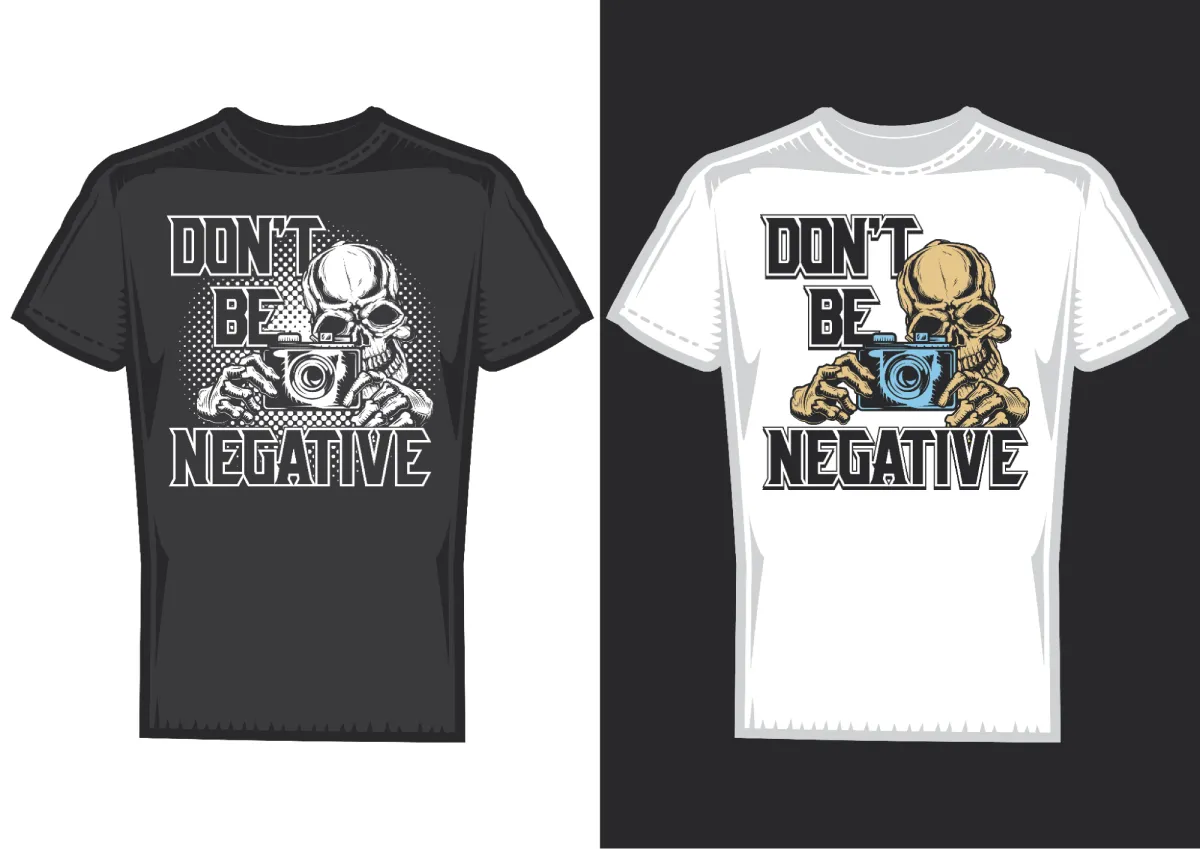
When you ask the ChatGPT image tool for a “transparent background,” it often hands back an image with a solid white box or a gray checkerboard drawn into the picture.
That happens because the model paints colored pixels. It has no real concept of an alpha channel, so it draws what it thinks transparency looks like instead of leaving those pixels empty.
For direct-to-garment printing, this matters a lot. A white box behind your art prints as a white rectangle on the shirt. A checkerboard prints as a checkerboard.
The fix is simple. Generate the art, then remove the background in a separate tool so you end up with a real transparent PNG.
Good options for that step include a dedicated background remover, the magic wand, and refine edge tools in Photoshop, or the background tools built into Canva and similar editors. Save the result as a PNG with a checked transparency so the empty pixels stay empty.
POD platform file requirements at a glance
Numbers matter here because these are the checks your file has to clear. The values below reflect current guidelines from the major platforms.
| Platform | Recommended resolution | Accepted formats | Notes |
| Printify | 300 DPI, 120 to 150 DPI for large items | PNG, JPEG, SVG | PNG preferred for transparency, 100 MB cap for PNG and JPEG, 20 MB for SVG |
| Printful | 300 DPI, 150 DPI minimum for DTG | PNG, JPEG, SVG | sRGB color, max print area about 12 x 16 in for tees, 100 MB file cap |
| Merch by Amazon | 300 DPI | PNG with transparency | Common full front canvas 4500 x 5400 px |
| Redbubble | 300 DPI, higher is better | PNG, JPEG | Upload large even when the minimum is lower |
A safe default that works across most tees is a transparent PNG at 4500 x 5400 px and 300 DPI. Export at the highest quality your tool allows, rather than compressing first.
Print methods change the file you need
The print method decides what your file has to look like, so match the file to the method.
Direct to garment wants a high-resolution PNG with a transparent background. This is the most common method for POD tees.
Screen printing wants clean vector art with separated, limited colors. A raster PNG from ChatGPT will not cut it without redrawing.
Sublimation and all-over print often accept a high-resolution JPEG, since the design covers the full product, and file size matters more than transparency.
Embroidery needs a simplified design and a digitized stitch file, which is a separate process again.
The full workflow: from ChatGPT to a print-ready file
Here is the practical path that actually produces an upload-ready file.
Step 1. Define the concept. Ask ChatGPT for niche angles, slogans and a clear design brief for your target buyer.
Step 2. Build a strong image prompt. Have ChatGPT write a detailed prompt with style keywords, composition notes and color direction.
Step 3. Generate the art. Use an image generator to create the visual. Run several attempts and pick the cleanest one.
Step 4. Remove the background. Take it into a background remover or editor and export a real transparent PNG.
Step 5. Fix resolution and size. Set the canvas to the platform size, confirm 300 DPI and upscale carefully if the art is too small.
Step 6. Set the type properly. Rebuild any text in a design tool so it is sharp, well spaced and readable on the garment color.
Step 7. Check colors. Convert to sRGB and adjust contrast for the shirt color you plan to sell on.
Step 8. Run a pre-upload check. Use the checklist below before you list anything.
A reusable ChatGPT prompt bank
Save these and adapt the bracketed parts for each store.
- “Write a design brief for a [style] tee aimed at [audience]. Include color palette, composition notes and mood references.”
- “Suggest ten slogan options for a [niche] brand with a [tone] voice. Keep each under six words.”
- “Draft a detailed image prompt for a [style] illustration suitable for direct-to-garment printing on a [color] shirt. Include negative prompts.”
- “Give me twenty t-shirt concepts for the [niche] niche that are not generic or overdone.”
- “Write a product title, five tags and a listing description for this design: [describe it].”
Legal and platform rules you cannot skip
AI art is not automatically yours to sell, and it is not automatically unique.
Two people using similar prompts can get near identical results, so a design can clash with someone else’s listing. Run a quick search before you commit to one.
Avoid prompts that reference brands, logos, characters or living people. Those create trademark and rights problems fast.
Some platforms ask you to disclose AI involvement, so check the policy of the marketplace you sell on. Rules differ across Merch by Amazon, Redbubble and others.
Pre-upload QA checklist
Run every design through this before listing.
- Background is fully transparent with no white box or halo
- Resolution is 300 DPI at the final print size
- Pixel dimensions match the platform spec
- File format matches the print method, PNG for DTG
- Color space is sRGB and contrast works on the shirt color
- Text is sharp, spaced well and free of odd AI characters
- File size is under the platform cap
- Artwork does not copy a brand, logo or known character
Frequently asked questions
Can ChatGPT make a print-ready t-shirt file by itself?
No. It produces ideas and raster images, not upload-ready files. You still need a background removal and resolution step.
Why does my ChatGPT image have a white or checkered background?
The image tool paints solid pixels and cannot create true transparency, so it draws a background instead of leaving it empty. Remove it in a separate tool and export a transparent PNG.
What resolution do I need for a t-shirt design?
Aim for 300 DPI at the final print size. For a standard full front print, that means roughly 4500 x 5400 px.
Which file format should I upload?
Use a transparent PNG for direct-to-garment work. Use JPEG for full coverage sublimation prints and vector for screen printing.
Is it legal to sell AI-generated t-shirt designs?
Generally, yes, on the major platforms, but the art is not guaranteed unique, you must avoid protected brands and characters, and some platforms ask you to disclose AI use.
Can ChatGPT replace a designer for print-on-demand?
Not fully. It replaces the slow idea and briefing stage. A design tool and a human eye still handle the final print-ready file.


Leave a Reply