
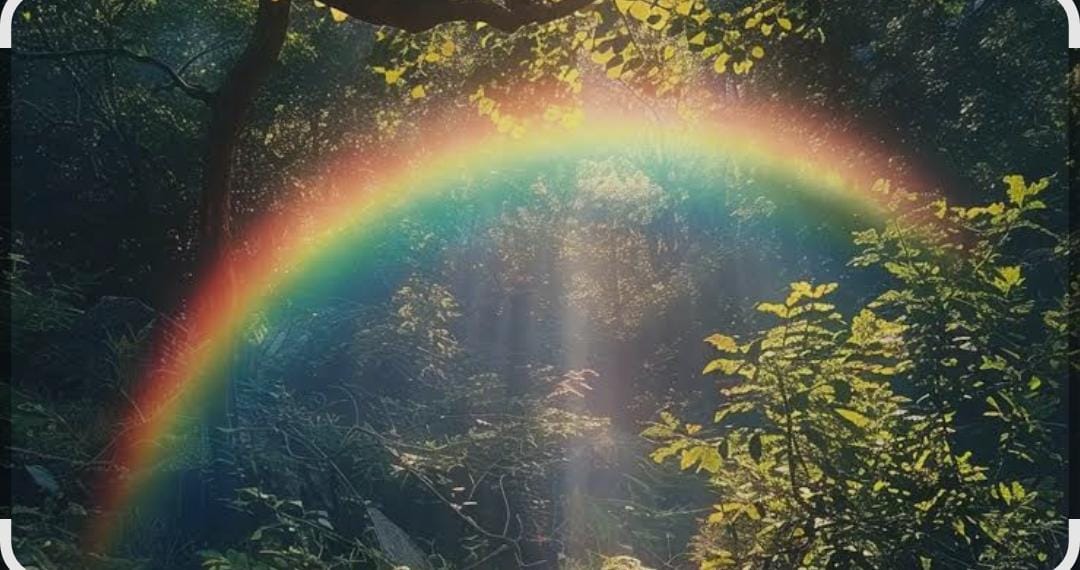
Colour Effects That Help Theme Demos Stand Out: Using Rainbow Light in Hero Images
A theme demo has a few seconds to convince a visitor. Before anyone reads the feature list, they look at the hero image, and that image has to communicate the mood of the theme: calm and premium, playful and bright, or bold and modern. Colour does much of that work, and one of the simplest ways to change the feeling of an existing photo is to add a subtle light effect such as a rainbow.
Used carefully, a rainbow or prism glow can make a plain product shot feel warmer, more optimistic, and more “designed” without a new photoshoot. Used carelessly, it looks like a filter from a decade ago. Here is how to get it right.
When a rainbow effect fits a theme
Not every demo needs extra colour. Rainbow and prism light work best for themes aimed at:
- Creative studios, photographers, and portfolio sites
- Kids, education, and family brands
- Events, travel, and lifestyle blogs
- Beauty, fashion, and wellness stores that use soft, airy imagery
For corporate, legal, or finance themes, a neutral and restrained palette is usually the safer choice. The effect should support the theme’s personality, not fight it.
How to add the effect without overdoing it
You do not need complex layer work in a desktop editor for a demo image. Browser tools make it quick to add rainbow to photo backgrounds or light leaks and then export the result at the size your theme expects. A few rules keep the result professional:
- Keep it in the background. Place the colour where there is empty space, such as sky, a wall, or soft focus areas, not across faces or the product itself.
- Lower the opacity. A light, translucent band reads as natural light. A solid, saturated arc reads as clip art.
- Match the light direction. If the sun or window light comes from the left, the glow should too.
- Respect the text area. Hero sections usually carry a heading and a button. Keep the busiest colour away from where the text sits so contrast and accessibility stay intact.
Check the crop before you publish
A hero image is rarely shown at its original size. Themes crop for wide desktop banners, square featured images, and tall mobile layouts. An effect that looks balanced in the full image can disappear, or worse, become the only thing visible once the theme crops it. Preview the image at each breakpoint your theme uses, and adjust the placement so the colour still makes sense on mobile.
Keep performance in mind
Colour effects add detail, and detail adds file size. Export in a modern format such as WebP where your theme supports it, compress the image, and set explicit width and height so the layout does not shift as the page loads. A beautiful hero that slows the first paint costs more than it earns.
Stay consistent across the demo
If the home page hero uses a warm rainbow glow, carry a hint of the same palette into buttons, highlights, or section backgrounds. Consistency makes a demo feel like a finished product rather than a collection of nice pictures. One effect, applied with intent, is more convincing than five different filters across five pages.
Small visual decisions add up. A carefully placed splash of colour can be the difference between a demo that looks like a template and one that looks like a brand a buyer can imagine owning.


Leave a Reply