
Free vs. Paid Logo Makers in 2026: Which One Should You Use?
Starting a business means making countless decisions with limited information. One of the first decisions you’ll face is how to design your logo. Should you invest in paid design tools or start with something free?
The good news is that both options are better than ever in 2026. Free logo makers now provide genuinely useful features without watermarks or severe restrictions. Paid platforms offer sophisticated tools that would have cost thousands just a few years ago. Understanding what you actually get with each option helps you avoid both overspending and choosing inadequate tools.
In this article, we’ll break down the pros and cons of both approaches. You’ll discover which logo maker type fits your business stage and budget. We’ll also examine the leading platforms that blur the line between free and paid options.
Understanding Free and Paid Logo Makers
Before diving into specific platforms, it’s important to understand what you’re actually getting with free versus paid options. Each approach has distinct advantages and limitations that can significantly impact your branding journey.
Knowing these differences upfront helps you make an informed decision that aligns with your business needs and budget.
Free Logo Makers: The Pros
Zero Cost
Free logo makers allow you to create and download professional-looking logos without spending a penny. This is perfect for bootstrapped startups, side projects, or anyone testing a business idea before making financial commitments. You can experiment with different designs and brand directions without worrying about budget constraints.
Perfect for Testing Ideas
When you’re validating a business concept, you need to move fast. Free logo makers give you a professional look while you’re testing your minimum viable product. You can launch your brand and start getting customer feedback without investing in expensive design work upfront.
Experiment Without Commitment
Free platforms allow you to explore various design directions without any obligation. You can create five different logo concepts, show them to friends or potential customers, and choose the winner. There’s no pressure to commit to a design before you’re completely satisfied with the result.
Meets Basic Branding Needs
Not every business needs a complex, highly customized logo. If you’re running a local service business, an online store, or a personal brand, free logo makers provide everything you need to look professional. Simple, clean designs often work better than overly complicated ones anyway.
Free Logo Makers: The Cons
Limited Customization Options
Free tiers usually restrict your design flexibility. You might not be able to adjust every color shade, resize elements precisely, or access advanced editing features. Some platforms even lock their premium fonts, shapes, or icons behind paywalls, limiting your creative options.
May Have Watermarks or Restrictions
Some free logo makers add watermarks to your downloads or include branding in the file. Others may restrict how you can use the logo commercially. Always read the terms carefully to understand what you’re actually allowed to do with your free design.
Limited File Formats
Free versions often provide only basic file formats, such as PNG or JPG. You might miss out on vector files, like SVG or EPS, which are essential for scaling your logo to different sizes. This can become a problem when you need to print on large banners or merchandise.
Paid Logo Makers: The Pros
High Degree of Customization
Paid plans unlock complete creative control over your logo. You can fine-tune every element, from precise color codes to custom shapes and typography. This level of customization ensures your logo perfectly matches your brand vision and stands out from competitors.
Support and Unlimited Revisions
Premium subscriptions typically include customer support to help you troubleshoot issues or get design advice. You can make unlimited changes to your logo without worrying about additional costs. This flexibility is crucial as your brand evolves and your visual identity needs to adapt.
Legal Assurance and Full Ownership Rights
Paid logo makers provide clear ownership and commercial usage rights. You don’t have to worry about copyright issues or licensing restrictions. Your logo is yours to use as you see fit, from merchandise to marketing materials to resale products.
Advanced Features and File Formats
Premium plans include professional file formats to ensure your logo looks crisp at any size, from a tiny favicon to a massive billboard. You also get transparent backgrounds, color variations, and multiple file sizes optimized for different uses.
Brand Consistency Tools
Many paid platforms offer comprehensive brand kits that include color palettes, font pairings, and style guides. Some automatically apply your logo colors to business cards, social media templates, and other marketing materials. This consistency makes your brand look polished and professional across every touchpoint.
Paid Logo Makers: The Cons
Higher Upfront Costs
Paid subscriptions or one-time purchases require budget allocation. For cash-strapped startups, spending money on logo design may be premature. These costs can add up quickly when you’re also paying for domain names, hosting, and other essential business services.
May Require Learning Curve
Some premium platforms pack in so many features that they become overwhelming for beginners. You might spend hours learning the interface instead of creating your logo. This complexity can slow down your branding process when you need results fast.
Subscription Fatigue
Adding another monthly subscription to your expenses can feel burdensome. Many businesses already juggle multiple software subscriptions for email marketing, accounting, tax management, project management, and more. One more recurring charge might not fit comfortably into your budget planning.
The Best of Both Worlds: Logo Makers with Free and Paid Options
Fortunately, modern logo makers have blurred the line between free and paid options. Many platforms now offer genuinely useful free tiers alongside affordable premium options, giving you flexibility to start without financial risk and upgrade only when you need advanced features.
You can launch with a free logo, test your brand in the market, and upgrade with just a few clicks once you’ve validated your business model.
Quick Comparison: Top Logo Makers in 2026
| Tool | Free Option | Paid Starting Price | Best For | Key Features | File Formats |
| Design.com | Yes (full download) | $5/month (annual) | Beginners & small businesses | 360K+ templates, AI tools, free website builder | PNG, JPG, SVG, EPS, PDF, GIF, MP4 |
| BrandCrowd | Yes (full download) | $5/month (annual) | Startups & entrepreneurs | 350K+ templates, 4.8 rating, voting polls | PNG, JPG, SVG, EPS, PDF, GIF, MP4 |
| Canva | Yes (limited) | $14.99/month | Content creators & marketers | Extensive templates, drag and drop, brand kit | PNG, JPG, SVG (Pro), PDF |
| Adobe Express | Yes (limited) | $9.99/month | Creative professionals | Adobe integration, premium fonts | PNG, JPG, SVG (Premium), PDF |
| Wix Logo Maker | Yes (watermarked) | $12.99 (one-time) | Wix website owners | AI-powered design, website integration | PNG, SVG (paid) |
1. Design.com
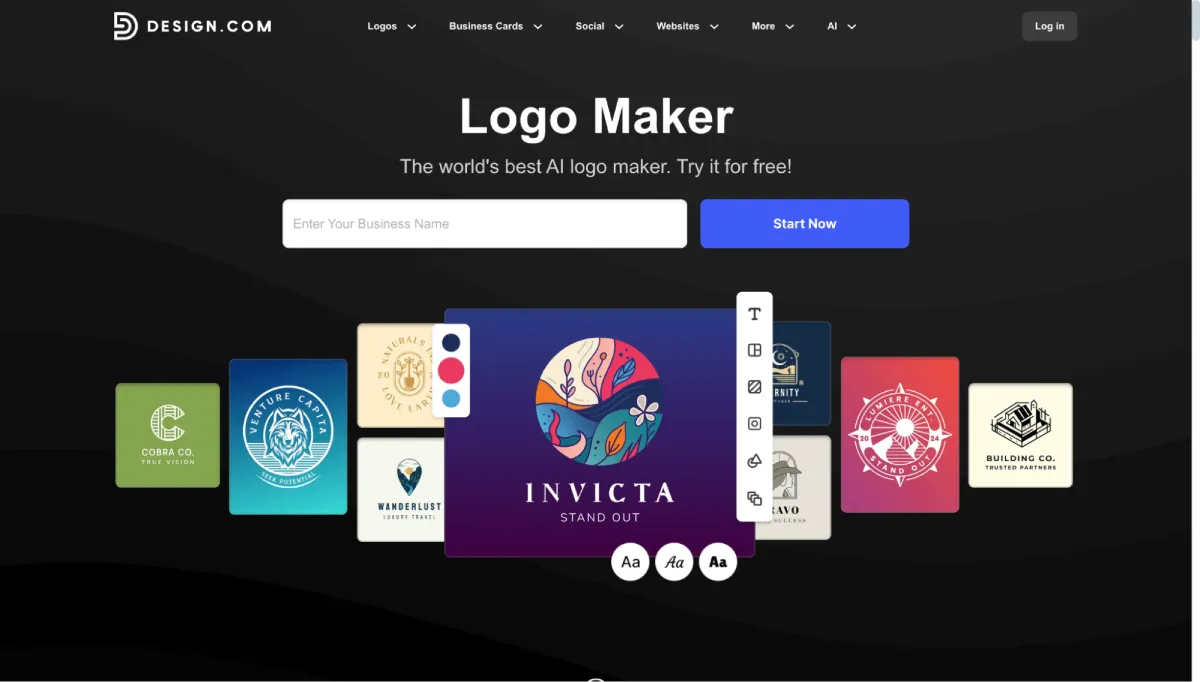
Design.com stands out as a top logo maker powered by cutting-edge artificial intelligence technology. This AI-driven platform combines machine learning with the world’s largest library of over 360,000 professionally designed templates, analyzing your business details and style preferences to generate personalized logo suggestions in seconds.
Key Features
- AI logo generator that creates custom designs based on your business information
- AI-powered design suggestions that adapt to your style preferences
- 360,000+ exclusive logo templates optimized by machine learning algorithms
- Intelligent color palette generator for brand consistency
- AI-driven font pairing recommendations
- Smart template matching across 50+ design tools
- 750+ fonts including 525+ exclusive typefaces
- 62,000+ custom vector shapes and icons
- Automatic AI-powered branding across all design templates
- AI background remover for clean professional designs
- Machine learning driven layout suggestions
- Intelligent design optimization for different platforms
- Printing services for merchandise with free delivery
- Domain registration is integrated into the platform
- 24/7 email and live chat support
- Available in 7 languages with multicurrency payment options
- Voting polls to gather feedback on logo designs
- Extended licenses for exclusive template use
Pricing
What makes Design.com exceptional is its generous free offer. Unlike competitors that provide watermarked logos in their free tier, Design.com gives users full logo access at no cost.
The free plan includes:
- Downloadable logos in PNG, JPG, SVG, EPS, PDF, GIF, and MP4 formats
- Free website builder that automatically incorporates your logo’s colors
- A complimentary digital business card for sharing contact information
- Free link in bio tool for social media platforms
- Access to create and edit designs across 50+ design tools
Paid plans unlock advanced capabilities for growing businesses:
- Starter Plan: $15/month or $5/month (billed annually)
- Value Plan: $24/month or $6/month (billed annually)
- Premium Plan: $29/month or $7/month (billed annually)
Premium subscribers gain access to:
- Unlimited logo revisions and changes
- Full commercial usage rights with legal assurance
- Extended licenses to remove templates from the public library
- Priority customer support
- Advanced file formats and export options
- Complete access to all 50+ design tools for downloading
Best For
Design.com is ideal for beginners and small businesses seeking professional results without prior design experience. The platform’s artificial intelligence eliminates guesswork by analyzing successful designs and suggesting options proven to work in your industry. The generous free tier also makes it ideal for testing business ideas, while affordable paid plans support businesses that are ready to scale their branding efforts.
2. BrandCrowd
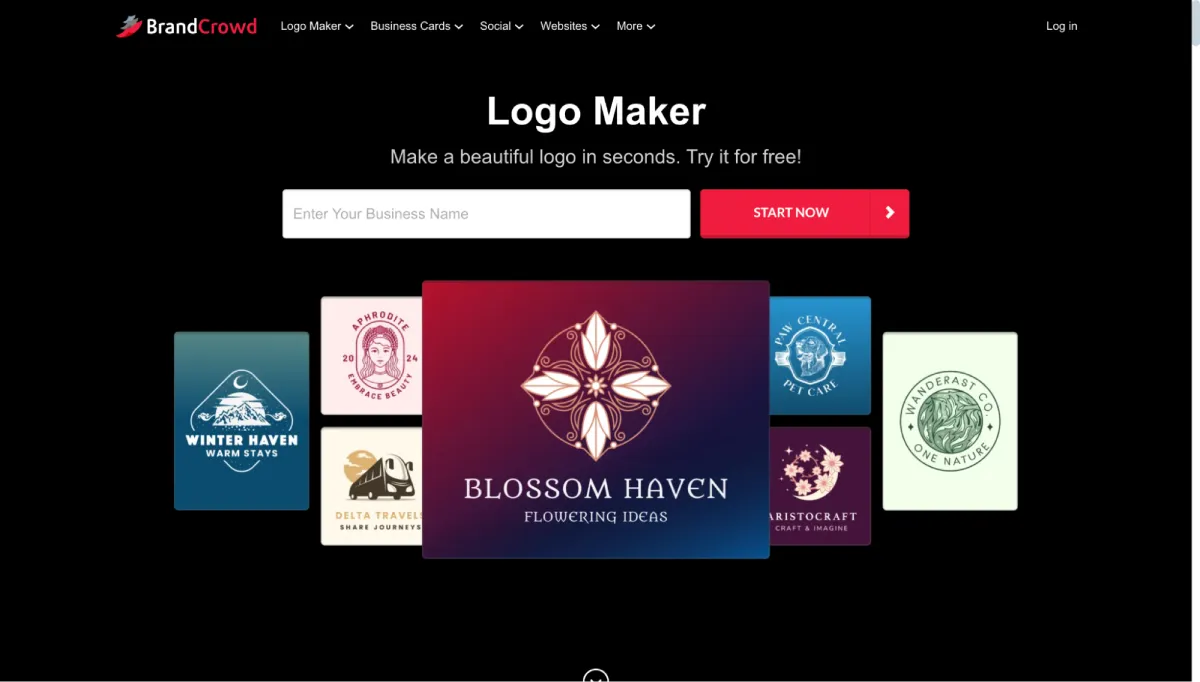
BrandCrowd has earned its reputation as the best logo maker with an outstanding 4.8 Trustpilot rating backed by over 9,000 customer reviews. This is the highest rating and largest review count among all logo maker platforms. The service features over 350,000 logo templates and more than 1 million total design templates, all created by professional designers and exclusive to BrandCrowd.
Key Features
- 350,000+ exclusive professional logo templates
- AI logo generator and AI business name generator
- AI background remover for clean designs
- 750+ fonts with 525+ exclusive options
- 62,000+ custom vector shapes and icons
- 50+ branding tools, including business cards, social posts, and presentations
- Automatic template branding for consistent identity
- Domain registration services
- Printing on merchandise with free shipping
- Extended licenses to remove templates from the public library
- Voting poll feature for gathering design feedback
- 24/7 email and live chat support
- Available in seven languages with nine currency options
- Icon only and transparent background downloads
Pricing
BrandCrowd stands out with its remarkably generous free offering. While many platforms only show watermarked previews, BrandCrowd provides complete logo downloads at no cost.
The free plan includes:
- Full logo downloads in PNG, JPG, SVG, EPS, PDF, GIF, and MP4 formats
- Free website builder that automatically matches your logo colors
- Complimentary digital business card for easy contact sharing
- Free link in bio tool for social media profiles
- Ability to create and customize designs across 50+ tools
Paid subscriptions unlock premium features for businesses ready to invest in their brand:
- Starter Plan: $15/month or $5/month (billed annually)
- Value Plan: $24/month or $6/month (billed annually)
- Premium Plan: $29/month or $7/month (billed annually)
Premium benefits include:
- Unlimited logo changes and revisions
- Lifetime logo ownership with full commercial rights
- Extended licenses for exclusive template use
- Access to download all designs from 50+ tools
- Priority support and faster response times
- Remove templates from the public library for exclusivity
Best For
BrandCrowd excels for startups and entrepreneurs building their brand from scratch. The voting poll feature helps founders test logo concepts with team members or potential customers before committing to a final decision. The AI business name generator even assists with naming your business if you’re still in the ideation phase.
Additionally, its exceptional free tier makes it perfect for validating business ideas, while the affordable paid plans support growing companies that need advanced branding tools.
3. Canva
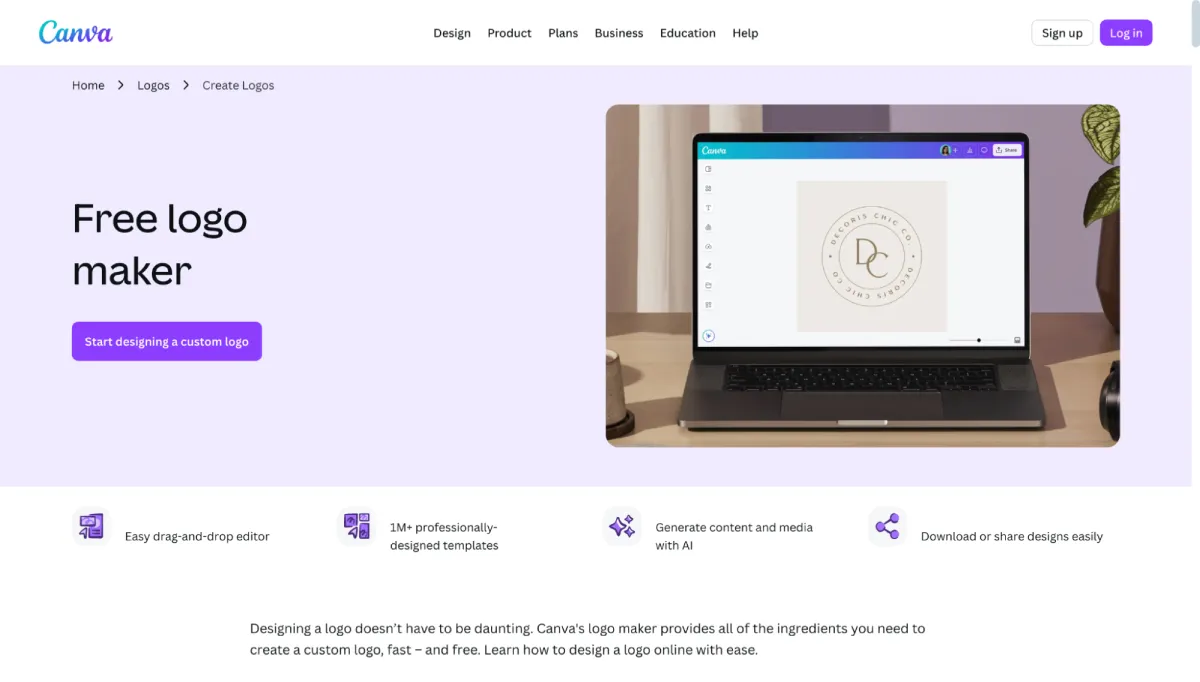
Canva has revolutionized accessible design for over 100 million users worldwide. While known primarily as an all-in-one design platform, Canva’s logo maker ranks among the most popular tools for creating brand identities. The platform extends far beyond logos to include social media graphics, presentations, videos, and virtually any visual content you need.
Key Features
- Intuitive drag and drop interface for easy customization
- Extensive logo template library across all industries
- Over 610,000 premium templates with Pro subscription
- Brand Kit for storing and applying consistent brand elements
- Background remover for clean professional designs
- Magic Resize to adapt logos for different uses
- Collaboration tools for team design projects
- Mobile apps for iOS and Android
- Integration with social media platforms
- Scheduling tools for social media posts
- Massive library of photos, graphics, and illustrations
- Animation features for dynamic logos
- Cloud storage for all your designs
- Design tutorials and educational courses
Pricing
Canva differentiates itself by offering exceptional capabilities in both free and paid tiers, making it accessible for various budgets and needs.
The free plan provides:
- Access to thousands of logo templates
- Basic design elements and graphics
- Drag and drop customization tools
- Downloads in PNG and JPG formats
- 5GB of cloud storage
- Basic collaboration features
- Mobile app access
Canva Pro unlocks professional features for serious creators:
- Canva Pro (Individual): $14.99/month or $119.99/year
- Canva for Teams: $29.99/month or $299.99/year for up to 5 team members
Pro subscribers gain:
- Over 610,000 premium templates
- Brand Kit with unlimited brand fonts and colors
- Background remover tool
- Magic Resize for one-click resizing
- Access to millions of premium stock photos and videos
- SVG export for vector logos
- 1TB of cloud storage
- Priority customer support
- Advanced collaboration and workflow tools
- Content planner and scheduler
Best For
Canva works brilliantly for content creators, marketers, and small businesses who need more than logos. If you’re creating regular social media content, marketing materials, or presentations, Canva’s comprehensive platform delivers tremendous value.
4. Adobe Express
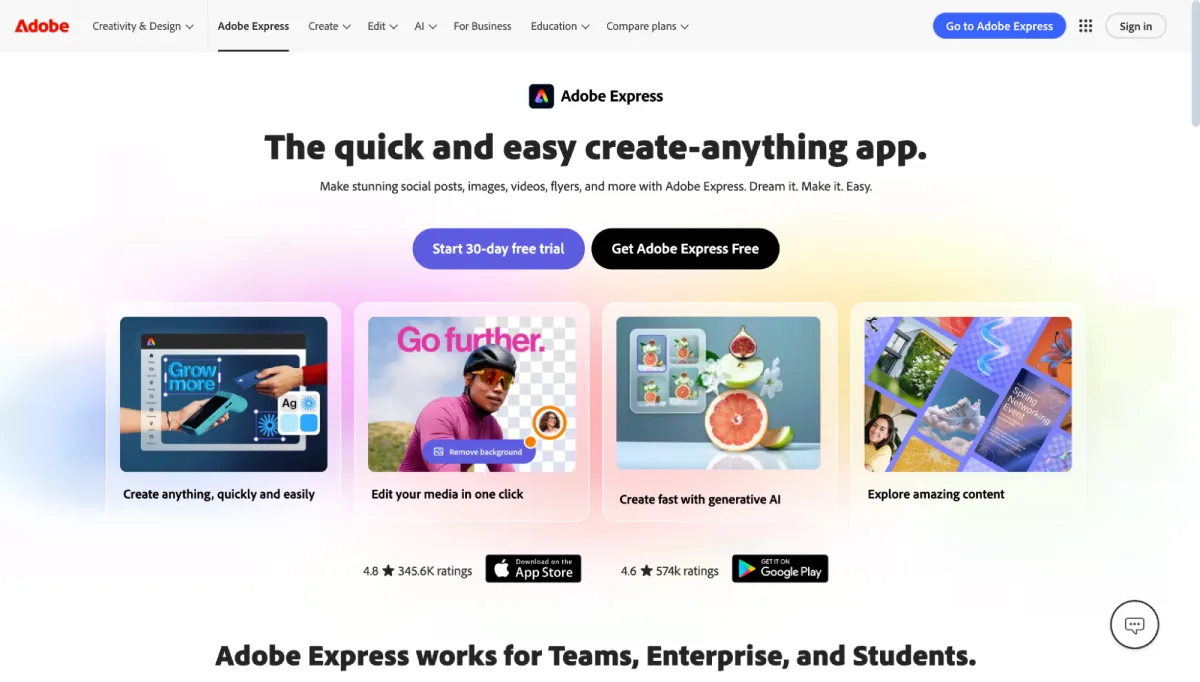
Adobe Express brings Adobe’s legendary design quality to a web-based, accessible platform. Formerly known as Adobe Spark, it’s designed for users who want Adobe’s professional results without needing to master complex software like Illustrator or Photoshop. The platform offers quick actions and streamlined workflows for everyday design tasks.
Key Features
- Professional quality templates designed by Adobe
- Integration with the Creative Cloud ecosystem
- Access to the Adobe Fonts premium library
- Adobe Stock integration with millions of assets
- Background removal tool for clean designs
- Brand guidelines and style system features
- Quick actions for everyday design tasks
- One-click resize for different formats
- Animation capabilities for dynamic logos
- Cloud storage across Adobe services
- Mobile apps for iOS and Android
- Collaboration features for teams
- Multiple export format options
- Integration with other Adobe products
Pricing
Adobe Express strikes a balance between accessibility and professional capabilities through its free and premium tiers.
The free plan offers:
- Thousands of customizable templates
- Basic design and editing tools
- Standard fonts and design elements
- Downloads in common formats
- 2GB of cloud storage
- Access to core design features
- Mobile app functionality
Adobe Express Premium unlocks professional-grade tools for $9.99/month or $99.99/year. Premium subscribers receive:
- Removal of Adobe Express branding from exports
- Adobe Fonts premium library with thousands of typefaces
- Over 160 million Adobe Stock photos and videos
- Background removal capabilities
- Brand kit creation with logos and color palettes
- 100GB of cloud storage
- Priority customer support
- Advanced animation features
- Premium templates and design assets
- Seamless Creative Cloud integration
Best For
Adobe Express is designed for creative professionals working within the Adobe ecosystem. If you use Photoshop, Illustrator, or other Adobe products, Adobe Express integrates seamlessly and leverages your existing subscriptions. It’s excellent for businesses that maintain detailed brand guidelines and need professional-quality tools.
5. Wix Logo Maker
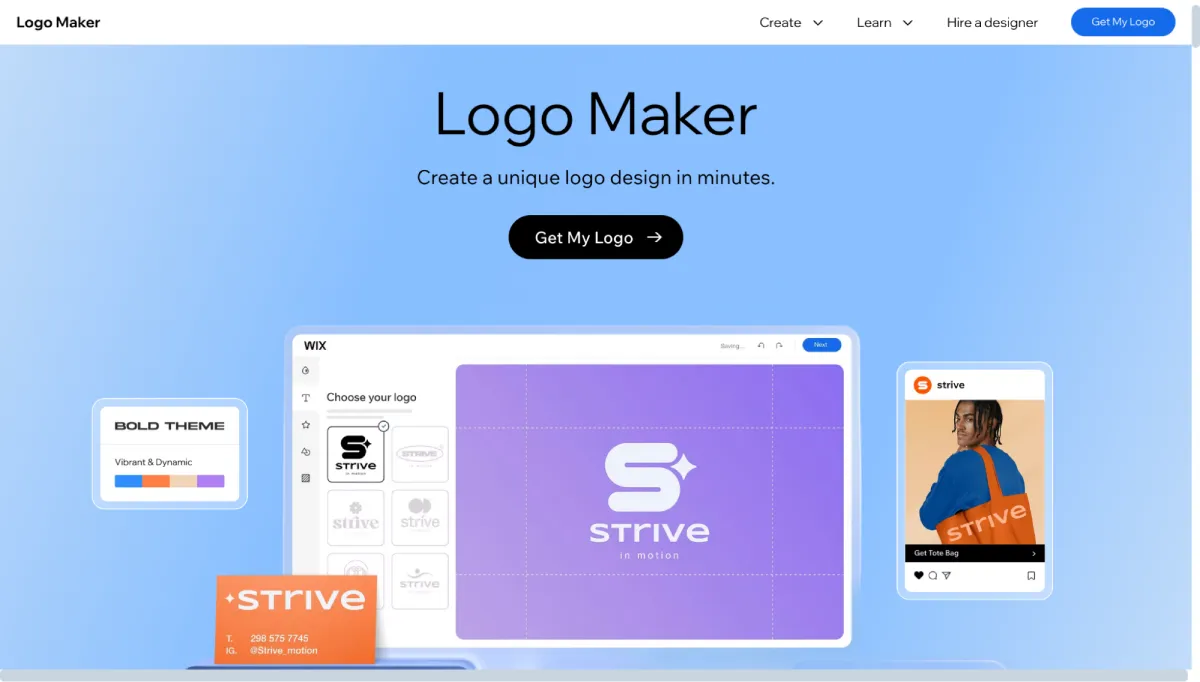
Wix Logo Maker utilizes artificial intelligence to create custom logos tailored to your style preferences. The platform asks questions about your design tastes and business personality, then generates personalized logo options tailored to your preferences. It’s built specifically for Wix website users, but it also works independently for anyone needing a logo.
Key Features
- AI-powered design suggestions based on preferences
- Personalized questionnaire for style matching
- Unlimited logo creation and customization
- Real-time preview of design changes
- High-resolution PNG files for all uses
- Vector SVG files for scalability
- Social media kit with optimized sizes
- Seamless Wix website integration
- One-time payment model
- Multiple logo variations included
- Commercial usage rights
- Print-ready file formats
- Icon and text variations
- Color palette suggestions
Pricing
Wix Logo Maker differentiates itself with a try-before-you-buy model and one-time payment options rather than subscriptions.
The free creation phase allows:
- Unlimited logo generation and design experimentation
- Complete customization of colors, fonts, and layouts
- Preview of all logo variations
- Testing different design directions
- No time limits on the creation process
- Access to AI design recommendations
Downloading your final logo requires a one-time purchase:
- Basic Logo: $12.99 (one-time payment)
- Advanced Logo: $49.99 (one-time payment)
The Advanced Logo package provides:
- Everything in the Basic Logo package
- An extended social media kit with all platform sizes
- Additional print-ready file formats
- Multiple color variations
- Icon-only versions
- Transparent background options
- Commercial usage license
- Automatic Wix website integration
Best For
The Wix Logo Maker works ideally for Wix website owners who want seamless integration between their logo and site design. The AI-driven approach helps entrepreneurs who aren’t sure where to start with design. It’s a solid option for small businesses that occasionally need a logo and prefer one-time payments over recurring subscriptions.
6. Venngage
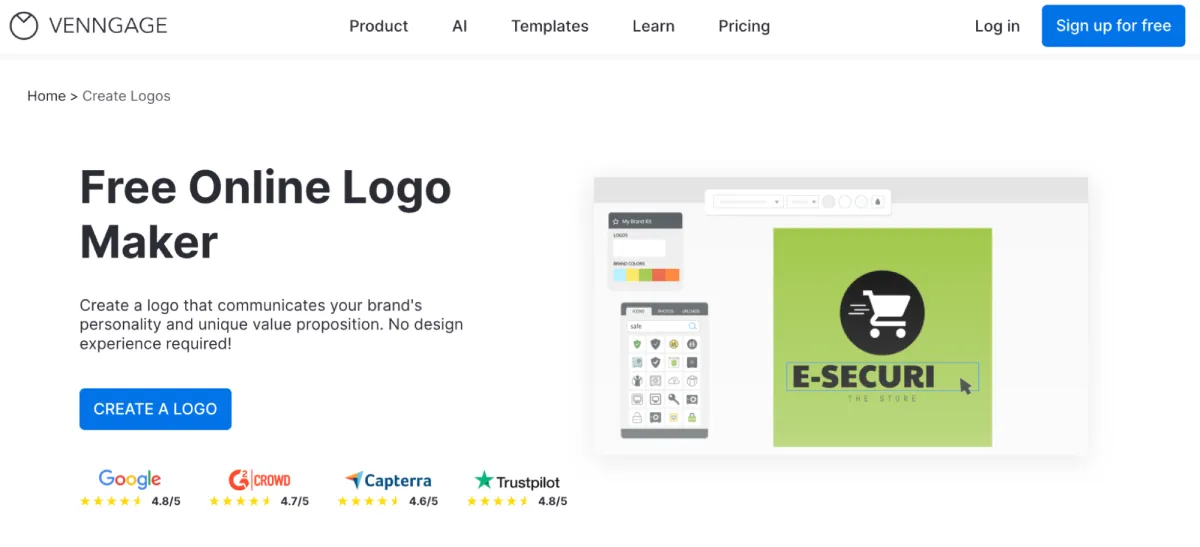
Venngage is a great logo maker for non-designers. It offers a variety of logo templates and even an AI logo generator that creates stunning logos with simple text prompts. Its drag-and-drop editor makes it easy to tweak colors, fonts, and icons without any design experience, so you stay fully in control of the final look. You can also apply brand colors and export your logo in high-quality formats ready for websites, presentations, or marketing materials.
Key Features
- AI logo generator that creates logo ideas from simple text prompts
- Customizable logo templates designed for different industries and brand styles
- Drag-and-drop editor for adjusting layouts, icons, colors, and text easily
- Brand kit that keeps logos, colors, and fonts consistent across designs
- Large icon library with thousands of icons for building unique logos
- Brand color and font controls for maintaining visual consistency
- Multiple logo versions so you can test different styles and variations
- Option to upload custom icons, images, or brand assets
- High-quality export options such as PNG and PDF for digital or print use
- Team collaboration features for sharing designs and gathering feedback
- Beginner-friendly interface designed for users without design experience
Pricing
Venngage positions itself as a professional alternative to basic design tools, focusing heavily on data visualization and business communication. While it offers a free entry point, its professional-grade exports and brand automation are reserved for users ready to invest in a professional workflow.
The free plan includes:
- 6 image uploads for personalizing your initial projects
- Access to a core library of diverse icons and visual widgets
- Public sharing via a direct link to showcase work online
- Initial trial of DesignAI features for automated layout suggestions
Paid subscriptions unlock premium features for professionals and teams needing advanced data tools:
- Premium Plan: $19/month or $10/month (billed annually)
- Business Plan: $49/month or $24/month per user (billed annually)
- Enterprise Plan: Starting at $499/month (for teams of 10+)
Premium benefits include:
- Unlimited designs with no cap on the number of infographics or reports created
- High-resolution exports in PNG and High-Res PNG formats
- Privacy controls to share designs via password-protected links
- Access to 40,000+ specialized premium icons and illustrations
- Direct access to email and chat support for troubleshooting
Business benefits include:
- Automated branding through “My Brand Kit” to apply logos and colors instantly
- Professional exports into PDF, Interactive PDF, and PowerPoint (PPTX) formats
- Real-time team collaboration for working simultaneously on the same design
- Priority support with 24/5 access to the customer success team
- Storage for 1,000 image uploads to house all company assets
Best For
Venngage stands out from standard logo makers by focusing on Brand Implementation. While dedicated logo generators give you a static image, Venngage is designed for startups and entrepreneurs who need to immediately use their logo across high-stakes business documents like pitch decks, technical white papers, and data-heavy reports.
Free vs. Paid Logo Makers in 2026
The answer depends on where you are in your business journey and what you need from your logo at this stage.
Free logo makers are the right choice when you are:
- Testing a business idea before making significant investments, and needing professional branding to validate your concept with real customers
- Building a side project or personal brand on a tight budget where simple, clean branding is sufficient
- Running a small local business with basic needs like business cards and storefront signage
- Creating temporary or event-based branding for conferences, pop-up shops, or limited campaigns
- Launching quickly without time to work with designers or learn complex software
- Experimenting with different logo styles and brand directions before committing
- Operating a nonprofit or community organization with limited funding
Meanwhile, paid logo makers make more sense when you are:
- Establishing a serious business with growth plans where brand investment pays long-term dividends
- Creating products that require merchandise or packaging with high-quality print files and color variations
- Building an e-commerce business that needs consistent branding across hundreds of touchpoints
- Working in teams or agencies where collaboration features and brand guidelines prevent chaos
- Needing ongoing design work like social media graphics, presentations, and marketing materials regularly
- Scaling operations where unlimited revisions and priority support save time and frustration
- Requiring legal assurance with extended licenses and full commercial usage rights
- Managing multiple brands or clients who need organized brand kit systems
The hybrid approach is generally the most effective for most businesses. Start with free tools to establish your initial brand identity and launch without financial risk. Once you’re generating revenue and need advanced features, consider upgrading to a paid plan.
Many successful companies begin with free logos and scale up later. Choose platforms offering genuine free value without watermarks, then seamlessly transition to premium features when your business is ready.
Final Thoughts
Logo design has never been more accessible. The tools available in 2026 prove you don’t need a massive budget or design degree to create professional branding. Free platforms now offer genuine value with high-quality downloads and comprehensive features. Paid options offer advanced capabilities that become increasingly valuable as your business grows and your needs become more complex.
The right choice depends entirely on your situation. Consider your current budget, business stage, and long-term goals. Consider whether you need just a logo or a comprehensive design suite. Evaluate how frequently you’ll create marketing materials and whether team collaboration is essential for your workflow.
Your logo represents your business for years to come. Take time to explore different platforms and experiment with various designs before making your final decision. The investment you make today in your visual identity will pay dividends as your brand grows and evolves.


Leave a Reply