
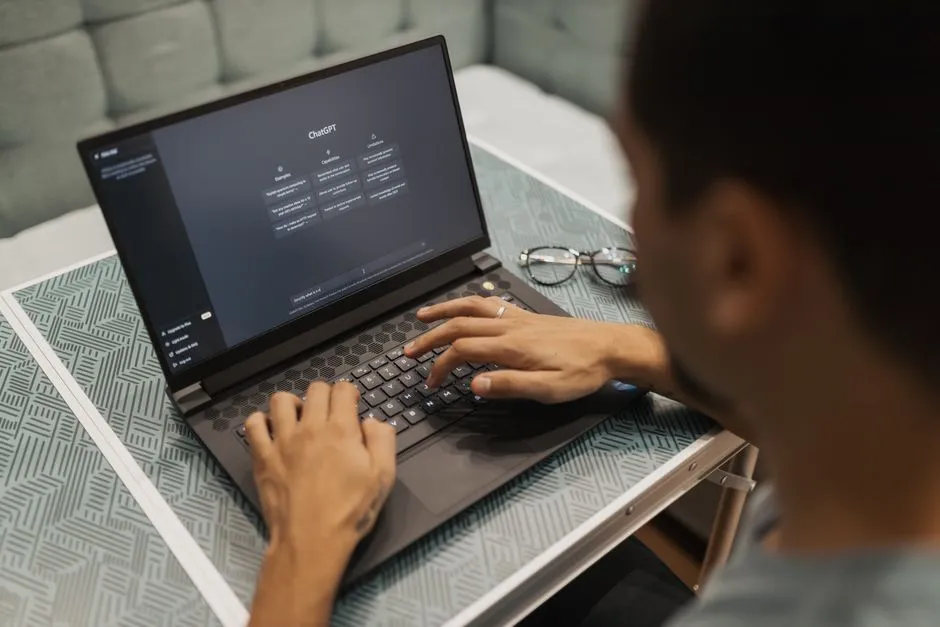
How AI Assistants Are Changing the Way You Work
If your to-do list keeps multiplying while your attention span keeps getting ambushed by notifications, AI assistants probably sound less like a luxury and more like backup. They’ve moved far beyond novelty features and gimmicky chat boxes.
You can now use them to draft emails, summarize meetings, manage schedules, and speed up research without turning your workflow into a science experiment. The trick is knowing what they actually do well and where human judgment still matters.
What an AI assistant really does in daily work
An AI assistant is software that helps you complete tasks using language, automation, and pattern recognition. In plain terms, it can read what you type, understand the goal reasonably well, and produce something useful fast.
That might mean writing a first draft, organizing notes, answering support questions, or turning a messy brain dump into a structured plan. Some assistants focus on chat. Others plug into calendars, CRMs, documents, or project tools.
The useful distinction isn’t whether an assistant sounds smart. It’s whether it saves you time without creating extra cleanup work. A flashy response means very little if you still need twenty minutes to fix tone, check facts, and untangle awkward formatting. Good AI feels less like magic and more like competent operational support.
Choosing the right tool without getting distracted by hype
A lot of AI products promise the same things with slightly shinier branding. Picking one gets easier when you focus on fit instead of buzzwords.
Start with your actual workflow. Do you need a writing assistant, a meeting assistant, a customer support bot, or an all-purpose tool? Then check whether it integrates with the software you already use. A brilliant assistant that lives in isolation often becomes shelfware with good PR.
It also helps to compare the best AI assistants based on concrete criteria such as speed, accuracy, integrations, privacy controls, and usability. If a tool can’t handle your real tasks under real conditions, the demo doesn’t mean much. A polished landing page has never completed a quarterly report for you.
Why businesses are paying attention now
The current wave of AI assistants arrived at the right time for companies already stretched thin. Teams are handling more tools, more channels, and more small repetitive tasks than ever. That creates friction everywhere.
An assistant can cut down that friction. Sales teams use AI to prep outreach. Support teams use it to draft replies. Operations teams use it to summarize calls and surface action items. Even solo founders use AI to act like they have a tiny digital staff without paying five extra salaries.
You’re also seeing broader adoption because the interfaces are easier. People don’t need great technical skills to get value. If you can explain a task clearly, you can usually get a decent result. That lowers the barrier fast, which tends to make executives very interested very quickly.
Where AI assistants save the most time
The biggest wins usually come from tasks that are repetitive, text-heavy, and annoying enough to delay. AI is particularly strong when the work follows a pattern.
Common time-saving uses include:
– Drafting emails, proposals, and internal updates
– Summarizing meetings and long documents
– Generating outlines for blogs, presentations, or reports
– Rewriting content for different audiences or tones
– Pulling action items from notes and conversations
– Answering routine customer questions
– Organizing research into usable summaries
What AI still gets wrong
AI assistants are useful, but they are not reliable in the same way a calculator is reliable. They can sound confident while being wrong, incomplete, or weirdly off-base. That polished tone fools people more often than it should.
You need to watch for hallucinated facts, invented citations, stale information, and shallow summaries that miss context. This gets riskier in legal, financial, medical, or compliance-heavy work. If the task has real consequences, human review isn’t optional.
Tone can also drift. An AI-generated message may be technically correct but sound robotic, overly formal, or strangely enthusiastic. Nobody wants a customer apology that reads like it was approved by a committee of microwaves.
How to get better output from your prompts
A weak prompt usually produces weak output. Clear instructions improve quality fast, and you don’t need to write like a programmer to make that happen.
Include the goal, audience, format, tone, and any constraints. If you want a client email, say who the client is, what happened, what tone to use, and what outcome you want. If you want a summary, specify the length and what details matter most.
You can also improve results by giving examples. Show the assistant a version you like, then ask it to match that structure or voice. Follow-up prompts help too. Good prompting is often iterative, not one-and-done.
Think of AI like a fast intern with broad knowledge and zero context until you provide it. The better the brief, the less cleanup later.
Privacy, security, and the data question
This part tends to get skipped during the excitement phase, which is a mistake. If you’re using AI at work, you need to know what happens to the information you enter.
Some tools store prompts, train on user data, or share information across systems depending on their policies and enterprise settings. That may be manageable for public marketing copy. It’s a different story for confidential contracts, customer records, or internal strategy.
Before adopting a tool, check:
– Data retention policies
– Whether your inputs train the model
– Access controls for teams
– Compliance standards and certifications
– Admin settings for enterprise use
A helpful assistant becomes a liability quickly if your company treats security like a footnote. Efficiency matters, but not enough to justify careless data handling.
What the future looks like for your workflow
AI assistants are heading toward deeper integration, not just better conversation. You’ll see more tools that can move from suggestion to action: scheduling meetings, updating systems, creating tasks, and coordinating across apps.
That shift changes your role. Instead of doing every small task manually, you’ll spend more time directing, reviewing, and improving outputs. The skill set becomes part communication, part quality control, part strategic thinking.
For students entering the workforce and professionals trying to stay sharp, that’s a practical advantage. Knowing how to work with AI is starting to resemble knowing how to use spreadsheets fifteen years ago. Not flashy. Just necessary.
The smartest approach isn’t replacing yourself with automation theater. It’s building a workflow where AI handles the grind, and you handle the judgment, creativity, and decisions that actually need a human brain.


Leave a Reply