
How Web Developers Are Adding AI Features to Client Sites Without Blowing the Budget
Ask any freelance web developer or small agency what clients are requesting in 2026, and the answer is remarkably consistent: they want AI in their websites. A support chatbot on the pricing page, automatic product descriptions for the online store, smarter site search, personalized recommendations – features that were enterprise-only novelties three years ago are now line items in ordinary project briefs.
The demand is real, but so is the operational headache. Adding AI to a client site is not like dropping in a contact form plugin. Behind every “simple” chatbot sits a large language model that has to be called, paid for, monitored, and occasionally swapped out when a better or cheaper one ships. Platforms like Zenmux give developers one API for accessing and switching between leading AI models as cost, quality, and product needs change. For a studio juggling a dozen client sites, those integration decisions compound quickly.
The Features Clients Actually Want
Most requests fall into a handful of categories, and none of them require exotic engineering:
Support and FAQ assistants. A chat widget grounded in the client’s own documentation handles the repetitive 80% of inquiries and hands the rest to a human. For service businesses, this is usually the highest-value AI feature per dollar spent.
Content generation in the admin panel. Store owners want product descriptions, meta titles, and category copy drafted for them. Editors want summaries and alt text. Building these into the CMS saves clients hours every week and makes the site feel genuinely modern.
Semantic search. Keyword search frustrates visitors on content-heavy sites. Embedding-based search understands that “how do I return an item” and “refund policy” are the same question.
Personalization. Even lightweight personalization – reordering featured products based on browsing behavior, tailoring homepage copy by traffic source – measurably lifts conversion on e-commerce builds.
The Real Problem: Managing the Models
Here is where most developers hit friction. The best model for drafting product copy is rarely the best model for powering a support chat, and neither is the cheapest option for generating alt text at scale. OpenAI, Anthropic, Google, and xAI all ship excellent models with different strengths, prices, and rate limits – and each one wants its own account, API key, SDK, and invoice.
Multiply that by every client project, and the bookkeeping alone becomes a tax. Which client’s chatbot burned $40 in tokens last month? Which API key was that again? What happens when a provider has an outage on launch day?
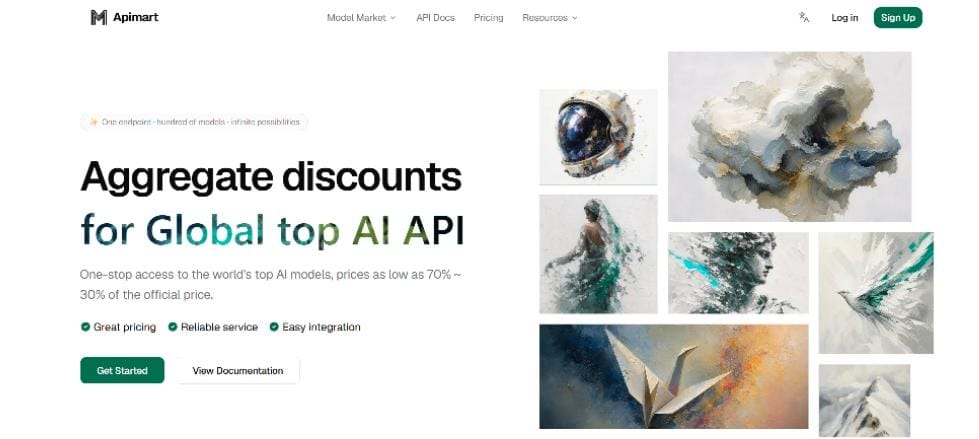
This is why many studios have moved to unified AI gateways such as apimart.ai, which expose GPT, Claude, Gemini, Grok, and dozens of other models behind a single OpenAI-compatible endpoint with one API key and pay-as-you-go billing. The practical wins for an agency workflow are immediate: you write the integration once and switch models per feature by changing a string; you see exactly what each project spends; and when a provider stumbles, you reroute the request to an alternative model instead of shipping an outage to your client.
Three Habits That Keep AI Features Profitable
Tier your models. Route bulk, low-stakes work (alt text, tag suggestions) to fast budget models and reserve premium models for customer-facing conversations. The quality difference is invisible where it doesn’t matter and the cost difference is 10x or more.
Cache aggressively. Product descriptions and FAQ answers rarely need regenerating on every request. A simple cache in front of the model often cuts token spend by half on content-heavy sites.
Build in a fallback. A two-line retry against a second model turns most provider outages into a non-event. Clients never need to know.
The Bottom Line
AI features have become part of the standard web development toolkit, and clients increasingly expect them in the quote. The developers who profit from this shift are not the ones chasing every new model release – they are the ones who set up a clean, provider-agnostic integration once, and then treat model choice as configuration. Get the plumbing right, and every AI feature after the first one gets cheaper to build.


Leave a Reply