

Squarespace vs Canva vs Design.com: Website Builders Compared
With the help of AI-powered website builders, it’s now easier than ever to create a professional website. Whether you are an entrepreneur or a small business owner, choosing the correct website builder will allow you to save time and money and build a strong, consistent brand online.
This comparison is focused on Design.com, Canva, and Squarespace by comparing their website-building capabilities, AI tools, and how easy they are to use. One of these platforms stands out as the best option for creating a website that is both efficient and professional.
Comparison Chart
| Feature | Design.com | Canva | Squarespace |
| AI Website Builder | Full AI-powered site creation with automatic brand color sync | AI-assisted templates | No AI website builder |
| Branding Integration | Seamless across websites, logos, and marketing materials | Brand kit for colors & logos | Limited branding integration |
| Templates & Assets | 20K+ website templates, 400K+ logo templates, 1M+ design templates, 62K vector shapes | Wide template library for web and graphics | Designer templates for web & stores |
| Editing Tools | Chat-style AI editing for layouts, text, and images | Drag-and-drop editor | Drag-and-drop editor |
| File & Export Options | Multiple formats: SVG, PNG, PDF, GIF, MP4; export & publish | Static page downloads or publishes | Publish directly; limited export |
| Commercial Use | Checked for originality, extended licenses available | Commercial use with Pro plan | Commercial use included |
| E-Commerce | Basic e-commerce tools, integrate with branding | Limited | Full e-commerce support |
| Support | 24/7 email & chat, team collaboration tools | Email support | Email support & live chat |
| Ease of Use | Beginner-friendly with AI guidance | Very beginner-friendly | Intermediate; learning curve for full customization |
Design.com
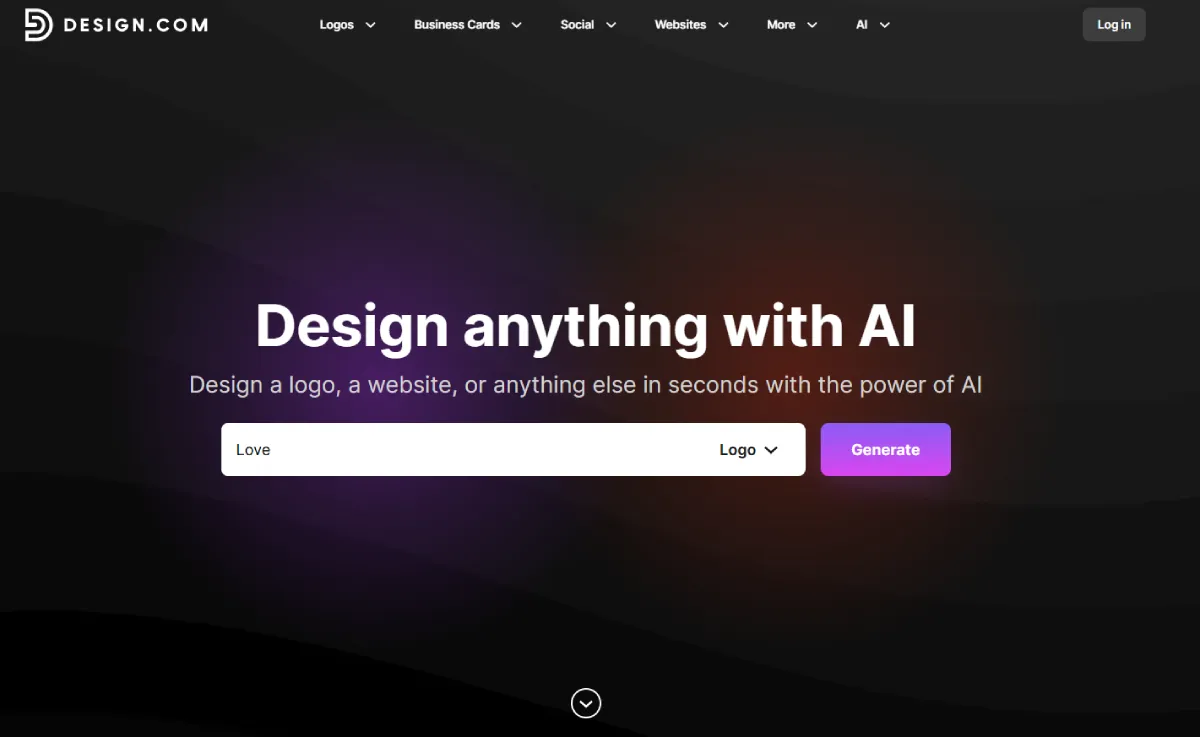
Design.com is not only the largest logo company in the world, but it’s also an end-to-end website builder with state-of-the-art AI technology. Design.com makes it possible for non-designers, small businesses and entrepreneurs to build their own website that is optimized and fully integrated with their logos, branding, and marketing materials.
Features
Design.com has several features that make creating a website on this platform so much easier than using other platforms.
- AI Website Builder: Using the Design.com website builder and AI, you can create a website completely on your own, with your custom logo, branding, and marketing materials.
- AI Editing System: With Design.com, you can edit every part of your website (layouts, icons, text, images) by typing what you want to do into a chat box-style AI interface. The AI will then take your input and create a new version of your website that uses only copyright-free elements.
- Library of Templates & Assets: Design.com has over 400K logo templates, over 1M total design templates, 750+ fonts (525+ are exclusive), and 62K vector shapes.
- Integration of Branding: When you create a website using Design.com, you have the ability to automatically sync your color scheme and overall design style throughout your entire website, social media accounts, flyers, and marketing materials.
- Export & File Options: Once you’ve created your website, you’re able to download or publish your site, as well as export your logos and graphics into multiple file types (SVG, PNG, PDF, GIF, MP4).
- Commercial Use & Extended Licenses: Design.com offers extended licenses for commercial use; they verify the originality of each design.
- Marketing & Printing Tools: In addition to helping you build your website and create your logos, Design.com also offers a suite of tools that help you print your marketing materials, such as business cards, digital cards, social media posts, flyers, posters, and more.
- Global Reach & Support: Design.com is available in many different languages, accepts payments from anywhere in the world, and offers 24/7 support via email and live chat.
Why Choose Design.com?
With Design.com, you get a complete website-building ecosystem with AI-powered automation, branding integration, and professional design tools in one place. This makes Design.com the best choice for entrepreneurs and businesses looking for a comprehensive, efficient solution for building a website.
Design.com combines the ease of building a website using its AI-powered website builder with branding tools, allowing you to quickly and easily create professional-looking, cohesive websites in minutes.
Canva
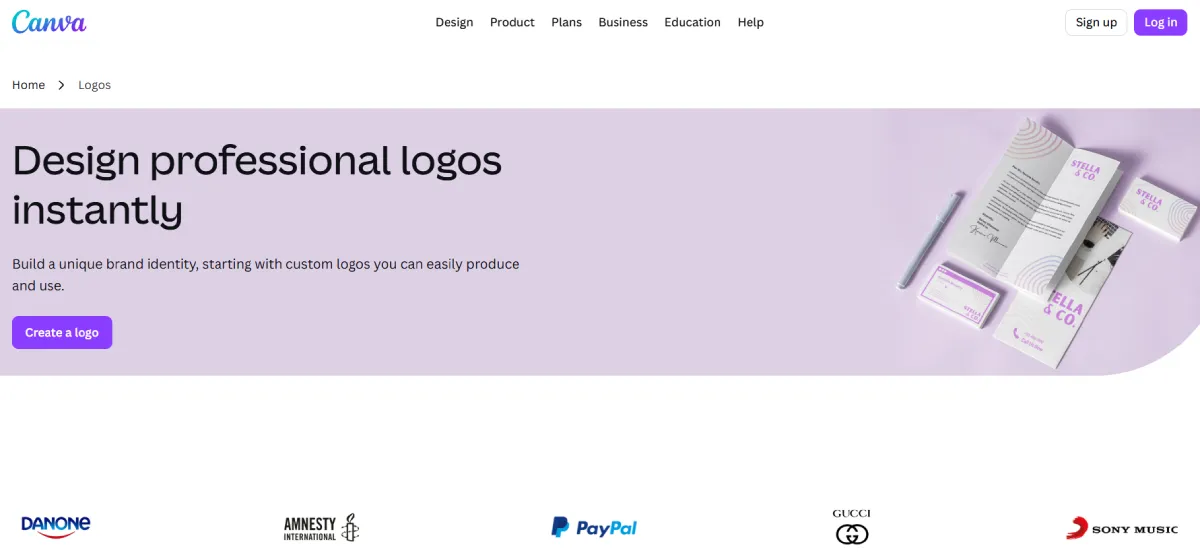
Canva is a popular graphic design platform that provides templates for graphics, social media, and websites, and makes creating websites easy with its drag-and-drop editor.
Features
- Website templates: Canva offers pre-designed templates that are sized to fit small businesses, portfolios, and landing pages.
- Drag and drop Editor: Customizations of colors, fonts, and layouts are all done with ease.
- Brand kit: Use color schemes, logos, and fonts to consistently brand your company.
- AI Features: Pre-made templates and design ideas created by artificial intelligence help streamline content creation.
- File & export options: You can download your website as a static page or just click publish directly from the hosting site on Canva.
If you want to make simple websites fast and are new to website design, then Canva is an option. However, Canva’s toolset and branding ecosystem will not meet the needs of everyone compared to Design.com.
Squarespace
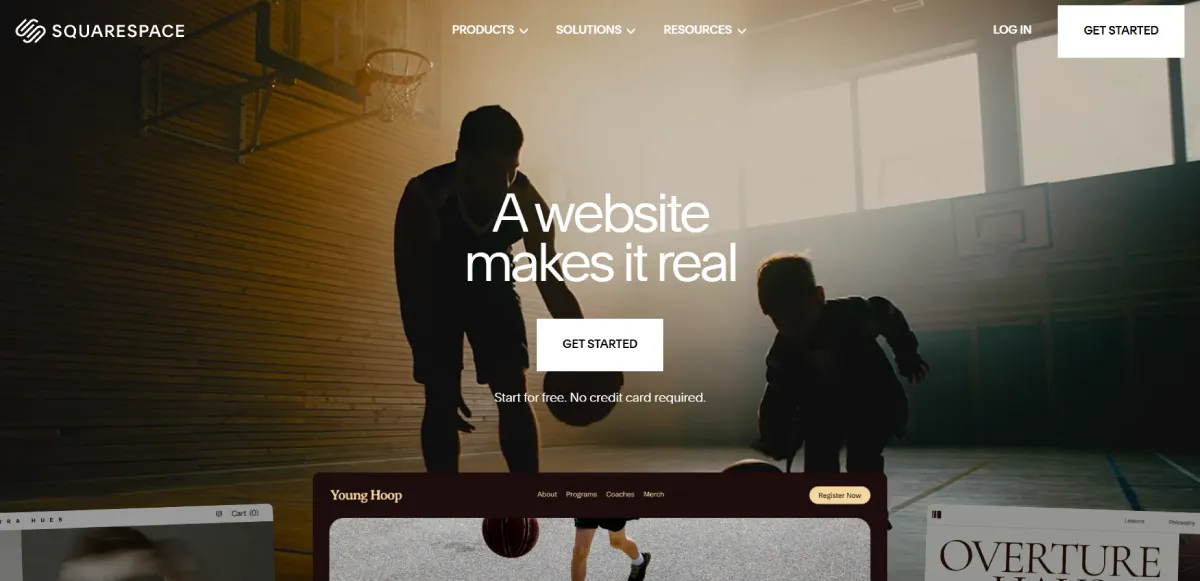
Squarespace is an all-inclusive website builder that focuses on design first and is also rich in e-commerce functionality. It is the top choice for many creative professionals and small business owners.
Features
- Design First Templates: The site offers a variety of professionally designed templates that are available for both websites and online stores.
- Customization Tools: Users can easily customize their layout, color schemes, and content blocks using Squarespace’s intuitive and easy-to-use drag-and-drop tools.
- E-commerce Capabilities: Create your own store by using Squarespace’s built-in e-commerce features, including payment processing, inventory management, and product page capabilities.
- Built-in Analytics and SEO Tools: All users will have access to built-in analytics, SEO, and marketing integrations.
- Publishing Your Website and File/Export Options: Once you complete designing your website, you can publish your website through Squarespace’s hosting service. There are limited file/export options available to users for exporting content.
Although Squarespace has many benefits when creating professional-looking websites and online stores, they do lack the ability to offer AI-powered automation as well as full branding integration, which limits its versatility compared to Design.com.
Final Words
All three platforms are useful for creating websites quickly. Design.com is the best option. The AI-powered website designer at Design.com, combined with its ability to integrate fully with all of your branding elements, extensive selection of templates, and consistent layout throughout, provides the user (both professional and non-designer) with the most comprehensive tool available today to create websites in line with their brand identity and marketing efforts.
Design.com offers the user an opportunity to develop a website that will integrate perfectly into their branding and marketing material while providing advanced AI capabilities, and Design.com is the best way to do so in 2026.


Leave a Reply