
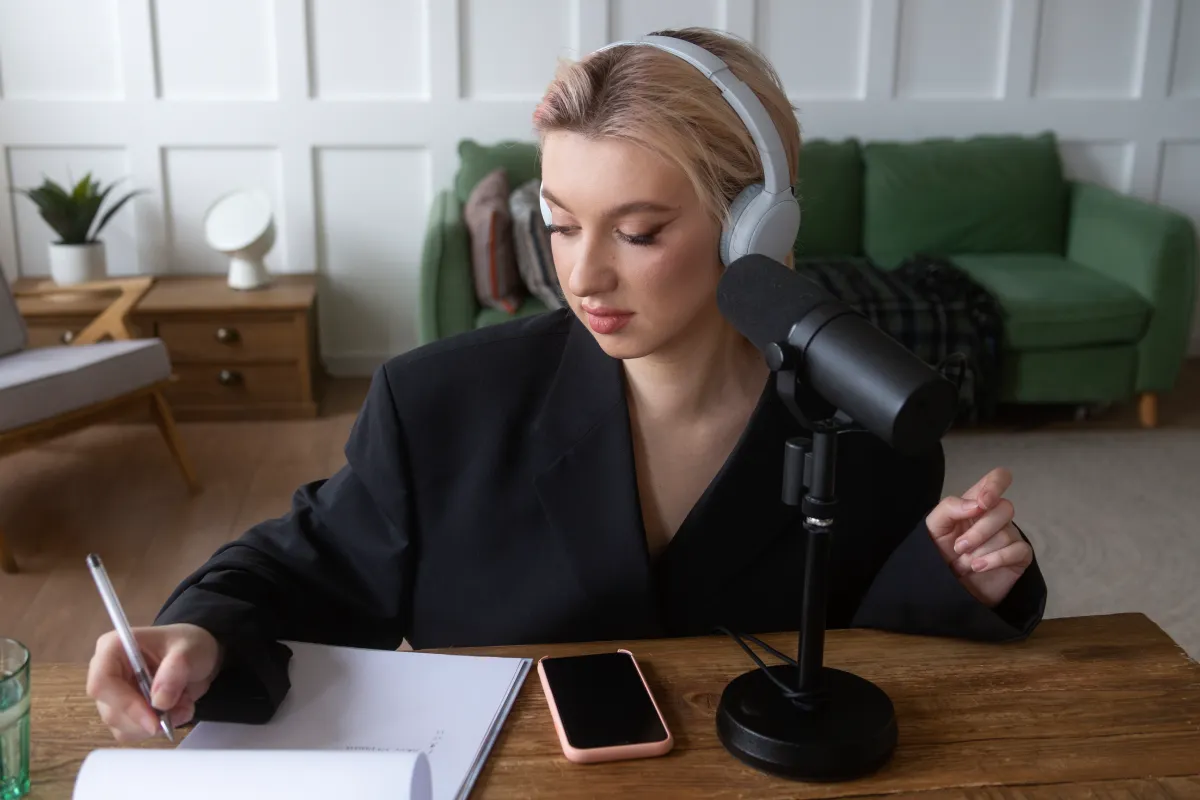
Why More Creators Are Using Text to Speech AI to Scale Content Faster
Content creators today are publishing more video, podcast, and social media content than ever before. But there’s one bottleneck that still slows down production for many teams: voice recording.
Recording clean audio takes time. Re-recording mistakes is frustrating. Hiring voice actors isn’t always practical for short-form content, tutorials, ads, or product explainers.
That’s why the free Text to Speech AI tool is becoming part of modern content workflows. Instead of spending hours recording narration, creators can generate realistic voiceovers online in minutes — directly from text.
This shift isn’t just about convenience. It’s about publishing faster, testing more ideas, and producing content consistently without complicated audio setups.
The Real Problem With Traditional Voiceovers
Most creators don’t struggle with ideas. They struggle with production speed.
Here are some common issues:
- Background noise ruins recordings
- Re-recording takes too much time
- Not everyone feels comfortable speaking on camera
- Teams need multiple voice styles for different audiences
- Editing audio files adds another layer of work
For marketers managing campaigns across TikTok, YouTube Shorts, Instagram Reels, and product videos, these delays add up quickly.
A modern text to speech ai workflow removes many of these friction points.
Instead of:
- Writing a script
- Recording audio
- Editing mistakes
- Cleaning background noise
- Exporting files
You can simply:
- Paste your text
- Choose a voice
- Generate narration
- Add it directly to your content
That speed matters when content calendars move fast.
Why Creators Are Switching to Text to Speech AI
The biggest misconception about AI voice tools is that they sound robotic.
That might have been true years ago. It’s not true anymore.
Modern text to speech ai tools can produce:
- Natural pacing
- Human-like tone shifts
- Different accents and speaking styles
- Emotional delivery for storytelling content
For creators, this opens up entirely new production possibilities.
Faster Social Media Content
Short-form content depends on speed. Trends move quickly, and creators who publish first often get more reach.
Instead of setting up microphones and recording sessions, creators can generate narration instantly for:
- TikTok explainers
- YouTube Shorts
- Instagram Reels
- Product demos
Easier Multilingual Content
Many brands want to reach global audiences but don’t have multilingual voice talent.
A text to speech ai workflow makes localization easier by generating narration in different languages without needing separate recording sessions.
This is especially useful for:
- Ecommerce brands
- SaaS tutorials
- Educational content
- Mobile apps
- International ad campaigns
Consistent Brand Voice
For businesses producing recurring content, consistency matters.
Using the same AI-generated voice across tutorials, onboarding videos, and ads helps create a recognizable audio identity.
That consistency is difficult when multiple team members record voiceovers manually.
How to Use Text to Speech AI for Video Content
Here’s a simple workflow creators can follow.
Step 1: Write Conversational Scripts
AI narration sounds better when the script feels natural.
Instead of writing:
“Welcome to our software tutorial where we will demonstrate functionality.”
Write:
“Let’s walk through how this tool actually works.”
Shorter sentences and natural phrasing improve voice quality dramatically.
Step 2: Choose the Right Voice
Different content styles need different delivery.
Examples:
- Product tutorials → calm and clear
- Ads → energetic and confident
- Storytelling videos → expressive and emotional
- Educational content → slower pacing
The best text to speech ai tools offer multiple voice styles so creators can match tone to platform and audience.
Step 3: Generate and Preview Audio
Before exporting:
- Listen for awkward pauses
- Adjust punctuation for pacing
- Break long paragraphs into smaller chunks
Even small punctuation changes can improve natural delivery.
For example:
- Adding commas slows pacing
- Short sentences feel more dynamic
- Line breaks improve rhythm
Step 4: Add Audio to Video
Once narration is ready:
- Sync voiceovers to visuals
- Lower background music volume
- Add subtitles for accessibility
This creates a more polished viewing experience without requiring advanced editing skills.
Real Creator Use Cases
Case 1: YouTube Tutorial Creator
A software tutorial creator publishes 5 videos weekly.
Previously:
- Recording took 2–3 hours per video
- Audio cleanup added another hour
After switching to text to speech ai:
- Scripts became the main workflow
- Narration generation took minutes
- Publishing frequency doubled
The creator spent less time editing and more time researching topics viewers actually wanted.
Case 2: Ecommerce Product Videos
An ecommerce brand needed:
- Product demos
- Social ads
- Seasonal campaigns
Hiring voice actors for every update became expensive.
Instead, the marketing team used AI-generated narration for:
- Product feature videos
- Retargeting ads
- Amazon listing videos
- TikTok promotions
This reduced turnaround time significantly during sales campaigns.
Case 3: Faceless Content Channels
Many creators now run faceless channels on YouTube and TikTok.
These channels often rely heavily on:
- AI visuals
- Screen recordings
- Narration-driven storytelling
A text to speech ai workflow allows creators to maintain a steady upload schedule without recording audio manually.
What Makes Online AI Voice Tools More Practical
One major reason creators prefer browser-based tools is simplicity.
Nobody wants:
- Large software downloads
- Complex editing interfaces
- Heavy rendering times
Online tools remove those barriers.
Benefits include:
- No installation
- Faster workflow
- Works on almost any device
- Easier collaboration
- Quick revisions
For solo creators and small teams, that accessibility matters more than advanced studio features.
Common Mistakes to Avoid
Even good AI narration can sound unnatural if creators overlook these details.
Writing Like a Blog Instead of a Script
Voice content should sound spoken, not academic.
Avoid:
- Overly long sentences
- Complex wording
- Formal corporate language
Ignoring Pacing
Fast narration overwhelms viewers.
Good pacing improves:
- Retention
- Clarity
- Viewer comfort
Use punctuation intentionally.
Overusing Background Music
Music should support narration, not compete with it.
If viewers struggle to hear the message clearly, engagement drops quickly.
Why Text to Speech AI Fits Modern Content Production
The modern creator economy rewards speed and consistency.
Publishing one perfect video monthly is often less effective than publishing useful content consistently.
That’s why more creators are integrating text to speech ai into daily workflows:
- Faster turnaround
- Lower production costs
- Easier experimentation
- Simpler scaling
It’s not about replacing creativity.
It’s about removing repetitive production friction so creators can focus on ideas, storytelling, and audience growth.
Final Thoughts
Audio quality has a direct impact on how audiences perceive content. But creating voiceovers manually for every project can slow creators down significantly.
With Text to Speech AI by AI Dubbing, creators and marketers can generate realistic narration online for free, without downloads or complicated editing workflows.
Whether you’re producing tutorials, ads, short-form videos, or faceless content, text to speech ai tools make it easier to publish faster while maintaining professional-quality audio.


Leave a Reply