
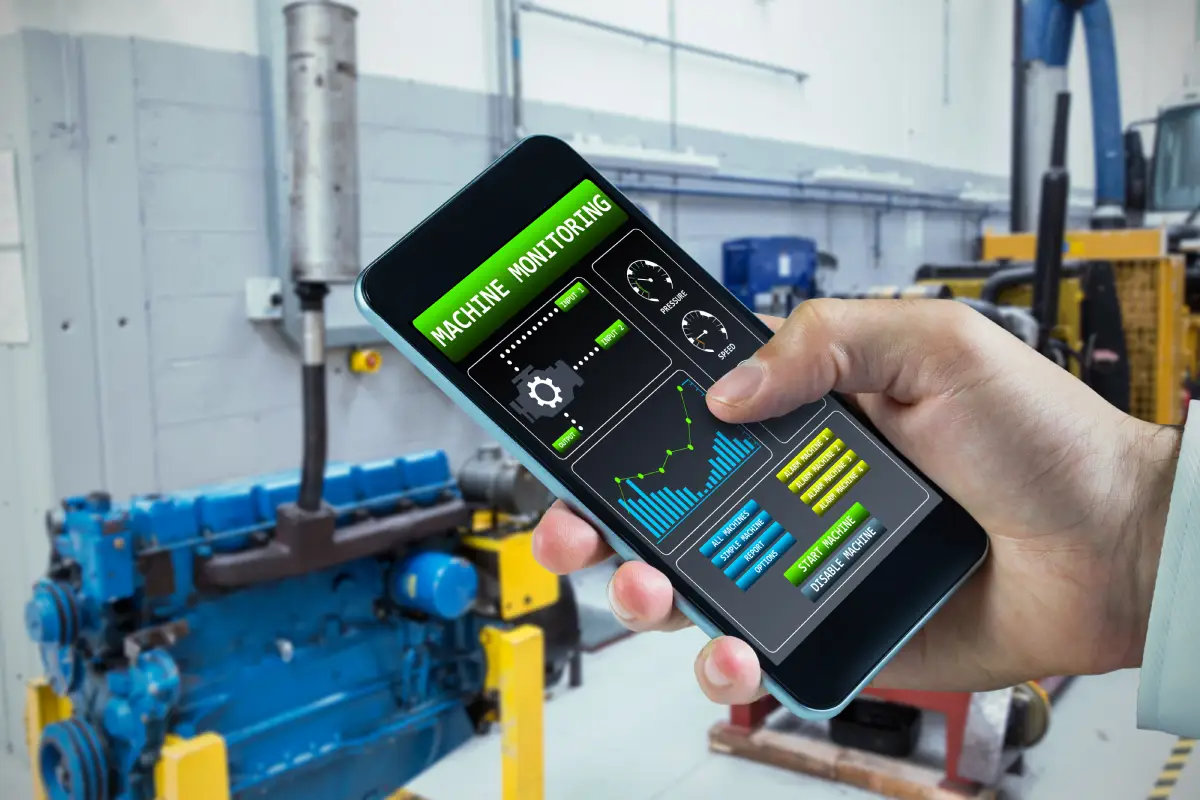
Mobile Field Service Management App: Boost Efficiency and Improve Technician Productivity
You rely on fast, accurate information when work happens away from the office. A mobile field service management app gives your team live access to schedules, work orders, customer details, and asset history so tasks get done right the first time. You can cut admin time, reduce repeat visits, and improve on-time rates by putting scheduling, dispatch, and job data into technicians’ hands.
This article Mobile Field Service Management App walks through the core features that make those outcomes possible—offline access, intelligent scheduling, mobile forms, and invoicing—and shows how each feature changes day-to-day operations. Expect clear comparisons and practical examples that help you choose the app that fits your crew size, budget, and service complexity.
Core Features and Functionality
You get precise control over jobs, schedules, and on-the-ground teams. The features below show how the app turns customer requests into completed invoices with audit trails and measurable KPIs.
Work Order Management
You create, prioritize, and update work orders from a single interface. Include customer details, service history, required parts, labor estimates, SLA targets, and attachments (photos, manuals, permits) so technicians arrive prepared.
Use status-driven workflows to move jobs through stages: open → assigned → en route → on site → completed → invoiced. Automate triggers for automated approvals, parts reorders, and customer notifications to reduce manual handoffs. Maintain an editable checklist per task and capture time, materials, and signatures on completion for accurate billing and compliance.
Key capabilities to expect:
- Custom fields and templatesfor recurring job types.
- Attachment support(images, PDFs) for diagnostics and permits.
- Audit logsrecording who changed what and when.
- Offline accessso technicians can update orders without connectivity.
Real-Time Scheduling
You match the right technician to the right job using skills, certifications, location, and parts availability. Drag-and-drop calendars and map-based views let dispatchers assign or reassign work instantly.
Integrate rules for shift patterns, overtime limits, and SLAs to prevent missed windows. Use estimated travel and job durations to generate realistic schedules and reduce idle time. Push automated notifications and ETA updates to customers when assignments change.
Scheduling features to prioritize:
- Skill and certification filteringto ensure compliance.
- Route and travel-time calculationfor optimized blocks.
- SLA and priority rulesto enforce response times.
- Batch schedulingto allocate multiple jobs in a territory.
Mobile Workforce Tracking
You track technician location and job progress in near real-time to improve accountability and customer communication. GPS-based status updates show when a technician departs, arrives, and finishes, enabling accurate ETAs and billing.
Capture live job metrics from the field: parts used, time on task, photos, and customer sign-off. Geofencing can trigger automatic check-ins and prevent false time entries. Maintain privacy controls and clear policies so tracking aligns with labor laws and employee agreements.
Essential tracking controls:
- Live map viewof active technicians.
- Geofence check-insfor site verification.
- Field data capture(photos, measurements, signatures).
- Privacy and consent settingsto meet legal requirements.
Benefits for Field Service Teams
Mobile apps cut administrative work, speed up response times, and improve job accuracy. You gain clearer schedules, real-time location data, and direct customer updates that reduce rework and missed appointments.
Increased Productivity
A mobile FSM app removes paper forms and manual updates, so you spend less time on admin and more time completing jobs. Digital checklists and barcode or QR scanning let you verify parts and assets on the spot, reducing return trips.
Scheduling and intelligent dispatch assign the closest qualified technician automatically. That lowers travel time and increases billable hours per shift. Offline access ensures you can record job data even without signal and sync later, so downtime doesn’t block invoicing.
Built-in time tracking captures start/stop times for each task. That data helps you identify bottlenecks and optimize route plans, resulting in higher daily job counts with the same crew.
Enhanced Communication
A mobile app gives you a central channel for team and customer messages, replacing fragmented calls and texts. Push notifications notify you instantly of schedule changes, cancellations, or priority jobs so you can react without delay.
GPS and live technician status let dispatch see who’s en route, at a job, or available, which reduces guesswork when reassigning work. You can attach photos, diagnostic logs, and signatures to jobs, creating a single source of truth that prevents miscommunication about job scope.
Two-way updates between the field and office keep inventory, parts requisitions, and work orders synchronized. That transparency reduces errors in parts ordering and billing disputes.
Improved Customer Satisfaction
You can give customers accurate ETAs and real-time status updates, which lowers no-show frustration and reduces inbound status calls. Automated SMS or email confirmations and arrival alerts keep customers informed without extra effort from your team.
On-site digital invoicing and signature capture speeds up payment cycles and avoids lost paperwork. When you record photos and diagnostics during the visit, you provide clear evidence for scope changes or warranty claims, which builds trust.
Faster first-time fix rates from better parts tracking and technician instructions lead to fewer callbacks. That directly raises customer satisfaction scores and increases the likelihood of positive reviews and repeat business.


Leave a Reply