
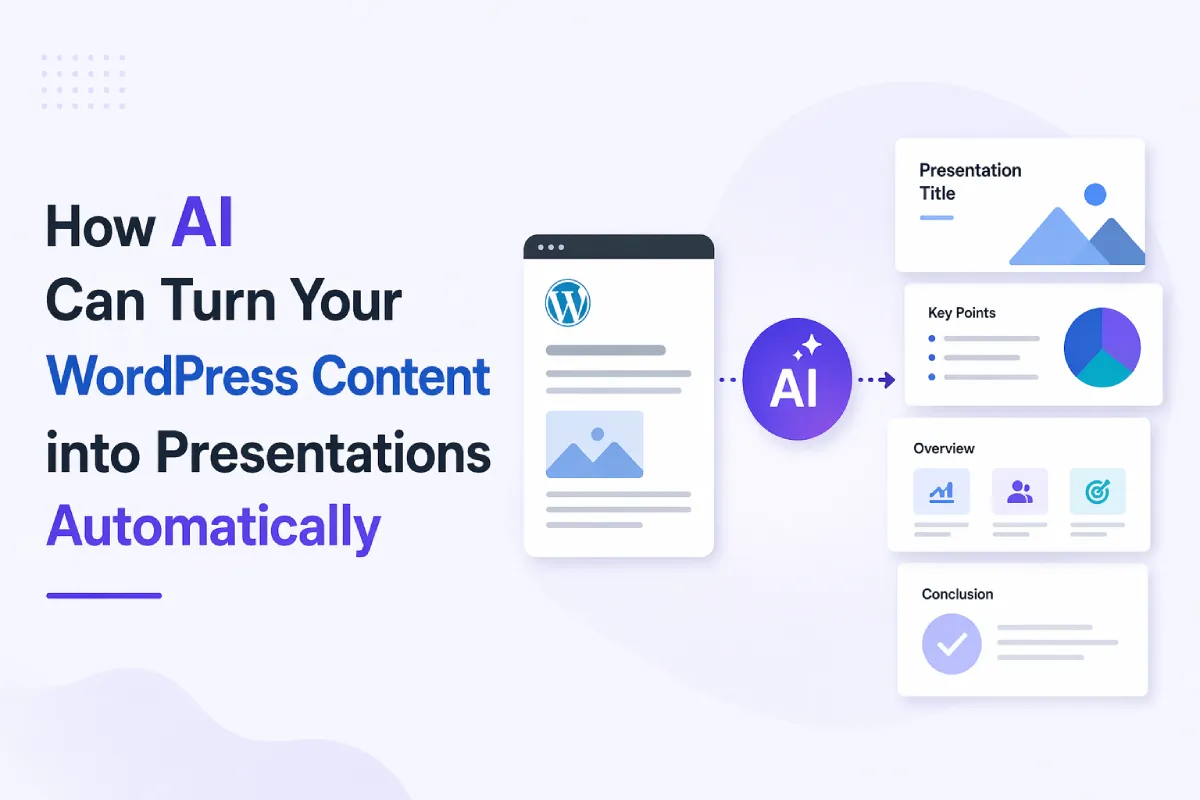
How AI Can Turn Your WordPress Content into Presentations Automatically
You publish a detailed blog post. It’s well-researched, thoughtfully written, maybe even ranking decently. And then – nothing much happens beyond that one format.
No slides. No social carousels. No quick decks for clients or workshops.
That’s the frustrating part. Most WordPress content isn’t lacking quality – it’s lacking reuse.
This is exactly where AI has started to change things in a very practical way. Not by replacing your content, but by reshaping it into formats people actually consume faster – like presentations.
Why presentations suddenly matter more than you think
Let’s be honest – most people don’t read word-for-word anymore. They skim. They scroll. They prefer structure.
Presentations naturally fit this behavior:
- Short chunks of information
- Clear hierarchy
- Visual support
- Faster comprehension
That’s why slides are showing up everywhere:
- LinkedIn carousels
- Internal team briefings
- Sales pitches
- Online teaching
A good presentation doesn’t just summarize – it sharpens the message.
The old way: Why repurposing content was a pain
Before AI, turning a blog into a presentation was… tedious.
You had to:
- Read through the entire article again
- Pick out key points manually
- Rewrite everything into slide-friendly language
- Think about structure (which is harder than it sounds)
- Then design it
Even for a 1,500-word post, this could easily take a couple of hours. That’s why most people simply didn’t bother.
What AI actually does differently
AI doesn’t just “shorten” content. That’s a common misconception.
It:
- Understands context
- Identifies hierarchy (main ideas vs supporting points)
- Reorganizes content into a logical flow
- Adapts text into slide-friendly format
In simple terms, it thinks in “slides”, not just paragraphs.
And that’s the key shift.
How the transformation works (behind the scenes)
Let’s break this down in a practical way.
1. Pulling content from WordPress
You either:
- Paste your blog content
- Or connect directly via integrations
The AI reads the full structure – headings, subheadings, and body text.
2. Understanding what matters
Instead of treating everything equally, AI separates:
- Core ideas
- Supporting explanations
- Examples
This is important because presentations rely heavily on prioritization.
3. Converting sections into slides
Each major section becomes:
- A slide title
- A few crisp bullet points
Long paragraphs get distilled into concise statements without losing meaning (most of the time).
4. Structuring a narrative
Good presentations aren’t random slides.
AI tries to build a flow:
- Problem
- Insight
- Explanation
- Takeaway
It’s not perfect, but it’s surprisingly close to how humans structure decks.
5. Applying visual logic
This part is often overlooked.
Modern tools don’t just dump text – they:
- Suggest layouts
- Balance text vs whitespace
- Add icons or visual cues
That’s what makes the output usable, not just readable.
Where AI Presentation tools fit in
This is where platforms like SketchBubble AI become genuinely useful.
Instead of starting from scratch, you can:
- Input your WordPress content
- Let the AI generate structured slides
- Choose a design style
- Get a ready-to-edit presentation in minutes
What stands out is that it doesn’t treat your content like raw text – it respects structure. Headings become slide anchors, and ideas are grouped logically.
Of course, you’ll still want to tweak things. But the heavy lifting? That’s mostly done.
A quick example (so this doesn’t stay theoretical)
Let’s say you wrote a blog titled:
“5 Ways to Improve Website Conversion Rates”
Normally, that’s:
- 1200–1500 words
- Multiple examples
- Detailed explanations
With AI, it becomes something like:
Slide 1: Title
Slide 2: Why conversions matter
Slide 3: Tip 1 – Improve page speed
Slide 4: Tip 2 – Simplify forms
…and so on
Each slide:
- Keeps only the essential idea
- Removes fluff
- Focuses on clarity
You’ve essentially turned one blog into:
- A presentation
- A LinkedIn carousel
- A workshop outline
That’s a lot more mileage from the same content.
What works well (and what doesn’t)
AI does best when your original content is:
- Well-structured
- Clearly written
- Organized with headings
If your blog is messy or overly dense, the output will reflect that.
Also, AI tends to:
- Oversimplify nuanced arguments
- Miss emotional tone
- Occasionally produce generic phrasing
So no – it’s not a “one-click done forever” solution.
Think of it as a strong first draft.
WordPress Tips That Make AI Output Better
Before you run your content through any AI tool, it’s worth paying attention to how your post is structured. A few simple WordPress tips can noticeably improve the quality of the final presentation.
Simple ways to get better results
If you want better presentations from your content, a few small tweaks help a lot:
- Use clear subheadings
- Keep paragraphs reasonably short
- Avoid burying key ideas in long text blocks
- Add examples or contrasts (AI picks these up well)
Basically, write for clarity – and AI will follow.
Why this matters for content strategy
This isn’t just about convenience.
It changes how you think about content itself.
Instead of:
One blog = one asset
You move toward:
One blog = multiple formats
- Blog post
- Presentation
- Social content
- Teaching material
That’s a compounding effect, especially if you’re publishing regularly.
The bigger shift: From creation to multiplication
There’s a subtle shift happening here.
Earlier, effort went into creating more content.
Now, the smarter move is extracting more value from what already exists.
AI just makes that practical.
Not perfect – but practical enough to actually use.
FAQ
Can AI really replace manual presentation creation?
Not entirely. It handles structure and summarization well, but you’ll still want to refine messaging and visuals.
Do I need technical skills to use these tools?
No. Most tools are designed for non-technical users. If you can use WordPress, you’ll be fine.
Will the presentations feel generic?
They can, if you don’t edit them. A quick review and personalization go a long way.
Is this useful for small businesses or just agencies?
Very useful for small businesses – especially if you’re short on time but already have good content.
Wrapping it up
If you’ve been sitting on a library of WordPress posts, you’re probably underusing them.
Turning them into presentations used to be a chore. Now, it’s closer to a quick workflow step.
And once you start doing it, you’ll notice something interesting – you don’t need more content. You just need to use it better.


Leave a Reply