

Best Mailgun Alternatives for Transactional Email in 2027
Mailgun’s Free and Basic plans keep logs for one day, and email validation only comes included on the $90 Scale plan. Those limits are why many teams start searching for Mailgun alternatives for transactional email. This guide covers four worth considering in 2027: Mailtrap, Postmark, Amazon SES, and Twilio SendGrid
Best Mailgun alternatives at a glance
A Mailgun alternative for transactional email is a sending service that delivers password resets, receipts, and alerts through an API or SMTP relay, with its own logs, authentication, and bounce handling. Mailtrap is the strongest fit for teams that want high deliverability and separate sending streams by default. Postmark is built for delivery speed, Amazon SES for the lowest cost per email, and Twilio SendGrid for teams already running on Twilio.
| Provider | Best for | Free tier | Starting price | Traffic separation |
|---|---|---|---|---|
| Mailtrap | High deliverability | 4,000 emails/mo (150/day) | $15/mo for 10,000 emails | Isolated transactional and bulk IP pools on every plan |
| Postmark | Delivery speed | 100 emails/mo | $15/mo for 10,000 emails | Message Streams |
| Amazon SES | Lowest cost per email | Up to $200 in AWS credits for new accounts | $0.10 per 1,000 emails | Manual, through configuration sets |
| Twilio SendGrid | Twilio ecosystem | 60-day trial (100 emails/day) | $19.95/mo for 50,000 emails | Manual, through IP pools or subusers |
1. Mailtrap: best for high deliverability
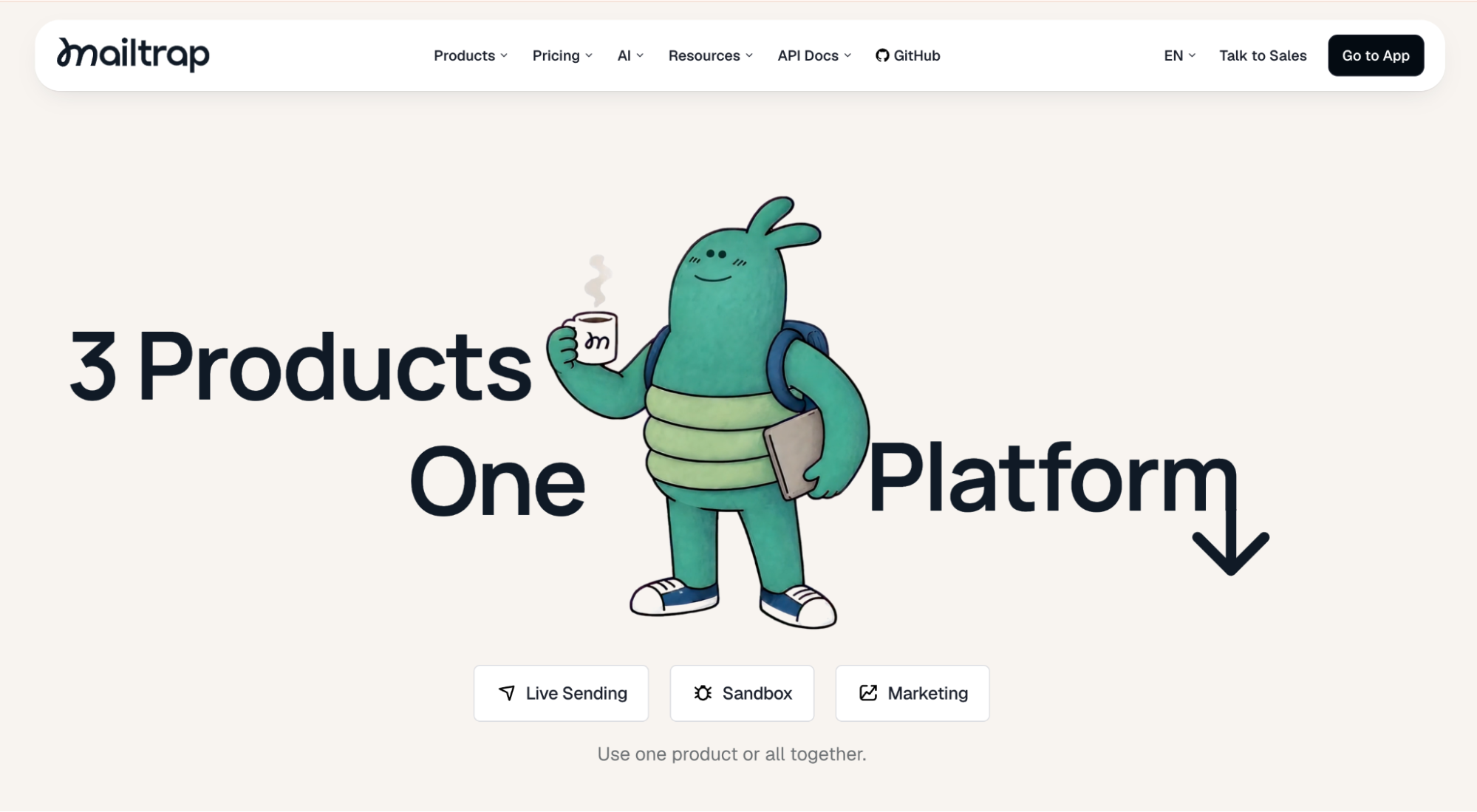
Mailtrap is an email delivery platform for developers and product teams that value high deliverability and a modern developer experience. Mailtrap Live Sending covers transactional email sending through an email API or SMTP relay, and it keeps transactional and bulk traffic on separate IP pools by default, including on the free plan.
Switching from Mailgun
Mailgun handles traffic separation through subdomains you configure yourself. Live Sending builds the separation into the infrastructure, so a bulk campaign can’t drag down the delivery of a password reset. SPF, DKIM, and DMARC activate once you add the DNS records, and DKIM keys rotate every month. If a sending IP ends up on a blocklist, a free tool lets you check if your IP is blocked.
Logs scale with the plan: three days on Free, five on Basic, 15 on Business, and 30 on Enterprise. Basic’s five days compare with one day on Mailgun’s Basic. Analytics break down by mailbox provider and by sending stream, and webhooks cover delivery, opens, clicks, bounces, spam complaints, and unsubscribes. Eight official SDKs cover Node.js, PHP, Ruby, Python, Java, .NET, Go, and Elixir, and an official MCP server and seven agent skills support AI-assisted workflows.
The trade-off
Dedicated IPs, SSO, and 24/7 priority support start on the Business plan. Free and Basic plans get email support during standard hours, and click tracking is not included on Free.
Pricing
The Free plan includes 4,000 emails per month, capped at 150 per day, with no expiry. Basic starts at $15 per month for 10,000 emails. Business starts at $85 per month for 100,000 emails and adds a dedicated IP with automatic warmup.
Best for: teams that want high deliverability, with sending streams, authentication, and SDKs handled by default.
2. Postmark: best for delivery speed
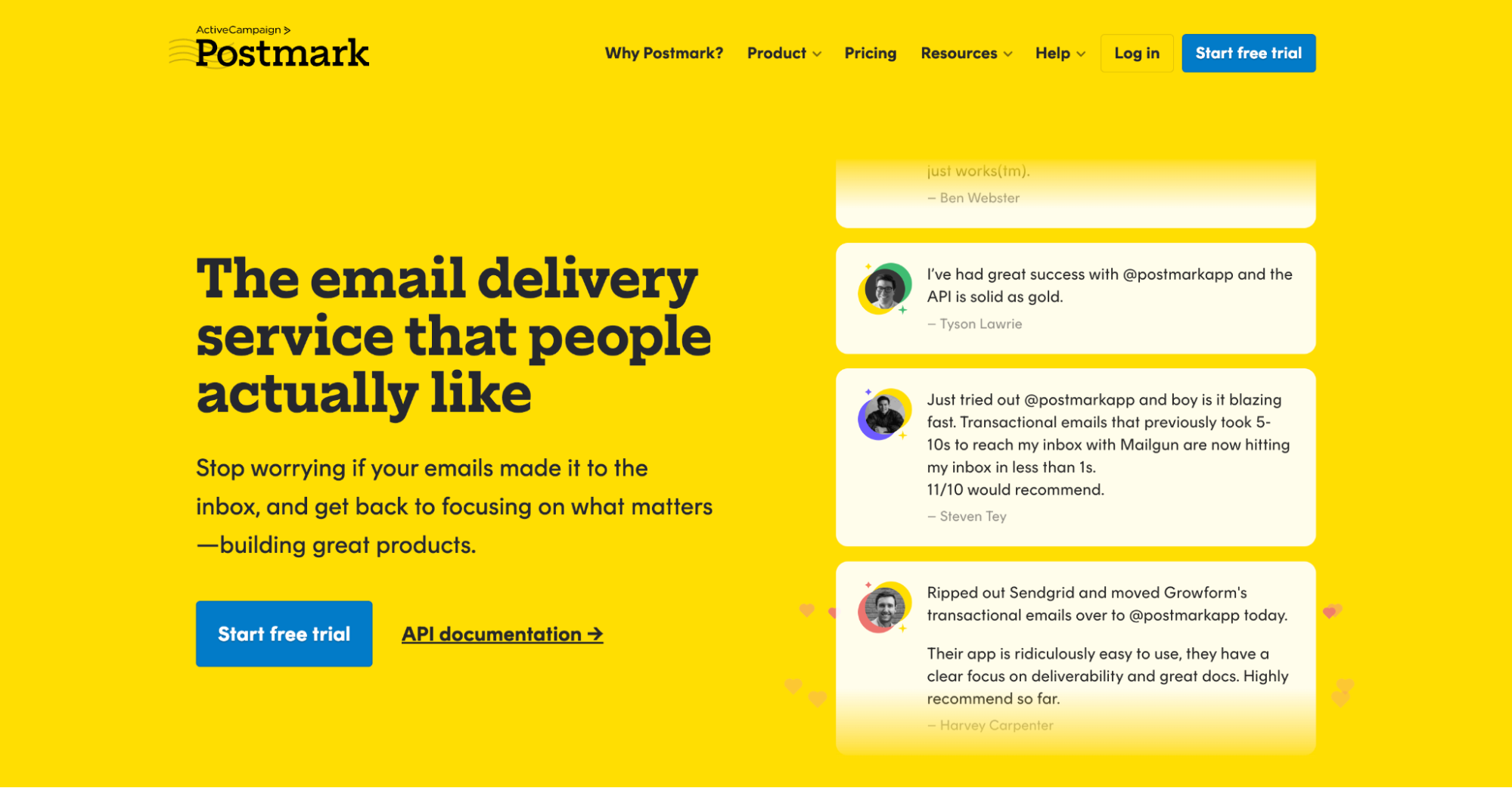
Postmark is a transactional email platform known for fast delivery. New accounts go through a manual review before live sending is enabled, which helps keep its shared IP pools clean.
Switching from Mailgun
The log window is the first difference. Postmark keeps 45 days of activity by default, against one day on Mailgun’s Free and Basic plans and five on Foundation. Message Streams separate transactional, broadcast, and inbound traffic, so a problem with a broadcast send can’t touch receipts or 2FA codes. Bounces are classified as hard, soft, transient, or spam complaints, and each type is handled separately.
The trade-off
Postmark costs more as volume grows than Mailtrap or Amazon SES. Dedicated IPs run $50 per month and only open up above 300,000 monthly sends.
Pricing
A free Developer plan includes 100 emails per month. Paid plans start at $15 per month for 10,000 emails, with overage at $1.80 per 1,000.
Best for: teams where 2FA codes, billing alerts, and activation emails must arrive fast, and where the higher price at volume is an acceptable cost.
3. Amazon SES: best for cost per email
Amazon SES is raw sending infrastructure. It has the lowest list price in this comparison and native hooks into Lambda, S3, and SNS, but little of the tooling other providers include.
Switching from Mailgun
Cost is the usual reason teams move. At 100,000 emails a month, outbound sending runs about $10 before data transfer and add-ons. Bounce and complaint notifications route through Amazon SNS, and suppression logic has to be built on top of the account-level list. Stream separation is manual, handled through configuration sets. Virtual Deliverability Manager adds deliverability insights, but it is a paid add-on. New accounts also have to request removal from the SES sandbox before sending to real recipients.
The trade-off
SES fits teams with the DevOps time to build bounce handling, suppression, and monitoring themselves. Without that time, the engineering hours tend to erase the savings.
Pricing
Outbound email costs $0.10 per 1,000, plus $0.12 per GB of outgoing data. New AWS accounts get up to $200 in credits rather than a standing free tier. A standard dedicated IP costs $24.95 per month, and Virtual Deliverability Manager adds $0.07 per 1,000 emails.
Best for: AWS-native engineering teams where cost per email is the main constraint and the team can absorb the operational work.
4. Twilio SendGrid: best for a consolidated vendor stack
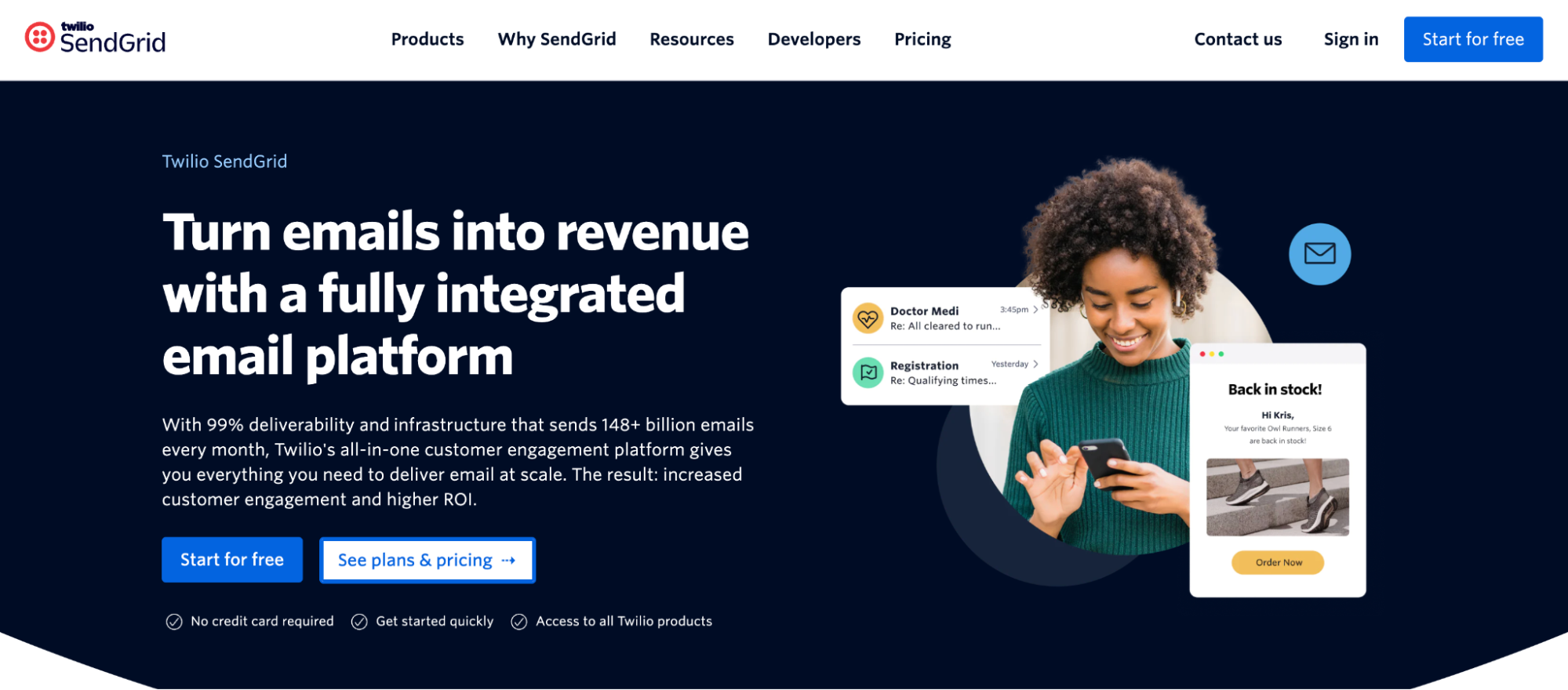
Twilio SendGrid is one of the most widely adopted sending platforms. Its case against Mailgun is consolidation more than capability: one vendor and one bill for teams already using Twilio for SMS, voice, or verification.
Switching from Mailgun
On raw capability, the two platforms are close. Official SDKs cover Node.js, PHP, Python, Ruby, Java, Go, and C#, and dynamic templates run on Handlebars. SendGrid also offers marketing campaign tooling alongside its transactional API. Stream separation is not part of the core architecture, so teams that need it set up IP pools or subuser accounts by hand.
The trade-off
There is no permanent free tier, only a time-limited trial, and the entry plan starts at 50,000 emails, which is more volume than a small project needs.
Pricing
The trial lasts 60 days at 100 emails per day. Essentials starts at $19.95 per month for 50,000 emails, Pro runs $89.95 per month for 100,000 and includes a dedicated IP, and Premier is custom-quoted.
Best for: teams already on Twilio that want email under the same contract as SMS and voice.
How to choose
Choose Mailtrap when high deliverability matters most and you want separate transactional and bulk streams without managing subdomains yourself. Choose Postmark when a late 2FA code or receipt is unacceptable and the higher price at volume is worth paying. Choose Amazon SES when cost per email is the main constraint and your team can build bounce handling, suppression, and monitoring. Choose Twilio SendGrid when folding email into an existing Twilio contract matters more than any single feature.
All four support SPF, DKIM, and DMARC authentication and webhooks. What separates them in 2027 is how much of the surrounding infrastructure comes included and how much you assemble yourself. The best Mailgun alternative for transactional email is the one that closes your biggest gap.


Leave a Reply