
How to Handle Abandoned Laptops in a Computer Repair Shop
Abandoned laptops are not just a storage headache. They quietly create risk. Devices pile up, labels fade, staff changes, and then nobody is fully sure what was approved, what was promised, or who last spoke to the customer. On top of that, you have data privacy, parts that were ordered, and a customer who may show up months later expecting a quick handover. The best way to handle abandoned devices is to turn the situation into a clear, documented process that starts at intake. With computer repair shop software, you can keep every deadline, message, and decision tied to one ticket so the shop stays protected and the customer gets fair notice.
Abandoned Devices Become Manageable When the Rules Are Clear
Most abandoned device drama comes from uncertainty, not from bad intentions. When your terms, reminders, and storage steps are predictable, customers know what to expect, and your team knows exactly what to do. Here are a few ways to help you build a practical system you can use for every laptop, from drop-off to final resolution.
-
Put the Policy in Writing Before You Accept the Laptop
The easiest time to prevent conflict is the first two minutes at the counter. Set expectations in plain language about storage limits, diagnostic approval rules, and what happens if the customer stops responding. Add a clear reminder schedule and one cut off date, so customers know exactly when storage charges could start or when the item may be treated as unclaimed. Before you wrap up, have them verify the phone number and email they actually use, so you can reach them without chasing. And if you collect a deposit, spell out in plain terms what it pays for and whether they’ll get it back, and under what conditions. This is not about sounding strict. It is about removing surprises so the shop and the customer are aligned from day one.
-
Store Unclaimed Laptops Like evidence
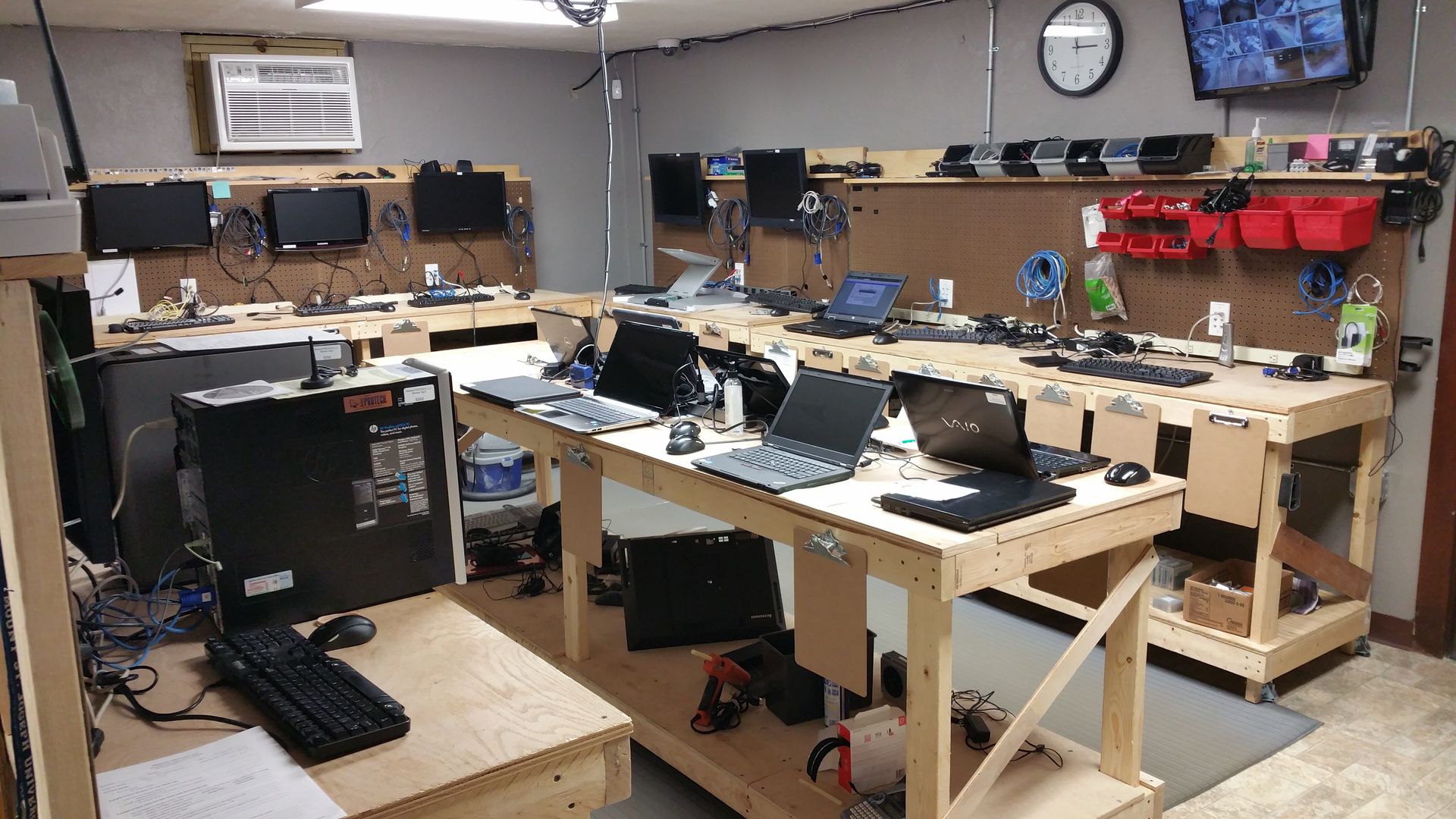
Once a laptop passes your internal threshold, treat it as a controlled item. Store these on a separate shelf or in a cabinet reserved for unclaimed items, not in the same area as in-progress repairs. Label each one the same way every time using the ticket number, customer name, and the date of the final notice. If there are accessories like chargers or dongles, seal them in a small pouch and tag that pouch with the same reference so they stay together. Take a fast intake photo too, so anyone on the team can match the device and condition at a glance. This also reduces internal confusion when weeks pass, and multiple people handle the same shelf. Clear storage habits keep the shop from losing track of what is yours to act on.
-
Separate Payment Disputes from Abandonment Decisions
Some laptops sit because the customer is unhappy with the estimate, not because they forgot. Do not treat those cases the same. If the customer is still engaging, steer the thread toward clear next steps, like approving a trimmed down repair, picking up the device as is, or putting everything on hold until they make a call. Once you brand something as abandoned, it instantly shifts the vibe and can feel accusatory, so only use that wording when you have genuine silence and no replies despite follow-ups. Also, be clear about any storage fees and when they begin. A customer who feels cornered will argue. A customer who feels informed will choose. That difference saves time and protects your reviews.
-
Keep One Record for Custody, Approvals, and Deadlines
When a customer returns after weeks or months, the shop needs receipts, not memory. You want a single place that shows intake notes, photos, the estimate, approvals, contact attempts, and the final deadline. This is where computer repair shop software helps, because it keeps the full history tied to the ticket and visible to any staff member. It keeps everyone on the same page too, so you don’t end up in that awkward spot where one staff member says the charge will be forgiven and the next one turns around and cites a pickup fee. And if the customer drops in without warning, you can open their file on the spot, verify it’s the right person, and complete the handoff or agree to the next move calmly instead of rushing around.
-
Decide the Final Step for Data and Responsible Disposal
Your policy should define what happens after the final deadline, including data handling and disposal. Because unclaimed property rules can differ from one city or state to the next, it’s smart to double-check the local requirements before you lock in your reminder, schedule, and final cutoff. Marking an item as unclaimed does not make it any less sensitive. You will need to define a process for it, as abandoned devices can pile up fast. In fact, an estimated 62 million tonnes of e-waste were generated worldwide in 2022 alone. This is certainly an eye-opener. So, what should you do? Simple, keep devices till the deadline, and after that, wipe the data and hand it over to donation.
Conclusion
Abandoned laptops do not have to turn into a growing pile and an ongoing argument. When you set the rules at intake, run a consistent reminder ladder, and store devices in a controlled way, the shop stays organized, and the customer gets fair notice. Separate payment conversations from true abandonment, and make sure every approval and deadline is documented. Finally, define a responsible end step that protects customer data and keeps your shop compliant with local rules. With computer repair shop software supporting the record and the timeline, you can handle abandoned devices calmly, reduce risk, and keep your counter and storage space under control year round.


Leave a Reply